
Choosing the right cable length for HDMI and power is key to top performance and safety. Measure the distance between your devices carefully, leaving extra length for flexibility and neat routing. Avoid stretching or pulling cables tight, and pick high-quality, shielded cables to prevent interference. Properly organized cables reduce clutter and damage risks over time. For detailed tips on measuring, organizing, and selecting the best cables, keep exploring to guarantee a seamless setup.

Get business pricing on your home office setup
- Business-only prices and quantity discounts
- Tax-exempt purchasing
- Multiple users, one account, clear invoices
Key Takeaways
- Measure the distance accurately before installation to determine the appropriate cable length, including extra slack for flexibility.
- Use high-quality, shielded HDMI and power cables to minimize signal interference over longer lengths.
- Keep HDMI and power cables separated to prevent electromagnetic interference and maintain signal clarity.
- Avoid stretching or pulling cables tight; leave extra length for neat routing and future adjustments.
- Regularly inspect cables for damage and ensure proper organization for optimal performance and safety.

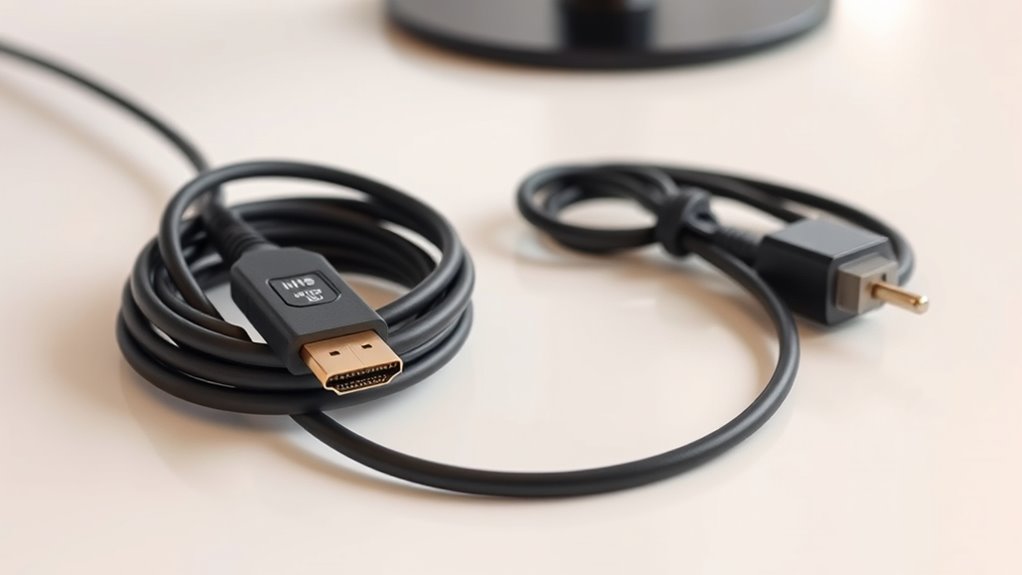
Choosing the right cable length for HDMI and power connections is essential to guarantee ideal performance and safety. When cables are too long, they can introduce issues like signal degradation and interference, which can affect your picture quality, audio clarity, and overall device functionality. Conversely, cables that are too short may leave your setup feeling cramped or force you into awkward positioning, risking damage or disconnection. Finding the optimal length ensures a clean, reliable connection without unnecessary clutter or potential hazards.
Choosing the right cable length ensures optimal performance and safety by preventing signal issues and clutter.
One of the key factors to consider is signal interference. Longer cables are more susceptible to picking up electromagnetic interference from nearby electronic devices, power cords, or fluorescent lights. This interference can cause flickering images, static, or audio drops. To minimize this, opt for the shortest cable that comfortably reaches your devices, avoiding excess slack that can trap dust or cause tangling. If you need longer runs, look for high-quality, shielded HDMI or power cables designed to reduce noise and signal loss. These cables incorporate shielding layers that block outside interference, ensuring your signal remains clear and stable over greater distances.
When selecting the appropriate cable length, keep in mind your installation environment. For example, running cables behind furniture or inside walls often requires precise measurements beforehand. Use tape measures or diagrams to determine the exact distance between devices, and add a little extra length for flexibility and neat routing. This prevents you from stretching or pulling cables tight, which can damage the connectors or internal wires over time. Also, consider the placement of power outlets and signal sources, planning your cable runs to avoid unnecessary bends or sharp turns that could impair performance or cause wear.
Installation tips also include organizing your cables properly. Use cable clips, ties, or sleeves to keep cords tidy and prevent accidental disconnections. Avoid crossing HDMI and power cables in close proximity, as this can induce interference and degrade signal quality. When possible, choose cables with reinforced connectors and adequate shielding to withstand wear and tear. Regularly checking for signs of damage, such as frayed insulation or loose connectors, helps maintain your setup’s safety and reliability.
Ultimately, selecting the right cable length isn’t just about convenience; it’s about preserving the integrity of your signal and ensuring safety. Proper planning, considering installation tips, and understanding how signal interference can affect your setup will save you time and frustration in the long run. Investing in quality cables that match your specific needs guarantees a seamless, high-performing connection that enhances your viewing and listening experience without compromise. Additionally, understanding the importance of cable quality can significantly impact your overall setup performance.
Frequently Asked Questions
Can Too Long HDMI Cables Cause Signal Degradation?
Yes, too long HDMI cables can cause signal degradation. When cables extend beyond recommended lengths, cable insulation and shielding effectiveness diminish, leading to interference and weaker signals. This results in poor picture quality or audio dropouts. To avoid this, choose high-quality cables with strong shielding and proper insulation, and keep cable lengths within the recommended range to guarantee ideal signal transmission and avoid degradation.
What’s the Maximum Safe Length for HDMI Cables Without Boosters?
Did you know that HDMI cables over 25 feet often face signal degradation? Without boosters, the maximum safe length is typically around 15-20 feet. To prevent this, guarantee your cable has good shielding and consider signal amplification if needed. Proper shielding reduces interference, maintaining picture quality. Using high-quality cables with built-in amplifiers allows you to extend your HDMI connection without sacrificing signal integrity.
How Does Cable Length Affect Power Supply Stability?
You might notice that longer cables can cause power fluctuations and voltage drop, which can affect your device’s stability. As cable length increases, resistance also rises, leading to decreased voltage reaching your equipment. This can result in unstable power supply, causing glitches or device shutdowns. To prevent this, keep cables as short as possible, or use quality cables and boosters to maintain steady power and avoid performance issues.
Are There Specific Cable Types Recommended for Longer Runs?
When you need longer runs, you should choose high-quality, shielded HDMI cables with thicker gauge wires for better durability and signal integrity. These cables help you prevent installation challenges like signal loss or interference. Look for cables labeled for long-distance use, such as those with built-in amplifiers or active components. This way, you guarantee a stable connection and reduce the risk of damage during installation, making your setup more reliable.
Does Cable Length Impact Audio and Video Quality Differently?
Yes, cable length can impact audio and video quality differently due to signal interference and installation challenges. Longer cables are more prone to signal degradation, causing potential issues like reduced clarity or lag, especially if quality isn’t maintained. You might experience more noticeable video issues than audio. To minimize this, choose high-quality cables and consider shorter runs or signal boosters for longer distances, ensuring your setup remains reliable.
Conclusion
Choosing the right cable length for HDMI and power guarantees ideal performance and safety. Did you know that using cables longer than 15 feet can cause signal degradation or power issues? By selecting the proper length, you prevent potential problems and enjoy seamless connectivity. Remember, a well-chosen cable not only enhances your experience but also protects your devices. So, measure carefully and pick the right cable length—your devices will thank you for it.
Halloween Picks
halloween
As an affiliate, we earn on qualifying purchases.