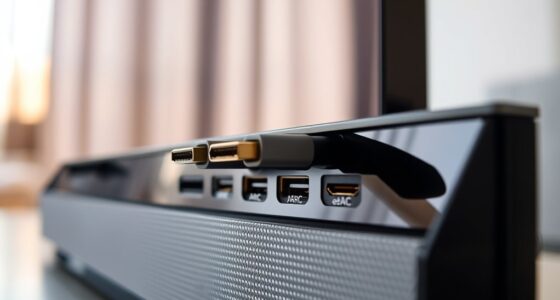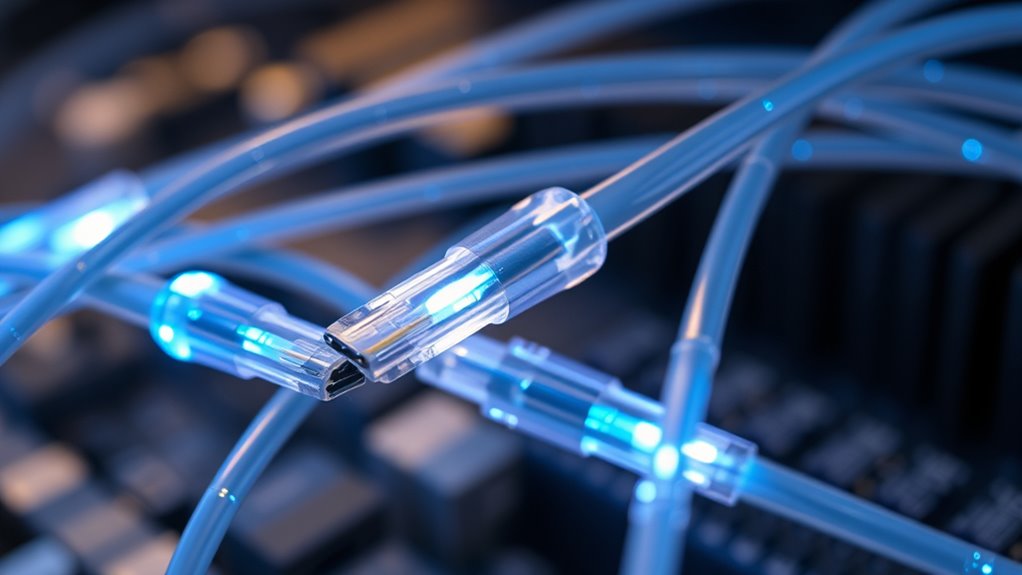
Fiber optic HDMI cables use light to transmit high-quality audio and video signals over long distances without signal loss or interference. They are immune to electromagnetic interference, ensuring clear visuals and sound, even across multiple rooms or through walls. These cables maintain consistent performance and don’t need boosters or signal repeaters. Proper installation and care are key to lasting performance. If you want to discover more about how they work and their benefits, keep exploring this topic further.

Get your home office setup delivered free — and shop member deals
- Fast, free delivery on millions of items
- Access to Prime Big Deal Days deals on October 6–7
- Prime Video, Amazon Music and more included
Key Takeaways
- Fiber optic HDMI cables use light to transmit high-quality audio and video signals over long distances without signal degradation.
- They are immune to electromagnetic interference, ensuring clear visuals and sound even near electrical devices.
- These cables maintain consistent signal strength over extended runs, preventing flickering images and audio dropouts.
- Proper installation, avoiding sharp bends and interference sources, is essential for optimal performance and durability.
- They are ideal for home theater setups with devices in separate rooms or through walls, providing reliable, high-definition connections.
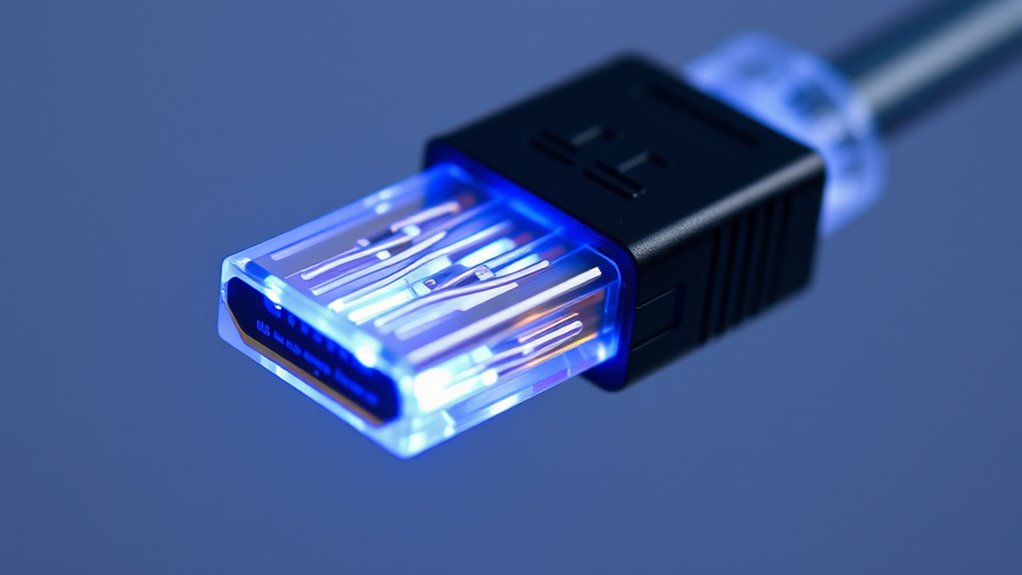
Fiber optic HDMI cables are revolutionizing how you connect your devices by delivering high-quality audio and video signals over long distances without signal degradation. Unlike traditional copper HDMI cables, fiber optic versions use light to transmit data, which means you can enjoy crisp visuals and clear sound even when your devices are far apart. This technology guarantees that signal integrity remains intact, so your movies, games, or presentations look and sound their best without interference or quality loss.
Fiber optic HDMI cables deliver high-quality, long-distance signals without interference or degradation.
One of the key advantages of fiber optic HDMI cables is their ability to maintain signal strength over longer runs. Copper cables often experience signal degradation as the length increases, leading to flickering images or audio dropouts. Fiber optic cables, however, use light signals that are immune to electromagnetic interference, so the quality stays consistent no matter the distance. This is especially beneficial if you have a home theater setup with equipment in different rooms or need to run cables through walls and ceilings. With fiber optics, you don’t have to worry about signal loss or the need for signal boosters, making your setup more reliable and simpler to manage.
When considering installation, it’s essential to follow some key tips to maximize performance. First, choose a high-quality fiber optic HDMI cable that’s compatible with your devices. Not all cables are created equal, and investing in a reliable brand can save you headaches down the line. Next, pay attention to the cable’s bend radius; fiber optic cables are delicate and can be damaged if bent too sharply, which might impair signal integrity. Use cable management tools or protective conduits to avoid unnecessary stress on the cable during installation. Also, ensure that your connectors are securely plugged in to prevent connection issues. Unlike copper cables, fiber optic connectors require proper handling to prevent dirt or damage, which could interfere with light transmission.
Another tip is to keep your fiber optic HDMI cable away from sources of electromagnetic interference, such as routers, microwaves, or fluorescent lights. Even though fiber optics are resistant to interference, close proximity to these devices can sometimes cause minor disruptions or signal noise. Testing your setup after installation helps confirm that everything works smoothly; check the picture and sound quality on your display and look for any inconsistencies. If needed, adjust the cable’s path to avoid tight bends or sources of interference. Proper installation not only preserves signal integrity but also prolongs the lifespan of your cable, guaranteeing that you get high-performance results from your high-definition setup for years to come. Additionally, understanding the advantages of remote work can inspire you to set up a dedicated, high-quality space for your home entertainment or office needs, maximizing your device’s capabilities.
Frequently Asked Questions
Can Fiber Optic HDMI Cables Transmit Power Along With Data?
No, fiber optic HDMI cables can’t transmit power along with data. They’re designed specifically for high-speed signal transmission and signal boosting over long distances, which makes them excellent for clear video and audio. However, they lack the power transmission capability found in other cables like USB or power cords. If you need both data and power, you’ll need separate cables or specialized solutions, since fiber optic HDMI cables focus solely on data transfer.
Are Fiber Optic HDMI Cables Immune to Electromagnetic Interference?
Yes, fiber optic HDMI cables are immune to electromagnetic interference because they use optical fibers instead of metal conductors. Their design provides excellent electromagnetic shielding, preventing external signals from affecting your connection. This guarantees signal integrity, so you enjoy clear, high-quality audio and video without disruptions. You can confidently use these cables near devices that produce electromagnetic noise, knowing your signal remains stable and interference-free.
How Do Fiber Optic HDMI Cables Compare in Cost to Traditional Cables?
You’ll find fiber optic HDMI cables are generally more expensive than traditional copper ones, often costing 2 to 3 times as much. In a cost comparison, their superior signal quality and immunity to interference justify the price for high-end setups. An affordability analysis shows that if you need long-distance, high-resolution transmission, investing in fiber optic cables saves you from frequent replacements and signal issues, making them a worthwhile choice.
What Is the Maximum Length for Reliable Fiber Optic HDMI Transmission?
You can typically rely on fiber optic HDMI cables for reliable transmission up to 100 meters, thanks to their signal amplification capabilities. Fiber durability guarantees minimal signal loss over longer distances, making them ideal for extensive setups. Beyond 100 meters, you might experience degraded quality unless you use active repeaters or additional signal boosters. Always choose high-quality cables to maximize fiber optic durability and maintain crisp, clear video and audio signals.
Do Fiber Optic HDMI Cables Support All 4K and 8K Resolutions?
Think of fiber optic HDMI cables as highways for your high-resolution content—they support all 4K and 8K resolutions. Thanks to their superior bandwidth capabilities, they transmit detailed images without lag or loss. I once connected a 8K gaming console with one, and the picture was crystal clear, proving these cables can handle the demands of the latest resolutions. So, yes, they fully support both 4K and 8K signals.
Conclusion
Now that you know how fiber optic HDMI cables work, you can make smarter choices for your home entertainment setup. They offer incredible speed and clarity, making your experience seamless. Just remember, “A little knowledge goes a long way,” so don’t hesitate to explore your options. With the right cable, you’ll enjoy stunning visuals and crisp sound—proof that investing in quality always pays off. Happy viewing!
Halloween Picks
halloween
As an affiliate, we earn on qualifying purchases.