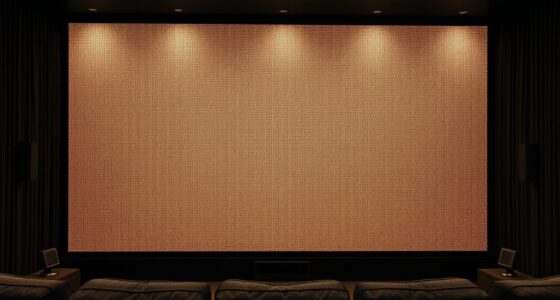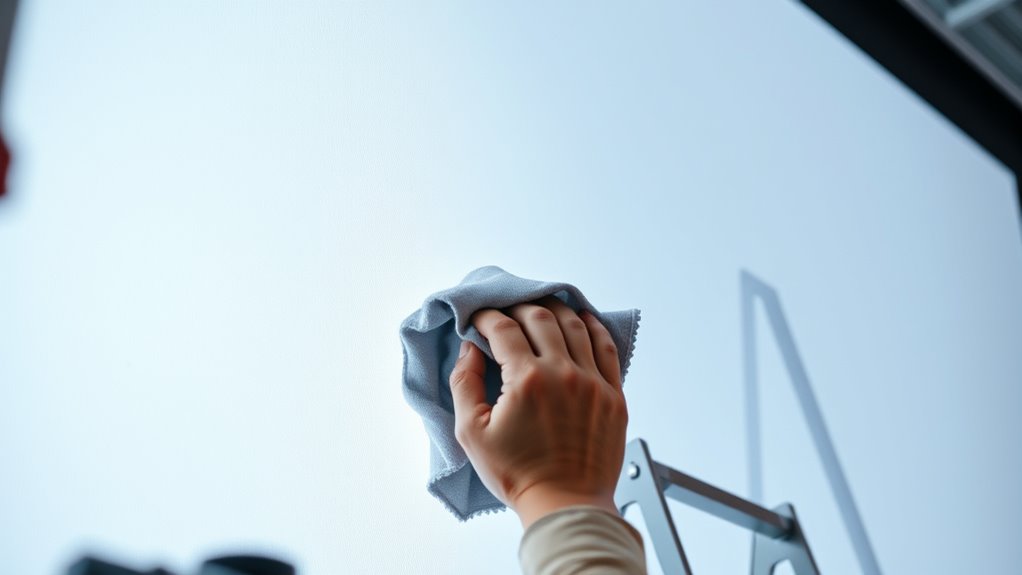
To clean and maintain your projection screen effectively, regularly dust it with a soft, lint-free microfiber cloth and avoid abrasive materials. Lightly dampen the cloth with distilled water or a screen-specific cleaner, and gently wipe in circular motions without spraying liquids directly on the surface. Store the screen in a dust-free environment when not in use, and handle it carefully to prevent damage. Keep these tips in mind to guarantee your screen stays bright and lasts longer—more useful advice awaits.
Key Takeaways
- Use a soft, lint-free microfiber cloth for gentle, circular cleaning to prevent surface scratches.
- Lightly dampen the cloth with distilled water or a specialized screen cleaner; never spray directly on the surface.
- Avoid harsh chemicals or alcohol-based cleaners that can damage the screen’s coating and surface integrity.
- Store the projection screen in a dust-free environment and handle it carefully to prevent damage or dirt buildup.
- Regularly inspect and clean the frame and surrounding area to maintain overall cleanliness and optimal image quality.
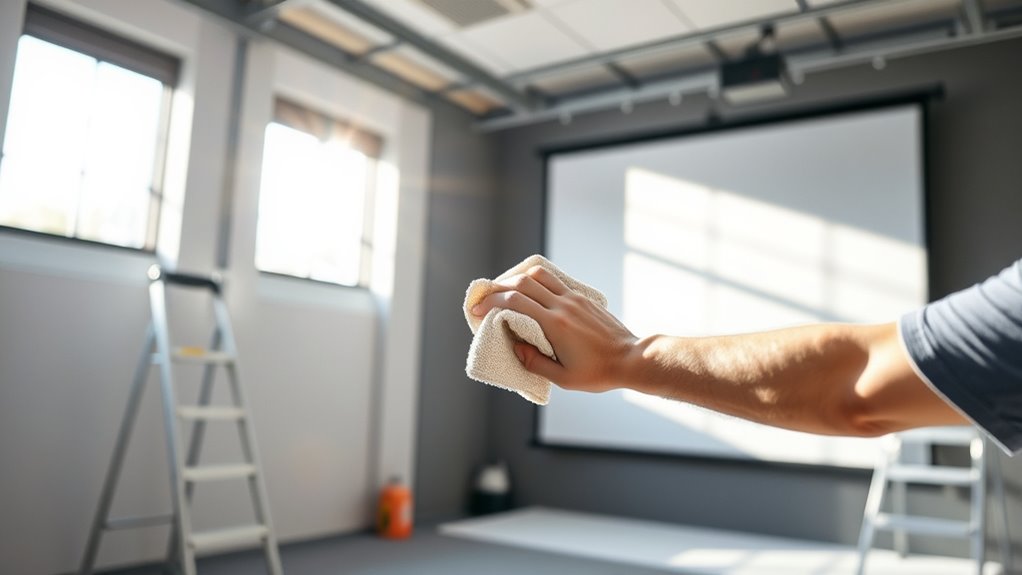
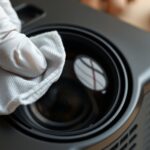
Keeping your projection screen clean and well-maintained is essential for guaranteeing clear, bright images during your presentations or movie nights. A clean screen maximizes image quality, but it’s equally important to handle dirt removal carefully to avoid damaging the surface. Regularly removing dust, fingerprints, or smudges prevents dirt buildup that can dull or distort the projected image. Use a soft, lint-free microfiber cloth to gently wipe the surface, and avoid abrasive materials that could scratch or damage the screen. When necessary, lightly dampen the cloth with distilled water or a specialized screen cleaner, but never spray liquids directly onto the surface. This approach guarantees effective dirt removal while maintaining surface protection, which is crucial for prolonging your screen’s lifespan.
You should always be cautious about the cleaning products you choose. Harsh chemicals or alcohol-based cleaners can damage the screen’s coating or material, leading to discoloration or deterioration over time. Opt for products specifically designed for projection screens or gentle, non-abrasive cleaning solutions. When cleaning, work in small sections and use gentle, circular motions to lift dirt without applying excessive pressure. This careful technique not only ensures thorough dirt removal but also preserves the integrity of the surface, preventing scratches or peeling. Remember, keeping the surface protected from damage is just as important as removing dirt, because a damaged surface can compromise image clarity and color accuracy.
Another key aspect of maintenance involves preventing dirt from settling on the screen in the first place. Consider installing a cover or keeping your screen in a dust-free environment when not in use. Regularly dusting the surrounding area can also minimize airborne particles that settle onto the surface. If your screen has a frame or border, inspect it periodically for dust or debris that could fall onto the surface during storage or setup. Be cautious when handling or moving the screen to avoid accidental scratches or tears, which can make cleaning more difficult and impact surface protection. Proper storage, gentle cleaning, and careful handling ensure your projection screen stays in top condition, providing the best possible viewing experience each time you use it.

2000 ANSI 4K Decoding Projector with WiFi and Bluetooth, HAPPRUN Movie Home Theater with Auto Focus, 300'' Display for Indoor/Outdoor, Smart Proyector Compatible with Phone/TV Stick/PC/PS5
[EASIER OPERATION: AI Smart Screen Adjustment] HAPPRUN projector comes with auto focus and 6D auto-keystone technology, enjoy a...
As an affiliate, we earn on qualifying purchases.
Frequently Asked Questions
Can I Use Household Cleaning Products on Projection Screens?
You shouldn’t use household cleaners on projection screens because they can cause screen damage. Many household cleaners contain chemicals that may degrade the surface or cause discoloration. Instead, use a soft, lint-free cloth with just water or a cleaner specifically designed for screens. This guarantees you clean effectively without risking damage, keeping your projection screen in good condition for a longer time.
How Often Should I Replace My Projection Screen?
Think of your projection screen as a trusted canvas that paints your movie nights; its lifespan depends on how well you care for it. Usually, you should replace your screen every 5 to 10 years, depending on usage and wear. Keep an eye on its screen longevity—fading, wrinkles, or damage signal it’s time for a fresh start. Regular maintenance can extend its life, but don’t wait too long to refresh your visual masterpiece.
Are There Specific Cleaners for Different Screen Materials?
Yes, there are specific cleaners for different screen materials. You should use screen cleaning solutions that are compatible with your screen material to avoid damage. Always check the manufacturer’s recommendations for your projection screen to guarantee compatibility. Avoid harsh chemicals or abrasive cloths, as they can harm the surface. Using the right screen cleaning solutions ensures your screen stays in excellent condition and maintains its image quality over time.
Can I Wash My Retractable Projection Screen?
You shouldn’t wash your retractable projection screen with water or cleaning solutions, as it could damage the material. Instead, follow proper screen cleaning and maintenance tips by gently dusting the surface with a soft cloth or using a microfiber cloth for light dirt. Regularly clean your screen to keep it clear and functional, but avoid harsh chemicals. Proper maintenance guarantees your screen stays in top shape for years to come.
What Should I Do if My Screen Develops Stubborn Stains?
If your screen develops stubborn stains, don’t panic. Start by gently wiping the stained area with a soft, damp cloth and mild soap if needed. Avoid harsh chemicals that could damage the surface. For persistent stains, use a specialized screen cleaner or a mixture of water and a small amount of isopropyl alcohol. Always test a small area first and avoid scrubbing to prevent damage.

HAPPRUN Native 1080P Projector, Bluetooth Home Theater Movie Projector with Built-in Speaker, Compatible with Smartphone, HDMI, Fire Stick, PS5, Indoor & Outdoor Use -With Google TV System
[ Built-in Official Licensed Google TV ] - Without additional equipment, the smart projector can directly access Netflix,...
As an affiliate, we earn on qualifying purchases.
Conclusion
Keeping your projection screen clean and well-maintained guarantees sharp images and a longer lifespan. Regular dusting, gentle cleaning, and proper storage can make a big difference. Don’t forget, a clean screen enhances your viewing experience—so why settle for smudges and dust when a simple routine can keep your screen in top shape? Investing a little effort now means you’ll enjoy clearer, brighter projections for years to come. Ready to give your screen the care it deserves?

1500 ANSI Official Licensed Google TV Smart Projector, HAPPRUN 4K Full HD Home Theater with Auto Focus, Dolby Sound, Wi-Fi Bluetooth, Built-in Apps, Compatible with Phone & PC, Indoor & Outdoor Use
[ Built-in Officially Licensed Google TV ]-Enjoy the reliability of an officially certified Google TV projector. Stream Netflix,...
As an affiliate, we earn on qualifying purchases.

Epson Home Cinema 980 3-Chip 3LCD 1080p Projector 4,000 Lumens Color and White Brightness, Streaming/Gaming/ Media Room, Built-In Speaker, Auto Picture Skew, 16000:1 Contrast, 2 HDMI Ports
Exceptional Picture Quality — Provides stunning, detailed 1080p images and fast data processing that’s optimized for fast-action sports,...
As an affiliate, we earn on qualifying purchases.