
To clean dust spots from your lens and sensors, start by using a blower brush to remove loose dust, holding your camera upside down to let debris fall away. For smudges or fingerprints, gently wipe the lens with a microfiber cloth in a circular motion, using minimal pressure. For sensors, activate cleaning mode and carefully use a sensor cleaning swab with a small amount of cleaning solution. Proper techniques and precautions help keep your gear pristine—continue here to learn more.

Get business pricing on your home office setup
- Business-only prices and quantity discounts
- Tax-exempt purchasing
- Multiple users, one account, clear invoices
Key Takeaways
- Use a blower brush to gently remove loose dust from the lens or sensor without touching it.
- Clean lenses with a microfiber cloth in circular motions, avoiding excessive pressure to prevent damage.
- For sensor dust, activate the camera’s cleaning mode and use sensor cleaning swabs with appropriate solution.
- Avoid canned air directly on the sensor to prevent propellant damage; opt for specialized sensor cleaning tools.
- Regularly inspect and clean your gear to prevent dust buildup and maintain optimal image quality.
Dust spots on your camera lens or sensor can ruin otherwise sharp images, but cleaning them isn’t as complicated as it might seem. The key is understanding proper lens cleaning techniques and sensor dust removal methods to keep your gear in top shape. When you notice spots in your photos, it’s often due to dust on the sensor or smudges on the lens. Addressing these issues promptly requires a calm approach and the right tools.
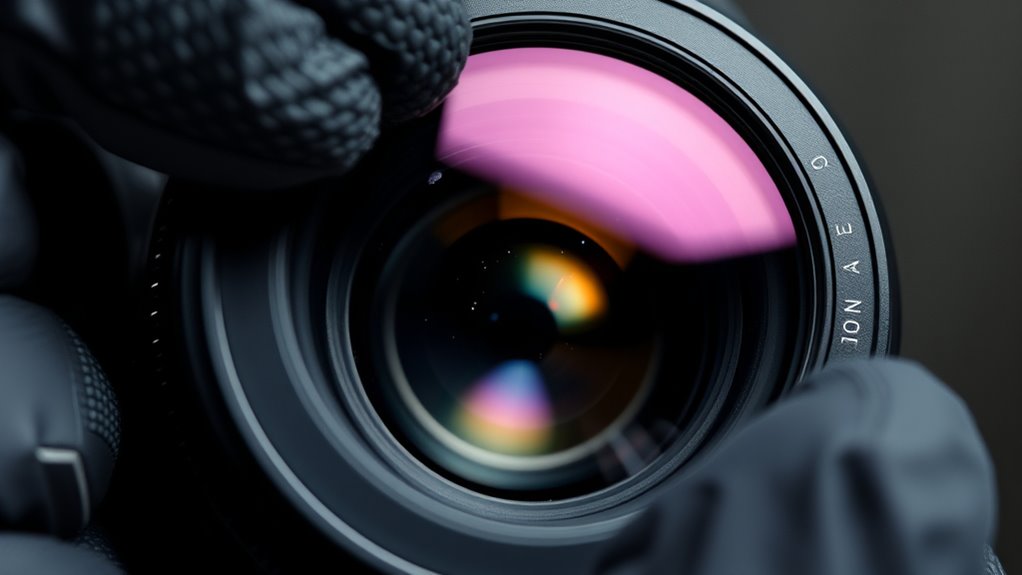
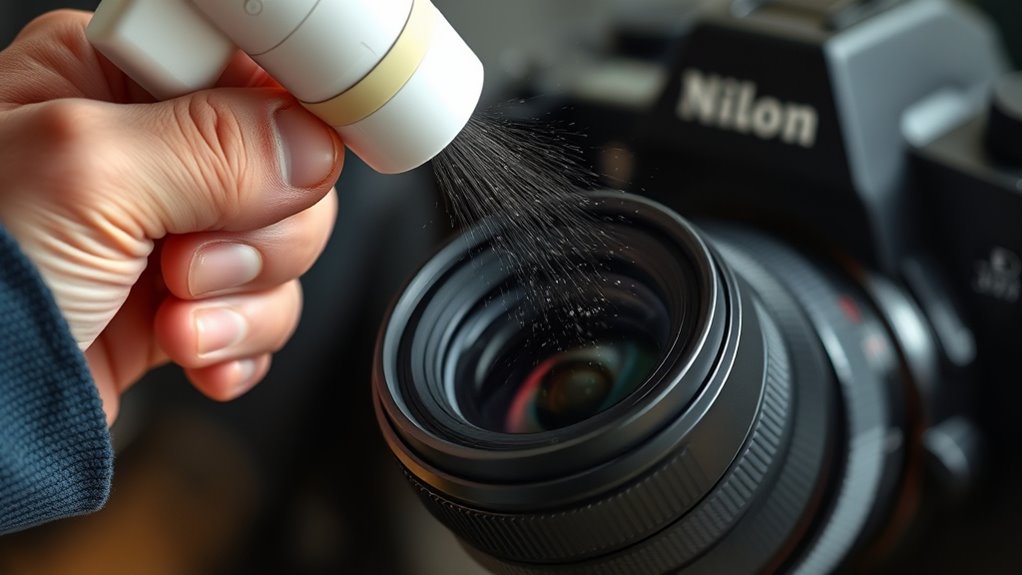
For lens cleaning, start by using a blower brush to remove loose dust particles. Gently hold the camera upside down and blow across the lens surface to dislodge debris. Follow this by using a microfiber cloth designed for optics—never use rough materials or your clothing, as they can scratch the lens. Lightly dampen the cloth with a lens cleaning solution if needed, and wipe in a circular motion from the center outward. Be cautious not to press too hard, as excessive pressure can damage coatings. When cleaning the lens, avoid touching the glass with your fingers to prevent oil transfer and smudges that are harder to remove.
Sensor dust removal methods are slightly more delicate. If you’re comfortable, you can perform a manual clean, but many photographers prefer using air blowers or specialized sensor cleaning tools. First, set your camera to the cleaning mode, if available, to lock the mirror up (for DSLRs). Use a blower to gently dislodge dust particles from the sensor surface. Never use canned air directly on the sensor, as the propellants can cause damage. If dust persists, consider a sensor cleaning swab or wipe, designed specifically for camera sensors. Apply a few drops of sensor cleaning solution onto the swab, then carefully glide it across the sensor in a single pass. Make sure to follow the manufacturer’s instructions and avoid reusing contaminated swabs.
Frequently Asked Questions
How Often Should I Clean My Camera Lens and Sensor?
You should clean your camera lens and sensor whenever you notice dust spots or after shooting in dusty environments. Regular lens cleaning prevents dirt buildup and keeps your images sharp, while sensor maintenance is essential if you see dark spots in photos. Aim for gentle lens cleaning every few weeks or as needed, and do sensor cleaning when dust becomes visible on images. Staying proactive ensures peak performance and image quality.
Can I Use Household Cleaning Products on My Camera?
Sure, using household chemicals on your camera sounds like a genius idea—until it isn’t. Household cleaning solutions contain harsh chemicals that can damage delicate lens coatings and sensor surfaces. Instead, stick to camera-specific cleaning products designed for optics. These are gentle, effective, and won’t cause costly damage. So, resist the temptation, and keep your camera safe by avoiding household chemicals and sticking with proper cleaning solutions.
What Tools Are Best for Cleaning Dust Spots?
For effective lens cleaning and sensor maintenance, use a blower brush to remove loose dust easily. Follow up with a microfiber cloth or lens tissue for gentle wiping, avoiding harsh chemicals. A sensor-cleaning kit with swabs and sensor-cleaning fluid is ideal for dust spots on sensors. These tools make certain of safe, thorough cleaning, preventing damage while keeping your camera’s image quality sharp and dust-free.
Is It Safe to Clean My Sensor Myself?
Did you know that over 60% of photographers prefer DIY camera maintenance? Yes, you can clean your sensor yourself, but proceed with caution. Proper sensor cleaning is safe if you follow correct procedures, use the right tools, and handle it gently. Avoid harsh chemicals and never touch the sensor directly. If you’re uncomfortable, professional cleaning is always a safer choice. Your camera’s sensor is delicate—treat it with care during sensor cleaning.
How Do I Prevent Dust From Entering My Camera?
To prevent dust from entering your camera, you should practice proper lens maintenance and use dust prevention techniques. Always keep the camera body closed when not in use, and avoid changing lenses in dusty environments. Use air blowers to remove dust from your lens and sensor areas gently. Store your camera in a dust-free, dry place, and regularly inspect and clean your equipment to minimize dust intrusion.
Conclusion
Keeping your lens and sensor clean is essential for sharp, clear photos. Did you know that dust on your camera sensor can reduce image quality by up to 25%? Regularly cleaning your gear not only maintains peak performance but also saves you time spent retaking shots. With proper techniques, you can easily remove dust spots and ensure your images stay crisp and professional-looking. Stay diligent, and your camera will thank you for it.
Halloween Picks
halloween
As an affiliate, we earn on qualifying purchases.