
To sync your audio and video sources, start by testing both during a quick run-through to identify any delays or lag. Use software tools or hardware controls to adjust the audio delay or video timing, ensuring they align seamlessly. Consider real-time correction tools for live streams or manual adjustments for recordings. Regular testing and familiarity with your equipment will help you achieve professional results; continue exploring these methods to master perfect synchronization.
Key Takeaways
- Use software audio delay controls to manually align audio with video during editing or streaming.
- Analyze audio waveforms with synchronization tools for automatic, precise syncing of sources.
- Perform test recordings to identify and correct any audio delay or video lag before final production.
- Adjust hardware latency settings on audio interfaces, mixers, or cameras to minimize inherent delays.
- Implement real-time correction tools during live broadcasts to maintain proper sync seamlessly.
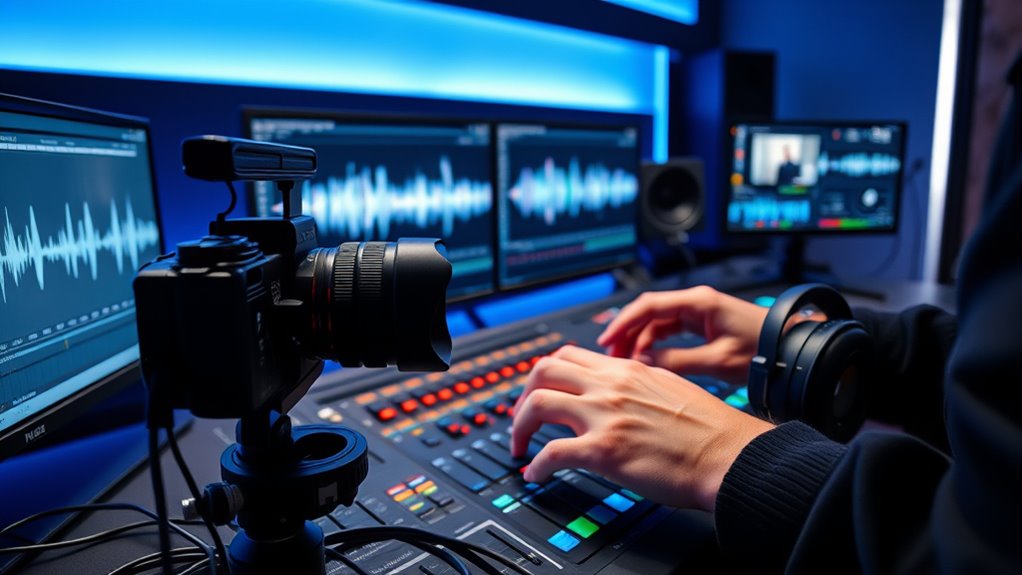
Syncing audio and video sources is essential for creating seamless and professional-looking recordings or broadcasts. When your audio and video are out of sync, it can distract viewers and undermine the quality of your production. One common issue you’ll encounter is audio delay, where the sound lags behind or races ahead of the video. This mismatch can cause your audience to perceive the content as unpolished or amateurish. Similarly, video lag—where the video itself stutters or delays—can make your footage appear choppy or unprofessional. Addressing these issues early on guarantees your final product feels cohesive and engaging.
The first step to fix audio delay and video lag involves understanding their root causes. Audio delay often occurs due to processing times in hardware or software, especially when using external microphones, mixers, or streaming platforms. Video lag can stem from insufficient hardware performance, high-resolution footage, or network issues during live broadcasts. Recognizing these factors helps you choose the right tools and settings to minimize delays. For instance, if you’re recording with multiple sources, ensure your devices are compatible and optimized for real-time syncing.
Once you identify potential sources of lag, the next step is adjusting your settings. Many editing software programs and streaming platforms offer audio delay controls. By fine-tuning these settings, you can manually align the audio track with the video. For example, if you notice your audio is consistently behind, you can add a slight delay to the video or advance the audio to match. During live streams, this process might require quick adjustments, so familiarize yourself with your equipment’s controls beforehand. If you’re using hardware like audio interfaces or mixers, explore their latency settings and update firmware if necessary.
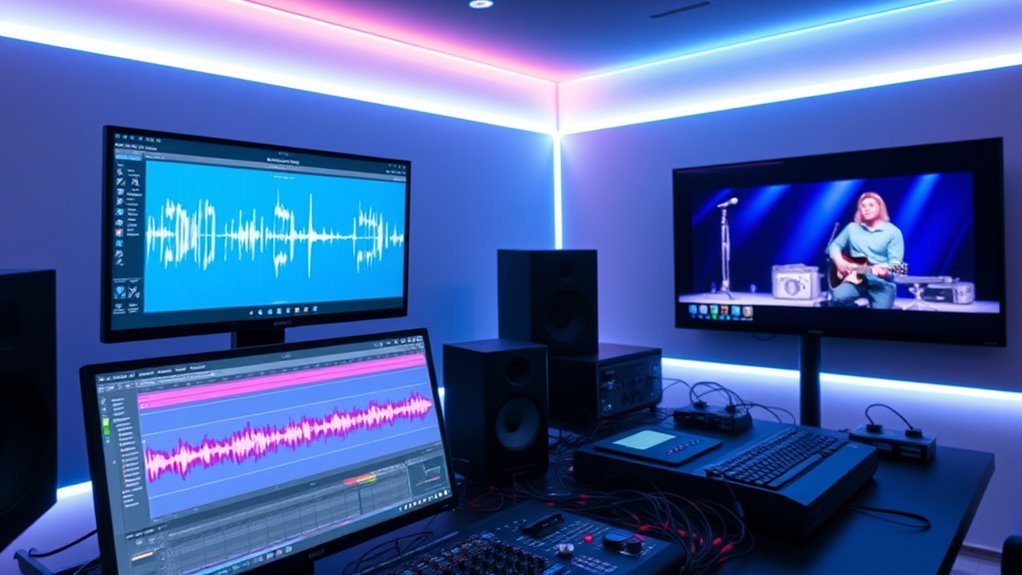
Additionally, employing synchronization tools can vastly improve your workflow. Some professional software automates the syncing process by analyzing audio waveforms and aligning tracks accordingly. This reduces guesswork and ensures greater precision. For live broadcasting, consider using software that offers real-time audio-video sync correction, which can automatically compensate for minor delays and prevent video lag from appearing on the viewer’s end. These tools are especially helpful if you’re working with multiple sources or streaming over a network prone to fluctuations. Understanding audio-video synchronization techniques can significantly enhance your production quality.
Finally, always test your setup before going live or finalizing your recordings. Conduct quick run-throughs to identify any lingering sync issues. Check both audio delay and video lag, making adjustments as needed. Consistent testing helps you develop a routine and understand the latency characteristics of your equipment. When you master these techniques, syncing audio and video becomes second nature, leading to polished, professional-looking content that keeps your audience engaged and impressed.

Denon AVR-X1700H 7.2 Channel AV Receiver - 80W/Channel, Advanced 8K HDMI Video w/eARC, Dolby Atmos, DTS:X, Built-in HEOS, Amazon Alexa Voice Control
HIGH-PERFORMANCE 7-CHANNEL AMPLIFIER WITH NEXT-GEN MOVIE IMMERSION - Enjoy Denon sound in movies, games, and music with full...
As an affiliate, we earn on qualifying purchases.
Frequently Asked Questions
How Do I Synchronize Multiple Audio Sources Simultaneously?
To synchronize multiple audio sources simultaneously, you should focus on multi-camera coordination and audio delay adjustment. Use a digital audio workstation or synchronization software to align the audio tracks precisely. Adjust the audio delay on each source so they match in timing, ensuring seamless integration. This way, your audio remains synchronized across all cameras and microphones, providing a professional and cohesive final output.
What Are the Common Software Tools for Syncing Audio and Video?
Imagine you’re editing a documentary and need precise sync between audio and video. You’d likely use software like Adobe Premiere Pro, a popular tool for audio editing and video editing. It offers features like automatic syncing based on audio waveforms, making your workflow smoother. Other options include Final Cut Pro and DaVinci Resolve, both providing robust tools for syncing audio and video seamlessly, ensuring your project looks professional and polished.
How Can I Sync Audio and Video in Real-Time Live Broadcasts?
To sync audio and video in real-time live broadcasts, you should monitor for audio delay and adjust accordingly. Use hardware sync tools like genlock or timecode generators to guarantee precise timing. Most broadcast software also offers latency adjustments; tweak these settings to align audio and video perfectly. Regularly check for lag and fine-tune your hardware sync settings to maintain seamless synchronization during the broadcast.
What Are the Troubleshooting Steps for Audio-Video Sync Issues?
Think of your audio and video as dancers needing perfect timing. To troubleshoot lip sync issues, start by checking for audio delay—adjust your audio settings or use a delay compressor to bring the sound into harmony. If there’s still a mismatch, verify your cables and connections are secure, update your drivers, and test with different sources. Remember, patience helps when fine-tuning that perfect sync dance.
How Does Frame Rate Affect Audio and Video Synchronization?
Frame rate considerations play a pivotal role in audio and video synchronization because mismatched frame rates can cause delays or jumps between audio and video streams. You need to pay attention to frame rate settings and adjust them if necessary. For precise sync, use audio delay correction tools to fine-tune timing. Ensuring consistent frame rates between sources helps maintain smooth, synchronized playback, avoiding distracting lip-sync issues.
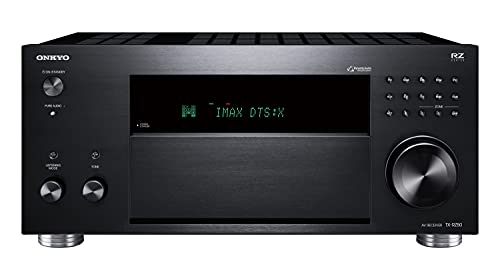
Onkyo TX-RZ50 9.2-Channel AV Receiver - 120 Watts Per Channel, Dirac Live Out of Box, Works with Sonos Certified, THX Certified and More
TAKE THE ROOM OUT OF THE EQUATION: Dirac Live automatically calibrates sound in your room using either your...
As an affiliate, we earn on qualifying purchases.
Conclusion
Now that you’ve mastered syncing audio and video, you’re the conductor of your own cinematic orchestra. Every beat, every note, aligns perfectly, creating a seamless harmony that pulls your audience in. Think of it as tuning a fine instrument—once done right, it plays a symphony that enthralls. With these skills, you hold the brush to paint a picture where sound and sight dance together flawlessly, turning raw footage into a captivating masterpiece.
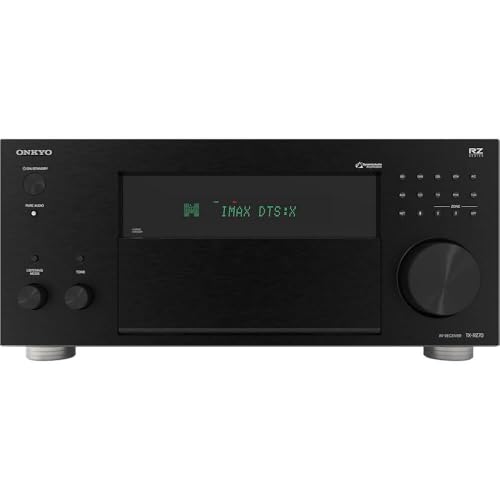
Onkyo TX-RZ70 11.2-Channel AV Receiver - 140 Watts Per Channel, Dirac Live Out of Box, Works with Sonos Certified, THX Certified and More
11 CHANNELS, 140 WATTS: Home theater buffs rejoice! The Onkyo TX-RZ70 is our most powerful AVR yet, giving...
As an affiliate, we earn on qualifying purchases.

Onkyo TX-NR6100 7.2 Channel 8K Smart AV Receiver - THX Certified, Works with Sonos Certified, and Ultimate 4K Gaming Experience
WORKS WITH SONOS CERTIFIED: This receiver can join your existing Sonos Home Sound System, or be the start...
As an affiliate, we earn on qualifying purchases.