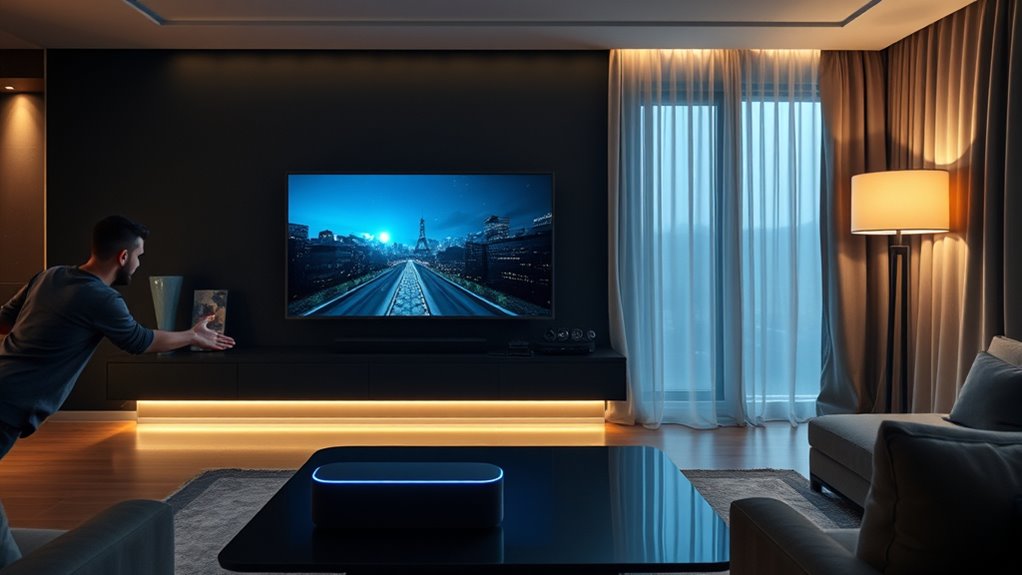
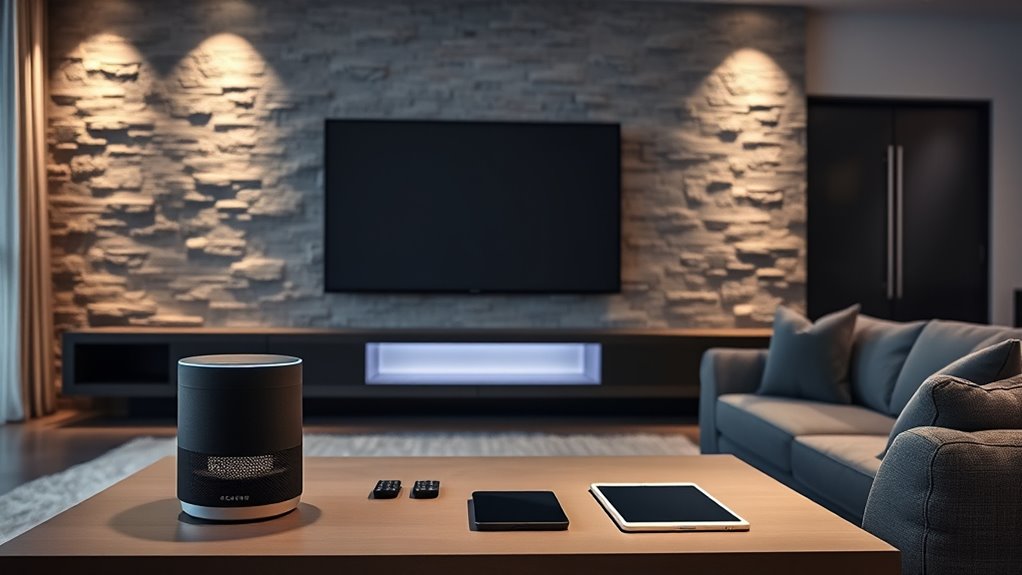
To control your home theater with Google Home, you can give commands like “Hey Google, turn on the TV,” “increase the volume,” or “switch to HDMI 2.” You can also set routines, such as “movie night,” to automate lights, sound, and device activation. Make sure your devices are connected, updated, and assigned to rooms in the app for smooth operation. Keep exploring to learn more ways to optimize your smart setup.
Use commands like “Hey Google, turn on the TV” or “switch to HDMI 2” to control your home theater devices.
Set up routines such as “movie night” to automate lighting, TV, and streaming app activation.
Adjust volume, pause, or change inputs with simple voice commands for seamless control.
Troubleshoot device responsiveness by resyncing devices and checking Wi-Fi connectivity.
Expand your system by adding new devices and customizing routines for a tailored entertainment experience.
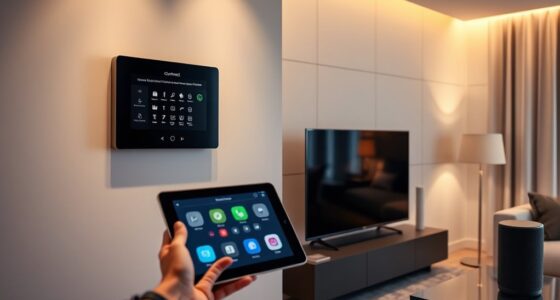
Using Google Home for your home theater can simplify your entertainment experience and give you more control at your fingertips. With just your voice, you can manage your devices, adjust settings, and enjoy your favorite content without fumbling for remotes. To make this seamless, proper device setup is essential. First, confirm all your compatible devices—smart speakers, Chromecast, smart TVs, and other connected gadgets—are connected to the same Wi-Fi network. Download and open the Google Home app on your phone or tablet, then follow the prompts to add each device. The app guides you through linking your accounts and assigning devices to rooms, creating a unified system that responds accurately to your commands.
Once your devices are set up, voice control becomes intuitive and reliable. You can simply say, “Hey Google, turn on the TV,” or “Hey Google, play my favorite movie in the living room.” These commands activate your devices instantly, eliminating the need for multiple remotes or manual adjustments. You can also control volume, pause, or change inputs with ease—just ask, “Hey Google, increase the volume,” or “Hey Google, switch to HDMI 2.” This level of control makes managing your home theater straightforward, especially when you’re already settled in or have your hands full.
Setting up routines with Google Home can further enhance your experience. For example, you might say, “Hey Google, movie night,” and your system could dim smart lights, turn on your TV, and start your streaming app automatically. These routines can be customized within the Google Home app, allowing you to tailor commands for different occasions. When it comes to troubleshooting, confirm your devices are updated and properly connected. If a device isn’t responding, try resyncing it within the app, or check your Wi-Fi connection.
Having your home theater devices properly configured also means you can expand your setup easily. As you add new smart gadgets or upgrade existing ones, simply run the device setup process again to include them in your voice control commands. This flexibility keeps your entertainment system future-proof and easy to manage. Additionally, understanding smart device compatibility ensures you select the right gadgets that work seamlessly with Google Home. Ultimately, mastering device setup and leveraging voice control with Google Home transforms your home theater into a more convenient, responsive, and integrated entertainment hub. You’ll enjoy a smoother experience, where your voice commands do all the work, letting you relax and focus on the content you love.
Douk Audio BS-1 Bass Shaker: 50W High Power Tactile Transducer - Subwoofer Lows for Home Theater, Car Audio & Gaming Chair Vibration Immersion (1 PC)
The fully upgraded version of Douk Audio BS-1 bass shaker, released in May 2025, the performance is greatly...
As an affiliate, we earn on qualifying purchases.
Frequently Asked Questions
Can Google Home Control All Types of Home Theater Equipment?
Yes, Google Home can control many types of home theater equipment through voice control, but device compatibility varies. You’ll need compatible smart devices or hubs that work with Google Assistant. Check if your AV receiver, smart TV, or streaming devices are compatible. Once set up, you can easily control volume, playback, and power with simple voice commands, making your home theater experience more seamless and convenient.
How Do I Set up Voice Commands for Multi-Room Audio?
To set up voice commands for multi-room audio, start by ensuring your devices support multi-room synchronization and are connected to your Google Home app. Then, customize your voice commands by naming each room and speaker. Use commands like “Play music in the living room and kitchen” to control multiple rooms simultaneously. This way, you get seamless multi-room audio with simple voice commands tailored to your setup.
Is It Possible to Customize Google Home Commands for Personalized Experiences?
Imagine tailoring your digital symphony with a gentle whisper—yes, you can customize Google Home commands for personalized voice controls. With custom command customization, you craft unique phrases that feel natural and intuitive, transforming your smart home into a seamless extension of yourself. This personalization lets you effortlessly manage your home theater and devices, making every command feel like a conversation with a trusted companion, perfectly tuned to your preferences.
What Are Troubleshooting Steps if Commands Don’T Work?
If your voice command troubleshooting isn’t working, start by checking your device compatibility issues—ensure your devices support the commands you’re trying. Restart your Google Home and the connected devices to refresh connections. Make sure your microphone isn’t muted, and that your Wi-Fi is stable. Revisit your Google Home app settings to confirm commands are correctly set up. If problems persist, update the app or factory reset your device as a last resort.
Can Google Home Integrate With Third-Party Streaming Services?
Yes, Google Home can integrate with third-party streaming services like Netflix, Spotify, and Hulu. This smart home integration allows you to control your favorite apps via voice commands. You can customize your voice commands to easily play, pause, or switch between streaming services. Make sure your devices are compatible and linked correctly through the Google Home app for seamless control and an enhanced entertainment experience.
Official Licensed Google TV Smart Projector, HAPPRUN 4K UHD Home Theater with Dolby Sound, Wi-Fi & Bluetooth, Built-in Streaming Apps, Compatible with Games Consoles & Smartphone, Indoor & Outdoor Use
[ Built-in Official Licensed Google TV ] - Without additional equipment, the smart projector can directly access Netflix,...
As an affiliate, we earn on qualifying purchases.
Conclusion
By mastering Google Home commands, you can effortlessly control your home theater and enhance your entertainment experience. Did you know that over 50% of smart home users report increased satisfaction when using voice assistants? Incorporating these commands not only simplifies your setup but also makes your movie nights more seamless. So go ahead, customize your commands, and enjoy a smarter, more connected home theater today.
Yaber K300s Ultra Short Throw Projector, 4K Support Triple Laser Projector, 100" Image at 9", Dolby Vision, 150% NTSC, Google TV, 30W JBL Speaker, for Home Theater Gaming
[Ultra Short Throw & Space-Saving Design] Experience a 100-inch giant screen from just 9 inches away with the...
As an affiliate, we earn on qualifying purchases.
Dayton Audio BST-2 Tactile Bass Shaker 35 Watt
Increase the realism of home theater and gaming systems for a more immersive experience
Linking Home Theater to Smart Thermostats and HVAC
Seamlessly connect your home theater to smart thermostats and HVAC systems to enhance comfort and energy efficiency—discover how this integration can transform your space.
Navigating the world of smart home automation with SmartThings can unlock endless possibilities—discover how to create routines that make your home smarter and more efficient.
Using AI‑Driven Calibration Tools for Audio and Video
Meta Description: Master your audio and video setup effortlessly with AI-driven calibration tools that analyze and optimize your systems—discover how they can transform your experience.
Voice Control in Home Theater: Alexa, Google Assistant, Siri
Control your home theater effortlessly with Alexa, Google Assistant, or Siri—discover how these voice commands can revolutionize your entertainment experience.