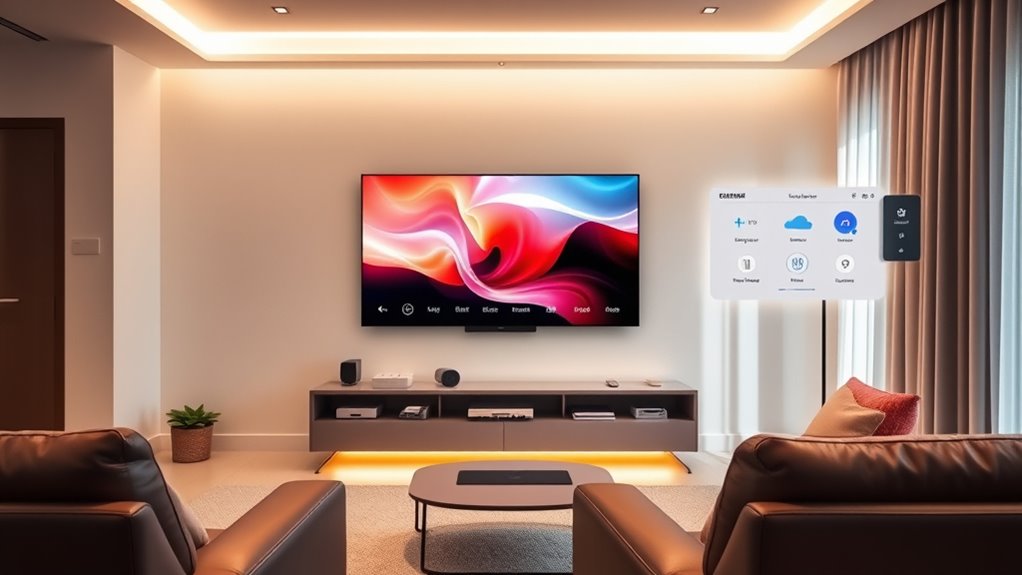

Using IFTTT and automation platforms allows you to easily manage your home cinema by connecting devices like smart lights, thermostats, and audio systems. You can create custom scenes, automate routines, and activate everything with simple voice commands or taps. This setup enhances your viewing experience, making it effortless and personalized. If you keep exploring, you’ll discover how to turn your home theater into a seamless, smart entertainment hub that adapts to your preferences.

Get business pricing on your home office setup
- Business-only prices and quantity discounts
- Tax-exempt purchasing
- Multiple users, one account, clear invoices
Key Takeaways
- Integrate smart devices like lights, blinds, and sound systems for seamless control using IFTTT triggers.
- Create custom scenes (e.g., “Movie Night”) that automate multiple device actions simultaneously.
- Use voice assistants (Alexa, Google, Siri) with IFTTT to enable hands-free home cinema management.
- Automate environmental settings like lighting and temperature to enhance viewing comfort.
- Simplify complex home theater setups into single commands or app buttons for effortless operation.
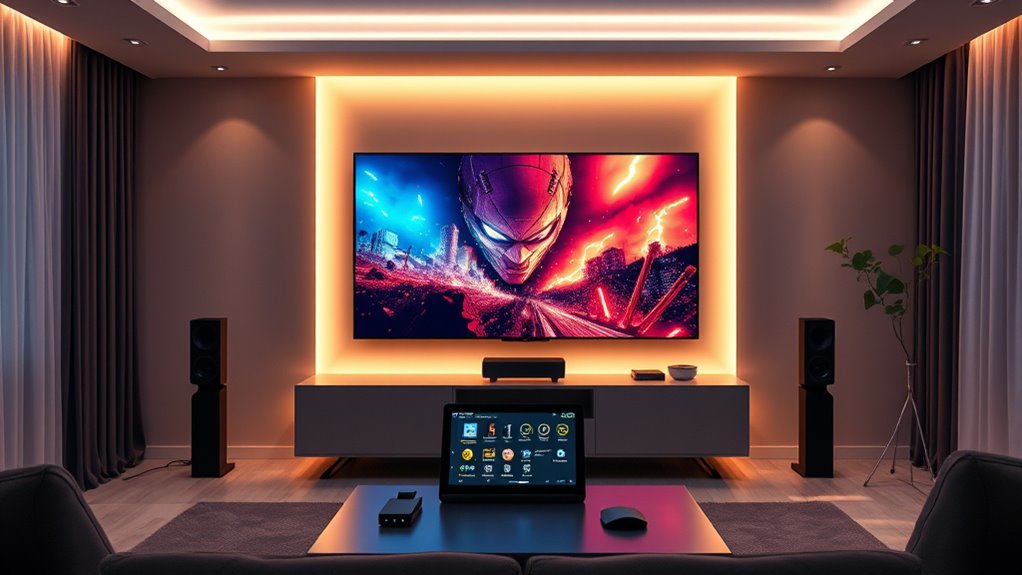
Creating the perfect home cinema experience often involves juggling multiple devices and settings, but automation platforms like IFTTT make it easier. With IFTTT, you can seamlessly integrate smart devices and set up automations that respond to your voice commands or trigger custom scenes, transforming your space into a true entertainment haven. Imagine walking into your living room and simply saying, “Hey Google, movie time,” to activate a series of actions that dim the lights, close the blinds, turn on your TV, and set your sound system to the perfect volume. This kind of setup not only saves time but also creates an immersive atmosphere that feels effortless.
Voice control is central to making your home cinema more intuitive. By connecting your smart speakers or voice assistants through IFTTT, you can command your entire setup hands-free. Whether you prefer Alexa, Google Assistant, or Apple’s Siri, you can create custom voice commands that trigger complex sequences. For example, saying, “Start movie night,” could activate a custom scene that adjusts lighting, switches your projector or TV to the right input, and powers on your streaming device. This eliminates the need to manually toggle multiple remotes or fiddle with settings, letting you focus solely on enjoying your entertainment.
Custom scenes are another powerful feature that IFTTT enables. These are pre-configured automations that combine various device actions into a single command. You might have a “Movie Scene” that dims the lights, adjusts the sound system, and sets your projector to the correct input, all with a single tap or voice command. You can also create scenes for different viewing moods, like “Relax” or “Game Night,” each adjusting lighting, audio, and even room temperature to suit the occasion. Setting these up takes a bit of initial effort, but once configured, they make your cinema experience smooth and personalized.
Integrating your devices with IFTTT also opens up endless possibilities for customization. You can link your smart blinds, which close when the movie starts, or set your smart thermostat to lower the temperature for ideal comfort. The key is to think about what makes your movie nights special and then automate those actions. The beauty of using IFTTT is that it’s flexible; you can tweak your scenes and voice commands as your setup evolves or your preferences change. Additionally, home automation can help optimize energy use and enhance overall convenience, making your home theater setup more efficient.
In the end, using IFTTT for home cinema automation makes your entertainment experience smarter and more effortless. Voice control and custom scenes turn complex setups into simple commands, allowing you to plunge into your movies without distractions. With a little planning, you’ll have a fully integrated system that responds to your voice and mood, elevating your home theater to new levels of convenience and immersion.
Frequently Asked Questions
Can I Integrate Voice Assistants With My Home Cinema Setup?
Yes, you can integrate voice assistants with your home cinema setup. Voice assistant integration allows you to control your home theater with simple voice commands, offering a seamless home theater voice experience. You can use platforms like Alexa or Google Assistant to turn on your projector, adjust volume, or switch inputs. This setup makes your home cinema more convenient and hands-free, enhancing your overall entertainment experience effortlessly.
How Secure Are Automation Platforms for Home Theater Systems?
You’re walking a tightrope, but automation platforms for your home theater are generally secure. They use data encryption to protect your privacy concerns, making it hard for outsiders to access your info. However, stay cautious—always review privacy policies and enable multi-factor authentication. While no system is foolproof, keeping your software updated and understanding how your data is handled helps you stay in control and enjoy your home cinema worry-free.
What Are the Best Compatible Devices for IFTTT Integration?
You should look for smart home devices with strong compatibility for IFTTT integration, like smart speakers, smart lights, and universal remotes. Devices such as Philips Hue, Ring, and Logitech Harmony work well for seamless home cinema automation. Ensuring device compatibility is key, so check if your gadgets support IFTTT or other automation platforms. This way, you can easily create custom routines that enhance your home theater experience.
How Do I Troubleshoot Connectivity Issues Between Devices?
To troubleshoot connectivity issues, first check for signal interference from other electronic devices, as it can disrupt your home automation setup. Confirm your devices are compatible with your automation platform, updating firmware if needed. Restart the devices and your Wi-Fi router to refresh connections. Verify that your network is stable and that all devices are within range. If problems persist, reconfigure device settings or consult support for compatibility issues.
Can Automation Platforms Control Multiple Rooms Simultaneously?
Think of your automation platform as a conductor orchestrating a symphony. Yes, it can control multiple rooms simultaneously through multi-room synchronization, ensuring all devices play in harmony. With centralized control, you can manage everything from one dashboard, making it seamless to turn on sound systems, lights, and projectors across different rooms at the same time. This creates a unified home cinema experience, effortlessly synchronized and perfectly coordinated.
Conclusion
By harnessing IFTTT and automation platforms, you turn your home cinema into a symphony of seamless experiences. Think of it as conducting an orchestra where every device plays in harmony, creating an effortless entertainment flow. With these tools, you’re not just setting up gadgets—you’re crafting an environment that responds as naturally as your own instincts. Embrace automation, and watch your home theater become a living, breathing masterpiece.
Fall Picks
fall essentials
As an affiliate, we earn on qualifying purchases.