Understanding screen materials involves grasping how properties like reflectivity, gain, brightness, and contrast affect your display. You’ll need to measure luminance, analyze aspect ratio, and consider ambient light to pick the best material for your environment. Matte or glossy finishes serve different needs based on lighting and distance. By learning these calculations, you’ll better match your screen to your space and goals—continue exploring to master the details.
Key Takeaways
- Reflectivity and gain determine how much ambient light a screen reflects and amplifies projected images, affecting brightness and glare.
- Calculating luminous area involves measuring width and height, crucial for matching screen size to viewing distance and aspect ratio.
- Brightness and contrast depend on calibration, ambient light, and material properties, impacting image clarity and color accuracy.
- Finishes like glossy or matte influence reflectivity, glare, and color vibrancy, guiding material choice based on environment.
- Environmental factors such as ambient light and durability needs inform optimal material selection and calculation considerations.
Understanding Reflectivity and Gain

When choosing a screen material, understanding reflectivity and gain is essential because these factors directly impact how bright and clear your display appears. Screen reflectivity refers to how much ambient light the screen reflects, which can cause glare and reduce image clarity. Lower reflectivity generally results in better viewing conditions, especially in bright rooms. Gain measurement, on the other hand, quantifies the screen’s ability to amplify projected light, making images appear brighter. A higher gain means a brighter image, but it can also narrow the viewing angle. Knowing your screen’s reflectivity and gain helps you select the right material for your environment and viewing preferences, ensuring your display looks vibrant and sharp without unwanted glare or loss of picture quality. Additionally, selecting materials with appropriate light diffusion properties can further improve image uniformity and reduce hot spots. Considering the exponential impact of gain on image brightness and viewing angles is also important when making your choice. Moreover, understanding how ambient light conditions affect your screen’s performance can lead to better material choices and viewing experiences.
How to Measure Screen Brightness and Contrast
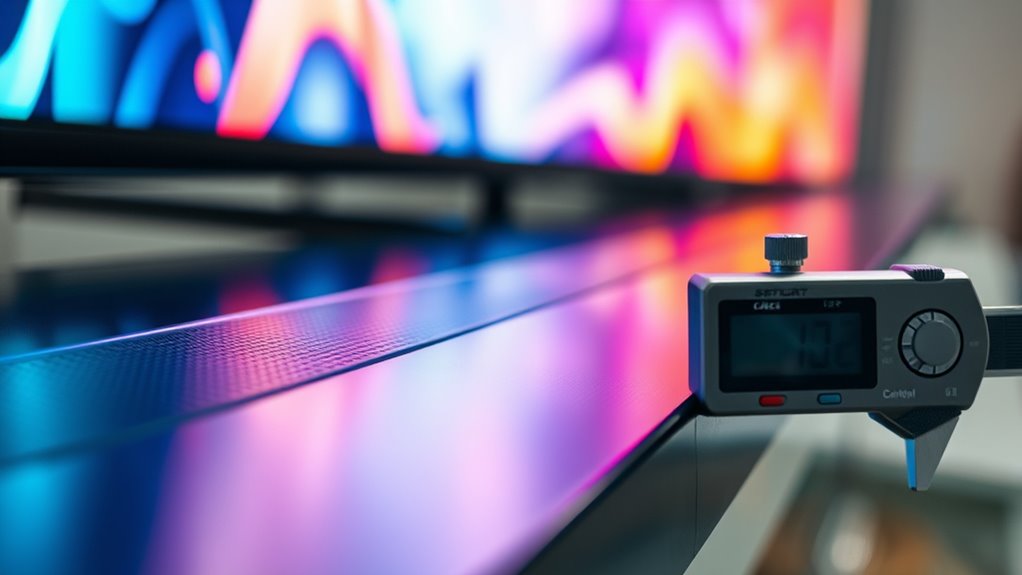
Measuring screen brightness and contrast accurately is essential to assess a display’s performance and guarantee it meets your viewing needs. To do this, use a light meter or calibration tool to record the luminance of both the brightest and darkest parts of the screen. This helps you determine the contrast ratio, which impacts image clarity. Proper color calibration guarantees your display shows accurate colors, influencing perceived brightness and contrast. Keep in mind that higher brightness levels often lead to increased power consumption, so balance your settings accordingly. When measuring, guarantee ambient light is controlled to avoid skewed results. Regularly checking these parameters allows you to optimize your screen’s performance and energy efficiency, ensuring you get the best visual experience without unnecessary power drain. Additionally, understanding the importance of fathers’ influence can remind you to appreciate the role of consistent evaluation and calibration in maintaining optimal display quality.
Calculating Screen Luminous Area and Aspect Ratio
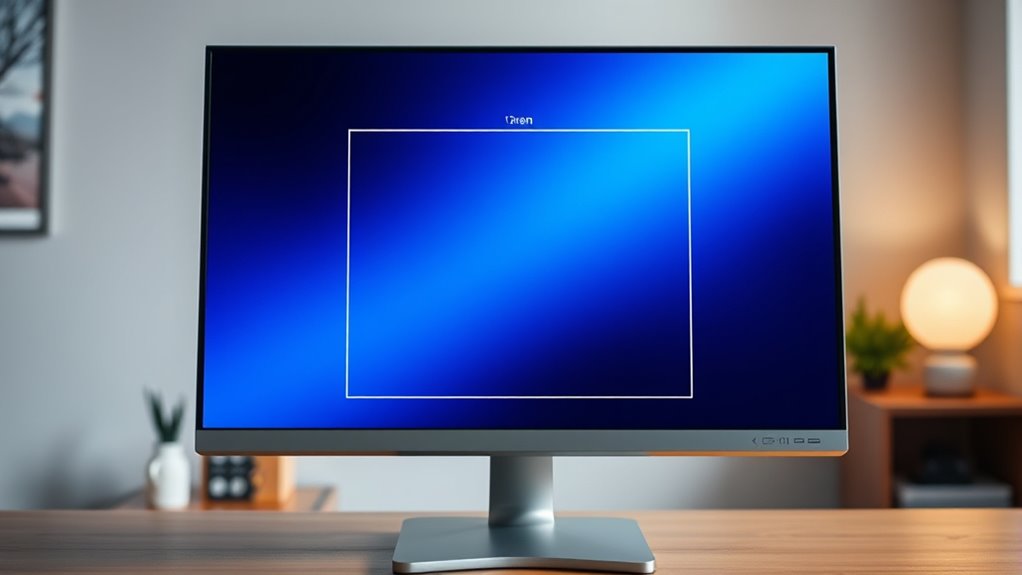
Calculating the luminous area and aspect ratio of your screen helps you understand its display characteristics and how content will appear. The luminous area depends on the screen’s width and height, which are influenced by material textures and manufacturing processes that affect light reflection and diffusion. The aspect ratio compares width to height, shaping your viewing experience. To find these, measure the screen’s dimensions accurately. Use the table below to see different aspect ratios:
| Width (cm) | Height (cm) | Aspect Ratio | Luminous Area (cm²) | Notes |
|---|---|---|---|---|
| 100 | 56.25 | 16:9 | 5625 | Common for TVs |
| 80 | 60 | 4:3 | 4800 | Classic screens |
| 120 | 50 | 12:5 | 6000 | Wide screens |
| 94.5 | 53.2 | 16:9 | 5026 | With textured surface |
| 100 | 100 | 1:1 | 10,000 | Square displays |
Additionally, understanding screen materials and their influence on light reflection can help optimize viewing conditions. Recognizing how material textures affect light diffusion may assist in selecting the best display for your environment. Examining the light reflection properties of different materials can further enhance your display setup.
The Role of Ambient Light in Screen Performance

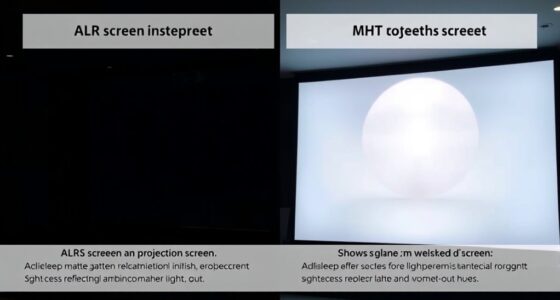
Ambient light considerably impacts how your screen appears, as it can either enhance or diminish image clarity and contrast. When ambient light is high, glare and reflections can wash out screen details, reducing overall screen performance. Conversely, in low-light environments, images become sharper and more vibrant, provided your screen can adjust brightness accordingly. Understanding the role of ambient light helps you select the right screen material and settings to optimize visibility and contrast. Matte screens, for example, reduce glare in bright rooms, improving screen performance under challenging lighting conditions. Brightness and anti-reflective coatings are also vital factors. By managing ambient light effectively, you guarantee consistent image quality, making your viewing experience clearer and more comfortable regardless of your environment.
Determining the Ideal Screen Size for Your Space

Choosing the right screen size depends on the space where you’ll use it and how you’ll view content. To determine the *essential* size, consider the viewing distance—generally, the screen should be about 1.5 to 2.5 times the diagonal measurement away from your seating area. Proper projection alignment is *vital*; *assure* the screen fits the room’s dimensions and aligns correctly with your projector. Your mounting options will affect the final size, so verify whether wall-mounting or ceiling installation offers the stability needed for larger screens. Keep in mind that a screen too small may strain your eyes, while one too large can overwhelm the space. Measure your room carefully, and factor in viewing angles to find the *perfect* balance for a comfortable viewing experience.
Evaluating Screen Material Durability and Maintenance

Once you’ve selected the right screen size and placement, it’s important to contemplate how durable the screen material is and what maintenance it requires. Screen material flexibility plays a crucial role in durability, as more flexible materials can better withstand bending, folding, or accidental impacts. Manufacturing processes substantially influence longevity; high-quality processes ensure stronger, more resilient screens that resist wear and tear over time. Regular maintenance, such as cleaning with appropriate solutions and avoiding harsh abrasives, prolongs the lifespan of your screen. Consider options like UV-resistant or waterproof materials if your environment demands it. Additionally, understanding how automation in business affects manufacturing processes can help you choose materials that are better suited to withstand technological advancements. By understanding how Manufacturing processes affect material strength and choosing flexible options when necessary, you can ensure your screen remains functional and visually appealing for years. Incorporating advanced manufacturing techniques can further enhance the durability and performance of your screen materials over time. Moreover, selecting materials with superior manufacturing quality can significantly extend their service life and reduce replacement costs, especially when combined with innovative material formulations that improve resilience.
Comparing Material Reflectivity: Matte vs. Glossy Finishes

Material reflectivity substantially impacts the visual quality and usability of your screen, with matte and glossy finishes offering distinct advantages. A glossy finish reflects more light, producing vibrant colors and sharp images, ideal for bright rooms. However, it can create glare, making viewing difficult from certain angles. On the other hand, a matte finish reduces reflections, minimizing glare and preventing fingerprints, which enhances comfort in well-lit environments.
- Glossy finish delivers richer color contrast and sharper details.
- Matte finish minimizes glare and reflections for easier viewing.
- Glossy screens are more prone to fingerprints and smudges.
- Matte finishes help maintain clarity in bright lighting conditions.
The Impact of Viewing Distance on Screen Choice
Your viewing distance plays a essential role in selecting the right screen material because it affects how you perceive image quality and comfort. If you sit close, matte screens reduce glare and enhance viewing comfort, while glossy screens may cause unwanted reflections. For larger distances, glossy surfaces can boost perceived contrast and color vibrancy, improving overall experience. Proper screen installation also depends on distance, ensuring ideal angles and minimal eye strain. Consider this table to guide your choice:
| Viewing Distance | Recommended Screen Material | Key Benefit |
|---|---|---|
| Close (1-3 ft) | Matte | Reduces glare |
| Moderate (3-6 ft) | Matte or semi-gloss | Comfort and clarity |
| Far (6+ ft) | Glossy | Enhanced contrast |
| Variable | Adjustable coatings | Versatile use |
| Critical setup | Professional installation | Perfect viewing comfort |
Additionally, understanding the appropriate screen material for your viewing distance can help prevent eye strain and improve your overall enjoyment. Incorporating ergonomic considerations such as proper height and angle can further enhance comfort during extended use. When selecting screen materials, it’s important to consider compatibility with lighting conditions, ensuring optimal viewing regardless of ambient light. Modern screen materials also include options with antireflective coatings, which are especially beneficial when viewing in brightly lit environments. Awareness of industry trends can help you select the most suitable options for your setup.
Calculating Brightness and Color Accuracy Requirements
Understanding how to calculate brightness and color accuracy is essential for selecting a screen that meets your specific viewing needs. You need to guarantee proper color calibration for true-to-life colors and assess light uniformity for consistent brightness across the display. To do this, consider factors like the ambient lighting conditions, the intended use (e.g., professional editing or casual viewing), and the screen’s maximum brightness levels. Additionally, evaluate the color gamut to match your project’s color accuracy requirements. Regular calibration helps maintain accuracy over time, while understanding light uniformity ensures no areas appear dimmer or discolored. Recognizing appliance testing and compatibility can also help you avoid screens with discoloration or uneven brightness issues. Being aware of monitor calibration tools enables precise adjustments and sustained accuracy. Exploring industry standards and benchmarks can further refine your calibration process and ensure your display meets professional criteria. Being aware of exploration and adventure quotes can inspire you to approach your calibration process with curiosity and dedication. Keep these key points in mind to choose a screen that delivers ideal brightness and precise color reproduction.
Practical Tips for Matching Screen Material to Your Project Goals
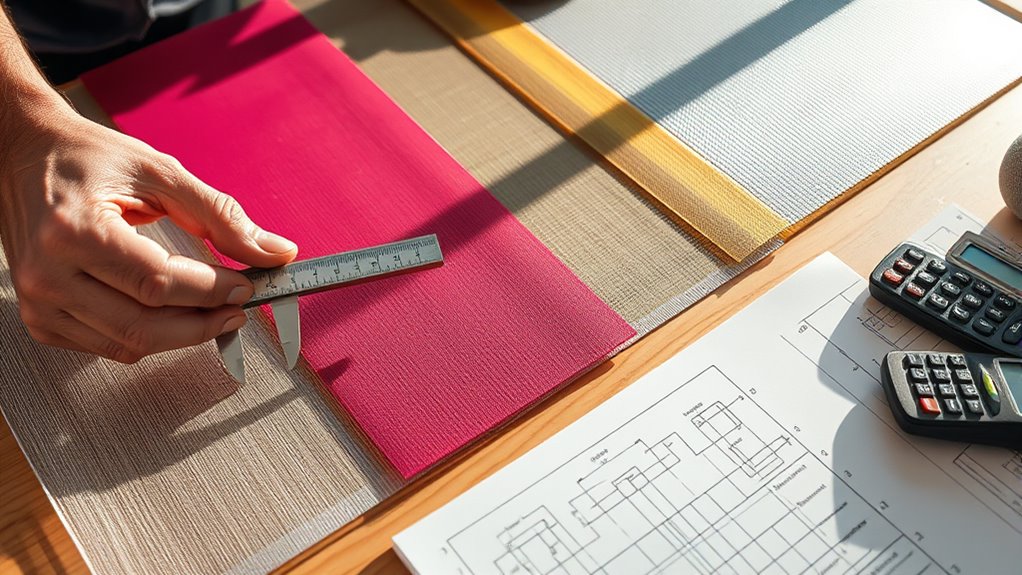
To select the right screen material, start by evaluating your environment’s lighting and exposure conditions. Consider how the visual impact aligns with your space and audience, then appraise the durability needed for your setting. Making these considerations ensures you select a material that meets both your project goals and practical needs.
Assessing Environmental Conditions
How do environmental conditions influence your choice of screen material? They play a vital role in determining the right screen type for your setup. High ambient luminance can wash out images, so selecting a screen with low reflectance helps maintain brightness and contrast. Conversely, in darker rooms, a screen with higher reflectance can improve visibility without glare. Consider how sunlight or artificial lighting affects your viewing area; glare can diminish image quality.
Key factors include:
- Adjusting for ambient luminance to prevent glare or dullness
- Choosing a screen with appropriate reflectance levels
- Ensuring the screen material minimizes unwanted reflections
- Matching screen reflectance to your environment to optimize contrast and clarity
Assessing these conditions helps you pick a material that delivers the best viewing experience.
Considering Visual Impact
Matching your screen material to your project goals is essential for creating the desired visual impact. The right choices in screen color and material texture can enhance clarity, contrast, and overall aesthetics. Bright colors like white or light gray reflect more light, ideal for vibrant displays, while darker tones reduce glare. Texture influences how light interacts with the surface; smooth finishes offer sharp images, whereas textured surfaces diffuse light for softer visuals. Consider your environment and content when selecting. Here’s a quick comparison:
| Aspect | Suggested Approach |
|---|---|
| Screen Color | Bright for vivid visuals; dark for glare reduction |
| Material Texture | Smooth for sharp images; textured for diffusion |
Matching Durability Needs
Choosing the right screen material depends on how durable your project needs to be. If your goal is long-lasting performance, consider materials that resist tearing and weathering. For projects prioritizing vibrant color saturation, opt for fabrics that maintain vivid visuals over time. Installation flexibility is also key—some materials are easier to install in tight or irregular spaces, reducing setup time.
- Select sturdy fabrics if outdoor durability is essential
- Choose flexible materials for complex or changing installations
- Prioritize high color saturation for visual impact
- Match material strength to environmental exposure levels
Balancing these factors guarantees your screen remains effective, visually appealing, and durable throughout its lifespan.
Frequently Asked Questions
How Does Screen Material Affect Energy Consumption?
The screen material directly impacts your energy efficiency because it influences how much heat and light pass through. Durable materials maintain their properties longer, reducing the need for replacements and saving energy over time. By choosing a high-quality, well-insulated screen material, you can lower your energy consumption, improve overall efficiency, and guarantee your system runs smoothly without frequent maintenance or replacements.
Can Different Screen Materials Be Combined for Optimal Performance?
Yes, you can combine different screen materials for ideal performance, but you must consider material compatibility to guarantee they work well together. Mixing materials can enhance features like durability and light control, but it also impacts aesthetics. Carefully select materials that complement each other, balancing performance and appearance. When done right, this combination opens new possibilities, giving you a customized solution that’s both functional and visually appealing.
What Environmental Factors Influence Screen Material Longevity?
Environmental factors like UV degradation and thermal expansion profoundly impact your screen material’s longevity. Sun exposure causes UV rays to break down materials over time, reducing clarity and strength. Temperature fluctuations lead to thermal expansion and contraction, which can cause warping or cracking. To maximize durability, choose materials with UV-resistant coatings and good thermal stability, and protect your screens from prolonged direct sunlight and extreme temperature changes.
How Do Screen Materials Impact Audio Quality in Integrated Systems?
Imagine you’re in the 80s listening to your favorite mixtape. Screen materials influence audio quality by affecting acoustic transparency and material density. A screen with high acoustic transparency allows sound to pass through without distortion, while denser materials can muffle audio. Choosing the right material guarantees clear, immersive sound in your integrated system, making sure your audio experience remains crisp and true to life, even amid the nostalgia.
Are Certain Materials Better for Outdoor Versus Indoor Screens?
Certain materials are better for outdoor screens because they address durability concerns, like weather resistance and UV stability, ensuring longevity. For indoor screens, aesthetic considerations matter more, so you might choose sleek, lightweight materials that blend seamlessly with your decor. Outdoor screens need tough, weatherproof materials, while indoor options can prioritize visual appeal and ease of installation. Always balance durability and aesthetics based on your specific environment.
Conclusion
Understanding screen materials can boost your viewing experience considerably. Did you know that choosing the right material can improve brightness and contrast by up to 20%? By mastering these calculations and considerations, you’ll guarantee your setup meets your needs perfectly. Whether it’s for home theater or presentations, making informed choices makes all the difference. So, take these tips, get calculating, and enjoy a clearer, more vibrant display every time.