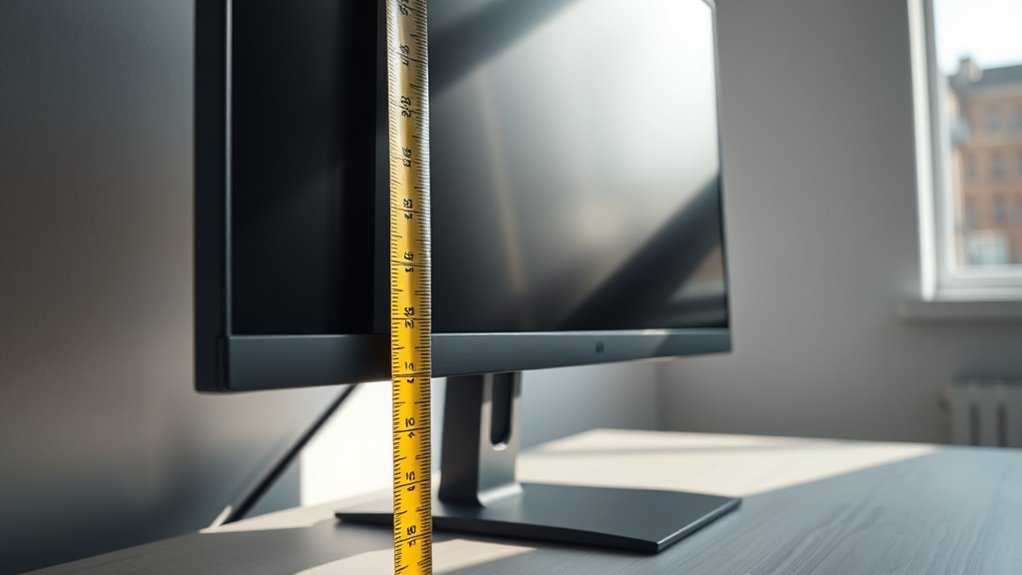

To calculate the perfect screen height, start with your desired width based on your space or design needs. Divide that width by the aspect ratio’s width component (like 16), then multiply by the height component (such as 9). This guarantees your display maintains the correct proportions. Keep pixel density in mind to match resolution with physical size for sharp visuals. If you want to get it just right, there’s more to think about—continue to explore for detailed guidance.
Key Takeaways
- Determine the desired display width based on available space or design needs.
- Use the aspect ratio (e.g., 16:9) to calculate the corresponding height by dividing width by the ratio’s width component and multiplying by its height component.
- Consider pixel density (PPI) to convert physical dimensions into pixel resolution for clarity.
- Select an appropriate resolution (e.g., 4K, 1080p) to align with the calculated physical size for optimal display quality.
- Adjust the screen height to ensure it fits the space while maintaining the correct aspect ratio for a perfect view.

Understanding how to calculate screen height is essential for designing displays that fit perfectly in your space. When you’re selecting or creating a screen, it’s crucial to consider the aspect ratio, which is the proportional relationship between the width and height of the display. The aspect ratio determines how the image appears and influences the overall dimensions you need to accommodate. For example, a common aspect ratio like 16:9 means that for every 16 units of width, there are 9 units of height. Knowing this ratio helps you accurately determine the height once you know the width, or vice versa.
Understanding aspect ratio helps determine accurate display height and ensures proper proportions.
Pixel density, measured in pixels per inch (PPI), also plays a significant role in calculating screen height, especially if you’re aiming for a specific resolution or clarity. Higher pixel density results in sharper images, but it also affects the physical size of the display. When designing or choosing a screen, you’ll need to consider how pixel density interacts with the aspect ratio to achieve the desired visual quality and size. For instance, if you’re working with a 4K resolution (3840 x 2160 pixels), and you know your pixel density, you can calculate the physical height of the display more precisely.
To calculate the screen height, start with the width you want for your display, which could be based on your space limitations or design preferences. Divide that width by the aspect ratio’s width component to find the height. For example, if your display’s width is 60 inches and you’re using a 16:9 aspect ratio, divide 60 by 16 to get approximately 3.75. Then, multiply that number by 9 to find the height, which results in about 33.75 inches. This method ensures your display maintains the correct proportions and fits within your designated space.
Remember that pixel density influences how large the physical display appears at a given resolution. If you’re working with digital content that has a fixed resolution, adjusting the size to match your pixel density ensures the image looks sharp and clear without unnecessary size. Conversely, if you’re designing a display from scratch, factoring in pixel density helps you determine the optimal physical dimensions to achieve the desired resolution and visual quality. Additionally, understanding vetted design principles can help optimize your display specifications for the best viewing experience.

XHF 120 PCS Adhesive Cable Wire Clips Black, Outdoor Christmas Light Clips, Cable Management Wire Organizer Cord Holder for Under Desk, Car, Wall, TV PC Ethernet Cable
- High quality material:XHF Adhesive Cable Clips are manufactured...
- Widely used: USB Cable, Ethernet Cable, Outdoor...
- Size: Base 5/8" x 5/8", inner...
As an affiliate, we earn on qualifying purchases.
Frequently Asked Questions
What Is the Ideal Viewing Distance for Different Screen Sizes?
For ideal viewing, sit about 1.5 to 2.5 times the screen’s diagonal size away. For a 27-inch monitor, that’s roughly 3 to 5 feet. Keep color calibration consistent and consider panel curvature; curved screens often allow closer viewing without distortion. Adjust your distance for comfort and image clarity, ensuring your eyes aren’t strained. This setup enhances your experience with sharper images and better immersion.
How Does Screen Resolution Affect Optimal Height Calculations?
The resolution impact means higher resolutions, like 4K, increase pixel density, making images sharper. This affects ideal height calculations because a higher pixel density allows you to sit closer without noticing pixelation, influencing your ideal viewing position. You should adjust your screen height based on resolution to maximize clarity and comfort, ensuring the display’s details are sharp and easy to view without straining your eyes.
Are There Ergonomic Guidelines for Screen Height in Workplaces?
Yes, ergonomic guidelines recommend positioning your screen to promote good ergonomic posture and prevent eye strain. You should place the top of your monitor at or just below eye level, with your screen about an arm’s length away. This helps you keep your neck and shoulders relaxed while reducing eye fatigue. Following these guidelines guarantees comfortable, healthy working conditions and minimizes the risk of discomfort or injury over time.
Can Adjustable Stands Improve Viewing Comfort and Accuracy?
Yes, adjustable stands can markedly improve your viewing comfort and accuracy. They allow you to customize your screen’s height, aligning with ergonomic design principles to reduce strain on your neck and eyes. Using adjustable mounts, you can easily find the ideal position, promoting better posture and productivity. This flexibility ensures your workspace adapts to your needs, making long hours more comfortable and preventing discomfort or injury over time.
How Do Lighting Conditions Influence Optimal Screen Height?
Did you know that improper lighting can cause eye strain in up to 70% of computer users? Ambient lighting greatly influences your ideal screen height by reducing glare and reflections that cause discomfort. When lighting conditions are dim or overly bright, you should adjust your screen height to minimize glare and eye strain. Proper positioning, combined with ambient lighting adjustments, ensures a comfortable viewing experience and protects your eyesight during long sessions.

SOULWIT 50Pcs Self Adhesive Cable Management Clips - Black
- 🔷SUPER EASY TO USE: Stick to clean surface, open...
- 🔷PREMIUM MATERIAL: Made from eco-friendly Polyamide66 material,...
- 🔷STICKY IN MANY SURFACES: Works on all clean surfaces...
As an affiliate, we earn on qualifying purchases.
Conclusion
Now that you know how to calculate the perfect screen height, imagine your display sitting just at eye level, like a window opening to a clear, unobstructed view. Every glance feels effortless, as if the screen becomes an extension of your own vision. With this simple adjustment, your workspace transforms into a seamless landscape of comfort and clarity. So, set your screen just right, and enjoy a balanced, immersive experience every time you sit down.

120PCS XHF Adhesive Cable Wire Clips White, Cable Staples Outdoor Cable Management Wire Organizer Cord Holder for Under Desk, Car, Wall, TV PC Ethernet Cable
- High quality material:XHF Adhesive Cable Clips are manufactured...
- Widely used: USB Cable, Ethernet Cable, Outdoor...
- Size: Base 5/8" x 5/8", inner...
As an affiliate, we earn on qualifying purchases.

ULTIMEA 5.1CH Surround Sound Bar System with Dolby Atmos, Poseidon M60
- Simplified 5.1ch Dolby Atmos Setup: Enjoy immersive 4D sound with...
- Voice Clarity Enhancement: VoiceMX technology uses advanced DSP...
- 300W Output with 6-Driver System: Featuring five precision-tuned full-range drivers...
As an affiliate, we earn on qualifying purchases.