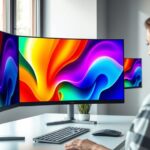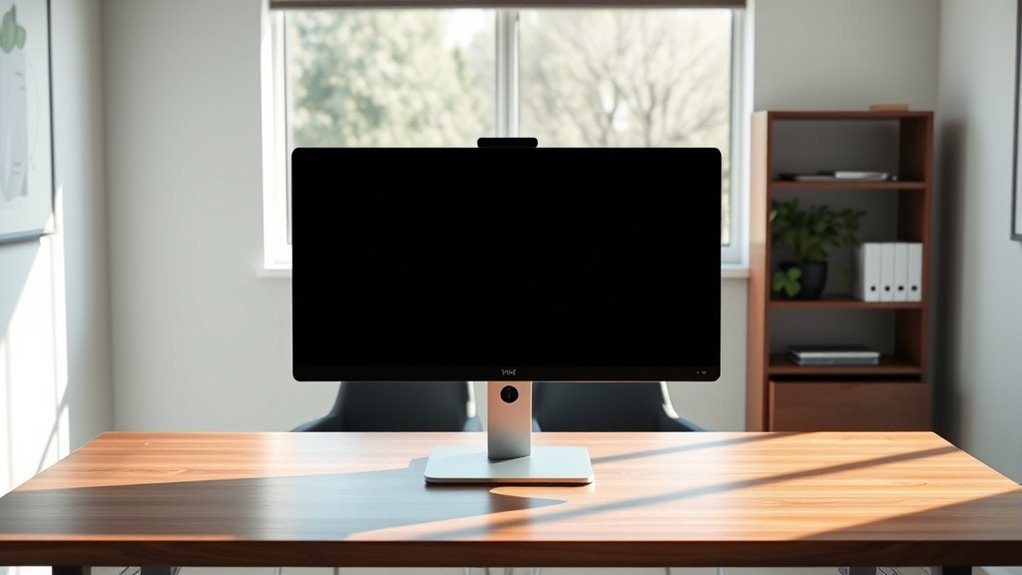

For ideal eye-level viewing, position your monitor so that the top of the screen is roughly in line with your eyes, which helps reduce neck and eye strain. Keep the screen about an arm’s length away to minimize effort and guarantee clarity. Adjust the height using an adjustable stand or mount if needed. Proper setup supports good posture and long-term comfort. If you want to learn more about achieving the perfect screen height, keep exploring these tips.
Key Takeaways
- Position the top of the monitor at or slightly below eye level for natural, relaxed viewing.
- Ensure your eyes align with the upper third of the screen for optimal ergonomic posture.
- Use adjustable stands or mounts to achieve precise height and reduce neck strain.
- Maintain a comfortable arm’s length distance from the screen to minimize eye fatigue.
- Adjust screen height considering desk, chair, and lighting to prevent glare and promote visual comfort.
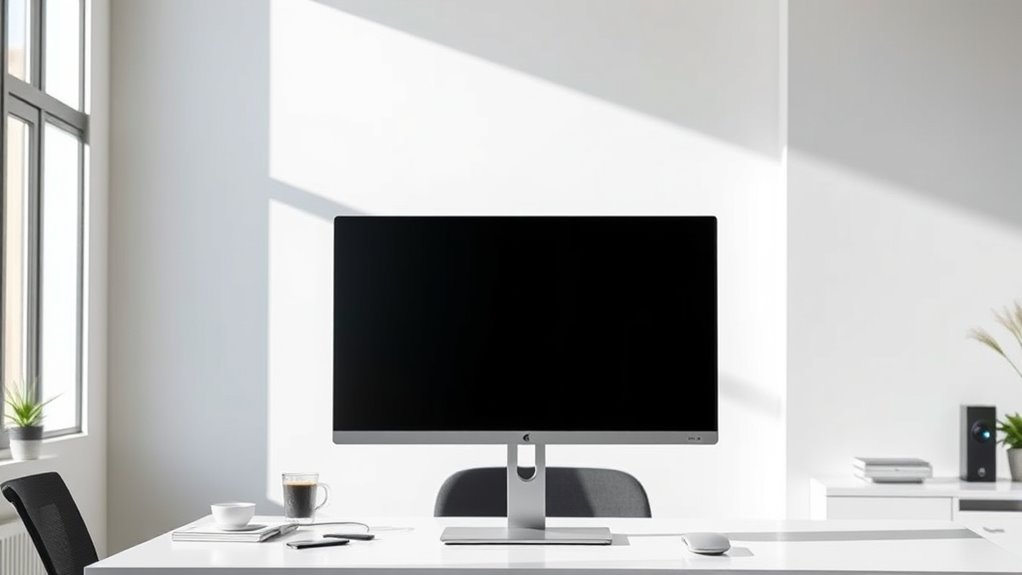
Determining the ideal screen height is essential for creating a comfortable and ergonomic viewing experience. When your screen is positioned at eye level, you reduce strain on your neck and eyes, promoting better posture and long-term comfort. An optimal setup aligns your eyes with the top third of your monitor, ensuring you don’t have to tilt your head up or down to see the content clearly. This positioning minimizes unnecessary movements and helps you maintain a relaxed, natural posture during extended periods of work or entertainment.
Position your screen at eye level, aligning with the top third for comfortable, ergonomic viewing.
A proper ergonomic setup starts with adjusting your screen height so that your gaze naturally falls on the middle or upper third of the display. When your monitor is too low, you tend to look down, which can cause neck pain and fatigue over time. Conversely, if it’s too high, you might crane your neck upward, leading to discomfort and potential strain. By setting your screen at the correct height, you support your cervical spine and reduce muscular tension. This, in turn, enhances your overall comfort and allows you to focus better on your tasks without distraction caused by discomfort.
Your visual comfort depends heavily on the height of your screen. When positioned correctly, your eyes stay at a comfortable distance from the display, typically around arm’s length, with the top of the screen roughly at your eye level. This setup minimizes glare, reflections, and eye strain because your eyes aren’t constantly adjusting to different focal lengths or angles. It also helps prevent dry eyes and headaches that often result from prolonged screen time. For those working long hours, investing time in adjusting your monitor’s height can considerably improve your productivity and well-being. Additionally, incorporating ergonomic principles into your workspace setup can further optimize comfort and reduce the risk of musculoskeletal issues over time.
Adjusting your monitor isn’t just about aesthetics; it’s about creating an environment where you can work or enjoy media comfortably for hours. Use a stand or adjustable mount to find the perfect height, and consider factors like your chair height and desk setup. Your goal should be to keep your neck relaxed, shoulders down, and eyes level with the screen’s upper third. This way, you’re less likely to develop musculoskeletal problems or experience discomfort that can distract you from your tasks. Remember, an ergonomic setup is a proactive step toward healthier habits and sustained visual comfort, making your overall experience more enjoyable and less fatiguing.
Frequently Asked Questions
How Does Screen Height Affect Neck Posture Over Time?
If your screen height isn’t proper, it can cause your neck to strain over time, leading to discomfort or pain. Maintaining an ergonomic wrist positioning helps you stay relaxed and prevents additional tension. A screen at eye level also reduces eye strain mitigation efforts, keeping your neck aligned and comfortable. Adjusting your monitor height regularly guarantees you avoid long-term posture issues, promoting better overall health and productivity during work or leisure activities.
What Is the Best Screen Height for Multitasking?
Think of your desk setup as a symphony where every instrument matters. For multitasking, position your screen so the top is slightly below eye level, allowing you to glance effortlessly across tasks. This reduces eye strain and keeps your neck relaxed. Keep your monitor at a height that encourages natural, fluid movement—your eyes shouldn’t be working against gravity. A well-placed screen makes multitasking feel seamless, like a perfectly tuned instrument.
Does Screen Size Influence Optimal Viewing Height?
Yes, screen size does influence your ideal viewing height. Larger screens often require ergonomic adjustments to guarantee your eyes stay level with the top of the display, promoting visual comfort. When you set your screen height appropriately, regardless of size, you reduce neck strain and eye fatigue. Keep in mind that a bigger screen might need a slightly higher or lower position to maintain ergonomic efficiency and maximize visual comfort during extended use.
How Do Ergonomic Principles Vary for Different User Heights?
Imagine your workspace as a tailored suit; ergonomic principles must fit your height. You should use adjustable mounts and ergonomic accessories to customize your setup, ensuring your monitor’s height aligns with your eye level. For taller users, raise the screen slightly, while shorter individuals might need it lower. This personalized approach reduces strain, boosts comfort, and keeps you focused, no matter your height.
Are There Specific Recommendations for Gaming or Creative Work?
For gaming and creative work, you should prioritize eye level to reduce eye strain and enhance visual comfort. Keep your screen about an arm’s length away, and make certain the top of the monitor is roughly at your eye level. Adjust the tilt for a comfortable viewing angle, and use adjustable stands if possible. These tips help maintain focus, reduce fatigue, and keep your eyes comfortable during long sessions.
Conclusion
To keep your neck comfortable, aim for your screen to be at eye level. Did you know that poor screen positioning can lead to neck strain and headaches in up to 60% of office workers? By adjusting your monitor to this ideal height, you can reduce discomfort and boost productivity. Remember, a simple adjustment now can prevent long-term pain later. Prioritize your posture—your body will thank you!