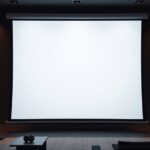

Many believe ALR screens are always brighter and better, but that’s not true—performance depends on room lighting, installation, and material quality. White screens struggle in bright environments, and higher cost doesn’t always mean better. Not all ALR screens are the same; some are fragile and less suitable for regular use. Color accuracy is similar on white screens, and no special equipment is needed for ALR setups. Keep exploring to uncover the real facts behind these misconceptions.
Key Takeaways
- ALR screens are not inherently brighter; perceived brightness depends on installation quality and projector settings.
- White screens can perform well in controlled lighting with proper calibration, contrary to the belief they always wash out in bright rooms.
- Durability varies; ALR screens are more fragile and prone to damage, requiring careful handling compared to more robust white screens.
- Higher cost ALR screens often provide better contrast and consistent performance, but lower-cost options may underperform regardless of color.
- Screen hue has less impact on image quality than ambient light management and proper calibration, which are crucial for optimal viewing.
ALR Screens Are Always Brighter Than White Screens
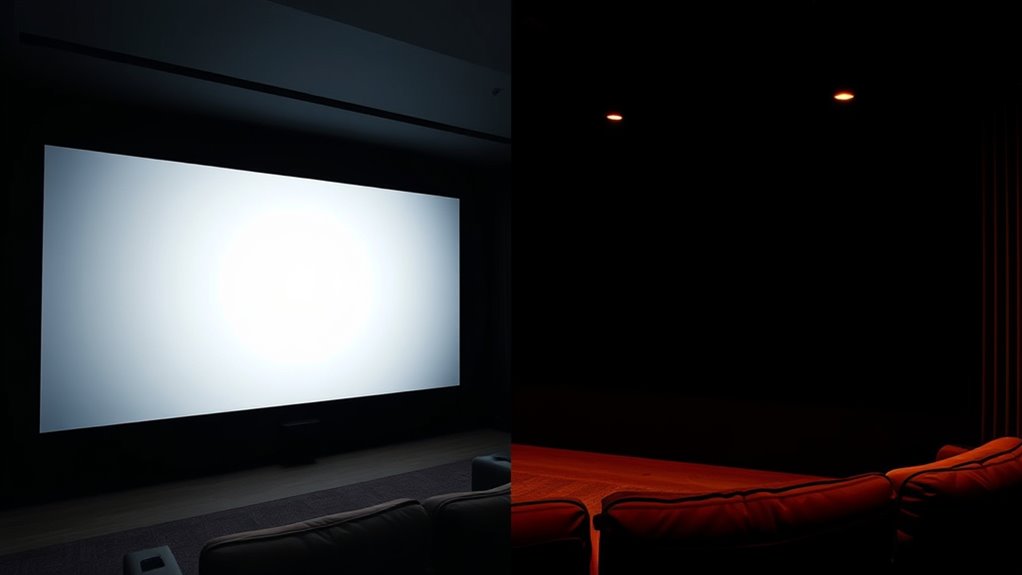
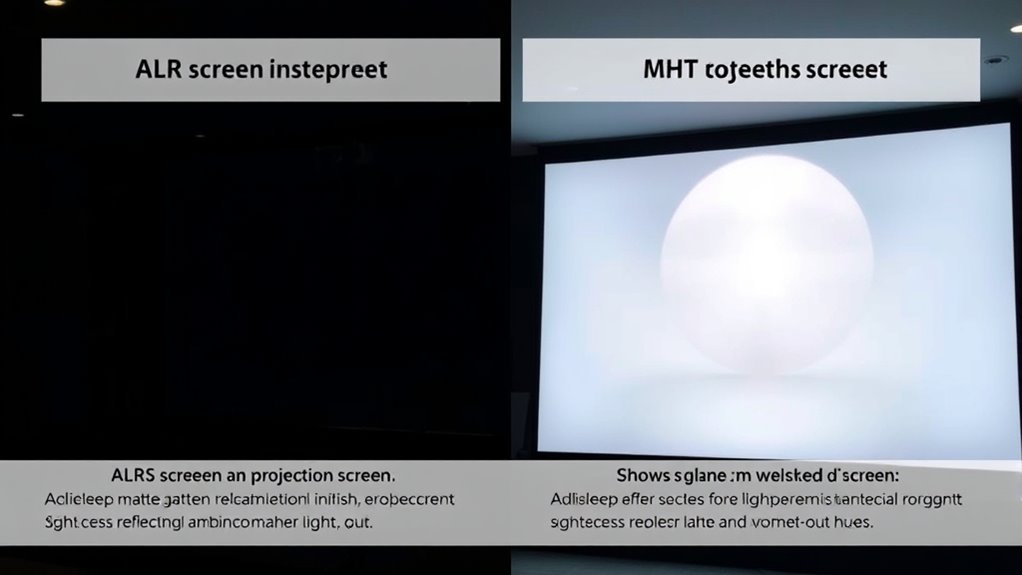
One common misconception is that ALR screens are always brighter than white screens. While ALR screens are designed to improve contrast by rejecting ambient light, their brightness depends on the screen installation and projector settings. ALR screens often appear brighter in controlled lighting conditions, but this isn’t solely due to inherent brightness. Ambient lighting plays a significant role; in bright rooms, ALR screens can maintain better contrast, but in darker settings, white screens may look equally or more vibrant. The key is understanding that brightness isn’t just about the screen surface but also how well the screen handles ambient lighting. Proper screen installation ensures maximum performance, helping ALR screens deliver impressive contrast without necessarily being brighter in every environment. Additionally, color accuracy influences perceived brightness and overall image quality, affecting how vibrant and lifelike the projected image appears.
White Screens Don’t Perform Well in Bright Rooms
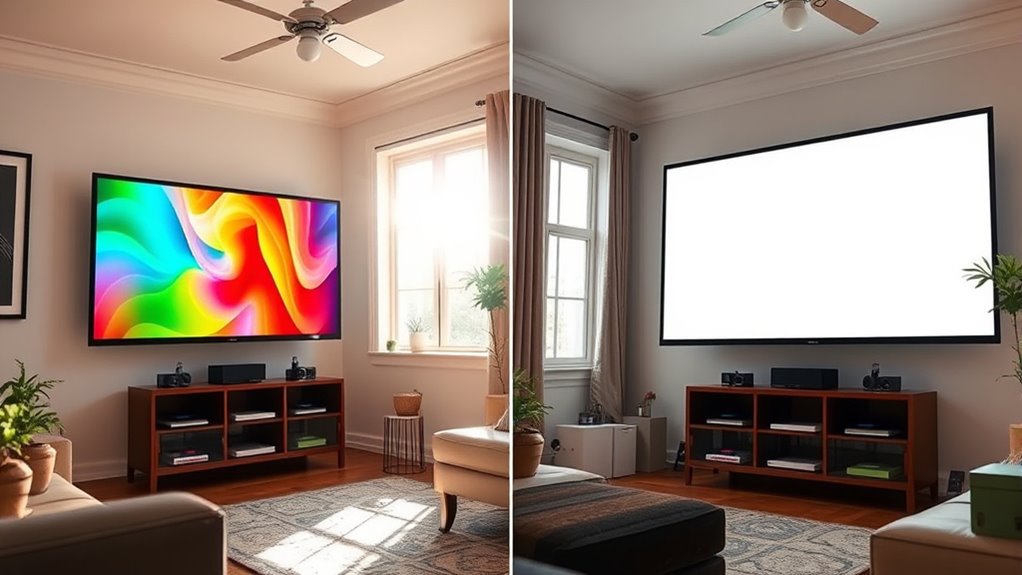
While ALR screens excel at handling ambient lighting, white screens struggle in bright rooms. Their lack of reflective properties makes them less effective when ambient lighting increases, causing washed-out images and reduced contrast. To get the best performance, consider these points:
- Bright environments demand higher contrast and color accuracy, which white screens can’t reliably provide.
- Ambient lighting quickly diminishes white screen visibility, requiring you to dim the room or increase projector brightness.
- Screen durability matters, as white screens tend to degrade faster under intense light exposure, affecting image quality over time. Proper screen material selection can mitigate some of these issues.
- Properly managing ambient light and understanding screen materials can significantly impact your viewing experience.
- Additionally, the lighting conditions of your room play a critical role in determining whether a white screen will meet your needs.
- Investing in appropriate screen types designed for high ambient light environments can improve performance and longevity.
- Recognizing how ambient light management strategies can enhance your viewing setup is essential for achieving optimal picture quality.
Higher Cost Means Better Quality for ALR Screens
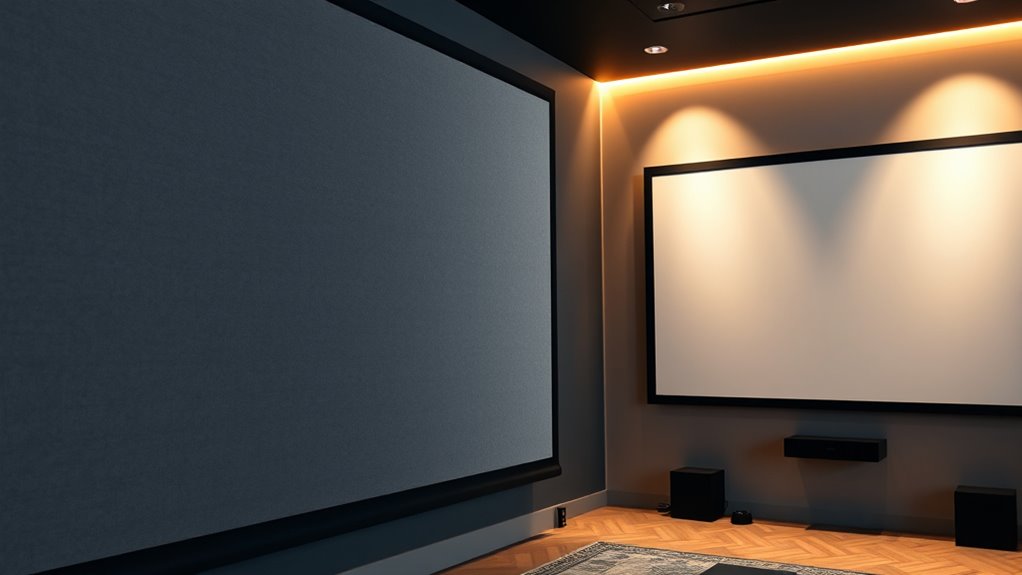
Higher-quality ALR screens typically come with a steeper price tag, but that investment often translates into better performance. When comparing costs, you’ll notice that premium options often feature advanced materials that enhance brightness and contrast. These screens are designed to withstand frequent use, reducing durability concerns over time. To visualize, consider this table:
| Cost Range | Durability | Performance |
|---|---|---|
| Budget | Moderate | Basic |
| Mid-tier | Good | Improved |
| Premium | Excellent | Superior |
While the higher price may seem intimidating, it usually guarantees a longer lifespan and better viewing experience, making it a worthwhile investment for those seeking top-tier quality. Additionally, selecting higher-end ALR screens can contribute to a more consistent and reliable viewing experience, which is crucial for high-quality home theaters or professional settings. The use of advanced materials in premium screens often results in less color distortion and better ambient light rejection, further enhancing overall performance.
All ALR Screens Are the Same in Terms of Performance
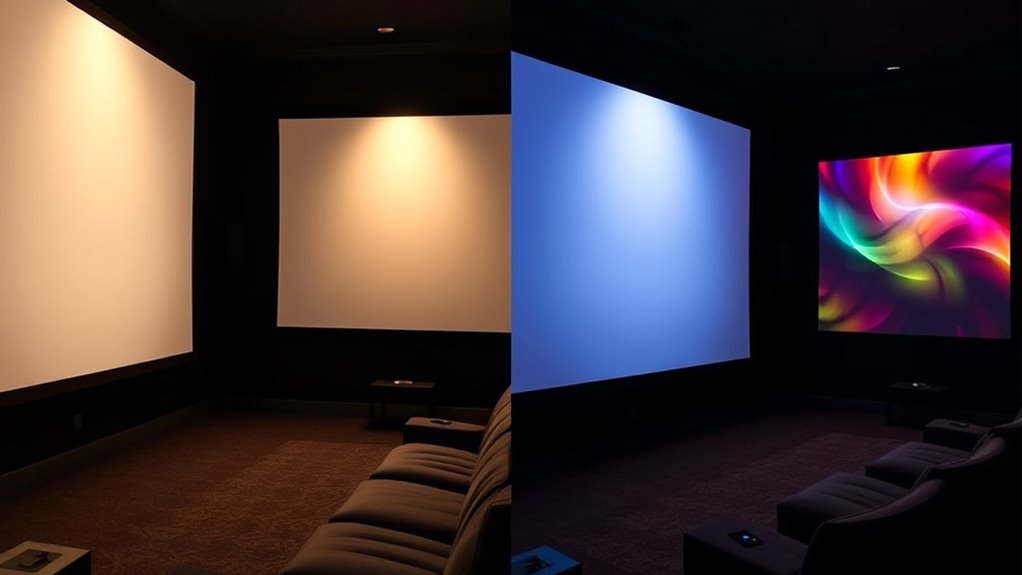
Many assume that all ALR screens deliver the same performance, but in reality, this isn’t the case. Variations in screen material can considerably impact brightness, contrast, and viewing angles. For example:
- Different materials absorb or reflect light uniquely, affecting image quality. This variability is often due to the specific material composition used in manufacturing ALR screens.
- Installation considerations, such as angle and mounting, influence how well the screen handles ambient light.
- Not all ALR screens are optimized for the same room conditions, meaning some may underperform in your environment. The performance characteristics of each screen depend heavily on its material properties.
- The type of headphones used with audio-visual setups can also influence the overall viewing and listening experience, especially in home theater environments.
- The choice of material quality in ALR screens plays a crucial role in overall performance and durability.
Understanding that performance varies based on these factors is essential. A high-quality ALR screen with the right material and proper installation will outperform a generic one. Don’t assume all ALR screens are equal—your setup and choice matter.
White Screens Are Only Suitable for Dark Room Setups
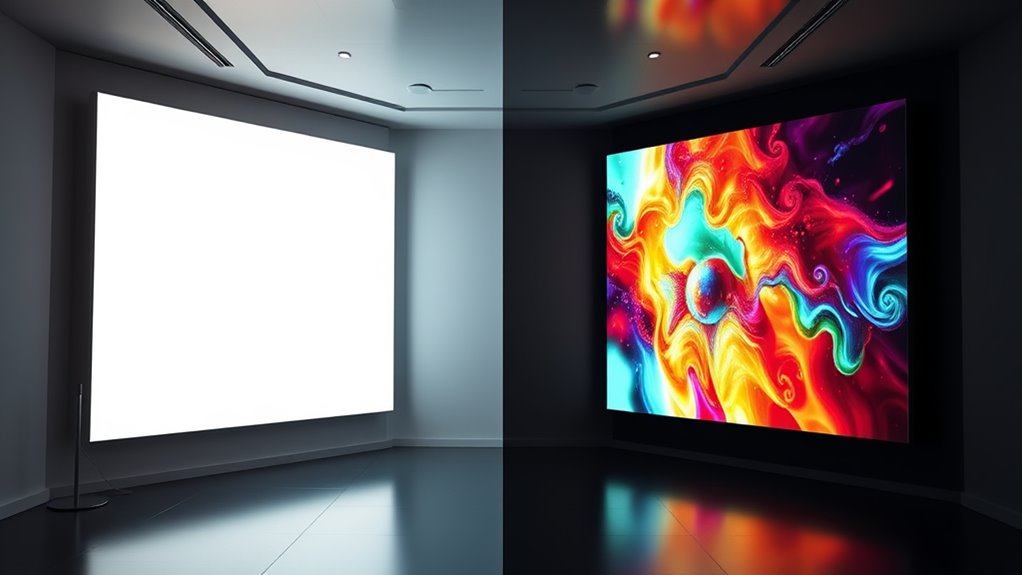
White screens are often thought to be suitable only for dark room setups, but that’s not entirely true. While ambient lighting can wash out images on a white screen, proper screen calibration can considerably improve visibility in brighter environments. Adjusting contrast and brightness ensures the image remains clear even when there’s some ambient light. Additionally, using high-gain white screens can help reflect more light, making them viable in moderately lit rooms. It’s essential to think about your space’s lighting conditions and calibrate your screen accordingly. You don’t need complete darkness to enjoy good picture quality on a white screen, but understanding how ambient lighting affects your setup and optimizing your screen calibration can make a big difference. Incorporating automation technologies into your setup can also help optimize image settings based on the environment, further enhancing viewing quality. Moreover, selecting the right screen material and gain level can significantly impact how well your white screen performs under various lighting conditions.
The Color of the Screen Doesn’t Affect Image Quality
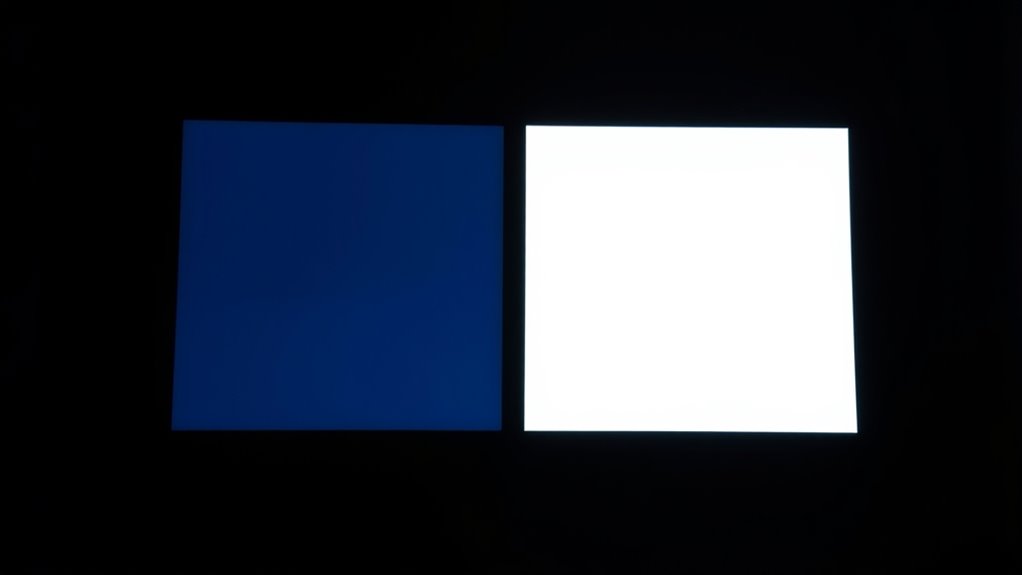
The color of your screen doesn’t necessarily impact the overall image quality. Instead, factors like brightness, clarity, and color accuracy play a bigger role in your viewing experience. Material and finish also influence how well the image appears, regardless of the screen’s hue. Additionally, understanding visual vibrational energy can help you optimize your display settings for a more engaging experience. Recognizing how screen calibration affects image presentation can further enhance your viewing quality. Proper calibration techniques, including adjusting color temperature and contrast, can improve the perceived contrast and color fidelity, leading to a more immersive viewing environment. Moreover, paying attention to ambient lighting can significantly influence how images appear on your screen, helping to create a balanced visual setting.
Brightness and Clarity
Although the screen’s color might influence its appearance, it doesn’t impact the overall brightness or clarity of the image. Brightness and clarity depend mainly on factors like ambient light and contrast ratio. To optimize your viewing experience: 1. Minimize ambient light to prevent glare and improve perceived brightness. 2. Choose a screen with a high contrast ratio for better distinction between dark and light areas. 3. Remember that screen color doesn’t affect clarity—it’s about proper lighting and contrast adjustments. 4. Additionally, understanding Vetted – Grobal World products like high-quality screens can help in selecting the right display for your needs. A white or ALR screen won’t increase brightness if your room is brightly lit, but managing ambient conditions can make the image sharper. Proper lighting plays a crucial role in enhancing visual clarity, regardless of the screen’s hue. Clarity relies more on these factors than on the screen’s hue, helping you enjoy crisp, clear visuals regardless of screen color.
Color Accuracy Impact
While ambient light and contrast settings influence how sharp and bright your image appears, the color of your screen doesn’t impact its overall image quality. Your projector’s color accuracy depends mainly on proper color calibration, not the screen itself. ALR and white screens are designed to reflect light differently but don’t alter the inherent color fidelity of the projected image. If your ambient lighting conditions cause color shifts or distortions, it’s a calibration issue, not a screen type problem. Focus on adjusting your projector’s color settings to ensure accurate hues and tones. The screen’s role is primarily to optimize brightness and contrast, while color accuracy hinges on calibration and the projector’s capabilities, not the screen’s color. Proper screen setup can also influence perceived image quality, but it doesn’t change the actual color fidelity.
Material and Finish
Choosing between ALR and white screens isn’t about color; instead, it’s about the materials and finishes used. The screen material affects how light interacts with the surface, influencing contrast and brightness. Finish options also play a vital role in how well you see details and color accuracy.
Consider these points:
- The type of screen material determines reflectivity and glare resistance.
- Finish options like matte or semi-gloss influence ambient light handling.
- Proper selection of material and finish enhances image clarity regardless of screen color.
Ultimately, the right combination of screen material and finish options can optimize your viewing experience, making image quality less dependent on color and more on surface treatment.
ALR Screens Are Too Fragile for Regular Use
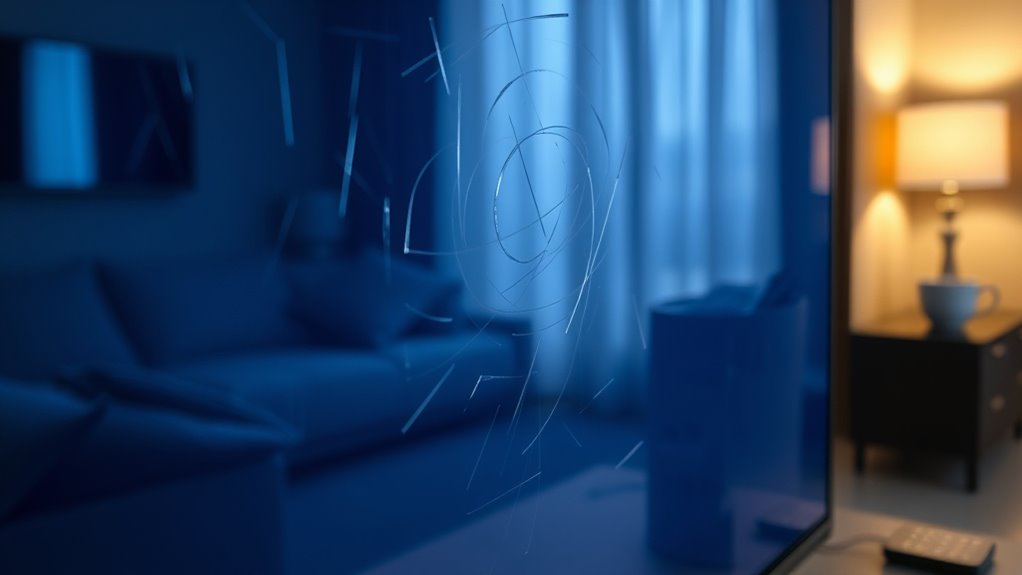
ALR screens tend to be more delicate than traditional white screens, making them less suitable for everyday use. Their fragile construction raises durability concerns, especially if you plan to use the screen frequently or in high-traffic areas. You might find that they scratch or dent more easily, which can diminish image quality over time. Additionally, ALR screens often have higher maintenance requirements; you need to handle them carefully during cleaning and installation to prevent damage. Regular use can accelerate wear and tear, leading to costly repairs or replacements. If you want a screen that withstands daily handling without fuss, a more robust white screen may be a better choice. Ultimately, consider how often you’ll use the screen before opting for an ALR type.
White Screens Offer Better Color Accuracy Than ALR Screens

White screens typically provide superior color accuracy compared to ALR screens, making them ideal for detailed and vibrant images. This advantage stems from their ability to reflect light evenly, which enhances color calibration. When ambient light is controlled, white screens maintain consistent hues and contrast, ensuring true-to-life visuals.
White screens deliver superior color accuracy and consistent visuals, especially in controlled environments with ambient light management.
Consider these points:
- White screens offer more precise color reproduction, vital for photo editing or cinematic detail.
- Ambient light has less impact on their color accuracy, especially in controlled environments.
- Their simplicity allows for easier calibration, resulting in consistent, vibrant images without specialized equipment.
If you prioritize accurate colors and minimal interference from ambient light, white screens are the better choice for your setup.
You Don’t Need Special Equipment to Use ALR Screens
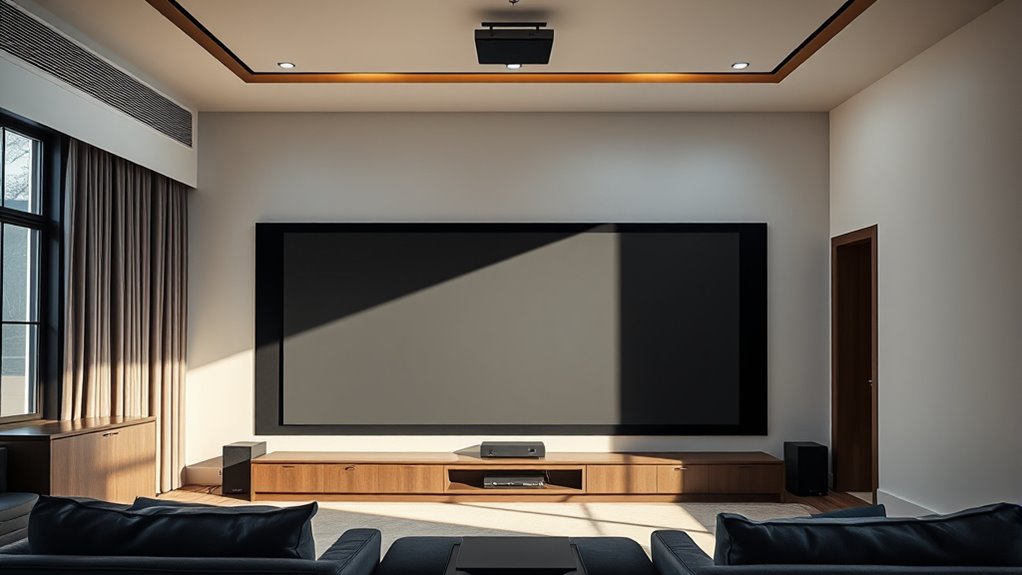
Unlike white screens, ALR (Ambient Light Rejection) screens are designed to perform well even without specialized equipment. You don’t need expensive projectors or complex setups to get great image quality. This makes ALR screens a cost-effective choice, especially if you’re mindful of budget and installation requirements. You can typically install them using standard mounting tools, avoiding additional costs or professional help.
| Aspect | Details |
|---|---|
| Cost considerations | Lower overall costs, no need for extra equipment |
| Installation requirements | Easy to mount with basic tools, no specialized gear |
| Equipment needed | None beyond typical mounting hardware |
| Performance in light | Improved, even without special projectors |
| Maintenance | Similar to white screens, minimal extra effort |
Frequently Asked Questions
Can ALR Screens Be Used Outdoors Effectively?
Yes, ALR screens can be used outdoors effectively if they have excellent outdoor durability and weather resistance. You should look for screens specifically designed to withstand moisture, UV rays, and temperature fluctuations. Proper installation and protective covers can also extend their lifespan outdoors. While not all ALR screens are suited for outdoor use, those with high weather resistance perform well in outdoor environments, providing clear images even under challenging conditions.
How Does Ambient Light Affect White Screen Performance?
Ambient light considerably impacts white screen performance by reducing screen contrast, making images appear washed out or less vibrant. When there’s a lot of ambient light in your environment, it’s harder to see details clearly, especially on a white screen. To improve viewing quality, control ambient lighting or choose a screen with higher gain or better contrast capabilities. This ensures your display remains sharp and vivid, even in bright settings.
Are There Any Health Concerns With Reflective Screens?
Like a lighthouse cutting through fog, reflective screens can cause screen glare, leading to eye strain if you’re not careful. While they don’t pose significant health risks, prolonged exposure to glare may cause discomfort or headaches. To protect your eyes, take regular breaks, adjust screen brightness, and make certain of proper ambient lighting. Being mindful of these factors helps you enjoy your viewing experience without unnecessary strain or concerns.
Do ALR Screens Require Special Mounting or Setup?
You don’t need special mounting requirements for ALR screens, but proper setup considerations are essential. Make certain the screen is securely mounted on a flat, stable surface to prevent sagging or damage. Position the screen at the right height and angle for maximum viewing, and avoid placing it in direct sunlight or near reflective surfaces. Following these setup considerations helps you achieve the best image quality and longevity from your ALR screen.
Can White Screens Be Improved With Screen Paint or Coatings?
Yes, white screens can be improved with screen paint or coating enhancements. Applying specialized screen paint can boost brightness, contrast, and color accuracy, making your display more vibrant and clearer. Coating enhancements help reduce glare and improve image quality, especially in bright environments. Just guarantee you choose high-quality, compatible products designed for projection screens to maximize the benefits and achieve a professional look without compromising image clarity.
Conclusion
So, next time you buy a screen, remember that brighter isn’t always better, and more expensive doesn’t mean superior. Don’t be fooled by the myths—your perfect setup isn’t about chasing the latest hype. Whether you choose ALR or white, it’s all about knowing what suits your space. Ironically, the biggest mistake is thinking any one option is the absolute answer. Sometimes, simple truths make the best picture.