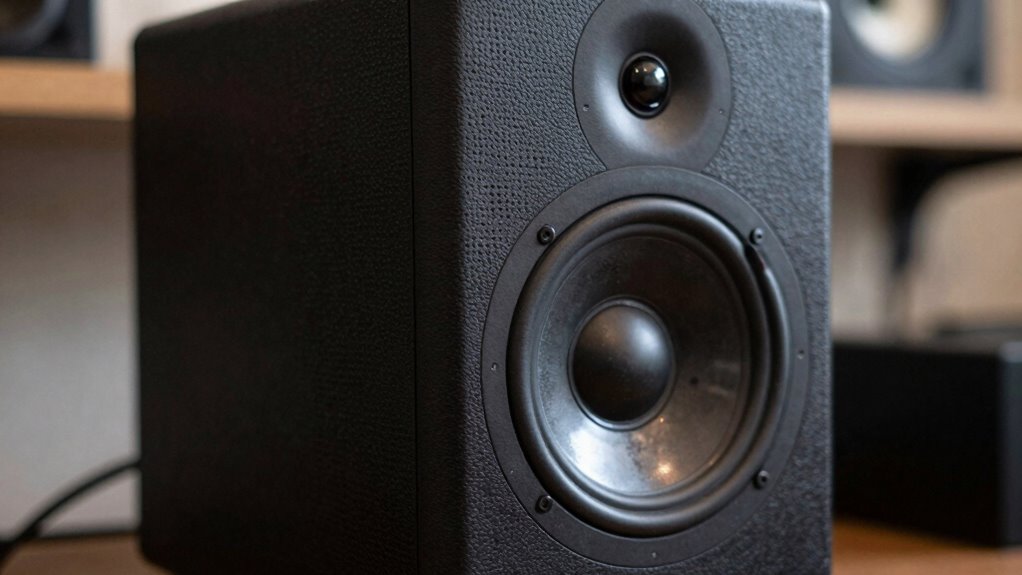

Your audio often sounds small or narrow because technical limitations and setup choices block you from experiencing a full soundstage. Poor speaker placement, room reflections, and unbalanced frequency response flatten spatial cues, making your sound seem confined. Volume, dynamic range, and equalization also play big roles in creating fullness and depth. If you keep exploring how to optimize your system and space, you’ll discover proven techniques to expand your sound and make it feel more immersive.

Get business pricing on your home office setup
- Business-only prices and quantity discounts
- Tax-exempt purchasing
- Multiple users, one account, clear invoices
Key Takeaways
- Poor stereo separation and channel imbalance limit spatial cues, making the soundstage feel confined.
- Inadequate room treatment and speaker placement reduce reflections and reflections, shrinking perceived sound size.
- Lack of proper equalization and calibration diminishes frequency response, flattening the stereo image.
- Technical deficiencies like compression and low-quality recordings weaken depth and dynamic range.
- Insufficient volume or dynamic contrast reduces spatial perception, making audio feel flat and small.
Why Does My Audio Sound Tiny or Narrow?
Have you ever noticed that your audio sounds small or narrow, like it’s coming from a tiny speaker? That’s often due to how your brain perceives spatial cues in sound. When audio lacks proper depth or width, your brain struggles with spatial perception, making the sound seem confined. Auditory illusions, like missing stereo separation or poor channel balance, can trick your mind into hearing a narrow soundstage. If your speakers or headphones don’t create enough stereo image, your brain doesn’t fill in the gaps, resulting in a tiny or closed-in sound. To improve this, you need to enhance the spatial cues your system provides. When your brain perceives a wider and more open sound, your audio feels larger and more immersive. Understanding spatial perception and how it relates to audio spatialization can help you adjust your setup for a more expansive listening experience. Additionally, adjusting stereo imaging settings can significantly boost the perceived width of your audio environment.
How Do Soundstage and Stereo Imaging Make Your Sound Feel Bigger?
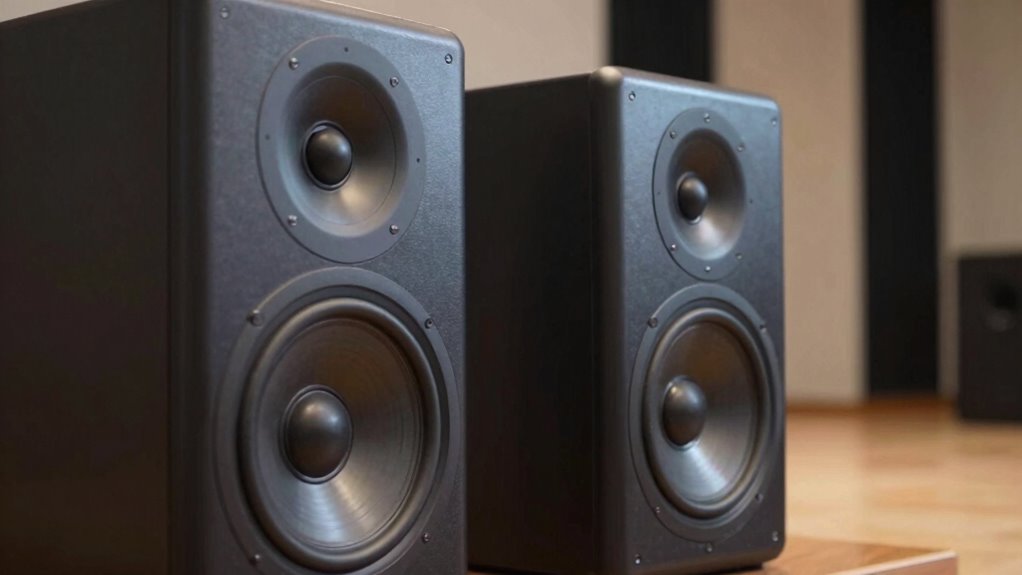
Soundstage and stereo imaging are key to making your audio feel bigger and more immersive. They create a sense of space and direction, making sounds appear wider and more precise. When stereo width is enhanced, your music feels like it extends beyond the speakers, adding depth. Imaging precision ensures each instrument and vocal is accurately placed, increasing realism. To understand this better, consider the following:
| Aspect | Effect | Result |
|---|---|---|
| Stereo Width | Expands sound across the listening space | Bigger, more open sound |
| Imaging Precision | Accurate placement of sounds | Clearer, more defined image |
| Combined Effect | Increased sense of space and depth | Immersive listening experience |
Enhancing these elements taps into the sound symbolism of your recordings, creating a more vivid and lifelike experience. Additionally, understanding how soundstage manipulation influences perception helps optimize your audio setup for maximum impact. Developing an awareness of spatial cues can further improve your ability to perceive and enjoy a more natural sound environment. Recognizing the importance of audio calibration can also significantly improve overall sound quality and spatial accuracy. Fine-tuning your system and paying attention to listener position can dramatically improve the perception of space and clarity in your audio.
How Can Equalization and Frequency Range Improve Fullness?
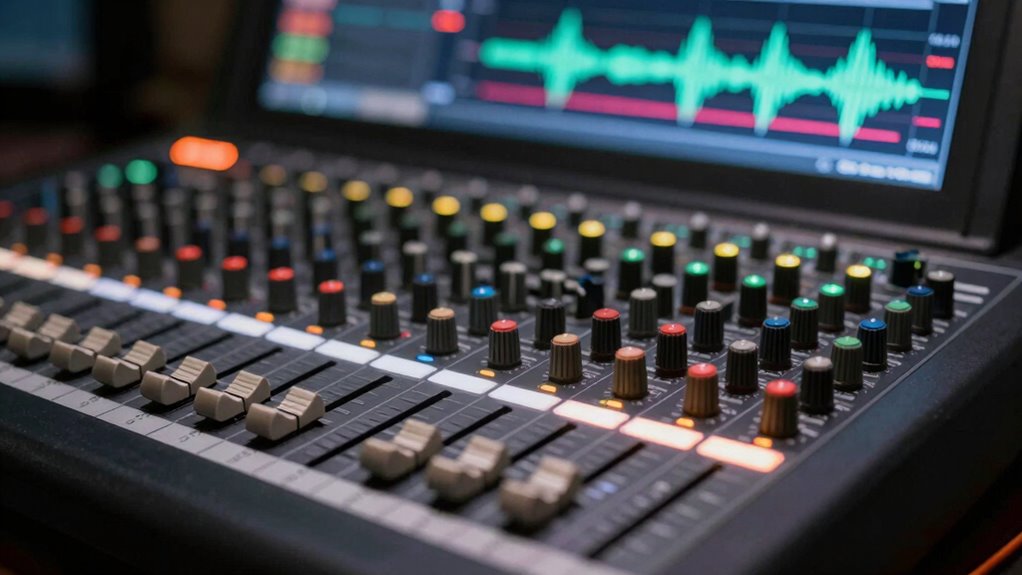
You can make your audio sound fuller by boosting midrange frequencies, which add warmth and presence. Using high-pass filters helps eliminate unnecessary low-end rumble, tightening the overall sound. Balancing the full spectrum ensures no frequency range overwhelms the mix, creating a richer listening experience. Additionally, understanding how growth mindset principles can influence your approach to sound engineering can foster a more adaptable and creative process. Recognizing the importance of classic arcade games and their nostalgic appeal can inspire creative choices in your sound design. Embracing audio perception concepts can further enhance your ability to craft a more immersive and full-bodied sound, especially when considering how visual art trends influence multimedia projects. Exploring sound frequency ranges and their effects can also help in fine-tuning your mix for optimal fullness.
Boost Midrange Frequencies
Boosting midrange frequencies can considerably enhance the fullness of your audio. This range is where most vocals and instruments reside, so elevating it makes your sound more present and natural. Be cautious with audio compression, as over-compression can cause frequency masking, where certain sounds hide behind others and lose clarity. By carefully increasing midrange levels, you can reduce this masking effect, revealing details that make your mix sound richer and more balanced. Proper equalization ensures that no frequency range dominates or gets buried, giving your audio more depth. Focus on boosting the right midrange frequencies rather than broad boosts, which can cause muddiness. When done correctly, this technique creates a fuller, more engaging sound that feels alive and well-rounded. Additionally, aligning your sound with your life purpose and soul mission can help you achieve a more authentic and satisfying auditory experience. An understanding of frequency range and its impact on sound can further refine your approach to achieving optimal fullness. Incorporating audio clarity techniques can also help highlight important elements and create a more immersive listening experience. Exploring the different equalization methods can provide tailored solutions to enhance specific aspects of your audio.
Use High-Pass Filters
High-pass filters are a powerful tool for shaping the overall fullness of your audio. By adjusting the frequency cutoff, you can remove unnecessary low-end rumble or muddiness that masks clarity. This process clears space for the essential frequencies, allowing your mix to sound more open and balanced. Proper use of high pass filters helps prevent overlapping sounds that cause congestion, making your audio feel more expansive. When setting the frequency cutoff, consider the natural roll-off point of each instrument or vocal. This ensures you retain warmth without sacrificing clarity. Additionally, understanding frequency range helps you identify which parts of the spectrum to target for optimal results. Recognizing how spectral balance influences perceived fullness can further guide your equalization choices. Regularly checking your aero purifier maintenance status can also serve as a reminder to maintain a clean and clear audio environment, free from dust and contaminants that could affect sound quality. Being aware of sound reflection within your recording space can further enhance the effectiveness of your equalization choices. Moreover, experimenting with different filter slopes can help you achieve a more natural sound transition across frequencies.
Balance Full Spectrum
Have you ever wondered how balancing the full spectrum of frequencies can make your audio sound richer and more vibrant? Proper speaker calibration ensures each frequency range is accurately represented, preventing muddiness or thinness. Room treatment plays a crucial role by reducing reflections and resonances that can skew your sound. When you optimize your room’s acoustics, you allow the full range of audio signals to come through clearly, enhancing fullness. Equalization can help fine-tune the balance, emphasizing underrepresented frequencies and taming harsh peaks. Additionally, understanding audio spectrum analysis allows you to identify specific frequency issues and address them more precisely. Together, these steps create a more natural, full-bodied sound that fills the space without distortion. By focusing on full spectrum balance through calibration and room treatment, you’ll experience a richer, more immersive listening experience.
How Do Volume and Dynamic Range Affect Spaciousness?
Your listening volume and the range between quiet and loud sounds directly shape how spacious your audio feels. When you adjust volume levels, you enhance the sense of depth, making the soundstage feel larger. A well-balanced dynamic range creates contrast, guiding your perception of space and preventing the sound from feeling cramped.
Volume Levels Influence Depth
When you turn down the volume, the sense of depth in your audio often diminishes, making the sound feel more flat and less immersive. Lower volume levels reduce perceived loudness, which can blur spatial cues and flatten the stereo image. This change influences listener expectations, causing your brain to interpret the sound as less expansive. To maintain depth, it is crucial to find a balanced volume that preserves dynamic nuances. Proper volume levels help distinguish layers within the mix, enhancing spatial perception. Adjusting volume thoughtfully ensures that subtle details contribute to a more realistic and three-dimensional soundstage.
- Perceived loudness directly impacts spatial awareness
- Listener expectations shape how depth is perceived
- Volume fluctuations affect dynamic range perception
- Consistent volume preserves subtle spatial cues
- Balancing volume enhances overall spaciousness
Dynamic Range Creates Contrast
Dynamic range plays a crucial role in creating contrast within your audio, making different elements stand out and giving the sound a sense of space. When you control the dynamic contrast, you guide the listener’s attention and enhance the emotional impact of the music or dialogue. A wide dynamic range allows softer sounds to breathe alongside louder ones, adding depth and dimension. This variation prevents your audio from feeling flat or small, providing a more immersive experience. Without enough dynamic contrast, everything sounds compressed and dull, reducing the perception of spaciousness. By carefully managing dynamic range, you create sonic moments that surprise and engage your audience. Ultimately, dynamic contrast not only emphasizes key elements but also makes your audio feel more alive and expressive.
Balance Affects Perception
The way volume levels and dynamic range are balanced can substantially influence how spacious your audio feels. When you adjust these elements carefully, you enhance stereo width and improve the overall sense of space. Proper volume balance ensures that no single instrument dominates, allowing the soundstage to breathe. A well-managed dynamic range emphasizes contrasts, making details more perceptible and increasing perceived depth. Pay attention to frequency balance, as an uneven mix can flatten stereo width and diminish spaciousness. Consider these factors:
- Maintaining consistent volume levels across tracks
- Using dynamic range to highlight spatial cues
- Ensuring an even frequency balance for clarity
- Enhancing stereo width through panning techniques
- Avoiding overly compressed audio that reduces dynamic contrast
How Do Speaker Placement and Room Acoustics Influence Sound Size?

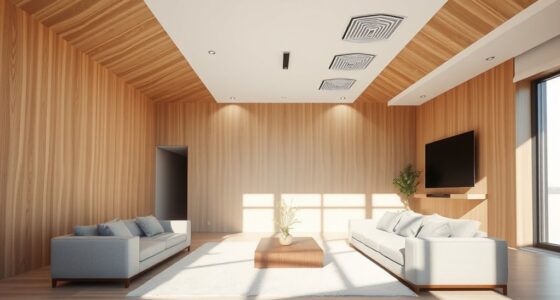
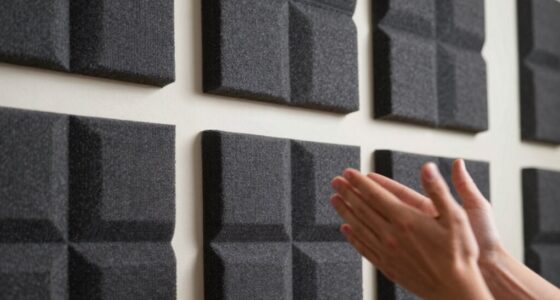
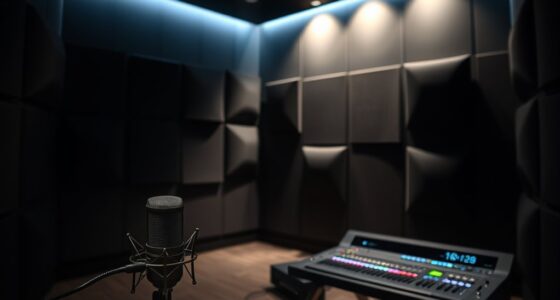
Speaker placement and room acoustics play crucial roles in how large or small your audio sounds. Your room dimensions influence how sound waves reflect and interact, affecting perceived size. If speakers are too close to walls or corners, bass frequencies can become boomy or exaggerated, making the sound feel smaller or less natural. Proper speaker positioning involves placing them at ear level, equidistant from your listening spot, and away from reflective surfaces. This setup promotes clearer sound and a more expansive feel. Additionally, room acoustics—like absorbent panels or diffusers—help manage reflections that can shrink the perceived soundstage. By optimizing both room dimensions and speaker placement, you can greatly enhance the sense of space and immersion in your audio experience.
What Technical Factors Limit Your Audio’s Immersiveness?
Have you ever wondered why your audio lacks depth or feels somewhat flat? Technical factors play a big role in limiting your sound’s immersiveness. Poor channel separation can blur spatial cues, making it harder for your brain to pinpoint sound sources. Inadequate frequency response restricts the richness of audio, dulling psychoacoustic effects that create a sense of space. Low-quality recordings or compression reduce dynamic range, diminishing the perception of depth. Additionally, a lack of proper soundstage design can flatten the audio landscape. Consider these factors:
- Limited spatial cues due to mono or improper stereo setup
- Insufficient frequency response affecting psychoacoustic effects
- Compression artifacts reducing dynamic range
- Poor channel separation impairing sound localization
- Subpar room acoustics hindering accurate spatial perception
Tips to Make Your Audio Sound Bigger and More Expansive
To make your audio sound bigger and more expansive, focus on enhancing the sense of space and depth within your listening environment. Effective room treatment can reduce reflections and standing waves, creating a clearer soundstage. Additionally, headphone tuning can help optimize sound perception, making your audio feel more immersive. Experiment with positioning speakers and adding diffusers or absorbers to improve room acoustics. For headphone users, try using equalization or specialized tuning apps to widen the perceived soundstage. Here’s a quick guide:
| Tip | Technique | Result |
|---|---|---|
| Room treatment | Add diffusers and absorbers | Reduce reflections, expand soundstage |
| Speaker placement | Position speakers away from walls | Improve imaging and depth |
| Headphone tuning | Use EQ or apps for sound shaping | Broaden perceived space |
Applying these tips can markedly boost the size and expansiveness of your audio.
When Should You Upgrade Your Equipment for a Fuller Sound?
Ever wonder if it’s time to upgrade your audio equipment for a fuller, more immersive sound? If you notice your music feels compressed or lacks depth, it’s probably a sign. Consider upgrading when:
- Your current gear struggles with high audio compression, reducing clarity.
- Headphone quality no longer meets your expectations for full soundstage.
- You experience fatigue or discomfort during long listening sessions.
- You find yourself adjusting volume constantly to compensate for thin audio.
- Your system can’t reproduce low frequencies accurately, making sound feel small.
Upgrading equipment can restore richness and spatiality, especially if your current setup limits sound expansion. Paying attention to headphone quality and minimizing audio compression can elevate your listening experience, making your audio feel full and lively again.
Frequently Asked Questions
Can Software Enhancements Improve the Perceived Size of My Audio?
Yes, software enhancements can improve the perceived size of your audio. By using spatial imaging techniques, you can create a sense of width and depth, making your sound more expansive. Psychoacoustic tricks, like reverb and delay, also trick your brain into perceiving a larger soundstage. These tools help your audio feel bigger and more immersive, even if the actual recording is relatively small.
How Does Headphone Listening Differ From Speakers in Soundstage Perception?
Headphone hearing hones in on hyper-focused headphone imaging, creating an intimate, precise soundstage that feels close-up. Speakers, however, spread sound across the space through strategic speaker placement, allowing you to perceive a wider, more natural soundscape. While headphones deliver detailed, direct audio, speakers offer a sense of space and separation. Both methods shape how you perceive sound, but each excels in creating different dimensions of soundstage perception.
Are There Specific Genres That Benefit More From Sound Expansion Techniques?
Yes, certain genres benefit more from sound expansion techniques. For example, electronic, orchestral, and ambient music often leverage genre-specific effects to create immersive soundscapes. You’ll notice that these techniques enhance listener preferences by adding depth and space, making the experience more engaging. If you enjoy dynamic, atmospheric sound, experimenting with sound expansion can markedly improve your enjoyment and bring out the full potential of your favorite genres.
What Role Do Room Dimensions Play in Audio Spatial Perception?
Imagine recording in a rectangular room with poor acoustic treatment; the shape creates standing waves that distort spatial perception. Room dimensions influence how sound waves bounce and interact, affecting stereo width and depth. A larger, well-treated space improves spatial perception, making audio feel more immersive. Proper acoustic treatment and understanding your room shape help you avoid sound reflections that can make your audio seem small or flat.
How Can I Identify if My Audio Equipment Is Limiting My Sound Experience?
You can tell if your audio equipment limits your sound experience by paying attention to speaker placement and equipment quality. If sounds seem narrow, lack depth, or don’t fill the room, your speakers might be poorly positioned or of lower quality. Upgrading to better equipment and experimenting with speaker placement can markedly improve your audio experience, making it sound fuller and more immersive.
Conclusion
If your audio still feels tiny despite tweaks, remember, you’re not alone—many struggle with this. With the right adjustments to soundstage, placement, and equipment, you can transform your listening experience from a whisper to a thunderous roar. Don’t settle for a sound that’s as flat as a pancake when it has the potential to fill every corner of your room like a sonic tidal wave. Keep experimenting, and you’ll open a truly immersive audio universe.
Fall Picks
fall essentials
As an affiliate, we earn on qualifying purchases.