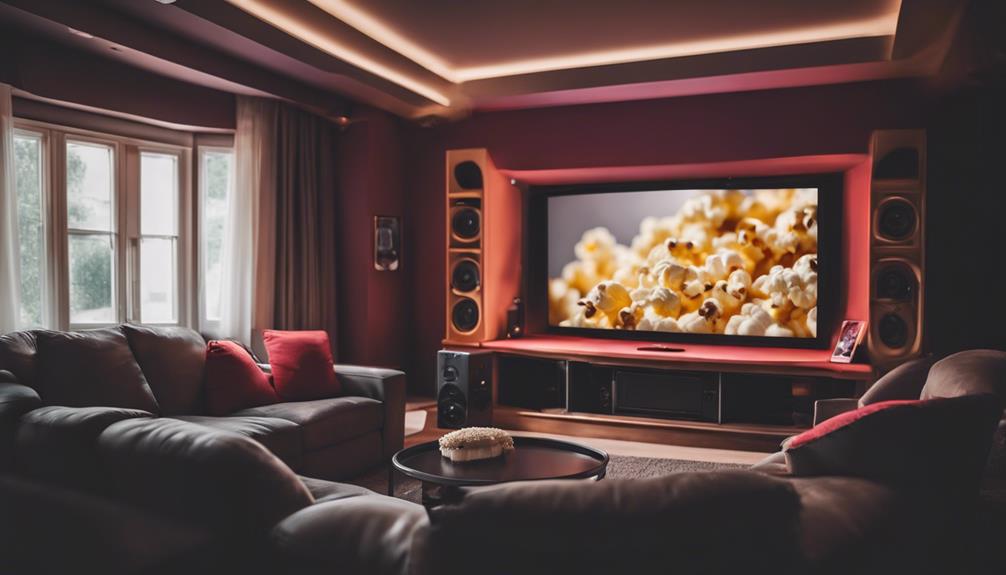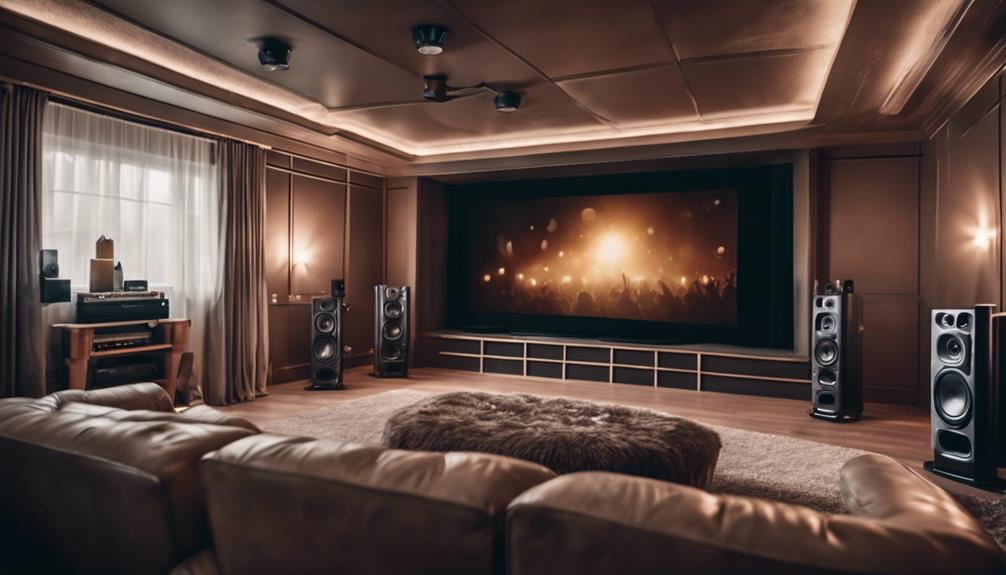
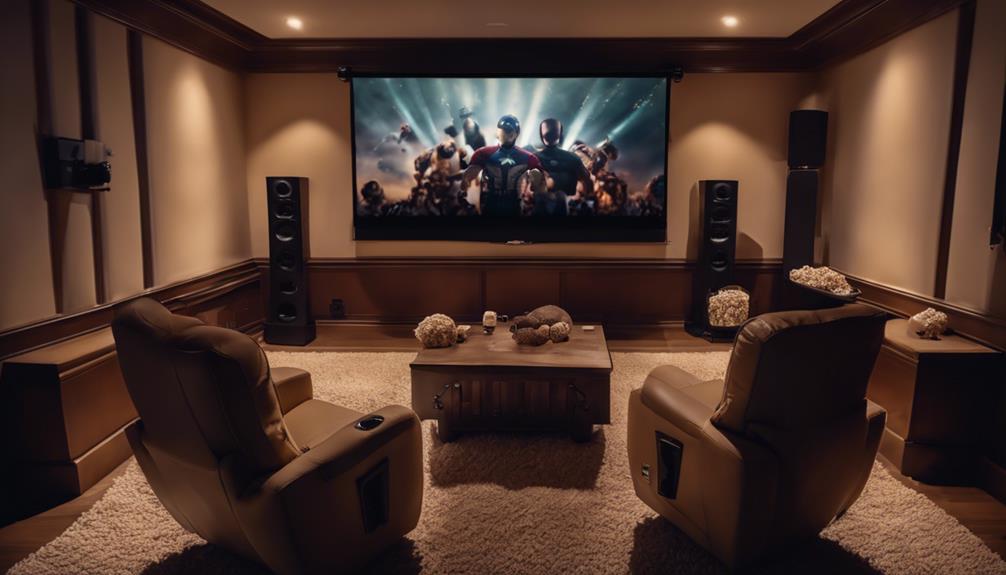
To properly place speakers in your home cinema for best sound, start by positioning your front speakers 6 to 10 feet apart at ear level, angled inward by about 30 degrees. Align the center channel with the TV screen's midpoint. Surround speakers should be positioned 90 to 110 degrees off-axis, ideally at ear level. For the subwoofer, use the "subwoofer crawl" technique to find the most effective bass response location, keeping it away from walls to reduce muddiness. Don't forget to calibrate your system for balanced performance. Keep exploring for tips on maximizing your audio experience even further!

Get business pricing on your home office setup
- Business-only prices and quantity discounts
- Tax-exempt purchasing
- Multiple users, one account, clear invoices
Key Takeaways
- Position front speakers 6 to 10 feet apart with tweeters at ear level for optimal sound clarity.
- Angle front left and right speakers inward by about 30 degrees to enhance the soundstage.
- Place surround speakers at 90 to 110 degrees off-axis for a 5.1 setup, ensuring they are at ear level.
- Experiment with subwoofer placement using the "subwoofer crawl" technique to find the best bass response location.
Products Worth Considering

Bose SoundLink Flex (2nd Gen) Portable Bluetooth Speaker

Bose TV Speaker (2nd Gen) Compact Soundbar with Bluetooth and HDMI

Ring Alarm 8-Piece Kit (2nd Gen) Home Security System
As an affiliate, we earn on qualifying purchases.
Understanding Room Acoustics
To create an immersive home cinema experience, you need to understand how room acoustics—shaped by size, shape, and furnishings—affect sound quality. The way sound waves interact within your space can greatly influence audio quality.
Hard surfaces can cause boundary reflections, leading to echoes that distort sound clarity, while soft furnishings help absorb sound, enhancing your listening experience.
When considering speaker placement, the room dimensions matter. You should position your speakers to minimize these reflections, ensuring that the sound waves reach your ears without unwanted interference. Small adjustments in speaker positioning can lead to noticeable improvements in sound localization, so don't underestimate the impact of your setup.
Additionally, using acoustic treatments like bass traps and diffusers can help manage problematic reflections and improve sound clarity. These solutions mitigate the adverse effects of room acoustics, allowing you to enjoy a more balanced and immersive audio experience.
Always keep in mind that understanding your room's acoustics is essential to achieving the best possible sound quality and maximizing your home cinema enjoyment. By being mindful of these factors, you can transform any space into an engaging audio environment.
Frontal Speaker Placement
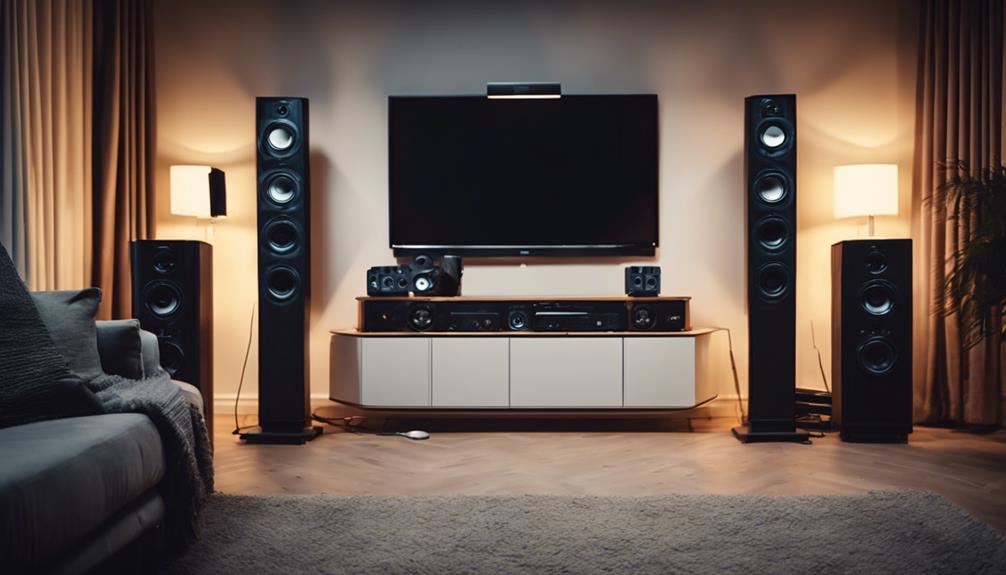
Understanding room acoustics sets the stage for perfect frontal speaker placement, which is key to achieving a balanced and immersive sound experience in your home cinema.
For peak sound quality, position your front speakers 6 to 10 feet apart, guaranteeing they're the same distance from your listening position. The tweeters of the left and right front speakers should be at ear level, ideally 36 to 42 inches from the floor, to enhance sound clarity.
Your center channel speaker must align with the midpoint of your TV screen, placed directly above or below it. This alignment guarantees that dialogue appears to emanate from the on-screen action, making the experience more engaging.
To boost stereo imaging, angle your front left and right speakers slightly inward—about 30 degrees—toward your listening position.
Additionally, keep your front speakers 2 to 3 feet away from walls to minimize distortion. This spacing not only improves sound clarity but also contributes to a wider soundstage, enhancing your overall immersive audio experience.
Surround Sound Configuration
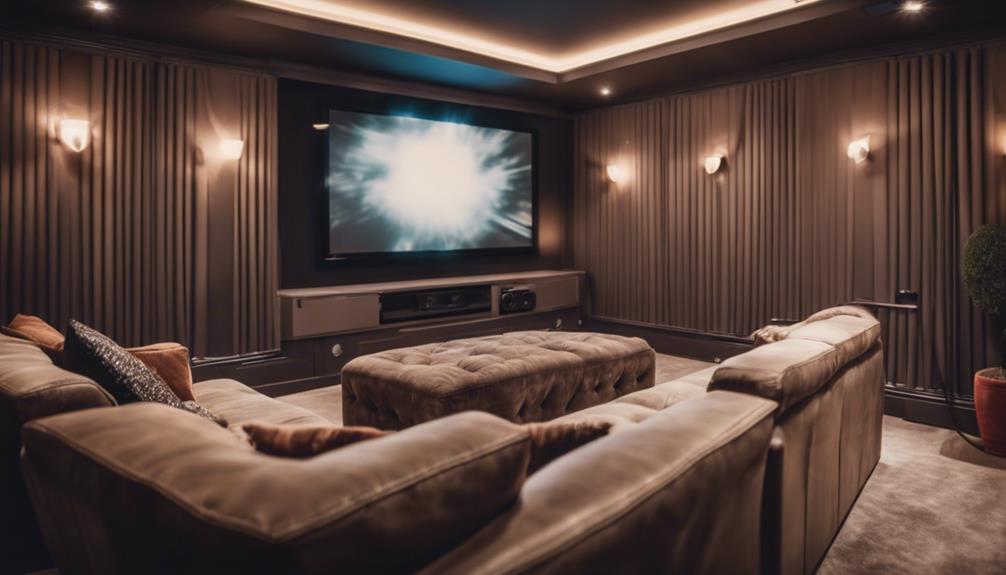
Achieving an immersive audio experience in your home cinema relies heavily on the proper configuration of your surround sound system.
For ideal sound, position your surround sound speakers at 90 to 110 degrees off-axis from your main listening position in a 5.1 setup. This guarantees a spacious sound field that envelops you.
If you've opted for a 7.1 configuration, place your rear surround speakers at 135 to 150 degrees off-axis to enhance sound immersion and add depth to your audio.
Ideally, surround speakers should be at ear level or about 1-2 feet above your ears. This speaker placement maximizes sound clarity and effectiveness, making certain the audio feels real and engaging.
In advanced setups, like 7.1.4, consider incorporating Dolby Atmos speakers for a three-dimensional audio experience.
Subwoofer Positioning
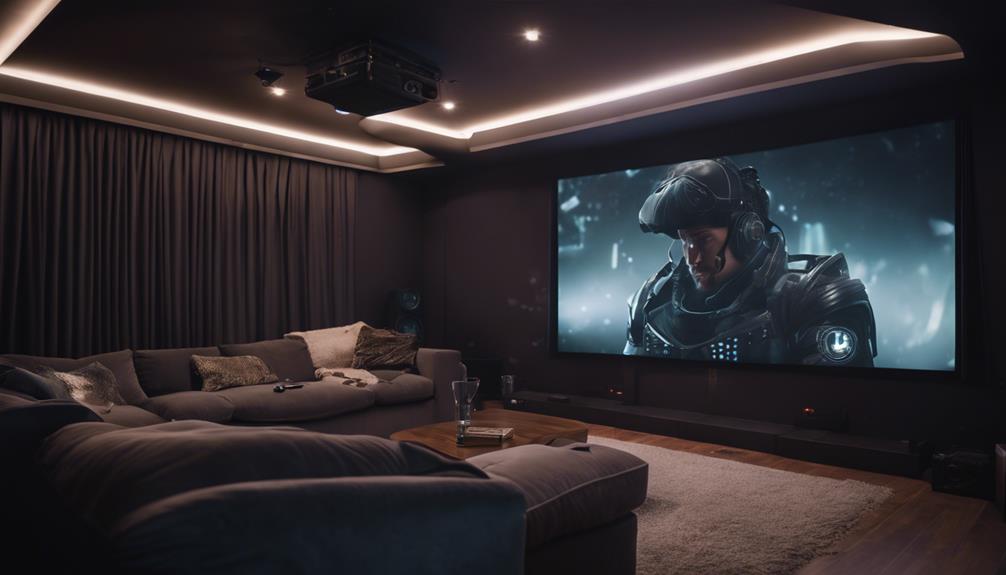
Subwoofer positioning plays an integral role in delivering powerful, clear bass that enhances your home cinema experience. The right subwoofer placement can greatly impact bass quality, so it's vital to experiment with different locations to achieve the most natural sound response.
One effective method is the "subwoofer crawl." Start by placing the subwoofer at your main listening position, then move around the room to identify where the bass sounds best, allowing you to make informed placement decisions.
While corner placement might amplify bass response, it can also create muddiness in the sound. For better clarity, consider placing the subwoofer a few feet away from walls. Ideally, in a typical 5.1 system, position the subwoofer near the front speakers to guarantee cohesive sound integration with your other speakers.
If you're still not satisfied with the bass distribution, adding a second subwoofer can help eliminate dead spots and improve overall listening experience. This allows for better dynamics and depth in your sound, assuring you enjoy every rumble and thump in your favorite movies and music.
System Calibration Techniques
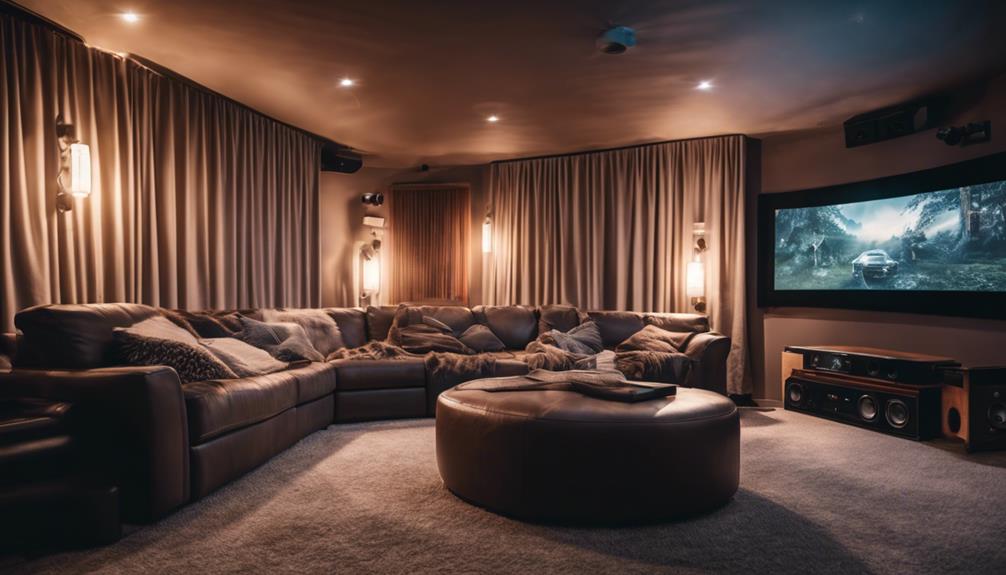
Once you've positioned your subwoofer effectively, it's time to fine-tune your sound system with calibration techniques that enhance audio performance across all speakers. Here are three essential steps to achieve the best sound experience:
- Automatic Calibration: Use your receiver's built-in automatic calibration tools. These can measure audio levels and distances, ensuring balanced performance for all speakers, including the center channel speaker for ideal dialogue clarity.
- Manual Calibration: For a more personalized approach, employ manual calibration with sound meters and test tones. This method allows you to fine-tune individual speaker levels and frequency response, adjusting settings to suit your specific room dynamics and any acoustic treatments you've added.
- Subwoofer Crawl: Don't forget about the subwoofer crawl technique. Move your subwoofer around while listening from your main seating position to find the best spot for natural bass response. This can dramatically enhance the overall audio experience.
Regularly re-check your calibration settings as room layouts and speaker placements change. By consistently applying these system calibration techniques, you'll maintain excellent sound quality in your home cinema setup.
Frequently Asked Questions
How to Position Speakers in Home Cinema?
To position your speakers effectively, aim for 25-30 degrees off-axis for front speakers, align the center channel with your TV, and place surround speakers slightly behind you, all at ear level for immersive sound.
How Do I Arrange My Speakers for the Best Sound?
Think of your speakers like a well-rehearsed orchestra. To arrange them for the best sound, position front speakers at 25-30 degrees, center at ear level, and surround slightly above, creating harmonious audio bliss.
How Do I Optimize My Home Theater Audio?
To optimize your home theater audio, position your speakers correctly, calibrate your system, and use acoustic treatments. Experiment with placement, ensuring sound clarity and balance, while adjusting based on your room's unique characteristics for the best experience.
Where Should Center Speakers Be Placed in a Home Theater System?
You should place your center speaker directly above or below the screen, ensuring the tweeter's at ear level. Keep it equidistant from the front speakers, and avoid obstructions for the best sound clarity.
Conclusion
By following these guidelines for speaker placement, you can transform your home cinema into a sound experience that rivals the best theaters out there!
Don't underestimate the power of good acoustics and proper positioning; they're the secret ingredients to an immersive audio experience.
Once you've calibrated your system, you'll feel like you're right in the middle of the action.
So go ahead, set up those speakers, and get ready for a movie night that'll blow your mind!