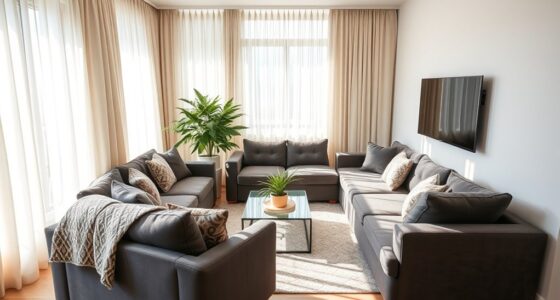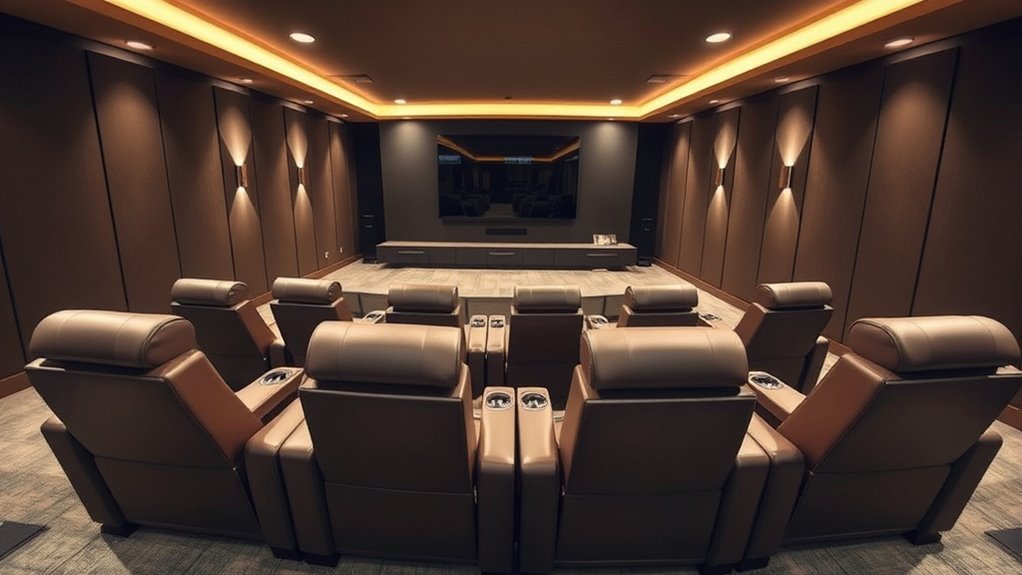

To maximize comfort and viewing angles in your home theater, arrange seats in a slight curve facing the screen, with enough space between them for movement. Use risers for multiple rows, ensuring each seat has an unobstructed view. Choose plush, ergonomic seats with adjustable features for long sessions, and position them at ideal distances, about 1.5 to 2.5 times the screen’s diagonal. Incorporating lighting, soundproofing, and thoughtful layout details will elevate your experience—discover more tips to perfect your setup.

Get business pricing on your home office setup
- Business-only prices and quantity discounts
- Tax-exempt purchasing
- Multiple users, one account, clear invoices
Key Takeaways
- Arrange seats in a slight curve facing the screen for improved sightlines and optimal viewing angles.
- Use risers or staggered seating to prevent obstructions and ensure clear views for all viewers.
- Position seats 1.5 to 2.5 times the screen’s diagonal distance for comfortable viewing without eye strain.
- Select plush, ergonomic seats with adjustable features to enhance comfort during long viewing sessions.
- Incorporate ambient lighting and soundproofing to create an immersive and comfortable home theater environment.
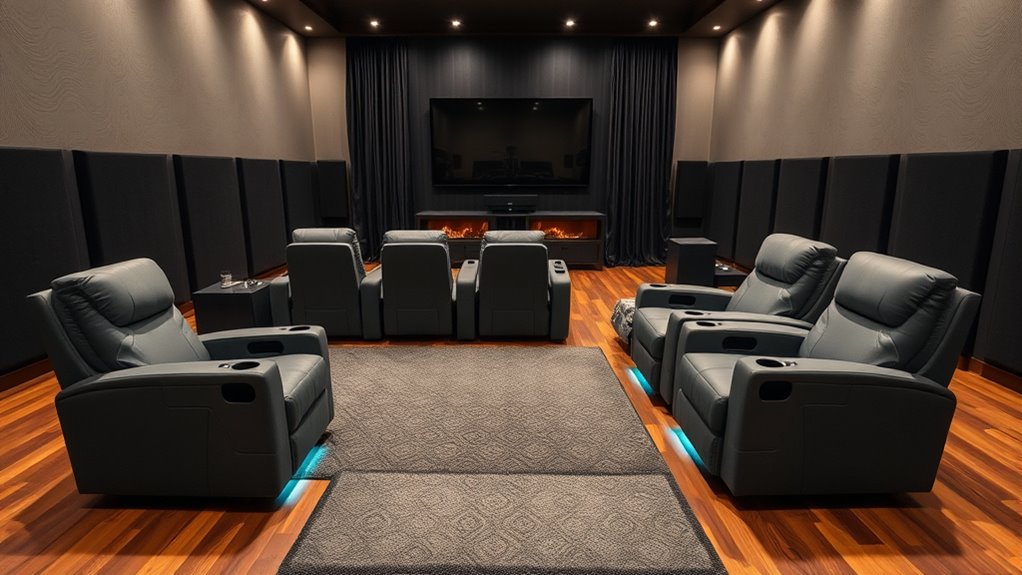
Ever wondered how to transform your living room into the ultimate home theater? It all starts with choosing the right seating arrangement. The goal is to maximize comfort and viewing angles so every seat feels like the best spot in the house. First, consider the size of your space and the number of people you want to accommodate. You want enough seating for everyone without creating a cramped environment. A common approach is to arrange seats in a slight curve facing your screen. This setup not only provides better sightlines but also creates an immersive experience. You could opt for a row of recliners or a sectional sofa, depending on your style and space constraints. Whichever you choose, make certain there’s enough distance between seats to prevent crowding and allow for easy movement.
Next, think about the viewing angles. You want every seat to face the screen directly, with minimal neck strain. To achieve this, position your seats at an ideal distance from the screen—generally between 1.5 to 2.5 times the diagonal size of your display. For example, if you have a 100-inch screen, the perfect viewing distance is roughly 12.5 to 20 feet away. Also, aim for seats that are level with or slightly below eye height of the screen to avoid glare and neck discomfort. If you’re using multiple rows, stagger them slightly so that those behind have an unobstructed view. Risers can help elevate back rows, ensuring everyone gets a clear line of sight. Additionally, understanding safe viewing distances can help you make better seating choices for optimal comfort and eye health. Proper lighting and acoustic treatment are also crucial factors that contribute to an immersive theater experience by reducing glare and sound reflections.
Comfort is key, so invest in quality seats that support your body for long viewing sessions. Recliners with plush cushioning and adjustable features allow you to customize your seating experience. Armrests with built-in cup holders add convenience, and some seats even come with built-in speakers for an enhanced audio experience. When arranging multiple seats, leave enough space between them to stretch out comfortably and avoid feeling cramped. It’s also helpful to incorporate smart home technology to control lighting and sound settings seamlessly, enhancing your overall home theater experience. Don’t forget to include side tables or small storage compartments for snacks, remotes, and other essentials.
Finally, pay attention to lighting and acoustics, which work hand-in-hand with your seating layout. Soft, dimmable lighting keeps the room cozy without distracting from the screen. Properly positioning your seats relative to speakers and soundproofing measures will also enhance sound quality, ensuring every seat delivers the immersive audio experience you crave. With thoughtful planning, your home theater seating arrangement will provide maximum comfort and perfect viewing angles, making every movie night a true cinematic adventure.
Frequently Asked Questions
How Many Seats Are Ideal for a Standard Home Theater?
You’re asking how many seats work best for a standard home theater. It depends on your space and needs, but typically, 4 to 8 seats create a cozy, social environment without feeling cramped. Guarantee you have enough room for comfortable viewing angles and easy access. Consider your family size and guest plans, and aim for a layout that balances comfort with ideal sightlines.
What Materials Are Best for Long-Lasting Theater Seating?
Imagine sinking into plush, durable seats that invite relaxation after a long day. For long-lasting theater seating, opt for high-quality materials like top-grain leather or stain-resistant microfiber, which resist wear and tear. Solid wood frames provide stability and longevity, while high-density foam cushions ensure comfort over extended use. These choices help your home theater stay inviting and stylish, making every movie night a cozy, durable experience.
How Can I Prevent Glare on Screens From Seating Positions?
To prevent glare on screens from your seating position, you should position your seats so they’re not directly facing windows or light sources. Use blackout curtains or dimmable lighting to control ambient light. Additionally, consider angling seats slightly away from reflective surfaces and placing screens at a comfortable eye level. These steps help minimize reflections and improve your viewing experience, ensuring clear, glare-free entertainment.
What Are the Best Ways to Incorporate Soundproofing?
To incorporate soundproofing effectively, you should start by sealing gaps around doors and windows to prevent sound leaks. Add heavy curtains or acoustic panels to absorb echoes and reduce noise transmission. Use thick carpeting or rugs on floors, and consider installing drywall with soundproofing materials like mass loaded vinyl. Ventilate with soundproof ducts, and place furniture strategically to block sound paths, creating a quieter, more immersive home theater environment.
How Do I Balance Aesthetics With Comfort in Design?
You want to balance aesthetics with comfort, and you can achieve that by choosing furniture that looks appealing yet feels cozy. Combine sleek, stylish pieces with plush cushions and ergonomic designs to create a welcoming space. Use colors and materials that reflect your style while considering comfort. Incorporate visual harmony through symmetry and cohesive decor, ensuring your space is both beautiful and inviting—perfect for relaxing and entertaining alike.
Conclusion
Now that you know how to arrange your home theater seating for maximum comfort and perfect viewing angles, you’re practically guaranteed an experience so immersive, it’ll feel like you’re right in the movie. Remember, the right setup can turn your space into the best theater in the universe—no ticket required! So, get creative, experiment with your layout, and prepare to enjoy endless cinematic adventures from the comfort of your own home. The ultimate movie night awaits!
Halloween Picks
halloween
As an affiliate, we earn on qualifying purchases.