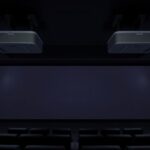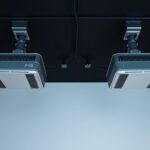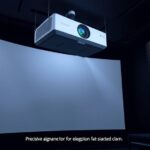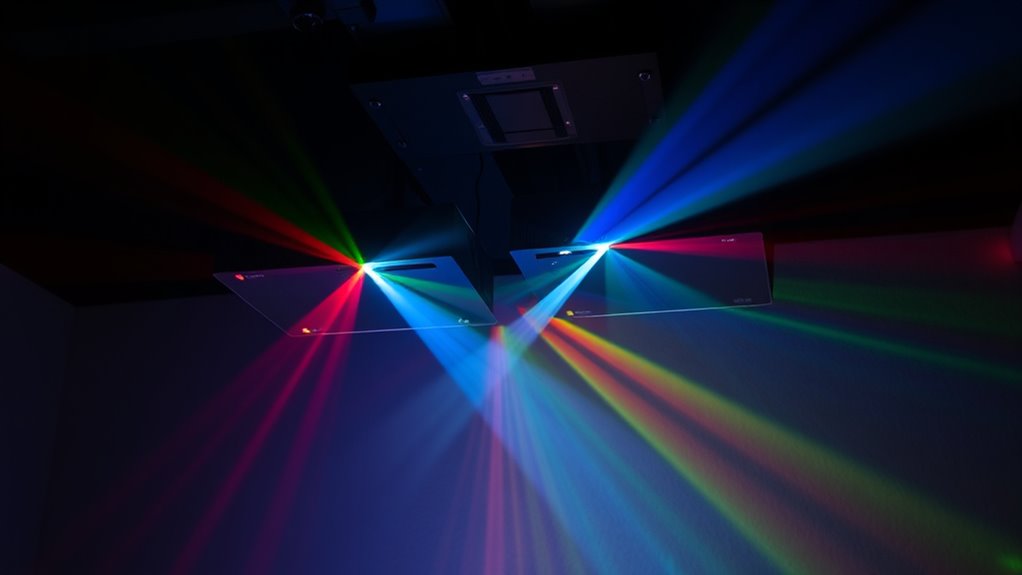

Dual projector systems for 3D projection rely on careful calibration and synchronization to deliver smooth, immersive visuals. To achieve this, you’ll need to align images precisely, adjust keystone and focus, and set color balance for consistency. Synchronization—using hardware or software tools—ensures both projectors display images simultaneously, preventing flicker or mismatch. Maintaining proper calibration and synchronization over time is key. Keep exploring to discover advanced tips that make your 3D experience even more seamless.
Key Takeaways
- Precise calibration of both projectors ensures seamless image overlap and prevents distortion or color mismatch.
- Synchronization techniques like genlock or software locking maintain simultaneous image projection crucial for 3D effects.
- Regular maintenance and re-calibration prevent drift, ghosting, and flickering, ensuring consistent 3D quality over time.
- Proper setup includes adjusting keystone, focus, and alignment to achieve an immersive and distortion-free display.
- Continuous monitoring and adjustments optimize dual projector performance for large-scale, bright 3D projection experiences.
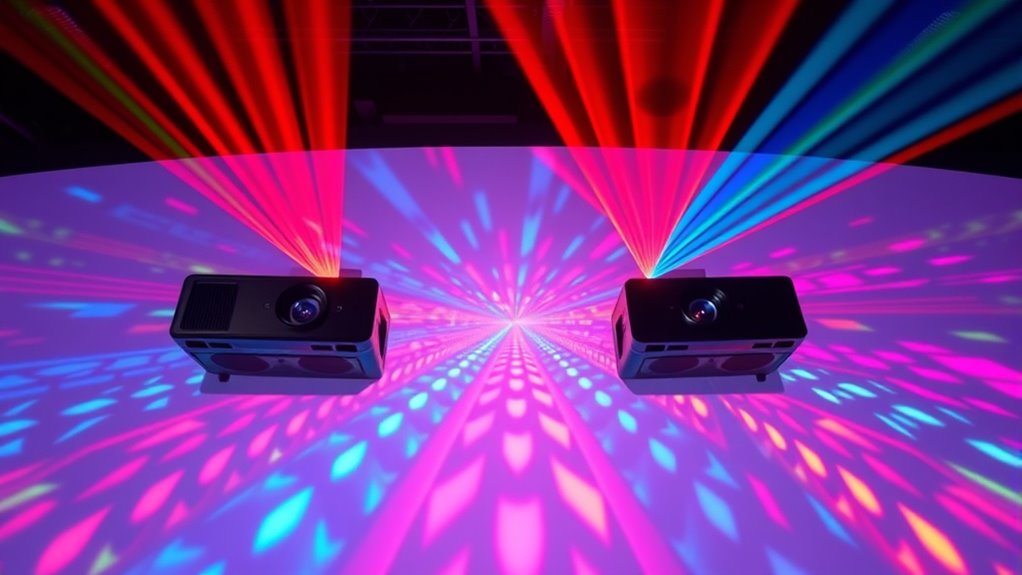
Dual projector systems combine two projectors to create larger, brighter, and more immersive displays. When setting up such a system for 3D projection, your first priority is achieving precise projection calibration. This involves aligning the images from both projectors so they seamlessly overlap without distortion or mismatch. If the images aren’t correctly calibrated, you’ll notice ghosting, double images, or color inconsistencies that ruin the immersive effect. To avoid this, you need to carefully adjust the keystone, focus, and geometric parameters for each projector. Many calibration tools and software can help you fine-tune these settings quickly, ensuring that the images align perfectly across the projection surface. Proper calibration also involves setting the correct color balance so that both projectors produce uniform hues, which is essential for a convincing 3D experience. Additionally, understanding the importance of contrast ratio can help optimize image depth and clarity in your setup.
Once your projectors are calibrated, you must focus on synchronization techniques. Synchronization is critical because, in a dual projector setup, both devices need to project images simultaneously, especially when displaying 3D content that relies on rapid image alternation or polarization. If the projectors are out of sync, you’ll see flickering, tearing, or mismatched frames, which can be distracting and diminish the overall impact. To synchronize effectively, you might use genlock or other hardware synchronization methods that lock the projectors’ frame rates together. Some advanced systems also employ software-based synchronization, which aligns the timing of the images electronically. It’s important to test the synchronization under different content loads and viewing angles to ensure consistent performance throughout your presentation.
Achieving excellent projection calibration and synchronization isn’t a one-time task; it requires ongoing adjustments, especially if you move the projectors or change the projection environment. Regular checks help maintain image quality and prevent drift that can occur over time due to temperature changes or mechanical shifts. When you combine meticulous calibration with robust synchronization techniques, your dual projector system will deliver stunning 3D visuals that captivate your audience. It’s these precise adjustments that allow the full potential of dual projection technology to shine, creating deep, vivid, and seamless 3D experiences. Ultimately, investing time into proper setup and calibration guarantees that your system operates smoothly, providing an impressive and immersive visual experience that stands out.

Official Licensed Google TV Smart Projector, HAPPRUN 4K UHD Home Theater with Dolby Sound, Wi-Fi & Bluetooth, Built-in Streaming Apps, Compatible with Games Consoles & Smartphone, Indoor & Outdoor Use
[ Built-in Official Licensed Google TV ] - Without additional equipment, the smart projector can directly access Netflix,...
As an affiliate, we earn on qualifying purchases.
Frequently Asked Questions
How Do Dual Projectors Synchronize Their Displays?
You synchronize dual projectors by using synchronization techniques like genlocking or composite sync signals, which guarantee both projectors display images simultaneously. Calibration methods, such as aligning images and adjusting brightness or color, help maintain perfect overlap and avoid ghosting. You’ll typically connect the projectors with a synchronization device or software that controls timing signals, ensuring seamless, synchronized 3D projections for an immersive experience.
What Are the Energy Consumption Differences Between Single and Dual Systems?
You’ll find that dual projector systems typically consume more power than single systems because they operate two units simultaneously, leading to higher energy consumption. However, their increased brightness and image quality can be more energy-efficient overall, as you may need less screen brightness or fewer adjustments. While dual setups use more power, advances in technology are improving energy efficiency, helping you balance performance with lower power consumption.
Can Dual Projectors Be Used Outdoors Effectively?
Yes, you can use dual projectors outdoors, but it’s tricky. Their outdoor visibility depends on powerful brightness levels and weatherproofing. You’ll need to invest in weather-resistant enclosures and high-lumen projectors to combat rain, fog, or direct sunlight. Without proper weatherproofing, your setup risks damage, and visibility could plummet. So, if you’re ready to tackle these challenges, dual projectors can create stunning outdoor 3D experiences.
What Maintenance Is Required for Dual Projector Setups?
You need to regularly perform calibration procedures to guarantee your dual projector setup delivers perfect alignment and color accuracy. Keep an eye on bulb life, replacing bulbs proactively before they burn out to avoid disruptions. Clean filters and lenses periodically to maintain brightness and image quality. Check connections and firmware updates to ensure smooth operation. Proper maintenance, including calibration and timely bulb replacement, keeps your system running efficiently and prolongs its lifespan.
Are Dual Projectors Compatible With All 3D Content Formats?
Like a chameleon adapting to its surroundings, dual projectors can handle many 3D content formats, but they aren’t universal. You’ll find some content compatibility issues due to format limitations, especially with proprietary or less common formats. Always check your projector’s specifications and verify that your source material matches these requirements. While versatile, dual projectors may need additional software or hardware to fully support certain 3D formats.
![Projector with 5G WiFi and Bluetooth, Native 1080P Projector[Projector Screen Included], Full HD 18000LM Movie Projector, 100" Display Home Theater, Compatible with Phone/Laptop/TV Stick](https://m.media-amazon.com/images/I/51tJ+dTl5qL._SL500_.jpg)
Projector with 5G WiFi and Bluetooth, Native 1080P Projector[Projector Screen Included], Full HD 18000LM Movie Projector, 100" Display Home Theater, Compatible with Phone/Laptop/TV Stick
【2.4G/5G Dual-Band Wifi & Bluetooth Connection】 Roconia projector supports screen mirroring on iOS, Android and Windows devices without...
As an affiliate, we earn on qualifying purchases.
Conclusion
As you explore dual projector systems for 3D projection, you’ll discover how their precise synchronization creates immersive experiences that seem almost magical. It’s no coincidence that these systems are transforming entertainment and visualization—your next big project could benefit from this innovative technology. When you combine innovation with practicality, you open a new world of possibilities. So, why not embrace this coincidence and elevate your 3D projections to stunning new heights?

Epson Home Cinema 980 3-Chip 3LCD 1080p Projector 4,000 Lumens Color and White Brightness, Streaming/Gaming/ Media Room, Built-In Speaker, Auto Picture Skew, 16000:1 Contrast, 2 HDMI Ports
Exceptional Picture Quality — Provides stunning, detailed 1080p images and fast data processing that’s optimized for fast-action sports,...
As an affiliate, we earn on qualifying purchases.

1500 ANSI Official Licensed Google TV Smart Projector, HAPPRUN 4K Full HD Home Theater with Auto Focus, Dolby Sound, Wi-Fi Bluetooth, Built-in Apps, Compatible with Phone & PC, Indoor & Outdoor Use
[ Built-in Officially Licensed Google TV ]-Enjoy the reliability of an officially certified Google TV projector. Stream Netflix,...
As an affiliate, we earn on qualifying purchases.