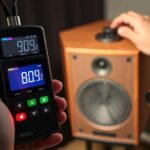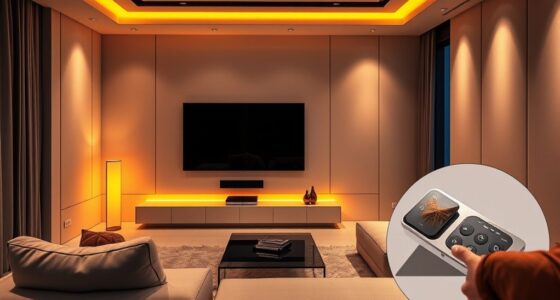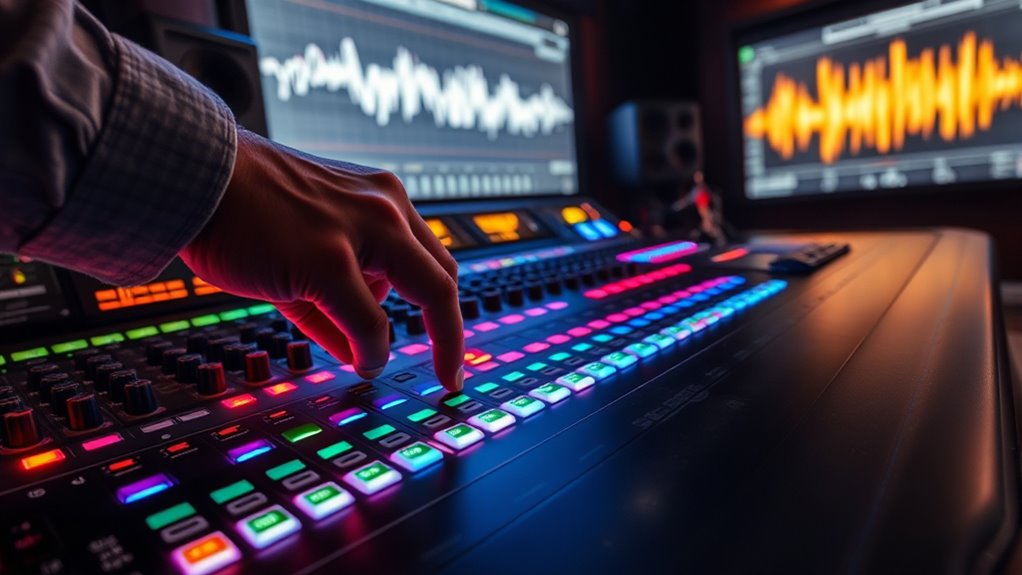
To set reference levels for movie audio, start by using industry-standard calibration tools like a sound level meter and calibrated test tones. Adjust your system so that the reference level (often 75 dB SPL or 85 dB SPL for cinema sound) is consistent across all speakers, ensuring dialogue, effects, and music are balanced and clear. Proper calibration prevents sudden volume jumps and creates an immersive experience. Keep going to discover detailed steps for precise setup and ideal sound quality.
Key Takeaways
- Use industry-standard reference levels, such as 75 dB SPL for calibrated sound systems, to ensure accurate audio reproduction.
- Adjust your receiver or amplifier settings to match the recommended reference level for consistent loudness.
- Perform calibration with a sound meter or calibration tone to set proper gain and avoid volume fluctuations.
- Ensure dialogue normalization is enabled for consistent speech volume across scenes.
- Regularly verify calibration and reference levels to maintain optimal sound quality and immersive experience.
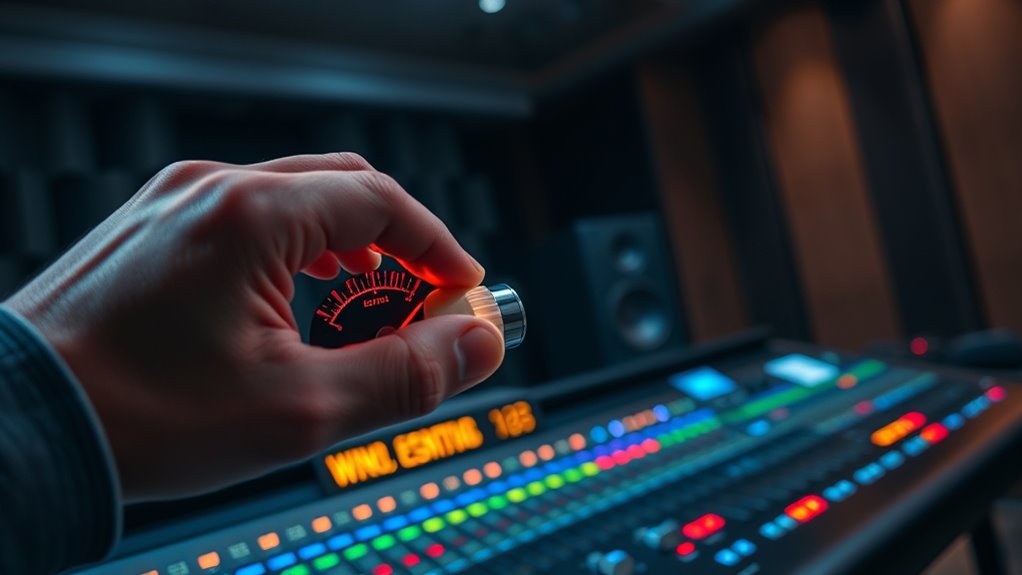
Have you ever watched a movie and wondered if the loud scenes are too intense or if the quiet moments are too faint? That’s where understanding reference levels for movie audio becomes fundamental. When your audio isn’t properly calibrated, you might find yourself constantly adjusting the volume or missing critical dialogue because sounds are either too overwhelming or too subtle. Setting the right reference levels ensures a balanced experience, where every whisper and explosion hits just as intended.
Proper reference levels ensure balanced, immersive movie audio with clear dialogue and consistent volume.
Dialogue normalization plays a vital role here. It’s a process that helps standardize the loudness of dialogue across different scenes and movies, so you don’t have to reach for the remote every time a character whispers or shouts. When dialogue normalization is correctly applied, it keeps the speech at a consistent volume level, making conversations clear and intelligible without needing manual adjustments. This process works hand-in-hand with sound calibration, which involves fine-tuning your audio system to accurately reproduce the intended soundscape. Proper sound calibration ensures that your speakers or headphones produce the correct frequency response and dynamic range, aligning with the audio engineer’s original mix.
To achieve ideal results, start with a flat, neutral setup, then calibrate your sound system using reference levels that match industry standards. These standards are designed to prevent startling volume jumps, especially during action scenes or quiet dialogue. When you calibrate your sound, you’re adjusting the gain, speaker placement, and equalization settings to deliver the most accurate audio reproduction. This way, loud scenes won’t cause discomfort, and soft sounds won’t get lost. Additionally, understanding the role of professional voice actors can help you appreciate how voice performances are engineered to fit these calibrated levels.
A key point to remember is that the goal of setting reference levels isn’t just about loudness—it’s about clarity and consistency. Properly calibrated audio with effective dialogue normalization ensures you experience movies as they were meant to be heard, with a seamless balance between dialogue, music, and effects. It’s about creating an immersive environment without the need for constant volume adjustments. When you pay attention to sound calibration and leverage dialogue normalization, you’re taking control of your viewing experience, making sure every scene, whether quiet or loud, hits the right notes. This attention to detail transforms your movie nights into more engaging, enjoyable experiences—one where the audio complements the storytelling perfectly.

Klipsch R-12SW Powerful Deep Bass Front Firing 12" Copper-Spun Driver 400W Digital Power Subwoofer 14" X 18.5" X 16"
Powerful 12" copper-spun front-firing woofer
As an affiliate, we earn on qualifying purchases.
Frequently Asked Questions
How Do I Calibrate My Home Theater System to the Reference Level?
To calibrate your home theater system to the reference level, start by placing your speakers properly, considering speaker placement for ideal sound distribution. Use a sound level meter or calibration microphone to measure the output, adjusting the volume so that loud scenes hit 75 dB on your meter. Keep room acoustics in mind, minimizing reflections and echo, to guarantee accurate calibration and immersive sound.
What Equipment Is Needed to Set Accurate Reference Levels?
Setting accurate reference levels is like tuning a fine instrument—you need the right tools. You’ll need a calibration microphone to pick up precise sound levels and an audio analyzer to measure and adjust your system. Connect the microphone to your receiver or calibration device, then use the analyzer to guarantee your audio matches the reference level. These tools help you achieve clear, balanced sound, making your home theater experience truly immersive.
How Do Reference Levels Differ Between Movie Formats?
You’ll find that reference levels differ between movie formats mainly due to varying loudness standards and dynamic range. For example, theatrical releases often follow Dolby’s standards, emphasizing clarity and impact, while streaming services might prioritize consistent loudness for viewer comfort. These differences influence how you set your reference levels, ensuring the audio maintains proper dynamic range and loudness consistency across formats for an ideal viewing experience.
Can Incorrect Reference Levels Damage My Audio Equipment?
Sure, setting your audio levels too high is like inviting a tornado into your home—eventually, it’ll wreak havoc. Incorrect reference levels can definitely damage your audio equipment, especially speakers and amplifiers. To prevent this, always stick to recommended levels and avoid unnecessary volume spikes. Proper damage prevention isn’t just good advice; it’s the smart way to keep your gear sounding great and lasting longer, without needing a repair hero.
How Often Should I Recalibrate My Audio Reference Levels?
You should recalibrate your audio reference levels at least once every six months to maintain calibration frequency and verify audio consistency. Regular recalibration helps catch any drift in your equipment that could affect sound quality, keeping your audio setup accurate and reliable. If you notice changes in sound performance or after major equipment adjustments, recalibrate sooner. Maintaining a consistent calibration schedule ensures your audio remains clear and balanced over time.

Klipsch R-120SW Subwoofer, Black
12" high excursion spun-copper Imp woofer
As an affiliate, we earn on qualifying purchases.
Conclusion
Remember, setting the right reference levels guarantees your movie experience is both immersive and comfortable. By paying attention to audio calibration, you prevent startling surprises and enjoy every scene to its fullest. As the saying goes, “A chain is only as strong as its weakest link,” so don’t overlook this essential step. When your audio is properly set, every movie becomes a masterpiece you can truly appreciate.

Denon AVR-X1700H 7.2 Channel AV Receiver - 80W/Channel, Advanced 8K HDMI Video w/eARC, Dolby Atmos, DTS:X, Built-in HEOS, Amazon Alexa Voice Control
HIGH-PERFORMANCE 7-CHANNEL AMPLIFIER WITH NEXT-GEN MOVIE IMMERSION - Enjoy Denon sound in movies, games, and music with full...
As an affiliate, we earn on qualifying purchases.

Rockville Rock Shaker 15" Powered Subwoofer, 1000W Peak / 500W RMS, Class-D, MDF Enclosure, RCA, Speaker Inputs, Phase & Crossover Control, Black, for Home Theater & Studio
POWERFUL 1000W SUBWOOFER - 1000 watts peak / 500 watts RMS delivers deep, thumping bass ideal for home...
As an affiliate, we earn on qualifying purchases.