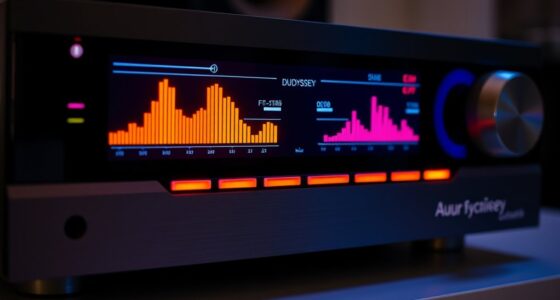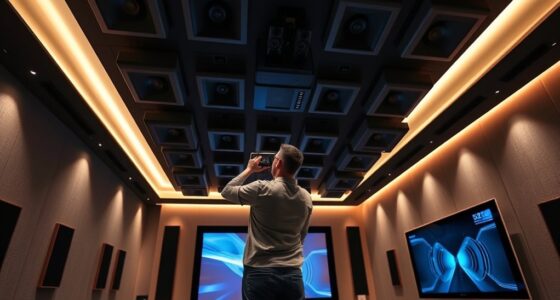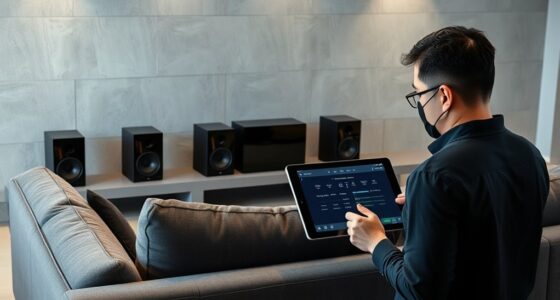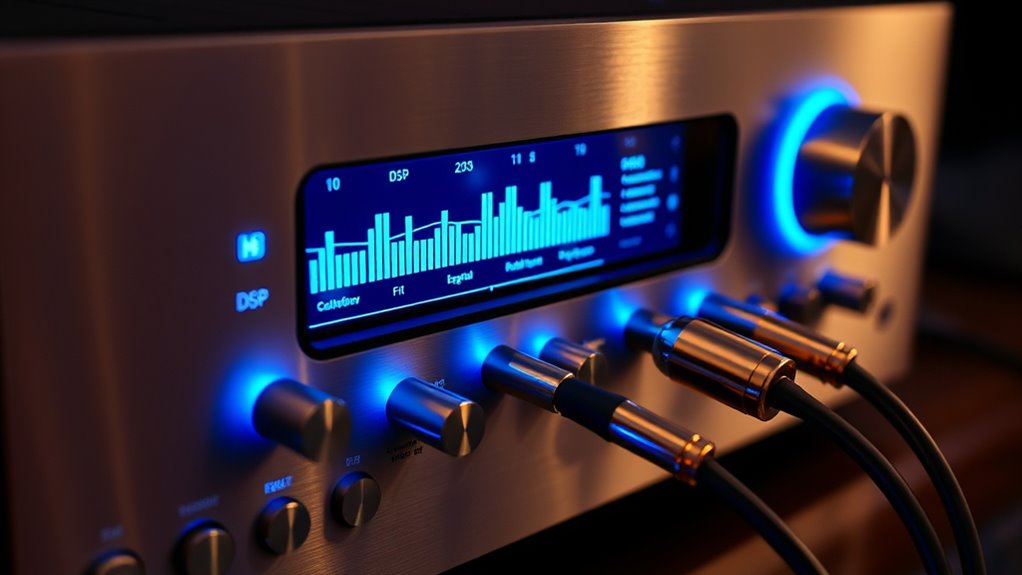

Advanced DSP settings let you fine-tune your sound system for a more immersive and precise listening experience. By adjusting phase correction and customizing crossover points, you guarantee speakers work in harmony, reducing muddiness and enhancing clarity. These features help shape your system’s soundstage, improve imaging, and tighten bass. Mastering these controls can elevate your audio to concert-like quality. Keep exploring to discover how these advanced settings can transform your listening environment even further.

Get business pricing on your home office setup
- Business-only prices and quantity discounts
- Tax-exempt purchasing
- Multiple users, one account, clear invoices
Key Takeaways
- Utilize phase correction to synchronize speaker timing for clear, natural sound and improved imaging.
- Customize crossover points to optimize frequency distribution tailored to your room and speaker setup.
- Fine-tune EQ settings to enhance sound balance, clarity, and reduce distortion.
- Adjust delay and phase settings to eliminate phase shift issues and achieve seamless sound integration.
- Use advanced DSP features to create a immersive, concert-like listening experience with precise control.

Activate the full potential of your audio system by mastering advanced DSP settings. When you tap into features like phase correction and crossover customization, you gain precise control over how your sound system performs, delivering a richer and more accurate listening experience. Phase correction is essential because it guarantees all speakers work harmoniously, preventing sound waves from canceling each other out. If your speakers are misaligned in phase, you might notice a hollow or dull sound, especially in the midrange and high frequencies. Correcting phase issues involves adjusting the timing of each speaker so that sound waves arrive at your ears simultaneously. With DSP, you can fine-tune the phase for each driver, aligning them perfectly and creating a seamless soundstage. This process considerably improves clarity, imaging, and bass response, making your music feel more natural and immersive.
Crossover customization is another powerful feature within advanced DSP settings. It allows you to tailor how frequencies are distributed across your speakers and subwoofers. Instead of relying on factory presets, you can set custom crossover points to match your specific speaker setup and room characteristics. For example, if you have a subwoofer with a wider frequency response, you might lower the crossover point to integrate it more smoothly with your main speakers. Conversely, if your speakers excel at handling midrange and high frequencies, you can set a higher crossover point to preserve clarity and detail. This level of control guarantees each speaker operates within its ideal range, reducing distortion and overlapping frequencies that can muddy the sound. By customizing crossovers, you enhance your system’s performance, making every note clearer and more defined.
When you explore these advanced DSP features, you’re effectively becoming your own audio engineer, tuning your system to sound as close to perfection as possible. Proper phase correction eliminates phase shift issues that can cause thin or comb-filtered sound, while crossover customization fine-tunes the frequency balance, ensuring smooth transitions between drivers. Both adjustments require careful listening and patience, but the payoff is a dramatically improved soundstage with better depth, detail, and punch. You’ll notice tighter bass, more precise imaging, and a more natural overall sound. Remember, these settings aren’t just about technical tweaks—they’re about crafting an audio experience that truly reflects your preferences and the unique acoustics of your space. Mastering these advanced DSP options puts you in control, transforming your system into a finely tuned instrument capable of delivering concert-quality sound right at home.
Top picks for "advanc setting audiophil"
As an affiliate, we earn on qualifying purchases.
Frequently Asked Questions
How Do I Choose the Best DSP Settings for Different Music Genres?
To choose the best DSP settings for different music genres, start with genre-specific tuning that enhances key elements like bass for hip-hop or clarity for classical. Adjust based on your listener preferences, whether you like a warmer sound or more detail. Experiment with EQ, filters, and spatial effects, listening carefully to each change. Over time, you’ll find the perfect balance that complements each genre and suits your personal taste.
Can Advanced DSP Settings Improve Sound Quality on All Speaker Types?
A wise man once said, “Don’t put all your eggs in one basket,” and the same applies to sound. Advanced DSP settings can improve sound quality across all speaker types if you focus on proper speaker calibration and room correction. These adjustments fine-tune audio output, ensuring each speaker performs best in your space. So, yes, with the right settings, you can enhance sound quality regardless of your speaker’s make or model.
What Are Common Mistakes to Avoid When Customizing DSP Configurations?
When customizing DSP configurations, avoid common mistakes like incorrect calibration, which can distort sound, and overprocessing, leading to unnatural audio. You should double-check your settings regularly to verify they’re accurate and avoid excessive adjustments that can introduce phase issues or muddiness. Remember, subtle tweaks often yield better results than aggressive changes. Always listen critically after each adjustment and trust your ears to guide your calibration process.
How Often Should I Recalibrate My DSP Settings for Optimal Performance?
Think of your DSP as a musical instrument that needs tuning. You should recalibrate your DSP every few months or whenever you notice performance dips. Regular calibration ensures performance consistency, keeping your sound crisp and accurate. Don’t wait until audio quality drops—by maintaining a consistent calibration frequency, you preserve your system’s peak performance and enjoy pristine sound, just like a finely tuned instrument that always hits the right notes.
Are There Recommended Presets for Specific Listening Environments?
Yes, there are recommended presets for specific listening environments. Use room correction presets to optimize sound based on your space’s acoustics, and speaker calibration presets to fine-tune your system. Experiment with different settings, and consider customizing presets for your unique room layout. Regularly updating and adjusting these presets guarantees consistent audio quality, allowing you to enjoy a tailored listening experience that adapts to changes in your environment.
Conclusion
By mastering advanced DSP settings, you can truly customize your audio experience. Imagine tuning your speakers for crystal-clear vocals during a movie night or enhancing bass for your favorite tracks. For instance, a dedicated audiophile adjusted their DSP to eliminate distortion, resulting in richer sound. With these tools, you’re in control—so experiment and find what sounds best to you. Elevate your listening experience and enjoy audiophile-quality sound every time.
Halloween Picks
halloween
As an affiliate, we earn on qualifying purchases.