Balancing Game Audio and Movie Soundtracks on the Same System
Just mastering the art of balancing game audio and movie soundtracks on one system can elevate your entertainment experience—here’s how to get started.
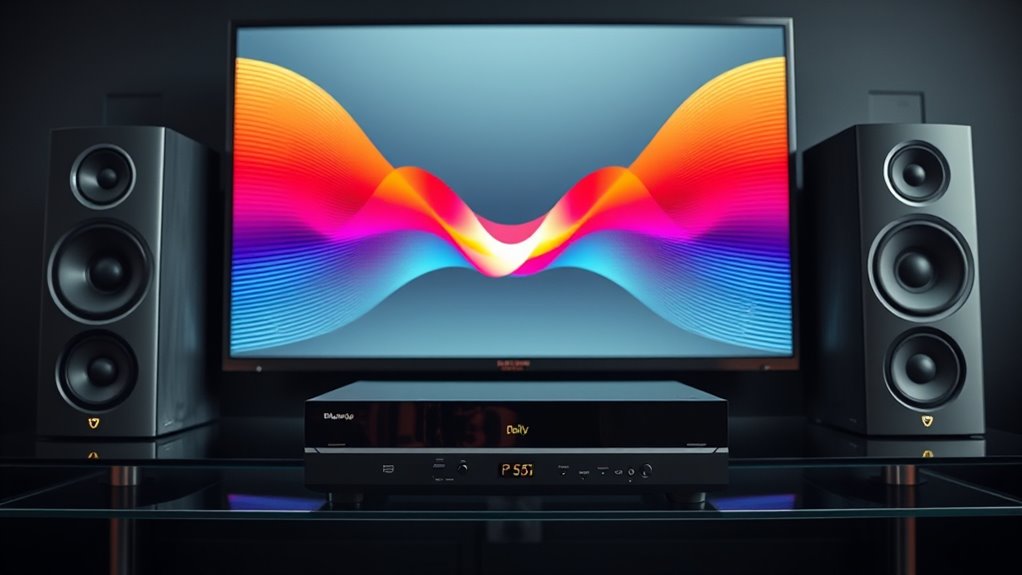
To balance game audio and movie soundtracks on the same system, start by calibrating the volume levels for both content types, ensuring neither overwhelms the other. Prioritize sound effects and dialogue during gaming, and focus on dialogue clarity for movies. Use your system’s sound settings to create profiles or adjust channel distribution based on what you’re watching. Fine-tuning these settings over time helps you enjoy seamless, immersive audio—discover how to optimize further as you continue exploring.
Key Takeaways
Set a consistent baseline volume for the entire system to prevent sudden loud changes during transitions.
Adjust individual source volumes for gaming and movies to achieve a balanced listening experience.
Prioritize sound effects and dialogue during gaming, and emphasize dialogue clarity during movies.
Use calibration tools to measure sound levels and fine-tune equalization for content-specific clarity.
Regularly revisit and tweak settings to maintain optimal balance across different entertainment types.
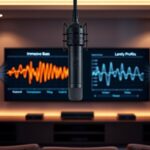
Balancing game audio and movie soundtracks is vital for delivering an immersive experience, but it can be challenging to get right. When you’re trying to enjoy both on the same system, proper volume calibration becomes your first priority. You want to guarantee that the sound levels are set so neither the game nor the movie overwhelms the other. Start by setting a baseline volume for your system, then adjust each source individually. Play a typical scene from your favorite game and a scene from a movie, then tweak the volume controls until both sound balanced comfortably without either overpowering the other. This process helps prevent sudden jumps in volume, which can be jarring and ruin your experience.
Set a baseline volume, then adjust each source for balanced, immersive gaming and movie sound experiences.
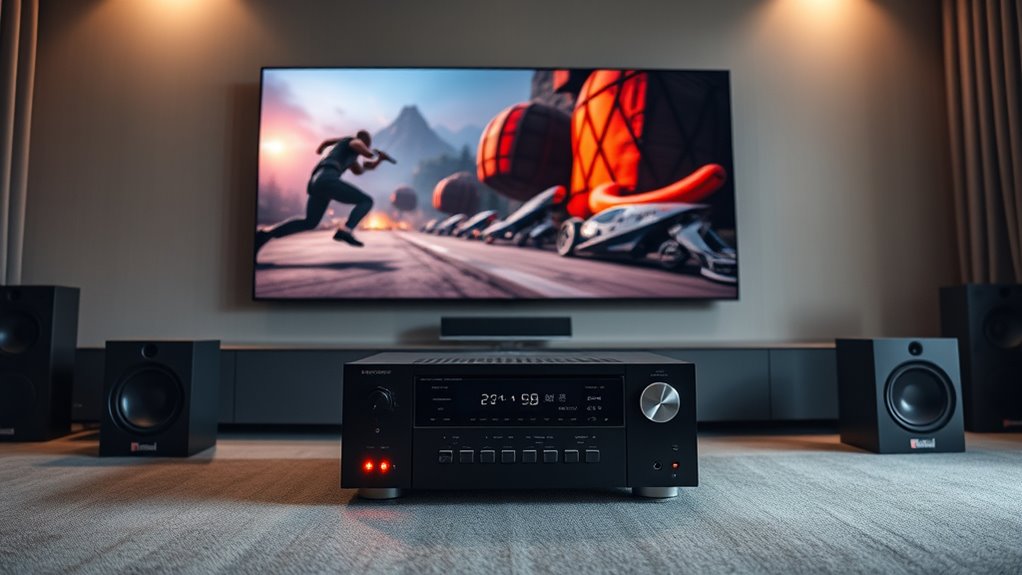
Audio prioritization is equally important. You need to decide which audio source should take precedence during specific moments. For example, in a game, you might want sound effects and dialogue to be clear and prominent, while background music remains subtle. Conversely, during a movie, dialogue clarity might take center stage, with sound effects and soundtrack supporting the scene without drowning out speech. To achieve this, utilize your system’s audio settings to assign priorities or customize profiles for each source. Some systems allow you to set different levels of importance or adjust how sound is distributed across channels, such as stereo or surround sound, depending on whether you’re gaming or watching a movie.
It’s also vital to use consistent calibration tools, like a sound meter or calibration microphone, to fine-tune your audio setup. These tools help you measure the actual sound levels, ensuring that your volume calibration is accurate and consistent across different content types. Remember, audio prioritization isn’t just about volume; it also involves adjusting equalization and balance settings to make sure speech remains intelligible and sound effects are impactful without overshadowing dialogue or soundtrack. When you set these parameters thoughtfully, you preserve the integrity of both experiences, making your setup versatile and enjoyable.
Finally, keep in mind that your preferences may change over time, so periodically revisiting your calibration and prioritization settings ensures you continue to enjoy a seamless audio experience. Pay attention to how different genres or content types sound, and don’t hesitate to make small adjustments. By focusing on precise volume calibration and clear audio prioritization, you can craft an audio environment that enhances both gaming and cinematic experiences without constant readjustment or frustration. Achieving this balance takes patience, but the payoff is a richer, more immersive entertainment experience every time you press play.
4K Projector with Built-in Apps, 1500ANSI Auto Focus&6D Keystone Dolby Audio Kogata Smart Projector with WiFi 6 Bluetooth Outdoor Movie Proyector for Home Theater HDR10+ UPGRADE
KOGATA projector
As an affiliate, we earn on qualifying purchases.
Frequently Asked Questions
How Do I Prevent Audio Crossover Between Game and Movie Modes?
To prevent audio crossover between game and movie modes, focus on audio isolation and proper speaker calibration. Use your receiver’s settings to assign dedicated audio zones or inputs for each mode, ensuring they don’t interfere. Adjust speaker levels and EQ during calibration, creating distinct sound profiles. This way, each mode maintains its clarity, and crossover is minimized, giving you a seamless experience whether gaming or watching movies.
What Settings Can Optimize Both Game and Movie Sound Quality?
You can optimize both game and movie sound quality by adjusting surround sound calibration to guarantee accurate audio positioning and clarity. Use your receiver’s sound settings to fine-tune bass levels and dialog clarity, and consider acoustic treatments like diffusers and bass traps to improve room acoustics. These steps help create a balanced audio environment, allowing you to enjoy immersive sound whether gaming or watching movies without sacrificing quality.
How Do I Adjust Volume Levels Quickly for Different Media Types?
You can quickly adjust volume levels by setting up dedicated audio mixing profiles for each media type. Use your receiver’s remote or app to switch between these profiles, ensuring ideal sound. For faster calibration, assign custom volume shortcuts or use a universal remote. This way, you seamlessly shift from game to movie audio, maintaining perfect balance without fiddling with settings each time.
Are There Hardware Solutions for Seamless Audio Balancing?
Yes, hardware switches and audio splitters can help you seamlessly balance audio for different media types. Hardware switches let you quickly toggle between audio sources or profiles, while audio splitters enable you to send multiple signals to different outputs simultaneously. These solutions give you instant control, ensuring smooth progression without adjusting volume levels manually each time. They’re especially useful if you want effortless, real-time audio balancing on the same system.
Can Software Presets Automatically Switch Audio Settings?
Yes, software presets can automatically switch audio settings for you. You just need to set up different presets for game audio and movie soundtracks, then enable automatic switching. When you start a game or a movie, the system detects the change and adjusts the audio settings accordingly. This way, you don’t have to manually tweak your audio each time; the software handles it seamlessly for a smoother experience.
[Built-in Apps/4K Support] Smart Outdoor Projector with WiFi and Bluetooth, Movie Projector, DoIby Audio with Dual Speaker, Auto Focus w/ YouTube&PrimeVideo Proyector, Upgrad P62 Pro
[Upgraded Classic – P62 Pro Movie Projector] Building on the reliability and low return rate of the classic...
As an affiliate, we earn on qualifying purchases.
Conclusion
When you finally find that perfect balance between game audio and movie soundtracks, it’s almost like the universe conspired to give you the ideal setup. Suddenly, every scene feels immersive, and every victory sounds just right. It’s funny how, after all the tweaks and adjustments, everything seems to align perfectly—like the system was made for this moment. Now, you can enjoy your entertainment without missing a beat, as if fate itself designed your perfect soundscape.
Aurzen Roku TV Smart Projector with Wifi and Bluetooth, Roku TV Built-in, 1080P FHD, DoIby Audio, Auto Focus & Keystone, Zoom, Movie Portable Outdoor Mini Projector for Soccer Football Game, White
A Roku account and internet connection are required for activation (Creating an account is free). Note: Power Supply:...
As an affiliate, we earn on qualifying purchases.
HAPPRUN Native 1080P Projector, Bluetooth Home Theater Movie Projector with Built-in Speaker, Compatible with Smartphone, HDMI, Fire Stick, PS5, Indoor & Outdoor Use -With Google TV System
[ Built-in Official Licensed Google TV ] - Without additional equipment, the smart projector can directly access Netflix,...
Network Optimization for Online Gaming and Streaming
Achieve seamless online gaming and streaming by optimizing your network—discover essential tips that can revolutionize your connection quality and performance.
Setting Up a Multi‑Screen Gaming and Streaming Station
Setting up a multi-screen gaming and streaming station starts with selecting the right hardware—discover how to optimize your setup for seamless gameplay and streaming success.

![[Built-in Apps/4K Support] Smart Outdoor Projector with WiFi and Bluetooth, Movie Projector, DoIby Audio with Dual Speaker, Auto Focus w/ YouTube&PrimeVideo Proyector, Upgrad P62 Pro](https://m.media-amazon.com/images/I/51yAGv8VI7L._SL500_.jpg)