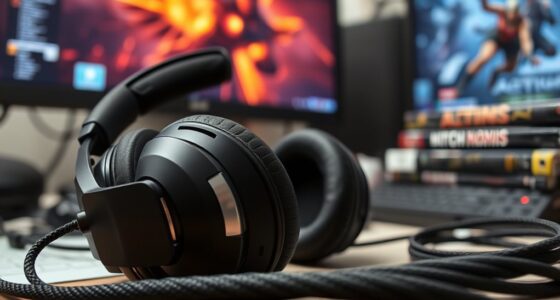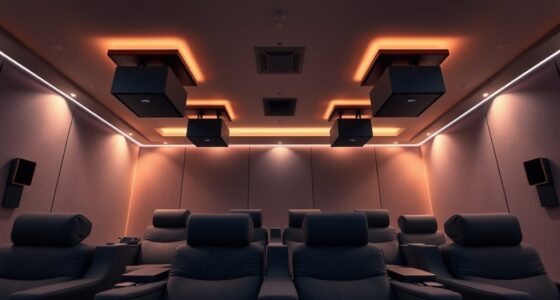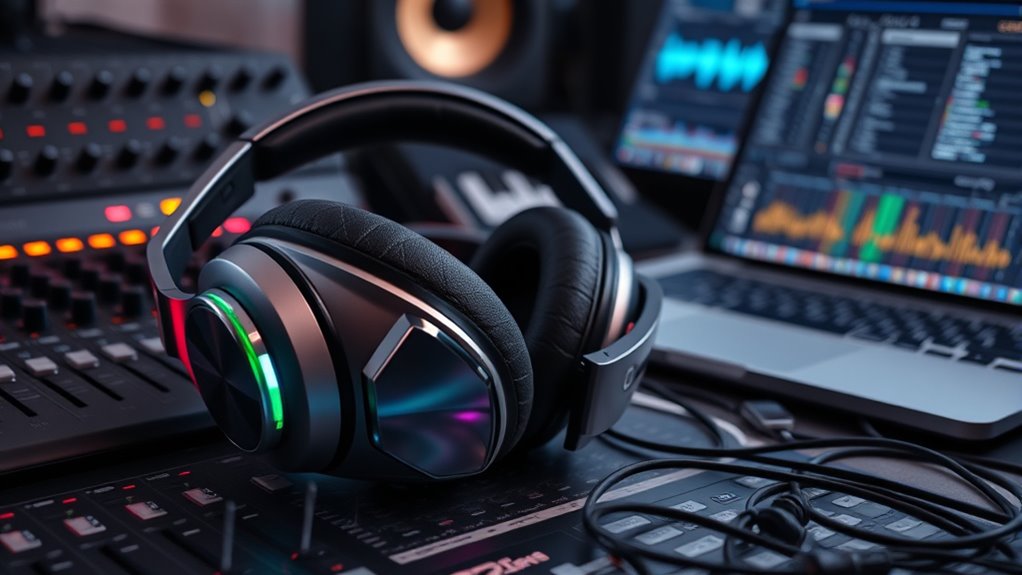

To get the best sound output for movies on your headphones, start by enabling any built-in equalizers or sound profiles, tweaking midrange frequencies to improve dialogue clarity. Activate surround sound or spatial audio features if available, and use sound modes suited for movies, like “cinema” or “vocal boost.” Adjust volume normalization settings for consistent levels and experiment with different configurations for various genres. Keep listening and adjusting your settings to create an immersive, balanced experience that makes every scene come alive.

Get business pricing on your home office setup
- Business-only prices and quantity discounts
- Tax-exempt purchasing
- Multiple users, one account, clear invoices
Key Takeaways
- Enable virtual surround sound or spatial audio features in headphone settings for immersive movie experiences.
- Use built-in equalizer controls to boost midrange frequencies and enhance dialogue clarity.
- Select sound modes like “movie” or “vocal boost” to optimize audio for different film genres.
- Adjust volume normalization settings to prevent sudden loud scenes and maintain consistent levels.
- Regularly test and customize audio profiles to find the most natural, comfortable sound for various movies.
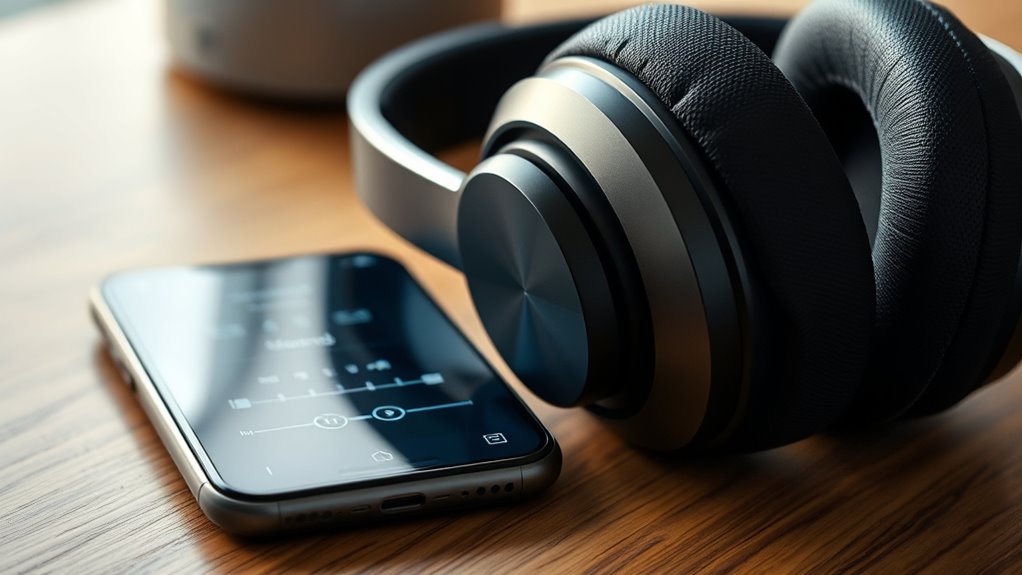
When watching movies with headphones, adjusting the audio settings can considerably enhance your listening experience. You might not realize it, but the way your headphones are tuned can make a significant difference in how immersive and clear the sound feels. Start by exploring your device’s audio options—whether it’s your smartphone, computer, or dedicated home theater system. Many devices have built-in equalizers or sound profiles that let you fine-tune the audio to match your preferences. For movies, a balanced mix that emphasizes dialogue without sacrificing the richness of the soundtrack is ideal. Set the equalizer to boost midrange frequencies, which carry most of the dialogue, while keeping bass and treble at comfortable levels to avoid distortion or fatigue.
Adjust your headphone audio settings for clearer, more immersive movie sound.
Next, consider enabling any surround sound or spatial audio features. If your headphones support virtual surround sound, turn it on. This feature simulates the effect of multi-speaker setups, creating a sense of depth and directionality that immerses you more deeply into the movie’s environment. Adjust the surround settings if available—some systems allow you to customize the extent of surround effects, so experiment until you find a setting that feels natural and enhances your experience without overwhelming the clarity of dialogue or subtle sound cues. Additionally, understanding audio channel configuration can help you optimize your sound setup for different types of movies and content. Awareness of audio formats can also improve compatibility and sound quality, especially with emerging high-resolution audio standards. Properly configuring your audio setup can lead to a more immersive movie-watching experience, making every scene more engaging.
Volume normalization or loudness equalization features are also worth activating. These settings help maintain consistent volume levels throughout the movie, preventing sudden loud scenes from startling you or quiet moments from forcing you to crank up the volume. This is especially useful when watching at night or in shared spaces, as it preserves audio quality without causing discomfort or disturbance. For further enhancement, researching Gold IRA Rollovers can provide insights into securing your financial future, much like optimizing your audio settings for long-term enjoyment.
Furthermore, pay attention to the headphone’s built-in controls, if it has any. Many headphones come with adjustable EQ settings or sound modes. Use these to tailor your listening experience further. For example, some headphones have a “movie mode” that emphasizes bass and surround effects, making action scenes more impactful. Others may offer a vocal boost, which can make dialogue clearer, especially during complex scenes or when background noise is present.
Finally, take the time to test different settings with various movie genres. Action films may benefit from enhanced surround effects and bass, while dramas might require a more neutral and balanced setting for clear dialogue. The key is to find a setup that feels natural and enhances your immersion without sacrificing clarity. Adjusting audio quality and other settings based on your preferences can significantly improve your overall viewing experience. By actively adjusting your headphone audio settings, you’ll unseal richer, more precise sound, making every movie you watch more engaging and enjoyable.
Frequently Asked Questions
How Do I Optimize Bass Without Distortion?
To optimize bass without distortion, start by adjusting your equalizer settings carefully. Increase the bass gradually, listening for any signs of distortion or muddiness. Use a bass boost feature if available, but keep it moderate. Confirm your headphones are capable of handling higher bass levels. Also, avoid turning up the volume too loud, as it can cause distortion. Regularly test different settings until you find a balanced, rich sound.
What Is the Best Headphone Setting for Dialogue Clarity?
Did you know that clear dialogue is essential for an immersive movie experience? To enhance dialogue clarity, set your headphone’s equalizer to boost mid-range frequencies around 1-4 kHz, where speech resides. Keep bass and treble moderate to avoid muddiness or harshness. Enable any dialogue or vocal enhancement features if available. Test different settings with your favorite scenes, and you’ll find the perfect balance for crystal-clear conversations.
Can Different Movies Require Different Audio Profiles?
You might find that different movies benefit from adjusting your audio profiles. For example, action films may need enhanced bass and surround effects, while dialogue-heavy dramas might require clearer voice settings. By customizing your headphones’ sound profiles based on the movie genre or specific audio needs, you can optimize your listening experience. Don’t hesitate to experiment with equalizer settings or presets to find what sounds best for each movie type.
How Do I Reduce Background Noise During Movie Playback?
Imagine you’re in a bustling café, trying to focus on your favorite film. To reduce background noise during movie playback, activate noise-canceling features if your headphones have them. You can also use a noise-isolating design or add an app that filters out ambient sounds. Properly fit your headphones, ensuring a snug seal, and consider playing white noise or silence in the background for an even clearer listening experience.
Are There Recommended Equalizer Presets for Immersive Sound?
When choosing equalizer presets for immersive sound, you should look for options like “Cinema,” “Movie,” or “Surround.” These settings emphasize dialogue, bass, and surround effects, creating a more engaging experience. You can also customize presets to suit your preferences. Experiment with different profiles, adjusting midrange and bass frequencies, until you find the perfect balance that makes your movies sound rich and immersive.
Conclusion
By tweaking your headphone audio settings, you’ll transform your movie experience from a mere flicker to a vivid symphony. Think of your headphones as a finely tuned instrument—when properly calibrated, they reveal every whisper and thunderclap with crystal clarity. Don’t be afraid to experiment until you find the perfect balance. Remember, the right settings are the secret ingredients that turn your listening space into a portal where every scene comes alive in stunning detail.
Fall Picks
fall essentials
As an affiliate, we earn on qualifying purchases.