
To adjust speaker distance settings for proper time alignment, start by measuring the distance from each speaker to your listening position using a tape measure or laser pointer. Small differences in distance affect how sound waves reach your ears, so adjust the delays in your receiver to synchronize audio signals. Ensuring speakers are evenly spaced and properly calibrated creates a balanced, immersive sound experience. Keep going to discover more tips on achieving perfect speaker timing.
Key Takeaways
- Measure the exact distance from each speaker to the listening position for accurate delay settings.
- Use calibration tools or AV receiver auto-setup features to automatically adjust speaker delay times.
- Manually set delay values based on measured distances to synchronize sound arrival.
- Small differences in speaker placement can require milliseconds of delay adjustment for proper alignment.
- Proper time alignment ensures a seamless, immersive audio experience by coordinating sound waves reaching the ears.

Have you ever wondered why timing matters so much in technology and communication? When it comes to audio systems, especially in home theaters or professional setups, precise timing ensures you experience sound as intended. One essential aspect of achieving this is time alignment, which involves adjusting speaker distance settings to synchronize audio signals. Proper time alignment makes a noticeable difference, ensuring that sound waves from all speakers reach your ears simultaneously, creating a seamless, immersive experience.
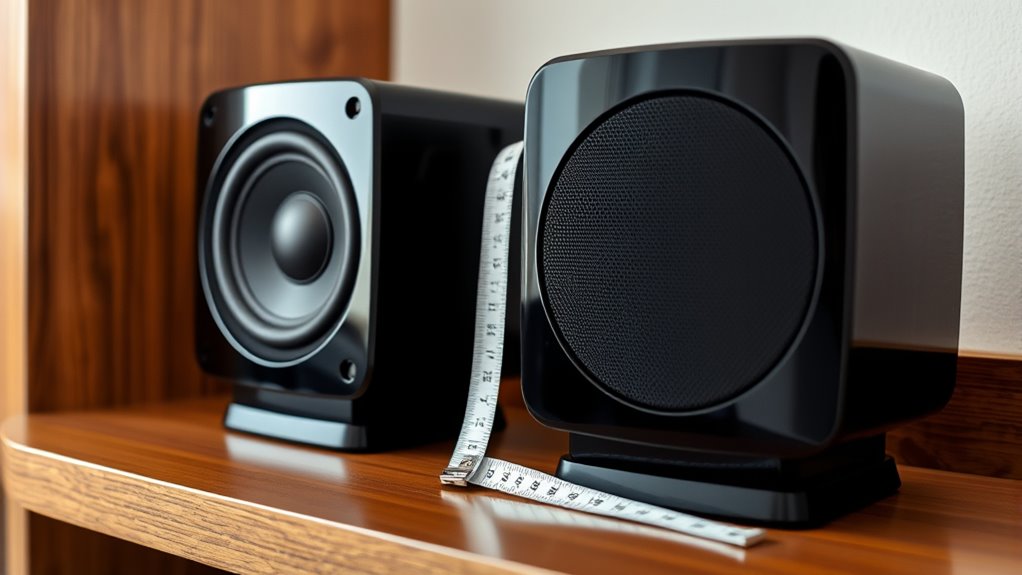
The first step in effective time alignment is understanding the importance of speaker placement. Where you position each speaker directly influences the timing of sound reaching your ears. If a speaker is too far or too close compared to others, the audio will arrive at different times, causing a muddled or disconnected soundstage. That’s why carefully placing your speakers at ideal distances is crucial. Use a tape measure or a laser pointer to ensure each speaker is positioned accurately according to your room’s layout. Keep in mind that the distance between your listening position and each speaker determines the delay settings you’ll need to adjust.
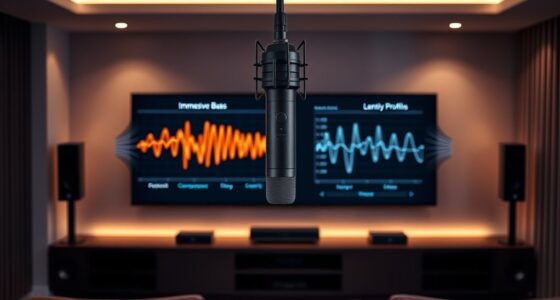
Once your speakers are properly placed, the next step is audio calibration. Most modern AV receivers or sound processors include calibration tools that measure the time it takes for sound to arrive from each speaker. These systems typically use microphones to analyze the audio signals and automatically adjust delay settings to align the sound waves. However, manual calibration can also be effective, especially if you want more control over the process. By fine-tuning the delay or distance settings, you can compensate for irregular speaker placement or room acoustics that might otherwise distort the sound. Additionally, understanding speaker distance helps optimize overall system performance for a more cohesive sound experience.
It’s important to remember that even small differences in speaker distance—just a few inches—can impact timing. The goal is to set each speaker’s delay so that the sound reaches your ears simultaneously. This often involves adjusting the delay in milliseconds, which might seem tiny but has a significant effect on audio coherence. When done correctly, audio calibration combined with precise speaker placement creates a balanced soundstage where dialogue, music, and effects blend naturally, without distracting echoes or misalignments.

2000 ANSI 4K Decoding Projector with WiFi and Bluetooth, HAPPRUN Movie Home Theater with Auto Focus, 300'' Display for Indoor/Outdoor, Smart Proyector Compatible with Phone/TV Stick/PC/PS5
[EASIER OPERATION: AI Smart Screen Adjustment] HAPPRUN projector comes with auto focus and 6D auto-keystone technology, enjoy a...
As an affiliate, we earn on qualifying purchases.
Frequently Asked Questions
Can Time Alignment Fix All Audio Issues?
Time alignment can markedly improve your audio, but it won’t fix all issues. By using phase correction and delay compensation, you can align speakers more accurately, reducing echo and phase cancellation. However, other problems like room acoustics, poor source quality, or equipment limitations still affect sound quality. So, while time alignment enhances clarity, you may need additional measures to address all your audio concerns effectively.
Does Room Acoustics Affect Time Alignment Accuracy?
Yes, room acoustics affect time alignment accuracy. Room reflections can cause sound waves to bounce, creating delays that make it harder to sync speakers precisely. Proper speaker placement helps minimize reflections and guarantees clearer signals for alignment. By positioning speakers away from reflective surfaces and adjusting for room acoustics, you improve time alignment accuracy, resulting in better overall sound clarity and synchronization in your audio setup.
How Often Should I Recalibrate Speaker Distances?
Most systems need recalibration every 6 to 12 months, especially if you reposition your speakers or make significant room changes. If you notice audio delays or uneven sound, it’s a sign to recalibrate sooner. Regular calibration maintains peak sound quality, ensuring your speaker distances stay accurate. Keep an eye on room shifts, and don’t wait too long—your listening experience depends on timely adjustments.
Is Professional Setup Required for Optimal Results?
You don’t need professional installation for ideal results, but using calibration tools can considerably improve your speaker setup. These tools help you fine-tune speaker distances accurately, ensuring better sound alignment. While professional calibration can save time and guarantee precision, a good quality calibration device allows you to achieve excellent results yourself. Just follow the instructions carefully, and you’ll enjoy a well-balanced, immersive audio experience without the need for expert help.
Can Time Alignment Improve Stereo Sound Quality?
Think of your stereo setup like a symphony; proper tuning guarantees harmony. Time alignment can notably improve your sound quality by refining audio synchronization between speakers. When you adjust speaker placement and align their timing, you create a seamless, immersive experience. This process reduces echoes and phase issues, making your music or movies sound clearer and more balanced. So, yes, time alignment elevates stereo sound, transforming your listening into a concert-quality experience.

HAPPRUN Native 1080P Projector, Bluetooth Home Theater Movie Projector with Built-in Speaker, Compatible with Smartphone, HDMI, Fire Stick, PS5, Indoor & Outdoor Use -With Google TV System
[ Built-in Official Licensed Google TV ] - Without additional equipment, the smart projector can directly access Netflix,...
As an affiliate, we earn on qualifying purchases.
Conclusion
By adjusting speaker distance settings through time alignment, you ensure every sound reaches your ears precisely when it should, creating a seamless listening experience. Some believe perfect timing can markedly enhance audio clarity, and evidence shows that precise alignment reduces phase issues and improves overall sound quality. So, don’t overlook this step—trust that fine-tuning your system’s timing can transform your listening, proving that attention to detail truly makes a noticeable difference in audio performance.

【2200ANSI & Officially-Licensed APP】Smart 4K Projector with WiFi and Bluetooth, VISSPL 3D Dolby Audio and Auto Focus Portable Outdoor Projector, Movie Home Theater Proyector with 360° Adjustable Stand
[ Compatible with Netflix - No Extra Devices Needed ] - VISSPL Smart Projector: Hollywood in the palm...
As an affiliate, we earn on qualifying purchases.

Epson Home Cinema 980 3-Chip 3LCD 1080p Projector 4,000 Lumens Color and White Brightness, Streaming/Gaming/ Media Room, Built-In Speaker, Auto Picture Skew, 16000:1 Contrast, 2 HDMI Ports
Exceptional Picture Quality — Provides stunning, detailed 1080p images and fast data processing that’s optimized for fast-action sports,...
As an affiliate, we earn on qualifying purchases.