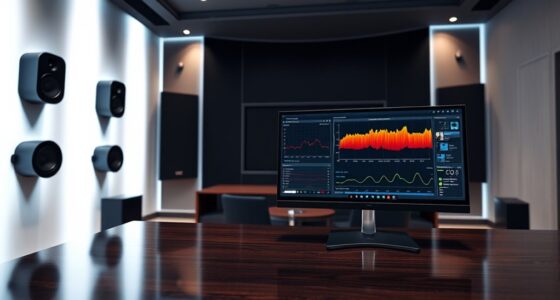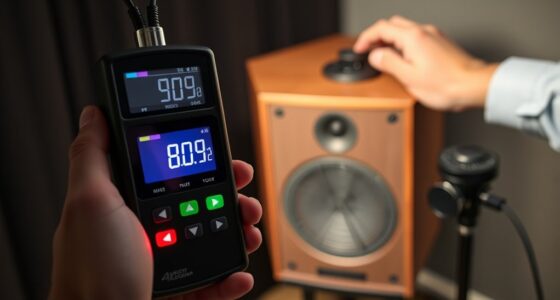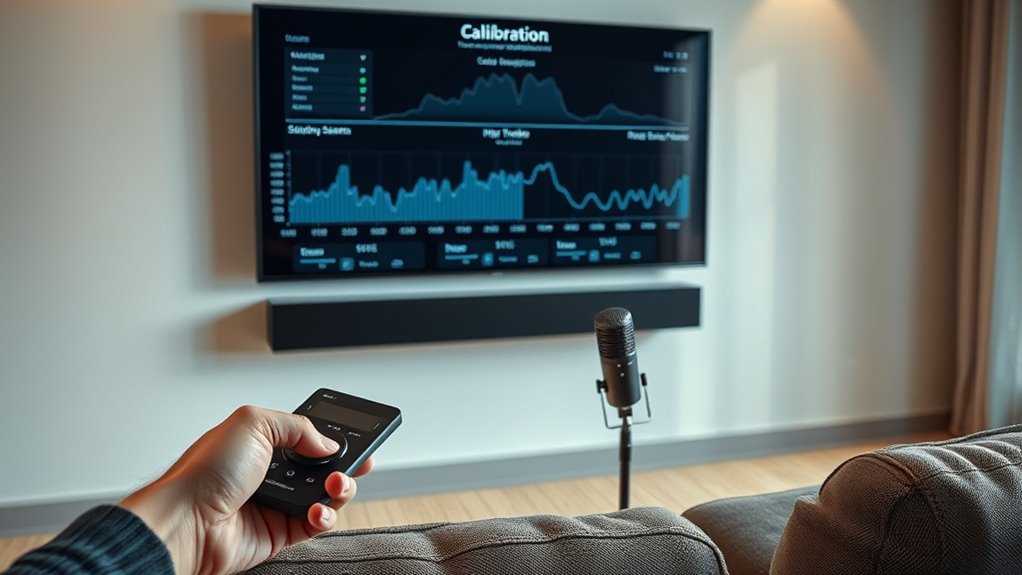

To get the best from your all-in-one soundbar system, start by placing it correctly—just below or above your TV facing forward and avoid high shelves or walls that cause sound reflections. Use any calibration tools to analyze your room’s acoustics, but don’t rely solely on automatic setup; fine-tune the settings for your space. Adjust speaker positions and angles, especially for surround modules, to guarantee immersive sound. Keep experimenting with placement and settings to master your ideal audio experience.

Get business pricing on your home office setup
- Business-only prices and quantity discounts
- Tax-exempt purchasing
- Multiple users, one account, clear invoices
Key Takeaways
- Use automatic calibration tools as a starting point, then manually fine-tune for your room’s acoustics and personal preferences.
- Position the soundbar directly beneath or above the TV, facing forward, and avoid placing on high shelves or near walls.
- Arrange surround modules centrally behind or around seating for immersive, balanced sound distribution.
- Enhance room acoustics with soft furnishings or acoustic panels to reduce echoes and improve calibration accuracy.
- Experiment with speaker angles and positions, listening for natural, balanced sound to optimize overall audio quality.
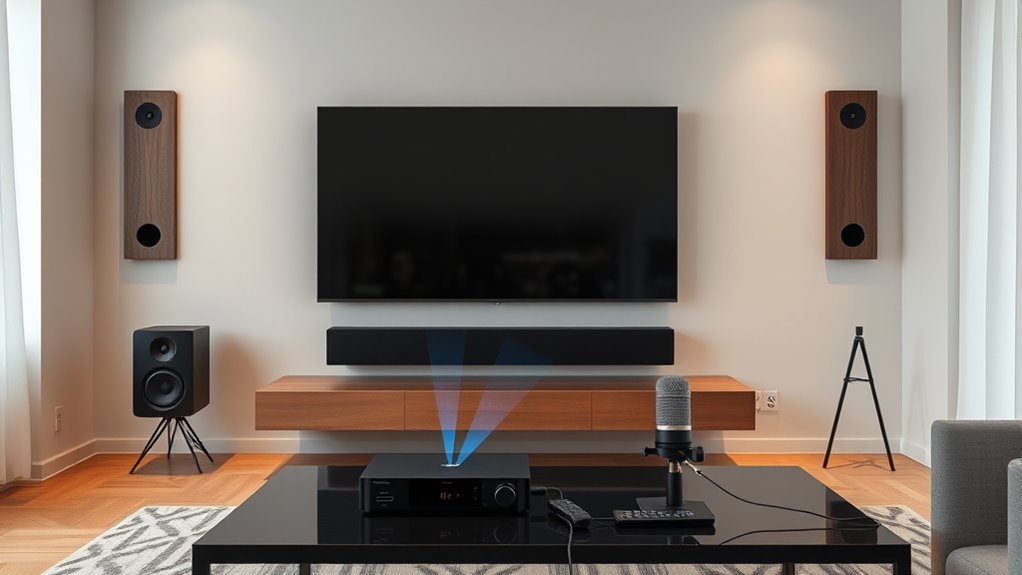
Calibrating your soundbar is vital for achieving ideal audio quality and immersive sound. One of the most important steps in this process is paying close attention to speaker placement. Where you position your soundbar can considerably influence how well it fills the room and delivers clear, balanced sound. Ideally, the soundbar should be placed directly beneath or just above your TV, facing forward to guarantee sound projects toward your seating area. Avoid placing it too high on shelves or too close to walls, as this can cause sound reflections and distort the audio experience. If your soundbar comes with separate speakers or surround sound modules, position these carefully—centered behind or around your seating area—to create a more enveloping experience. Proper placement ensures that sound reaches your ears evenly and reduces the chances of audio dead zones or muffled output. Additionally, understanding and optimizing room acoustics plays a vital role in calibration. Rooms with hard surfaces like bare walls, glass, or tile tend to reflect sound waves, resulting in echoes and uneven audio distribution. Soft furnishings such as curtains, rugs, and upholstered furniture absorb excess sound, helping to create a more balanced acoustic environment. When calibrating your soundbar, consider how your room’s layout influences sound behavior, and make adjustments accordingly. You might need to add acoustic panels or move furniture to minimize echo and improve clarity. Experimenting with different arrangements can reveal how room acoustics impact your listening experience, allowing you to fine-tune speaker placement further. Most modern soundbars offer calibration tools or automatic setup features that analyze your room and suggest ideal settings. Use these tools as a starting point, but don’t rely solely on them. Trust your ears to judge whether the sound feels natural and well-balanced. During calibration, pay attention to how the audio interacts with your specific room environment. If certain sounds seem muffled or overly bright, small adjustments to speaker angle or position can make a big difference. Remember, calibration isn’t a one-size-fits-all process; it’s about tailoring the setup to your space and preferences.
Frequently Asked Questions
How Often Should I Recalibrate My Soundbar?
You should recalibrate your soundbar whenever you change your speaker placement or notice sound quality issues. Regular recalibration helps optimize bass management and guarantees balanced audio. If you move furniture, add new devices, or upgrade your system, it’s a good idea to recalibrate. Doing this periodically, maybe every few months or after significant changes, keeps your sound experience consistent and maximized.
Can I Calibrate My Soundbar Without Professional Tools?
Ever wondered if you can DIY calibration without professional tools? You definitely can, though it might not be perfect. Many soundbars come with built-in calibration features or apps that guide you through the process. While professional tools refine the sound even more, using your soundbar’s automatic settings or basic calibration options is a practical way to improve your audio experience without extra equipment.
What Is the Ideal Listening Distance for Calibration?
The ideal listening distance for calibration depends on your room size and speaker placement, but generally, you should sit about 1.5 to 2.5 times the length of your room away from the soundbar. Make certain your speaker placement is at ear level and evenly spaced from your seating area. This setup helps optimize sound quality, giving you a balanced and immersive experience during calibration.
Does Room Acoustics Affect Calibration Accuracy?
Imagine your living room as a concert hall, where room reflections bounce sound waves. Yes, room acoustics do affect calibration accuracy, as reflections and speaker placement influence sound quality. If reflections are strong, they can muddy audio, making calibration less precise. To get the best sound, position your speakers thoughtfully and minimize reflective surfaces, ensuring your soundbar’s calibration captures the true audio experience without interference.
Are There Specific Settings for Different Content Types?
Yes, you should adjust settings based on content type for ideal sound. For surround sound experiences like movies, enable surround mode and enhance bass for immersive effects. When listening to music, reduce surround effects and focus on clarity and bass enhancement to enjoy richer audio. Switching between these settings ensures you get the best sound quality tailored to each content type, making your all-in-one system more versatile and enjoyable.
Conclusion
Now that you’ve learned how to calibrate your soundbar, you’re all set to enjoy ideal audio quality. Remember, proper calibration isn’t just about volume; it’s about creating a balanced, immersive experience. Are you ready to open the full potential of your all-in-one system and truly hear every detail? Take the time to fine-tune your setup, and you’ll be amazed at how much better your entertainment becomes. Your perfect sound awaits—are you prepared to achieve it?
Fall Picks
fall essentials
As an affiliate, we earn on qualifying purchases.