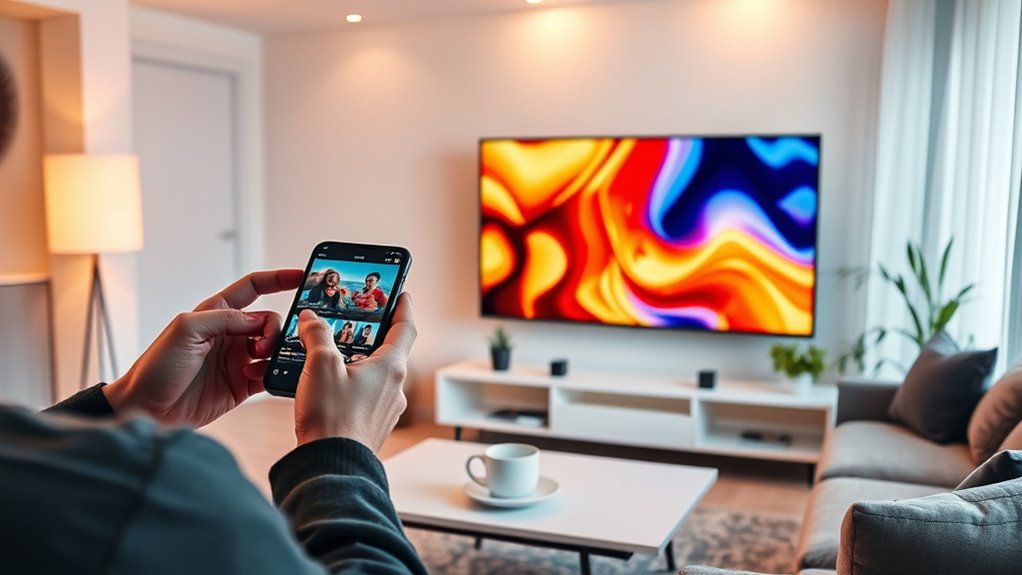
To cast from your smartphone without lag, make certain you use a compatible wireless protocol like Wi-Fi Direct, Chromecast, or AirPlay, and connect both devices to a stable, high-speed Wi-Fi network—preferably on the 5 GHz band. Keep your devices and firmware updated for better support, and minimize network interference by reducing connected devices. Improving your network setup and choosing the right protocol can notably reduce lag, and exploring these tips will help you get smoother streaming experiences.
Use devices supporting high-bandwidth protocols like Wi-Fi Direct or Chromecast for smoother casting.
Ensure both smartphone and receiving device are connected to the same, stable 5 GHz Wi-Fi network.
Keep device firmware and casting apps updated to improve compatibility and reduce lag.
Minimize network interference by reducing connected devices and obstructions around the router.
Opt for devices with strong hardware specifications and compatible wireless protocols to enhance performance.
Casting from smartphones has become vital for streaming content seamlessly, but lag can ruin the experience. To guarantee smooth casting, understanding the role of wireless protocols and device compatibility is essential. These elements directly impact how well your device communicates with your TV or streaming device, influencing the overall performance and latency. Different wireless protocols, such as Wi-Fi Direct, Miracast, Chromecast, or AirPlay, each have their strengths and limitations. For instance, Wi-Fi-based protocols generally offer higher bandwidth, reducing lag and providing sharper video quality. However, not all devices support every protocol, which makes device compatibility a key consideration when setting up your casting setup. If your smartphone isn’t compatible with your streaming device’s protocol, you might experience jitter, disconnects, or considerable delays.
Before you start casting, check your device specifications. Many modern smartphones support multiple wireless protocols, but older models might only support a limited selection. Similarly, your smart TV or casting device should be compatible with these protocols for ideal performance. If there’s a mismatch, you might need to update your device’s firmware or consider investing in a more compatible streaming device. Some protocols, like Chromecast or Apple AirPlay, are more widely supported across different brands, making them easier to set up and more dependable for smooth streaming. Conversely, protocols like Miracast may work well on Windows devices but could be less compatible with certain Android or iOS devices, leading to potential lag issues. Additionally, device support for specific protocols can vary depending on firmware updates and manufacturer support, so keeping your devices current can significantly improve casting performance.
Ensuring device compatibility also involves checking network settings. A strong, stable Wi-Fi connection is essential, especially if you’re using high-bandwidth protocols. If your smartphone and streaming device are on different networks or if your Wi-Fi signal is weak, you’ll likely encounter lag. Using dual-band routers to connect both devices to the same 5 GHz network can greatly reduce latency. Additionally, keeping your devices updated with the latest firmware can improve compatibility and performance, minimizing lag during casting.
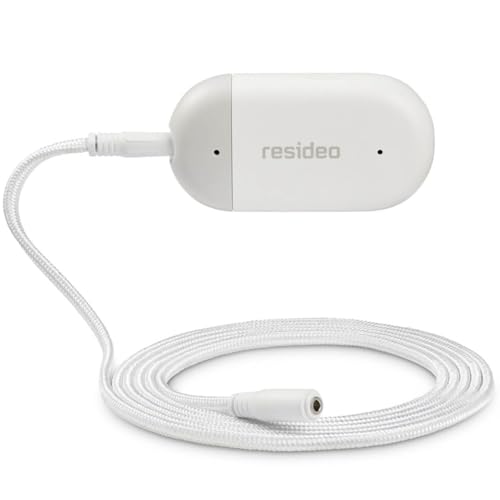
Resideo CHW3610W8001 WiFi Water Leak Detector For Home, Smart Water Sensor Alarm and Freeze Detector, Water Detector Alarm for Basement, Bathroom, and Under Sink
WiFi water leak sensor - When you're away, you can depend on the L1 WiFi water alarm leak...
As an affiliate, we earn on qualifying purchases.
Frequently Asked Questions
Which Smartphones Support Lag-Free Casting Effectively?
You’ll find that smartphones like the latest Samsung Galaxy, Google Pixel, and iPhone models support lag-free casting effectively. These devices are compatible with popular casting protocols like Google Cast and AirPlay, ensuring smooth streaming. To get the best experience, make sure your smartphone’s software is updated, and your Wi-Fi network is fast and stable. This way, you’ll enjoy seamless casting without frustrating lag or delays.
What Accessories Improve Streaming Stability During Casting?
Surprisingly, the best way to improve streaming stability during casting is with wireless adapters and casting accessories. These simple tools often get overlooked but can drastically reduce lag and disconnects. You might think your phone’s Wi-Fi is enough, but plugging in a reliable wireless adapter or using dedicated casting accessories creates a more stable connection. It’s almost ironic how these small gadgets make all the difference in a smooth streaming experience.
How Does Wi-Fi Network Speed Affect Casting Quality?
Your Wi-Fi network speed directly impacts casting quality. When your connection is fast, it reduces buffering and lag, providing smooth streaming. However, network congestion and signal interference can slow down your connection, causing lag and interruptions. To improve casting, confirm your Wi-Fi is stable, avoid heavy network usage, and minimize interference from other devices. A strong, fast, and less congested network helps you enjoy seamless casting experience.
Can Casting Be Done Without a Compatible Smart TV?
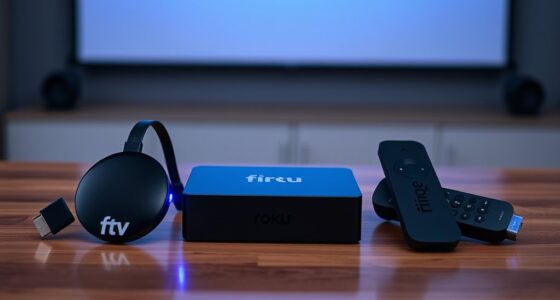
Yes, you can do screen mirroring without a compatible smart TV by using devices like Chromecast, Roku, or Amazon Fire Stick. These gadgets enable you to cast your smartphone’s screen to any TV with an HDMI port. Just make sure your device is compatible and connected to the same Wi-Fi network. This setup allows seamless screen mirroring, even if your TV isn’t initially compatible with casting features.
What Troubleshooting Tips Prevent Lag During Casting Sessions?
To prevent lag during casting, make certain your device and TV are compatible and update their software. Avoid network congestion by minimizing other device usage or streaming activities on the same Wi-Fi. Use a 5GHz network if possible, as it offers faster speeds and less interference. Keep your Wi-Fi router close to your devices for a stronger connection, and restart your router and devices regularly to maintain excellent performance.
HydroCheck Water Sensor Alarm, Smart Water Leak Detector for Home & Basements | Made in THE USA | Automatic Flood Detectors and Water Alarm, Pure Water Capable (WaterWatcher)
PREVENT MAJOR FLOODING & WATER DAMAGE: The only leak-detecting product that sounds an alarm when water is detected...
As an affiliate, we earn on qualifying purchases.
Conclusion
Imagine effortlessly streaming your favorite shows from your phone to the big screen, with no lag to interrupt your moment. When you choose the right casting method and guarantee a strong Wi-Fi connection, it’s like gliding smoothly across glass—fluid, seamless, and instant. You’ll feel like you’re part of the action, not waiting for it. With the right setup, your smartphone becomes a magic window, turning every viewing experience into a flawless, immersive adventure.
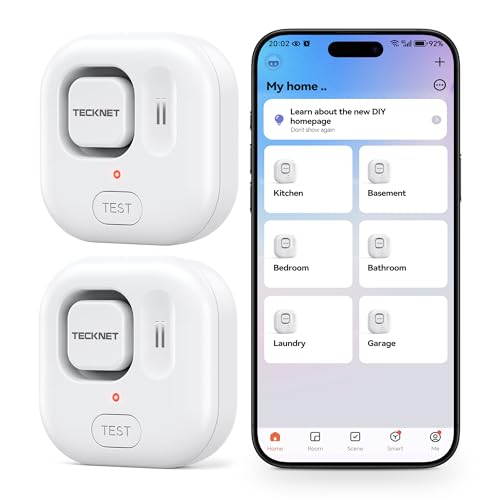
TECKNET WiFi Water Leak Detectors, Leak & Drip Alert with APP Push and Sound Alarm, Smart Water Sensor with 120dB Adjustable Alarm, for Home Kitchen Bathroom Basement (2 Pack, Battery Included)
【Instant App Alerts for Home Water Leaks】This water leak detectors for home sends instant notifications to your phone...
As an affiliate, we earn on qualifying purchases.
Kidde WiFi Water Leak Detector & Freeze Alarm, Alexa Device, Smart Leak Detector for Homes with App Alerts,White
Water sensor provides early detection of water leaks or freezing conditions, so you can take steps to avoid...