
TL;DR

Get your home office setup delivered free — and shop member deals
- Fast, free delivery on millions of items
- Access to Prime Big Deal Days deals on October 6–7
- Prime Video, Amazon Music and more included
Apple Home users can install a Matter TestNet configuration profile on a HomePod or Apple TV to access certain beta firmware updates through the Home app. The process requires a free Apple Developer account, and the test firmware may be unstable or never reach public release.
Apple Home users can access some Matter device firmware before public release by installing a configuration profile that points their HomePod or Apple TV hub to the Matter TestNet DCL, according to a how-to guide published by Matter Alpha. The route requires a free Apple Developer account and carries risks because TestNet software is intended for development and testing, not general use.
After the profile is installed on the primary Apple Home hub, the guide says users can find and install available TestNet firmware updates through the Apple Home app. The profile does not make every manufacturer’s beta firmware available: updates must first be published to the Matter TestNet DCL by the device maker.
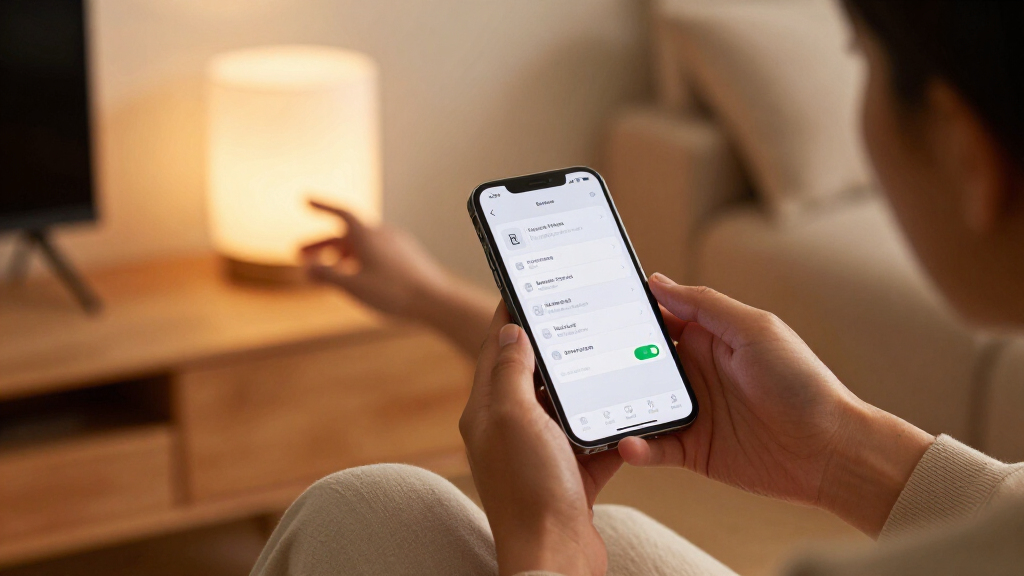
For a HomePod or HomePod mini, the guide describes downloading the profile on an iPhone or iPad, choosing the speaker as the destination and confirming installation. The hub must then be restarted. The guide says the steps require an Apple Developer account and a device running current software.
Apple TV setup takes more work because the device has no file or web browser for opening the profile. Matter Alpha outlines two approaches: use Apple Configurator on a Mac to transfer the profile, or host it on a cloud service and enter its URL through a hidden tvOS settings menu. The source describes the process; it does not establish that Apple officially endorses installing development firmware for routine household use.
Early Access Comes With Device Risks
The method gives technically confident Apple Home users a way to try firmware before a maker releases it broadly. That can be useful when a test build addresses a known issue or adds support for a newer specification. The guide points to IKEA firmware listed on the TestNet DCL as an example, including changes for selected sensors.
But early access is not the same as a stable update. Matter Alpha warns that test builds may remain on the test directory for months, undergo multiple revisions or never be released. It says installing them may cause compatibility problems, worse battery performance or devices that become unusable. Those risks matter because sensors and other connected devices can be part of everyday automations, alarms and routines.
Readers should weigh a specific test build’s release notes against the consequences of a failure in their home. A firmware update intended to improve connectivity may not fix every user’s issue, and the source provides no guarantee of reliability or a recovery path for every device.
How TestNet Firmware Reaches Apple Home
The Matter Distributed Compliance Ledger, or DCL, is part of the infrastructure used to publish information about Matter-certified products and their software. The source describes the TestNet DCL as a separate destination for development firmware. In the method it outlines, installing a profile changes where an Apple Home hub looks for eligible updates; it does not itself install a particular manufacturer’s firmware.
Matter Alpha reports that IKEA had posted TestNet firmware for several products. It cites version 1.2.2 for the TIMMERFLOTTE temperature and humidity sensor, which IKEA release notes reportedly say adds Thread 1.4 and Matter 1.5 specifications. It also cites version 1.1.6 for the MYGGSPRAY motion sensor and MYGGBETT contact sensor, described in the notes as including “Improved Thread connectivity.” These are examples in the guide, not confirmation that the firmware is available for every user or product region.
“Improved Thread connectivity”
— IKEA release notes, as quoted by Matter Alpha
Availability and Recovery Vary
The guide does not establish how long the cited IKEA firmware will remain on TestNet, whether it will receive further revisions or when, or whether, it will be released publicly. Availability depends on manufacturers posting updates and on a user’s exact device and setup. The source also does not provide independent testing of the cited builds or confirm that every affected device can be recovered if an update fails.
Apple’s current software requirements and menus can change, and the provided report does not confirm that each described installation route works on every current version of iOS, macOS or tvOS. Users should check the manufacturer’s current instructions and release notes before applying a test build.
Check the Build Before Installing
Anyone considering the method should first confirm that a relevant firmware version is listed for their exact device and read the manufacturer’s release notes. They should also consider whether the device is important to daily safety or household routines, given the guide’s warning about failed updates and compatibility problems. The next development depends on manufacturers: they may revise TestNet builds, move them to public release or leave them in testing.
For readers who proceed, Matter Alpha’s instructions call for an Apple Developer account, a compatible Apple device and a restart of the hub after profile installation. Because the procedure changes how the hub finds firmware and the software is unfinished, users should follow current vendor guidance rather than assume a test build is equivalent to a standard update.
Key Questions
What does the Matter TestNet profile do?
According to Matter Alpha, it directs an Apple Home hub to the Matter TestNet DCL, where participating manufacturers may publish development firmware. It does not guarantee that an update exists for a particular device.
Do I need to pay for an Apple Developer account?
The guide says a free Apple Developer account is sufficient to download the configuration profile. Requirements and Apple’s account process may change, so check Apple’s current instructions.
Can I install the profile on HomePod and Apple TV?
The guide describes installation on a HomePod or HomePod mini through an iPhone or iPad. For Apple TV, it outlines transferring the profile with Apple Configurator on a Mac or using a hosted profile URL through a tvOS settings menu.
Are TestNet firmware updates safe for everyday use?
They are development builds, and the guide warns they may cause compatibility problems, reduced battery performance or an unusable device. A TestNet update may also never become a public release.
Will TestNet firmware eventually be released to everyone?
Not necessarily. Matter Alpha says builds may undergo revisions for months and may never be released publicly. The timing and availability depend on the manufacturer.
Source: rss
Evergreen bestsellers Picks
bestsellers
As an affiliate, we earn on qualifying purchases.