TL;DR

Get business pricing on your home office setup
- Business-only prices and quantity discounts
- Tax-exempt purchasing
- Multiple users, one account, clear invoices
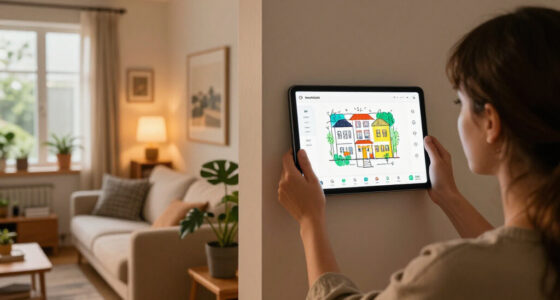
Apple’s $299 HomeView Wall Mounted model is sold without the mount and power accessory needed to use it. The available Schneider Home options start at $59.95, bringing the minimum price to $358.95 before tax; a PoE option is planned for early 2027.
Apple’s $299 HomeView Wall Mounted smart home display does not include the mount and power solution needed to operate it, meaning buyers must pay extra for an accessory. The least expensive listed option, Schneider Home’s Power Mount USB-C Wall Connector, costs $59.95, putting the wall-mounted setup at a minimum of $358.95 before tax.
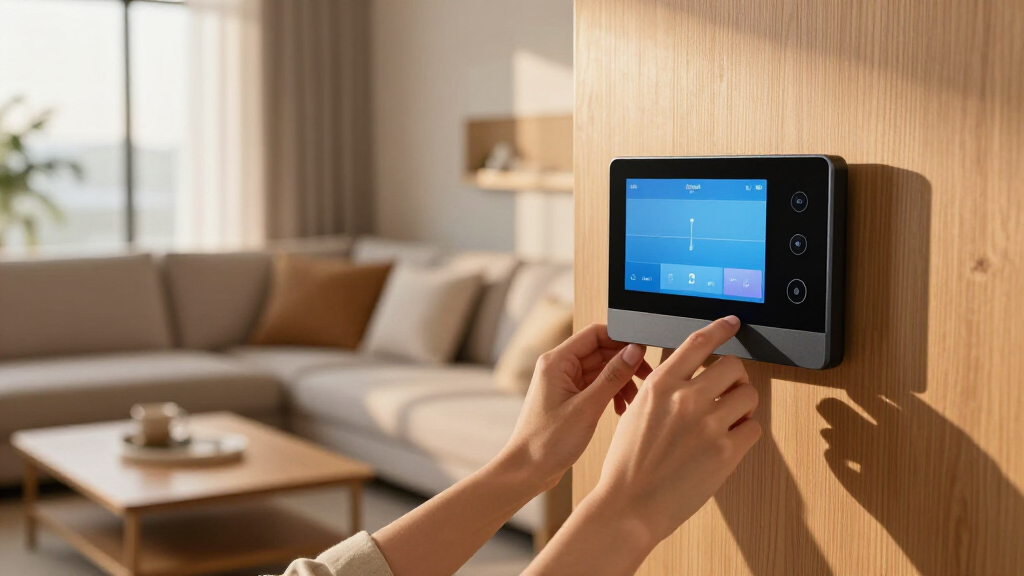
Apple announced two HomeView models, each priced at $299: a version with a speaker base for desktop use and a separate model designated Wall Mounted. The wall model is sold without the accessories required to attach it to a wall and provide power. Apple lists three purpose-built mounts from Schneider Home, though only two are currently available to order.
The available options are the Power Mount USB-C Wall Connector at $59.95 and the Power Mount AC Wired at $79.95. A third choice, the Power Mount PoE Wired at $129.95, is scheduled to become available in early 2027. Based on the listed prices, the HomeView and least expensive mount total $358.95; the AC Wired combination totals $378.95, before tax.
Apple’s product announcement identifies the accessories as separate purchases. On Apple’s online store, shoppers can select a mount or choose “No mount” and continue without adding one. The store states that the wall-mounted HomeView “requires a mount and power solution to operate,” so buying the display alone does not provide a ready-to-use wall installation.
The Real Price of Wall Mounting
The separate accessory changes the effective price for anyone who specifically wants a wall-mounted HomeView. Although both display models carry a $299 starting price, the wall version requires an additional purchase to function as intended. Its entry price for a usable wall setup is therefore at least $59.95 higher than the headline price, before tax.
That distinction matters when shoppers compare the wall and desktop models. The desktop version includes a speaker base, while the wall version requires a compatible mount and power solution instead. These are described as distinct models, not two configurations that can be switched between by moving or repurposing the base. Buyers should account for the accessory cost when choosing which version fits their home and budget.
The separate pricing also makes the choice of power and installation method relevant to the total. The two available accessories have different listed prices, while the PoE model is more expensive and not scheduled until early 2027. Apple’s announcement lists the products and prices, but does not provide enough detail here to compare their installation requirements beyond their names and stated function.
Two HomeView Versions, Separate Accessories
The Verge reported on October 13, 2026, that Apple had announced HomeView in two forms: a speaker-base desktop model and a wall-mounted model, each priced at $299. The extra cost is tied to the wall version’s mounting and power needs rather than a price difference between the two displays themselves.
Apple’s announcement page lists the Schneider Home mounts in its small print, and the online purchasing flow presents the accessory choice. The USB-C Wall Connector and AC Wired option can be ordered from Apple’s website and the Apple Store app. The PoE Wired accessory is listed for early 2027, rather than as an option available at launch.
The source report says the wall model does not ship with a power source and cannot be used as a freestanding display to avoid buying the required solution. It also reports that the desktop model’s speaker base cannot be converted to make it the wall-mounted version. Apple’s listed wall-model color selection is limited to two colors, according to the report.
““HomeView (Wall Mounted) requires a mount and power solution to operate.””
— Apple, in the HomeView product announcement
Third-Party Mounts and Compatibility
The source material does not establish whether third-party manufacturers will produce less expensive compatible mounts, or when any such products might reach the market. The Verge report says they may appear, but that is a possibility rather than a confirmed product announcement. Buyers cannot rely on an alternative being available at launch.
The provided information also does not give a full technical comparison of the three Schneider Home options, including what installation each requires or whether every option suits every home. The PoE accessory’s listed price and expected early-2027 availability are stated, but Apple has not supplied a more specific release date in the material cited. Prices and availability may also vary by market; the listed prices are in U.S. dollars.
Accessory Availability and Pricing
Customers can currently order the USB-C Wall Connector and AC Wired mount through Apple’s website or Apple Store app, according to Apple’s announcement. Shoppers considering the wall model should check the current store listing for the accessory price and availability, then include that cost when comparing it with the $299 desktop version.
Apple’s stated next milestone is the release of the Power Mount PoE Wired in early 2027 for $129.95. The source material does not provide a specific date for that launch or confirm any alternative third-party mounts. Until further options are announced, the listed Schneider Home accessories are the priced mount choices identified for the wall-mounted display.
Key Questions
Does the $299 wall-mounted HomeView include a mount?
No. Apple sells the wall-mounted HomeView separately from the mount and power solution it requires to operate.
What is the lowest listed price for a working wall-mounted setup?
The HomeView costs $299, and the least expensive listed accessory is the $59.95 USB-C Wall Connector. Together, they total $358.95 before tax.
Which HomeView mounts can buyers order now?
Apple lists the Power Mount USB-C Wall Connector at $59.95 and the Power Mount AC Wired at $79.95 as available to order. Prices are listed in U.S. dollars.
When will the PoE mount be available?
Apple says the Power Mount PoE Wired, priced at $129.95, will be available in early 2027. The announcement does not give a specific date.
Can the desktop HomeView be converted to the wall-mounted model?
The Verge report says the desktop and wall-mounted HomeView are distinct versions, and the desktop speaker base cannot be converted into the wall model. Apple’s material cited here does not describe a conversion option.
Source: rss
Halloween Picks
halloween
As an affiliate, we earn on qualifying purchases.