
TL;DR

Get business pricing on your home office setup
- Business-only prices and quantity discounts
- Tax-exempt purchasing
- Multiple users, one account, clear invoices
Apple Home can display live power use and historical energy data from compatible Matter accessories, according to a Matter Alpha setup guide. The guide also outlines Grid Forecast and utility-account features, but says full-home utility integration is limited to two U.S. providers.
Apple Home can show live power use and historical energy records for compatible Matter accessories, according to a setup guide published by Matter Alpha. The report explains how to find those readings in the Home app and how to access Grid Forecast and utility-account features, which have different availability requirements.
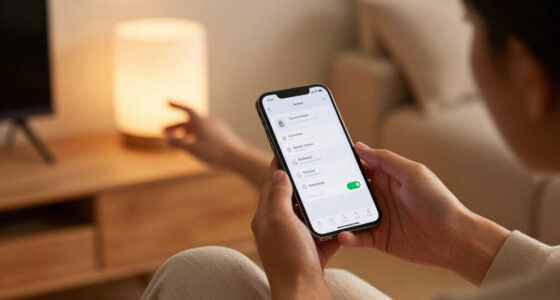
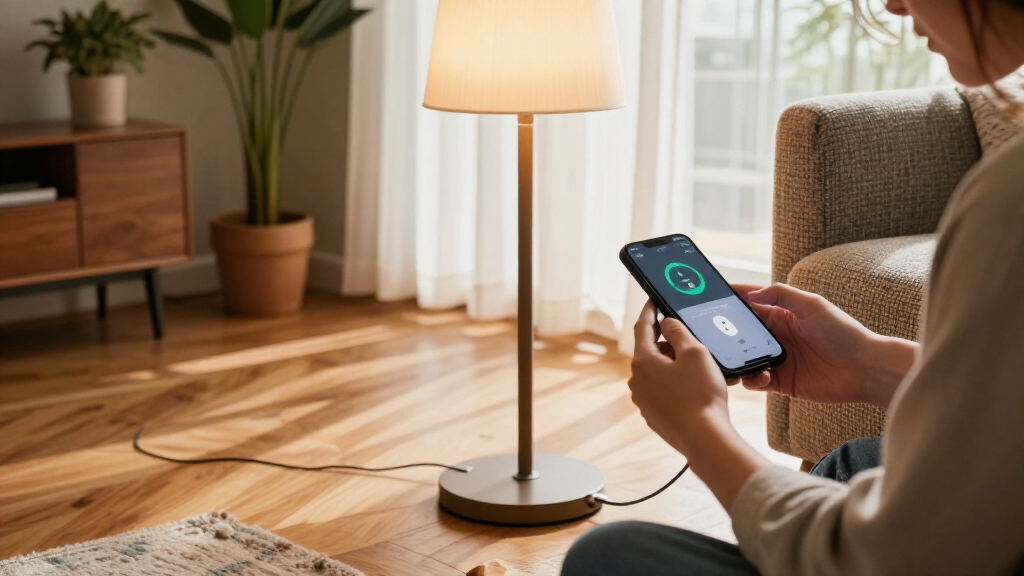
To check live use, add a Matter accessory that supports energy monitoring to Apple Home, then open the app and tap Energy or Grid Forecast, followed by Power. The Power screen lists compatible devices; when one is drawing power, its current consumption appears beneath its name. The Energy screen also shows a live total for the listed devices.
For historical readings, the guide says to open Energy or Grid Forecast, wait for Usages to appear beneath the Grid Forecast timeline, and tap it. Select a device from the drop-down menu to see usage totals and averages in a chart for day, week, month, six months or year. The Cleaner and Less Clean filters can highlight usage periods against local grid conditions.
Matter Alpha names the Inovelli White Series Smart Dimmer Switch, Aqara Thermostat Hub W200 and Eve Energy In-Wall Outlet as examples it has seen working with Apple Home’s energy monitoring. That is not a complete compatibility list: the accessory itself must support energy monitoring, and the guide does not say every Matter device provides these readings.
What Home Energy Data Can Show
The feature can help users see which supported accessories are drawing power and when, rather than relying only on a household electricity bill. Live readings and historical charts may help identify patterns in device use, though the guide does not provide evidence of guaranteed bill savings or a specific reduction in consumption.
Grid Forecast adds a separate layer: it indicates periods when a local utility is using cleaner or less clean energy, according to the guide. People may use that information to shift flexible electricity use to cleaner periods. Any cost effect depends on a utility plan, such as time-of-use billing; the feature does not itself change a device’s schedule or reduce consumption.
Utility-account linking could offer a broader view because it covers household electricity use beyond monitored smart accessories. But the guide says that integration is restricted to Pacific Gas and Electric and Southern California Edison, limiting its usefulness for most U.S. customers and people elsewhere.
Products Worth Considering

Dyson Cyclone V10 Origin Cordless Vacuum

Dyson V8 Cyclone Cordless Vacuum

Sonos Era 100 SL Compact Microphone-Free Speaker, White
As an affiliate, we earn on qualifying purchases.
Three Separate Energy Features
The report describes three ways to see energy information in Apple Home. Power provides current readings from compatible accessories, while Usages presents their recorded consumption over selected time periods. Neither view should be confused with utility-account integration, which the guide describes as showing total household use from the provider.
Grid Forecast is also distinct from device monitoring. Matter Alpha says it is available to homes in the contiguous United States, excluding Alaska and Hawaii, and requires Location Services to be enabled for both the Home app and Home Service on iOS, iPadOS or macOS. To switch it on, open Home, tap the three-dot menu, choose Home Settings, then Energy, and enable Show Grid Forecast. A bell icon provides an option to request notifications about cleaner-energy periods.
The source identifies iOS 27 as the introduction point for Apple Home’s energy views. The supplied report does not provide an Apple announcement or independent product documentation, so its setup instructions and availability details are attributed to Matter Alpha.
““When a device is actively drawing power, real-time energy consumption data will appear underneath its name.””
— Matter Alpha
Compatibility and Access Remain Limited
The guide does not list every Matter accessory that supports energy monitoring, nor does it explain whether readings are identical across brands or how frequently historical records update. Users may not see energy data for devices that lack the relevant monitoring capability, even if those devices work with Matter and Apple Home.
Availability is also uneven. The report places Grid Forecast in the contiguous United States and utility linking with two providers, but it does not give a date for broader provider support or coverage in other regions. It also does not specify how long Apple retains usage records or whether the same menus are available on every supported software version.
Check Support Before Setup
Users can start by checking whether a Matter accessory supports energy monitoring and is linked to their Apple Home, then follow the Power and Usages paths in the app. Those who want Grid Forecast should verify that Location Services are enabled for the Home app and Home Service and check whether the feature is available in their location.
Customers considering a whole-home view can open Home Settings, choose Energy and select Connect Account to see whether their utility is supported. The source does not identify any announced expansion schedule for providers or regions, so users outside the listed service area will need to wait for Apple or their utility to provide further availability details.
Key Questions
How do I see a Matter device’s live energy use in Apple Home?
Open Energy or Grid Forecast, tap Power, and look beneath a compatible device’s name for its current reading. The accessory must support energy monitoring.
Can Apple Home show past energy use?
Yes, for supported accessories. Open Energy or Grid Forecast, wait for Usages to appear, tap it, and choose a device. The guide says charts can be viewed by day, week, month, six months or year.
What does Grid Forecast do?
According to Matter Alpha, it shows a timeline indicating when local electricity is expected to be cleaner or less clean. It is available in the contiguous United States and requires Location Services for the Home app and Home Service.
Does Apple Home support whole-home electricity data?
The guide says users can connect a utility account for total household consumption, but lists only Pacific Gas and Electric and Southern California Edison as supported providers.
Will any Matter device show energy readings?
No. The accessory needs energy-monitoring capability, and the guide does not claim that all Matter devices provide energy data.
Source: matteralpha.com