Many believe high-gain screens automatically deliver brighter images and better contrast, but that’s a misconception that can cost you money. Gain influences brightness but can cause glare, limited viewing angles, and uneven images if misused. Overspending on high-gain screens in hopes of improving picture quality often leads to minimal benefits and unnecessary expenses. To avoid this trap, understanding how gain really works can help you choose the right screen for your space. If you stick around, you’ll find out how to make smarter, cost-effective choices.
Key Takeaways
- Many believe high gain screens automatically produce better images, leading to unnecessary high expenses without real-world benefits.
- Overemphasizing gain can cause glare, reduced viewing angles, and diminished contrast, especially in ambient light.
- Misunderstanding gain’s role results in overspending on screens that don’t improve picture quality in typical environments.
- Proper gain selection tailored to room lighting and viewing angles can save money while optimizing image quality.
- Educating consumers about gain myths prevents costly upgrades and promotes choosing adaptable, cost-effective screen solutions.
What Is the Screen Gain Myth and Why Does It Persist?
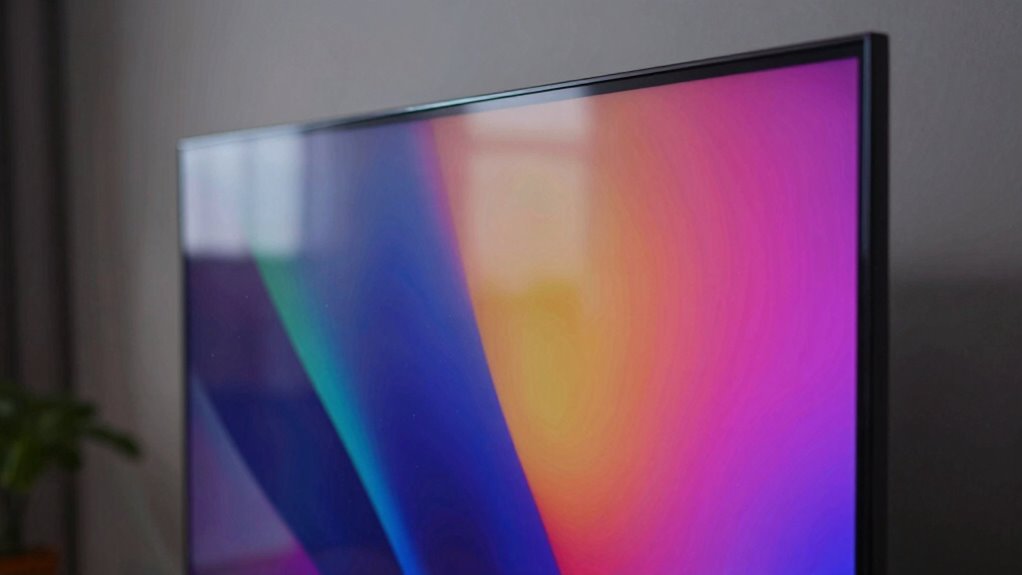
The screen gain myth persists because many believe that higher gain screens automatically produce brighter images and better contrast. This misconception often stems from the assumption that a higher gain enhances the projection setup, making the image more vivid regardless of ambient lighting conditions. People think that increasing gain will compensate for ambient lighting and improve picture quality. However, this isn’t always true. Higher gain screens tend to reflect more light directly back to the viewer, which can cause glare and hot spots, especially in rooms with uncontrolled ambient lighting. As a result, the myth leads users to overspend on high-gain screens, expecting perfect images, but often ending up with uneven brightness and reduced contrast. Understanding this myth helps you make smarter choices for your projection setup. Proper setup and understanding of ambient conditions are crucial for optimal image quality. Recognizing that gain is just one factor can prevent costly mistakes and improve your viewing experience. Additionally, knowing how screen gain interacts with room lighting can help you select the most suitable screen for your environment. Being aware of projection environment factors is key to avoiding common misconceptions and achieving the best possible image quality. A thorough understanding of cabling and installation techniques can also significantly impact overall image performance.
How Screen Gain Really Affects Brightness and Contrast
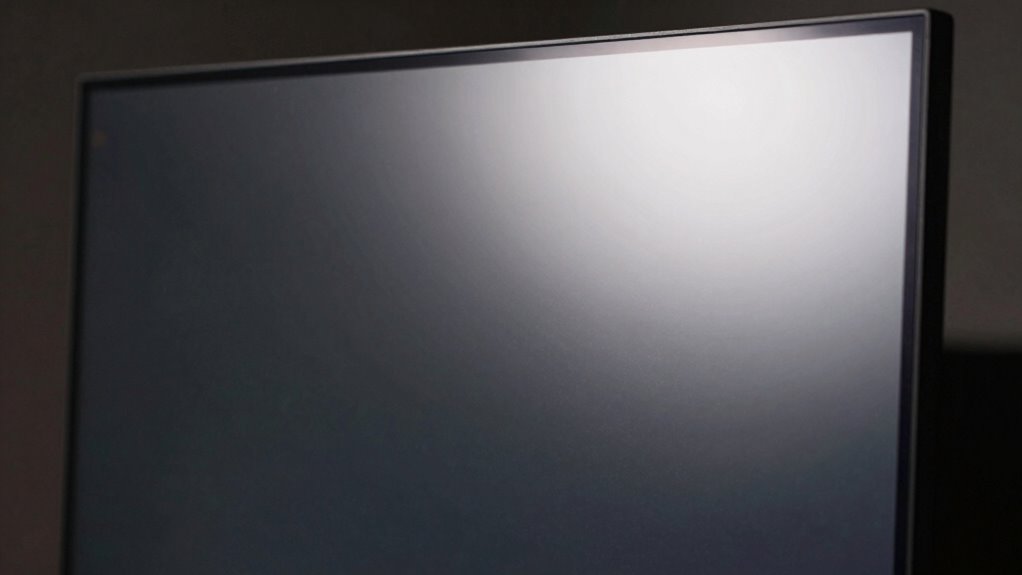
Screen gain directly impacts how bright your projector appears, but higher gain doesn’t always mean better contrast. Many believe gain affects contrast more than it actually does, leading to misconceptions. Understanding how gain truly influences brightness and contrast helps you make smarter choices for your setup. Additionally, knowing the difference between brightness and contrast can prevent costly mistakes when selecting projection surfaces. For example, grasping the role of ambient light in your environment can significantly improve your viewing experience and prevent overspending on unnecessary equipment. Recognizing how screen material impacts reflectivity can help you optimize your display for different lighting conditions. Furthermore, understanding the relationship between gain and reflectivity can assist in selecting the right surface for your viewing environment, especially when considering how ambient conditions can alter perceived image quality.
How Gain Influences Brightness
Ever wondered how gain settings actually impact the brightness and contrast of a projector image? Higher gain screens reflect more light, making the image appear brighter, especially in well-lit rooms. However, gain doesn’t just influence brightness; it also affects viewing angles and how ambient lighting impacts picture quality. Here’s what you need to know:
- Higher gain screens produce a brighter image but narrow viewing angles, so viewers off-center see less detail.
- Low gain screens offer wider viewing angles, ideal for larger audiences, but may appear dimmer in bright rooms.
- Ambient lighting can wash out images on low gain screens more easily, emphasizing the importance of proper lighting control.
- Adjusting gain helps balance brightness and contrast based on your room’s lighting and seating arrangement.
- Proper gain management is especially important in solar safety and design considerations to ensure optimal viewing conditions. Understanding gain’s role helps you choose the right screen for your specific environment, especially when considering factors like ambient light. Additionally, screen material plays a crucial role in how gain affects overall image quality.
Contrast and Gain Relationship
Although increasing gain boosts overall brightness, it also particularly impacts contrast levels. Higher gain screens reflect more ambient lighting, which can wash out dark scenes and reduce the perceived contrast. This effect becomes especially noticeable in rooms with bright ambient lighting, where the glare diminishes the depth of blacks and whites. Additionally, gain influences viewing angles; screens with high gain tend to have narrower angles, meaning contrast diminishes when you move off-center. As a result, even if your screen looks brighter at the center, your contrast performance may suffer from uneven lighting conditions or if you’re viewing from different positions. Recognizing how screen gain interacts with room lighting can help optimize your viewing experience and prevent unnecessary frustration. Furthermore, sound vibrations are believed to enhance cellular regeneration and overall health, highlighting the importance of incorporating holistic approaches to visual and auditory well-being. Understanding the contrast and gain relationship helps you choose a screen that balances brightness and contrast based on your room’s lighting and seating arrangement. Considering ambient lighting factors can further improve your viewing clarity and comfort. Additionally, being aware of ambient light management techniques can significantly enhance overall picture quality.
Misconceptions About Gain
Many people assume that higher gain always means a brighter picture and better contrast, but this isn’t quite true. The screen surface and viewing angles heavily influence how gain impacts your experience. Higher gain screens reflect more light, making the picture appear brighter directly in front, but often at the expense of viewing angles. Here’s what you should consider:
- A high-gain surface boosts brightness but narrows viewing angles.
- Low-gain screens offer wider viewing angles but may appear less bright.
- Brightness isn’t uniform; it varies with your position relative to the screen.
- Gain doesn’t improve contrast directly; contrast depends more on the projector’s capabilities and screen surface.
- Screen gain should be matched to your environment and seating arrangement to achieve optimal picture quality.
Understanding these factors helps you select the right screen for your setup, avoiding misconceptions.
Common Misconceptions About High-Gain Screens and Benefits

A common misconception about high-gain screens is that they always deliver brighter images without any drawbacks. While they can enhance brightness, this benefit depends heavily on projection angles and ambient lighting conditions. High-gain screens reflect more light directly back to you, making images appear brighter when viewed at the ideal angle. However, if you view the screen from extreme angles, brightness and contrast can quickly diminish, causing uneven image quality. Additionally, in rooms with strong ambient lighting, high-gain screens may reflect unwanted light, creating glare and reducing image clarity. This means that the perceived benefits aren’t universal. To get the best results, you need to contemplate your projection setup, viewing angles, and lighting environment carefully before choosing a high-gain screen. Understanding the reflective properties of different screen types can help you select the most suitable option for your needs. Furthermore, considering the viewing angle and how it influences light reflection can prevent disappointment with your display performance.
The True Costs of Overestimating Screen Gain

Overestimating screen gain can lead to significant hidden costs that affect your viewing experience and budget. When you choose a screen with too high gain, you might face issues like poor image quality in ambient lighting, as glare and reflections increase. Additionally, screens with exaggerated gain often sacrifice durability, making them more prone to damage over time. Here are some costs to contemplate:
- Increased glare in bright rooms, reducing clarity
- Reduced image accuracy due to uneven brightness
- Higher replacement or repair expenses from fragile screens
- Limited flexibility for different ambient lighting conditions
- Compatibility with different displays can be compromised by overly high gain screens, limiting your setup options.
Overestimating gain may seem beneficial initially, but these hidden costs can quickly add up, negatively impacting your long-term viewing satisfaction and wallet.
How to Choose the Right Screen for Your Room
When choosing a screen for your room, start by considering its size to guarantee it fits comfortably. Next, think about brightness and glare to prevent discomfort during viewing, and finally, focus on resolution and clarity for sharp, vivid images. Making these choices carefully helps you create the best home theater experience.
Room Size Compatibility
Choosing the right screen size starts with understanding your room’s dimensions. You want a screen that fits well without overwhelming the space or causing viewing discomfort. Consider these key factors:
- Measure your room’s width and height to determine the maximum screen size.
- Think about ambient lighting, which can wash out images on larger screens if not controlled.
- Ensure your seating arrangement offers good viewing angles for everyone, avoiding awkward positions.
- Keep in mind that a screen too small can feel underwhelming, while one too large may cause eye strain and limited placement options.
Matching your screen size to your room’s size ensures suitable viewing experience and prevents issues related to ambient lighting and poor viewing angles. Proper sizing makes all the difference.
Brightness and Glare
Selecting a screen that works well in your room requires paying close attention to brightness and glare. Ambient light from windows or lamps can wash out images if your screen isn’t suited for the environment. Look for a screen with appropriate reflectivity; low-reflectivity screens reduce glare and improve visibility in bright rooms. If your space has a lot of ambient light, consider screens designed to handle higher light levels without washing out. Conversely, in darker rooms, high-gain screens can boost brightness but may produce distracting reflections. Avoid screens that reflect too much light, which can cause eye strain and reduce picture quality. The key is balancing screen reflectivity with your room’s lighting conditions to ensure a clear, comfortable viewing experience.
Resolution and Clarity
To guarantee your screen delivers sharp, clear images, paying attention to resolution is essential. Higher resolution ensures details remain crisp, especially at different viewing distances. When choosing a screen, consider:
- The best resolution for your room size and content, like 1080p or 4K.
- How projection angles affect perceived clarity; wider angles may cause distortion if resolution isn’t high enough.
- The ideal viewing distance; too close, and lower resolution appears blurry, too far, and details are lost.
- The screen size; larger screens require higher resolution to maintain image sharpness across the entire surface.
Matching resolution with your room’s layout and projector capabilities ensures clarity regardless of projection angles or viewing distances. This prevents the myth of gain from impacting your picture quality.
Practical Tips for Evaluating Screen Quality Without Falling for the Gain Myth

When evaluating a screen’s quality, it’s important to look beyond the gain number and focus on practical factors that truly impact your viewing experience. Start by examining the screen material, as different surfaces can affect color accuracy and contrast. A matte finish may reduce glare but can soften images, while a glossy surface enhances vibrancy but may reflect ambient light. Additionally, consider viewing angles; a screen with wide viewing angles ensures consistent quality from various positions, preventing color shifts and brightness loss. Don’t rely solely on specifications—test screens in real-world conditions if possible. By paying attention to these practical aspects, you’ll avoid falling for the gain myth and choose a display that genuinely meets your needs, providing a better, more consistent viewing experience.
When High-Gain Screens Help: And When They Don’t

High-gain screens can be a valuable tool when used appropriately, especially in environments with controlled lighting. They excel when ambient lighting is minimized or well-managed, reducing glare and reflections. Proper screen placement is essential: position the screen away from windows and light sources to prevent unwanted reflections. Here are four situations where high-gain screens help:
High-gain screens are most effective in controlled lighting environments with proper placement.
- Dark rooms with limited ambient lighting.
- Projection setups where brightness needs boosting.
- Controlled environments that prevent glare.
- Close viewing distances where image contrast improves.
However, in bright rooms or spaces with unpredictable lighting, high-gain screens can cause glare and washed-out images. When ambient lighting is inconsistent or screen placement isn’t ideal, these screens do more harm than good.
Expert Advice and Debunking the Screen Gain Myth

Many experts agree that the common belief about high-gain screens being universally better is a myth. They emphasize that projection angles and ambient lighting are key factors in choosing the right screen. High-gain screens can produce bright images, but they often narrow viewing angles, making it harder for everyone to see clearly if they’re off-center. In bright rooms with lots of ambient lighting, a high-gain screen might seem appealing, but it can cause glare and reduce contrast. Experts recommend matching your screen choice to your environment, considering how projection angles affect viewing from different spots. Proper advice involves evaluating your room’s lighting and seating arrangement, rather than relying solely on gain specifications. This approach helps you avoid unnecessary costs and ensures a better viewing experience.
Making Smarter, Cost-Effective Screen Choices

Choosing the right projection screen doesn’t have to break the bank. To make smarter, cost-effective choices, consider these tips:
Smart projection screen choices balance quality and budget for the best viewing experience.
- Prioritize screens with good viewing angles to ensure everyone sees clearly from different spots.
- Match your screen’s gain to your ambient lighting; lower gain screens work better in bright rooms.
- Avoid overly expensive screens with high gain if your space has lots of ambient light—compromise on gain for better clarity.
- Look for versatile screens that work well with existing projectors, saving money on upgrades.
Frequently Asked Questions
Can Screen Gain Affect Image Color Accuracy?
Yes, screen gain can influence image color accuracy. Higher gain screens reflect more light, which can cause colors to appear washed out or overly saturated if your display isn’t properly color calibrated. The screen material also plays a role, as different surfaces reflect light differently. To verify accurate colors, you should calibrate your display regularly and choose a screen with an appropriate gain level for your environment.
Are High-Gain Screens Suitable for All Room Types?
High-gain screens aren’t suitable for all room types, especially if your space has lots of ambient light. Think of them as a lighthouse in fog—great in controlled environments, but overwhelming elsewhere. They can be less durable and more difficult to install, so you’ll want to weigh your room’s lighting and setup. If you prioritize clarity and ease, a lower-gain screen might be a smarter choice for your space.
How Does Ambient Light Impact Screen Gain Effectiveness?
Ambient light considerably impacts screen gain effectiveness because reflective surfaces can amplify brightness, making high-gain screens more prone to glare and reflections in well-lit rooms. When ambient brightness is high, a high-gain screen may struggle to deliver a clear image, so you might prefer a lower-gain screen to minimize reflections. Adjust your viewing environment accordingly to optimize picture quality based on the room’s ambient light and reflective surfaces.
Is There an Optimal Gain Level for Home Theaters?
You should aim for a screen gain around 1.0 to 1.3, where brightness enhances your home theater experience without sacrificing image contrast. Imagine the difference between a dull, washed-out picture and a vivid, detailed scene—this balance makes the visuals pop without losing depth. Too high a gain can cause glare and reduce contrast, while too low dulls the picture. Find your sweet spot for crisp, immersive viewing.
Do Professional Projectors Require Different Screen Gain Considerations?
Yes, professional projectors often require different screen gain considerations. You should choose screen materials with appropriate gain levels, usually lower, to prevent hot-spotting and guarantee even brightness. Also, pay attention to the projection angle, as it affects how light reflects off the screen. Adjusting both the screen material and projection angle helps optimize image quality, especially in larger or specialized setups where high gain screens can cause glare.
Conclusion
Don’t let the screen gain myth cloud your judgment—think of it as a shiny lure that can lead you astray. By understanding what screen gain truly does, you can avoid costly mistakes and find the perfect screen for your space. Remember, picking the right screen is like tuning a fine instrument—you’ll get the best performance without chasing illusions. Stay informed, ask the right questions, and make smarter choices that save you money in the long run.