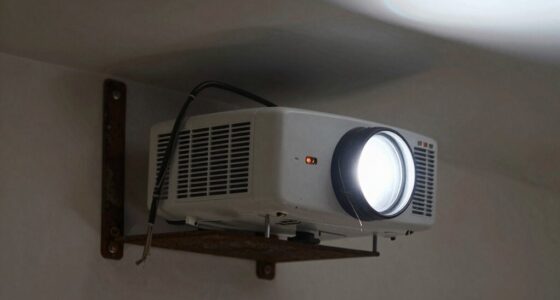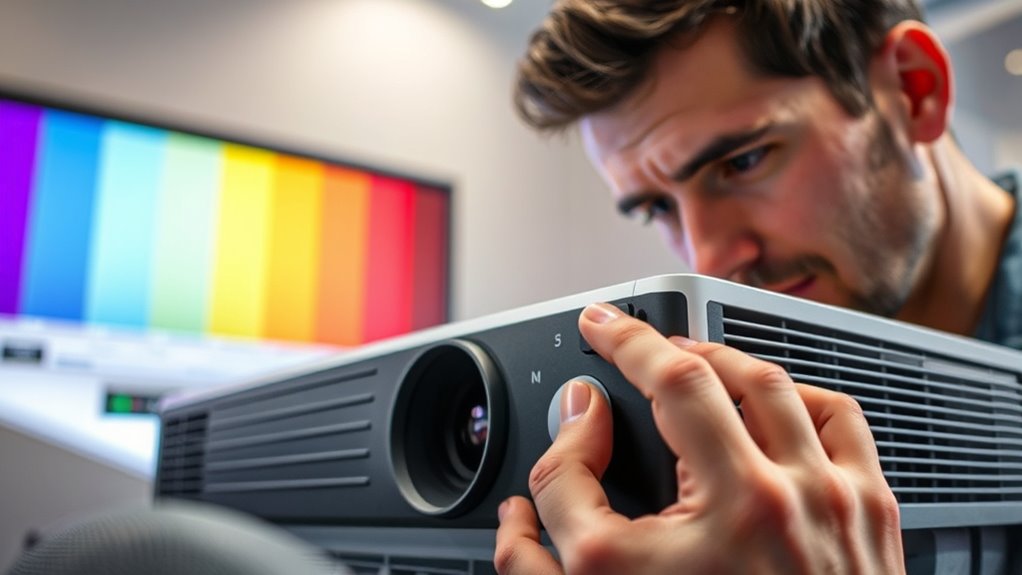

To calibrate your projector’s color and white balance, start by evaluating ambient lighting and dimming your environment for better accuracy. Use test patterns or calibration tools to adjust color temperature, saturation, and white balance, ensuring whites appear neutral and colors are vibrant and true to life. Regular recalibration helps maintain ideal picture quality, especially as lighting or projector settings change. Keep exploring the steps, and you’ll gain the skills for perfect calibration.

Get business pricing on your home office setup
- Business-only prices and quantity discounts
- Tax-exempt purchasing
- Multiple users, one account, clear invoices
Key Takeaways
- Assess ambient lighting and dim or control environment for optimal calibration conditions.
- Use test patterns or calibration tools to adjust color temperature and saturation accurately.
- Focus on white balance by fine-tuning red, green, and blue channels with white or gray reference cards.
- Regularly revisit calibration to accommodate changes in ambient light and projector aging.
- Ensure colors look natural and whites appear neutral for accurate, vibrant image quality.
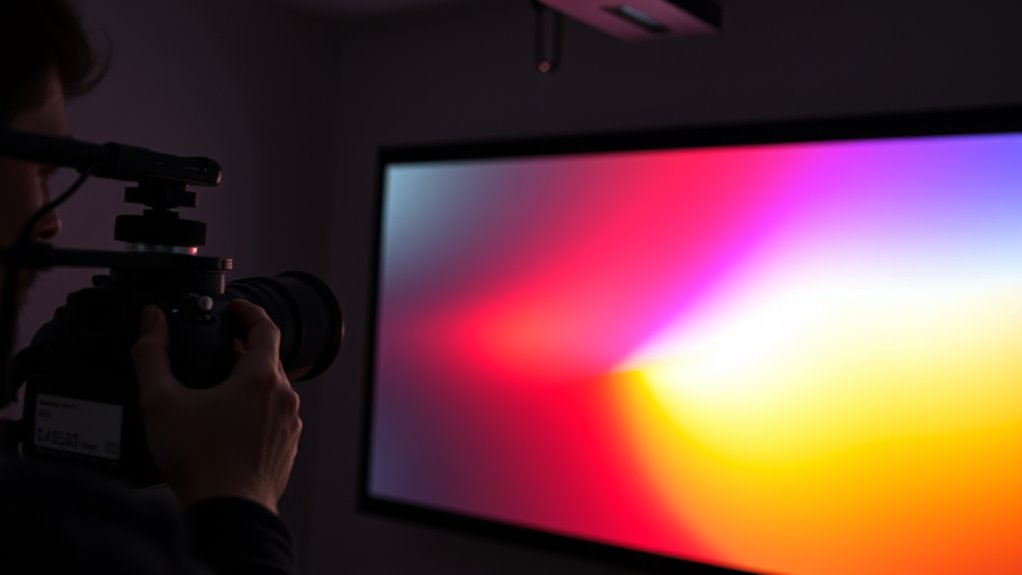
Calibrating your projector’s color and white balance guarantees that images appear accurate and vibrant, providing a better viewing experience. When you fine-tune these settings, you guarantee that the colors on the screen match reality as closely as possible, making movies, presentations, or gaming sessions much more immersive. Achieving proper color accuracy is vital because it prevents washed-out or overly saturated visuals that can distract or distort your perception of the content. One essential factor to consider during calibration is ambient lighting. The lighting conditions in your room can markedly influence how your projected images look. Bright ambient lighting can wash out colors, making calibration less effective unless you account for these conditions. Conversely, dimmer environments allow for more precise adjustments, enabling your projector to deliver richer, more accurate colors.
To start, you should assess your environment’s ambient lighting before making any adjustments. If your room is brightly lit, consider dimming the lights or closing curtains to create a controlled setting. This step guarantees that your calibration reflects what you’ll see during typical use. When adjusting the color settings, focus on achieving a natural, balanced look. Use a test pattern or color calibration tools, which can be found online or with dedicated calibration software, to guide your adjustments. These tools help you set the projector’s color temperature and saturation levels so that skin tones, landscapes, and objects appear lifelike. Proper calibration minimizes color shifts caused by ambient lighting, resulting in a more consistent viewing experience regardless of external light sources. Additionally, understanding the importance of color temperature helps in fine-tuning the overall tone of the image for optimal accuracy.
White balance calibration is equally vital because it influences how neutral colors, especially whites and grays, appear on the screen. If white balance isn’t set correctly, whites may look bluish, yellowish, or tinted, which distorts the overall image quality. To calibrate white balance, you can use a white or gray test card, adjusting the settings until the white appears neutral under your specific ambient lighting conditions. This process might involve tweaking the red, green, and blue channels individually to eliminate color casts. Remember, the goal is to make whites look pure and colors appear true to life.
Keep in mind that calibration isn’t a one-and-done task. As ambient lighting conditions change or your projector ages, you may need to revisit and readjust these settings. Regular calibration helps maintain ideal color accuracy and ensures your projector consistently delivers vibrant, true-to-life images. By paying attention to ambient lighting and making precise adjustments, you’ll maximize your projector’s potential and enjoy a truly immersive, visually accurate experience every time you watch or present.
Frequently Asked Questions
How Often Should I Calibrate My Projector?
You should calibrate your projector every 6 to 12 months to maintain ideal color accuracy. If you notice colors look dull, inconsistent, or the whites aren’t pure, it’s time for another calibration. Regular calibration ensures your projector delivers vibrant, true-to-life images. Keep an eye on your viewing environment, and if conditions change or you update your device, consider recalibrating sooner to preserve the best picture quality.
Can I Calibrate Color Without Professional Tools?
Did you know that nearly 60% of viewers notice color inaccuracies? You can definitely calibrate color without professional tools by using your projector’s built-in settings. Focus on adjusting the color and white balance manually, often accessible through your projector’s menu. Use test patterns or a neutral gray screen to fine-tune these settings. While not as precise as professional calibration, this method markedly improves picture quality and color accuracy.
Do Different Room Lighting Conditions Affect Calibration?
Yes, different room lighting conditions affect calibration because ambient lighting influences your color perception. Bright or uneven lighting can make colors appear different, so you might need to recalibrate your projector when lighting changes. For the best picture quality, try to keep ambient lighting consistent or adjust your projector settings accordingly. This helps guarantee accurate colors and proper white balance regardless of how the room’s lighting varies.
Is Calibration Necessary for 4K Projectors?
Yes, calibration is necessary for 4K projectors to guarantee ideal color accuracy and proper white balance. Even with higher resolution, factory settings may not deliver true-to-life colors or consistent white tones across different scenes. You should calibrate your projector to fine-tune the color output, enhancing image quality and making sure the colors look natural and accurate, especially in varying lighting conditions or when displaying detailed content.
How Do I Know if My Projector Needs Recalibration?
You might be surprised to learn that 60% of projectors lose color accuracy within a year. If your images look dull, colors seem off, or whites aren’t crisp, your projector likely needs recalibration. Regular calibration frequency helps maintain ideal picture quality. Keep an eye on color consistency and brightness, and if you notice discrepancies, it’s time to recalibrate to restore clarity and vibrant visuals.
Conclusion
So, after all that fuss about perfect color and white balance, you might wonder if your projector will suddenly become a masterpiece. Honestly, it’s almost ironic—spending so much time tweaking settings just to enjoy a slightly better picture. But hey, in the end, you’ll enjoy movies more and impress your friends, all while secretly knowing you’ve mastered the art of projector calibration. Who knew perfection was just a few adjustments away?
Fall Picks
fall essentials
As an affiliate, we earn on qualifying purchases.