Before buying a projector, you need to understand ANSI lumens because it measures brightness accurately, helping you choose the right device for your space. More lumens don’t always mean better quality; they depend on your room’s lighting and screen size. If you skip this, you might end up with dull images or an unsuitable projector. Keep going, and you’ll discover how to pick the perfect brightness for your needs.
Key Takeaways
- ANSI lumens provide a standardized, accurate measure of projector brightness, ensuring proper comparison between models.
- Higher lumens don’t always mean better image quality; match brightness to your room’s ambient light.
- Bright rooms require at least 3,000–4,000+ lumens, while dark rooms need fewer, depending on screen size.
- Misinterpreting lumen ratings can lead to choosing underpowered projectors for your environment.
- Proper calibration and understanding of ANSI lumens help optimize image clarity and avoid unnecessary spending.

1500 ANSI Official Licensed Google TV Smart Projector, HAPPRUN 4K Full HD Home Theater with Auto Focus, Dolby Sound, Wi-Fi Bluetooth, Built-in Apps, Compatible with Phone & PC, Indoor & Outdoor Use
[ Built-in Officially Licensed Google TV ]-Enjoy the reliability of an officially certified Google TV projector. Stream Netflix,...
As an affiliate, we earn on qualifying purchases.
What Are ANSI Lumens and Why Are They Important for Your Projector?
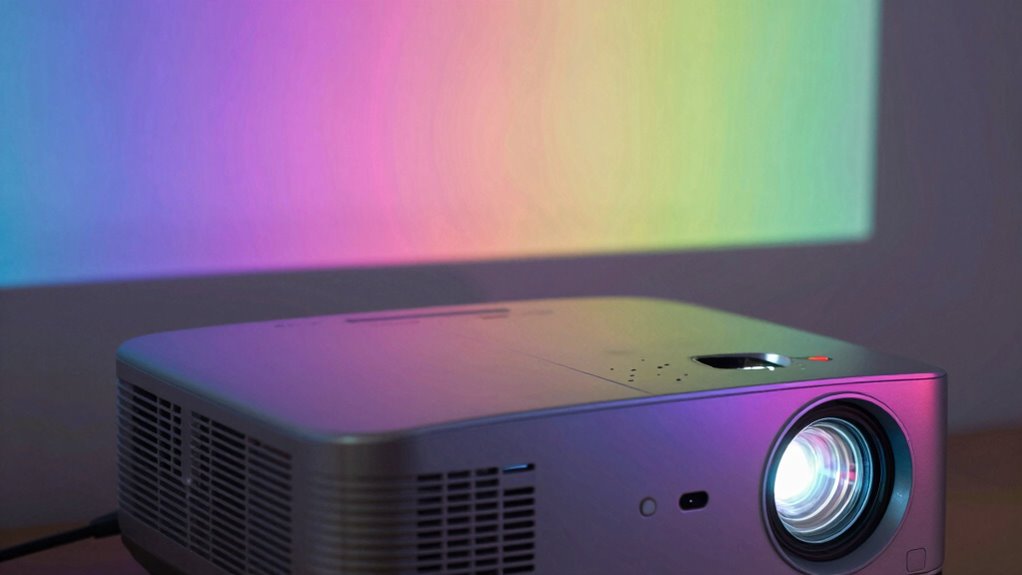
Understanding ANSI lumens is essential when choosing a projector because it measures the device’s brightness in a standardized way. Unlike other lumen measurements, ANSI lumens use a consistent method to evaluate projection technology, ensuring you get an accurate brightness comparison between models. This measurement considers the light output across multiple points on the screen, providing a reliable indicator of how well the projector performs in different lighting conditions. Additionally, standardized measurement makes it easier to compare different projector models and select one suitable for your specific environment. When you see a projector’s lumen rating, knowing it’s expressed in ANSI lumens helps you determine whether it can produce a bright image suitable for your environment. Without this standard, comparing projectors becomes confusing, and you risk selecting a device that’s either too dim or overly bright for your needs. Understanding brightness specifications can also help interpret visual experiences in different contexts, much like evaluating a projector’s performance in various settings.

Official Licensed Google TV Smart Projector, HAPPRUN 4K UHD Home Theater with Dolby Sound, Wi-Fi & Bluetooth, Built-in Streaming Apps, Compatible with Games Consoles & Smartphone, Indoor & Outdoor Use
[ Built-in Official Licensed Google TV ] - Without additional equipment, the smart projector can directly access Netflix,...
As an affiliate, we earn on qualifying purchases.
How to Choose the Right Brightness for Your Room’s Lighting Conditions
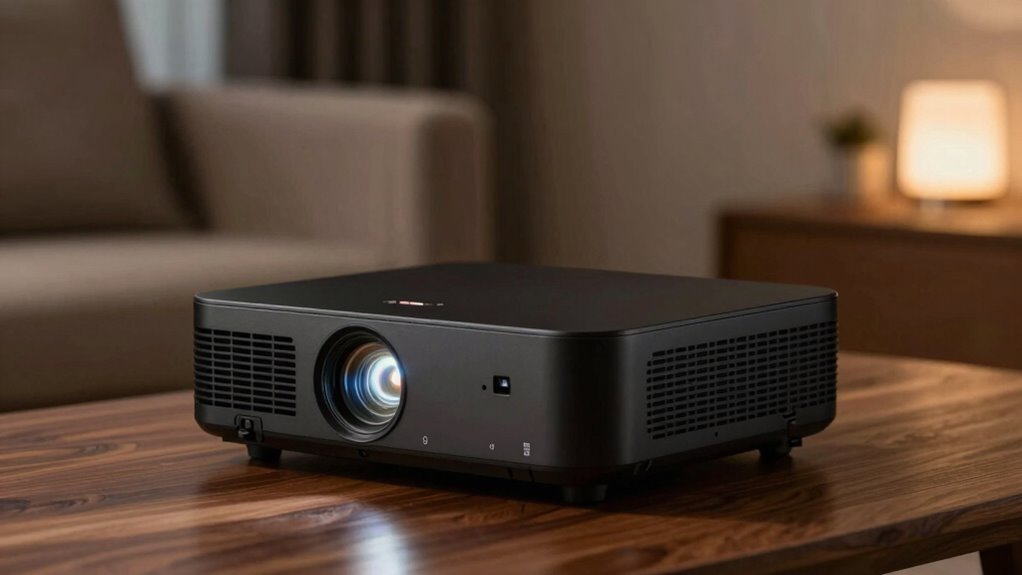
Choosing the right brightness for your projector depends largely on your room’s lighting conditions. Bright rooms with lots of ambient light require higher ANSI lumens to ensure clear images, while darker rooms need less brightness. Consider your screen size too; larger screens demand more lumens for vivid images. The room color impacts brightness as well—dark walls absorb light, so less lumens are needed, whereas light-colored walls reflect light, requiring higher brightness. Here’s a quick guide:
| Room Type | Recommended Lumens |
|---|---|
| Bright room, large screen | 3,000–4,000+ ANSI lumens |
| Moderately lit room | 2,000–3,000 ANSI lumens |
| Dark room, small screen | 1,000–2,000 ANSI lumens |
| Room with dark walls | Lower lumens suffice |
| Room with light walls | Higher lumens needed |
Adjust based on your specific setup for ideal viewing.

GooDee Video Projector With Wifi And Bluetooth, Smart Portable Projector Movie System Compatible With Netflix/Dolby Audio/Auto Focus & Keystone, 4k Video Decode & 1080p Native For Home Theater/Outdoor
「Smart TV Projector」The Goodee AC321 4K projector is officially licensed by mainstream streaming platforms such as Netflix/YouTube/Prime Video,...
As an affiliate, we earn on qualifying purchases.
Common Mistakes to Avoid When Selecting a Projector Based on Brightness
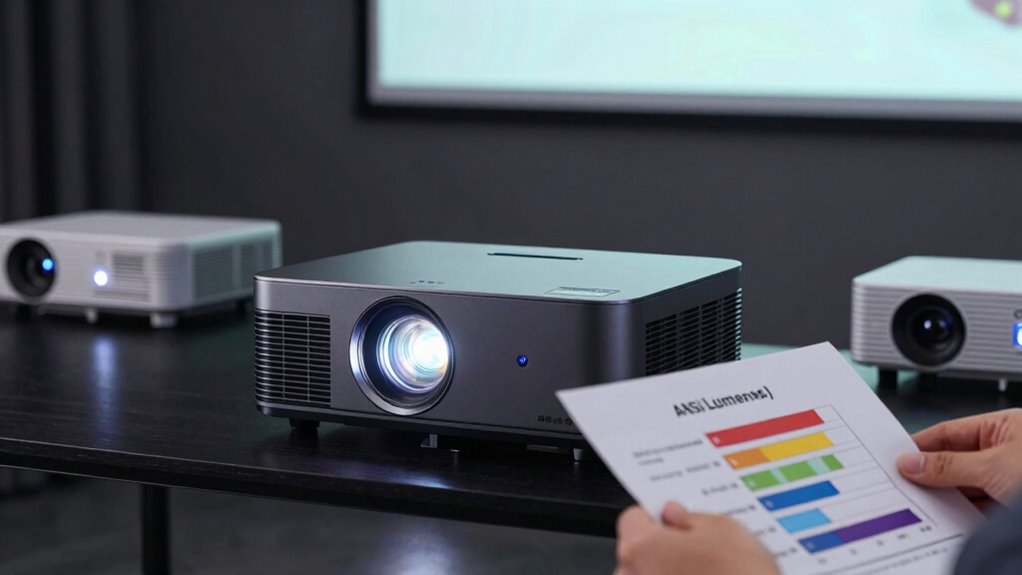
One common mistake people make when selecting a projector based on brightness is assuming more lumens always mean better image quality. You might think higher lumens improve clarity, but if your projection angle is too wide or your screen size is too large, even high lumens won’t guarantee a clear picture. Brightness needs to match your setup; a large screen or wide projection angle requires more lumens for vibrant images. If you choose a projector with too few lumens for your screen size, the image will appear dim and washed out, regardless of its rating. Always consider how the projection angle and screen size influence your brightness needs. Additionally, understanding the relationship between watt-hours and capacity can help you plan for consistent performance during extended use. Avoid overestimating the impact of lumens without factoring in these key variables for ideal image quality.

Epson Home Cinema 980 3-Chip 3LCD 1080p Projector 4,000 Lumens Color and White Brightness, Streaming/Gaming/ Media Room, Built-In Speaker, Auto Picture Skew, 16000:1 Contrast, 2 HDMI Ports
Exceptional Picture Quality — Provides stunning, detailed 1080p images and fast data processing that’s optimized for fast-action sports,...
As an affiliate, we earn on qualifying purchases.
Steps to Assess Your Projector’s Brightness for Clear, Vivid Images
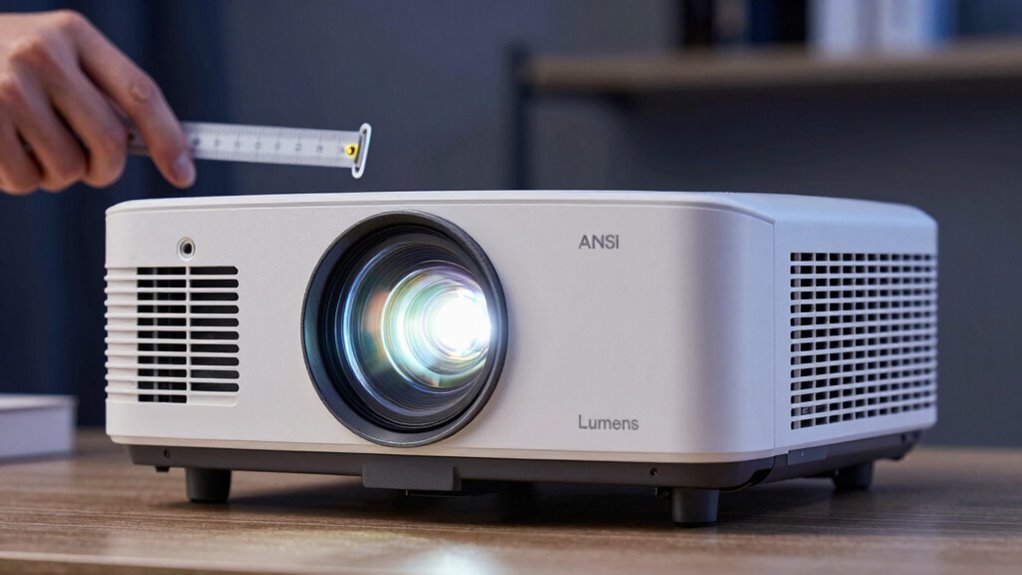
To guarantee your projected images are clear and vibrant, you need to accurately assess your projector’s brightness. Begin by calibrating your projector to ensure it displays images correctly, adjusting settings like focus and keystone. Next, evaluate your screen contrast by choosing a neutral, non-reflective surface and projecting a standard test image. Observe the image’s brightness and clarity in the room’s lighting conditions. If the image appears dull or washed out, consider increasing the projector’s brightness or reducing ambient light. Remember, a well-calibrated projector with proper screen contrast will produce sharper, more vivid images, making it easier to determine if your projector’s lumens are sufficient for your environment. This process ensures you get the best picture quality possible. Additionally, be mindful of essential safety tips when setting up or operating your projector to prevent accidents or damage.
Tips for Picking the Perfect ANSI Lumens for Your Specific Use Case
Understanding the right ANSI lumens for your needs guarantees your projector performs ideally in any environment. To pick the perfect brightness, consider your screen size and projection angle. Larger screens typically require higher lumens so images stay vivid and clear from a distance, especially in well-lit rooms. If you plan to project at a steep projection angle, you might need more lumens to compensate for potential brightness loss due to angle distortion. Conversely, smaller screens in dark rooms need fewer lumens, saving you money. Always match your projector’s ANSI lumen output with your specific use case—whether home theater, classroom, or conference room—to ensure sharp, bright images without overpaying for unnecessary brightness. Properly balancing these factors guarantees maximum performance in any setting.
Frequently Asked Questions
How Do ANSI Lumens Compare to Other Brightness Measurement Units?
Think of ANSI lumens as the heartbeat of a projector’s brightness, setting the standard for measurement. Compared to other units like lumens or foot-lamberts, ANSI lumens offer a consistent brightness comparison across models, acting like a universal language in measurement standards. This clarity helps you choose the right projector, ensuring it’s bright enough for your space. Overall, ANSI lumens give a more reliable way to gauge a projector’s true brightness.
Can a Projector With High ANSI Lumens Still Produce Poor Image Quality?
Yes, a projector with high ANSI lumens can still produce poor image quality. Brightness myths often lead you to focus solely on lumen limitations, but other factors like contrast ratio, resolution, and color accuracy matter just as much. Even with high lumens, if these elements are weak, your image won’t look great. So, don’t rely only on ANSI lumens; consider the overall image quality to get the best projector.
Do Different Projector Brands Measure ANSI Lumens the Same Way?
Different projector brands don’t measure ANSI lumens the same way due to brand variability, which affects measurement consistency. You might see a brand claiming higher lumens, but it doesn’t always mean a brighter image. To compare projectors accurately, look for independent testing results and reviews. Always consider how each brand tests and reports lumens, so you get the true brightness you need for your space without falling for inflated claims.
How Does Room Size Affect the Ideal ANSI Lumen Requirement?
Room size directly impacts the ideal ANSI lumen requirement because larger spaces with more ambient light demand brighter projectors. In bigger rooms, you need a projector with higher lumens to maintain clarity, especially if the ambient light is strong. Also, consider your screen material; matte screens absorb light, requiring even more lumens, while glossy screens reflect more light, making lower ANSI lumens sufficient. Adjust your projector choice accordingly for suitable viewing.
Are There Specific ANSI Lumen Ranges Recommended for Home Theaters?
For home theaters, aim for an ANSI lumen range of 1500 to 2500, depending on ambient light considerations. You should calibrate your projector to optimize image quality and brightness, especially if your room has some ambient light. Keep in mind, lower lumens can work in dark rooms, but brighter settings are necessary if you can’t control light sources. Proper calibration guarantees you get the best viewing experience.
Conclusion
Before you rush out and buy a projector, make sure you understand ANSI lumens. Don’t fall for the trap of just chasing higher numbers—sometimes, bigger isn’t better. By knowing what brightness you need, you’ll avoid wasting money and end up with a picture that truly pops. Remember, it’s not about throwing money at the problem but choosing wisely. When you get it right, your home theater or presentation will shine brighter than ever.