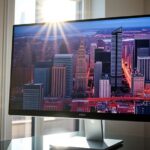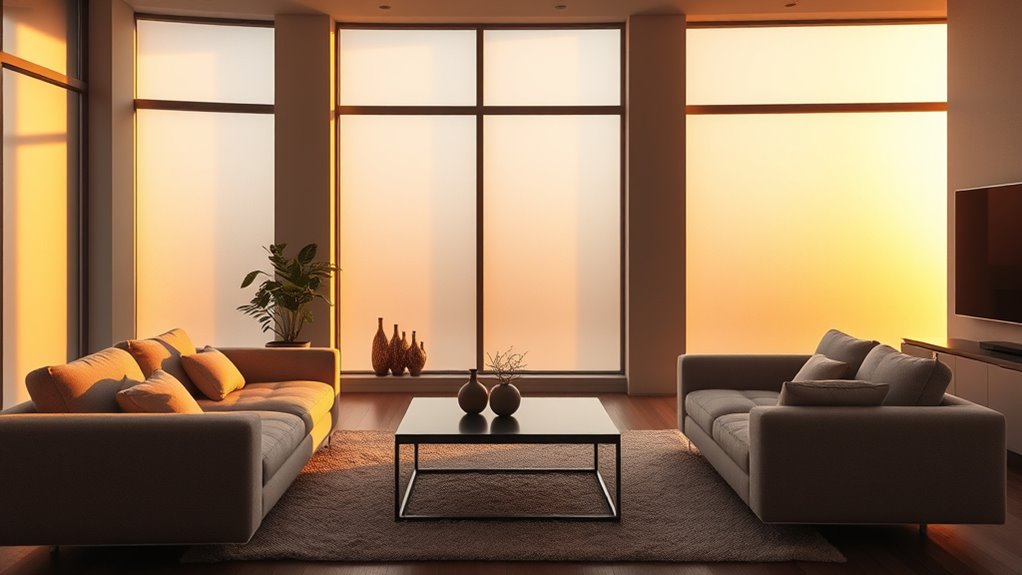

Ambient light affects how bright and vibrant everything looks to you. When the environment is brightly lit, screens and objects can seem dimmer or washed out, making details harder to see. In darker settings, displays appear more vivid and easier to perceive. Managing ambient light properly can reduce glare and improve contrast, boosting your comfort and clarity. If you want to understand how to optimize your space for the best visual experience, keep exploring the details that follow.
Key Takeaways
- Excessive ambient light can make displays appear dimmer by washing out screen content.
- Low ambient light enhances perceived brightness and contrast on screens and in environments.
- Bright surroundings can cause reflections and glare, reducing clarity and perceived brightness.
- Properly balanced ambient lighting minimizes contrast loss and improves overall visual perception.
- Managing ambient light helps prevent eye strain and ensures more accurate brightness perception.
Ambient light refers to the natural or artificial illumination that surrounds us in a space, directly influencing how bright or dim a room appears. It plays a vital role in shaping our perception of brightness, especially when using electronic screens or viewing objects. When ambient light is intense, it can wash out the display, making the content appear dimmer than it actually is. Conversely, in darker environments, screens can seem more vibrant and easier to read. Understanding how ambient light affects perception helps you refine your space for better visibility and comfort.
Ambient light impacts perceived brightness, affecting display clarity and visibility in various environments.
One of the key challenges posed by ambient light is glare, which occurs when excessive brightness causes unwanted reflections or brightness contrasts on screens. Glare reduces your ability to see details clearly and can cause eye strain. To combat this, glare reduction techniques are essential. You might consider adjusting the position of your display, angling it to minimize reflections, or installing anti-glare screens. These measures help you maintain clear, comfortable viewing conditions regardless of the surrounding light levels. When glare is minimized, the display’s contrast becomes more noticeable, allowing you to distinguish between dark and bright areas easily. Improved display contrast makes text sharper, colors more vivid, and images more detailed, enhancing your overall viewing experience.
Ambient light also influences how you perceive display contrast. In well-lit environments, the contrast between elements on your screen can diminish, making it harder to distinguish fine details. You may find yourself increasing screen brightness to compensate, but this often leads to a cycle of brightness adjustments that strain your eyes. Instead, balancing ambient lighting with your display settings is key. Using adjustable lighting fixtures or curtains can help control the amount of light entering the room. Dimming the lights or employing indirect lighting reduces harsh reflections and creates a more balanced environment. This balance ensures that your display contrast remains ideal, reducing the need to crank up brightness and preventing eye fatigue.
Additionally, incorporating emotional intelligence techniques can help you better understand how lighting impacts your mood and overall comfort in a space. Ultimately, managing ambient light is about creating an environment that supports comfortable and clear viewing. By reducing glare and refining display contrast, you’re better equipped to see details accurately and enjoy your screen without unnecessary strain. Whether you’re working, gaming, or watching movies, controlling ambient light helps you experience visuals as intended, with vibrant colors and crisp details. Paying attention to the lighting conditions around your space allows you to enjoy a more natural, immersive viewing experience that adapts to your needs. In the end, understanding how ambient light impacts perceived brightness empowers you to make smarter choices for a healthier, more comfortable visual environment.
Frequently Asked Questions
How Does Ambient Light Affect Color Perception?
Ambient light influences how you perceive color by triggering visual adaptation, which helps your eyes adjust to different lighting conditions. It also affects color constancy, allowing you to see objects as having consistent colors despite changing light. When ambient light shifts, your brain interprets colors differently, so you might see a shirt as a different shade in sunlight versus indoor lighting. This process keeps your color perception stable across various environments.
Can Ambient Light Influence Eye Strain or Fatigue?
You bet ambient light can influence eye strain or fatigue, so don’t let it catch you off guard. Excess screen glare from poor lighting makes your eyes work harder, leading to discomfort faster. To keep eye comfort in check, adjust your environment to reduce glare—think soft, diffused lighting—and take regular breaks. Remember, a little prevention goes a long way in avoiding tired eyes after long screen time.
Does Ambient Light Impact Digital Screen Calibration?
Yes, ambient light impacts digital screen calibration. You should consider screen glare and lighting contrast because excessive glare from bright surroundings can make your display appear dimmer or uneven. Proper calibration accounts for ambient light levels, reducing eye strain and improving visibility. Adjust your screen brightness and contrast settings to match your environment, ensuring a comfortable viewing experience and minimizing eye fatigue caused by mismatched lighting conditions.
How Do Different Types of Ambient Lighting Change Brightness Perception?
Different types of ambient lighting change your perception of brightness through lighting contrast and shadow effects. Bright, direct light reduces perceived screen brightness, making displays seem dimmer, while softer, diffuse light enhances contrast and makes screens appear brighter. Shadows created by ambient light can obscure details, affecting how you perceive brightness. To optimize viewing, adjust your environment to minimize harsh shadows and balance lighting contrast around your screen.
Can Adjusting Ambient Light Improve Visibility in Low-Light Conditions?
Adjusting ambient light is like turning on a flashlight in a dark room—you’ll see better. By optimizing lighting design, you can boost visibility in low-light conditions and improve interior ambiance. Adding soft, diffused light reduces shadows and glare, making it easier for your eyes to perceive details. Proper lighting not only enhances safety but also creates a comfortable environment, so don’t hesitate to tweak your ambient lighting to suit your needs.
Conclusion
As you step into a room, the gentle glow of ambient light dances around you, shaping what you see. When it’s dim, your eyes strain against the shadows, making everything feel duller and smaller. But as the light brightens, colors come alive, and objects seem to leap forward. Remember, ambient light paints the scene of your perception—changing its mood alters how bright everything feels, guiding your eyes and your mood with every flicker and glow.