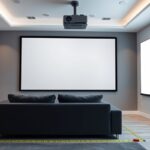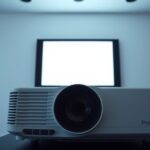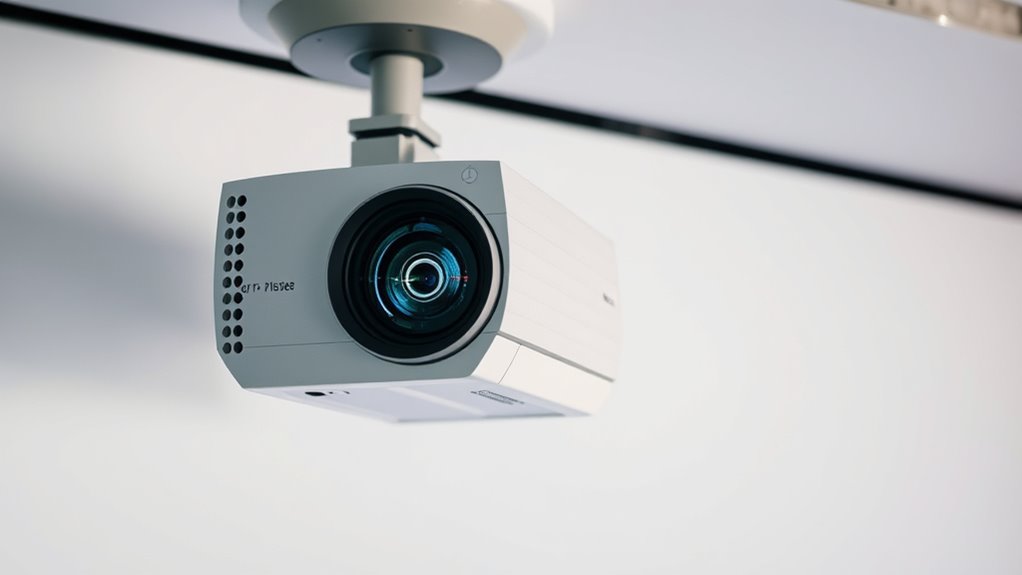

To place your projector correctly, start by considering throw distance—keep it within the recommended range for a sharp, properly sized image. Use lens shift if available to adjust your image vertically or horizontally without moving the projector, and rely on keystone correction sparingly to avoid quality loss. Proper positioning helps minimize distortions and ensures a clear, vibrant picture. Stay tuned to learn how to fine-tune these settings for the best projection results.
Key Takeaways
- Maintain proper throw distance based on projector’s specified throw ratio for optimal image size and clarity.
- Use lens shift to adjust image position without moving the projector, minimizing distortion.
- Keep keystone correction to a minimum to preserve image quality and avoid digital artifacts.
- Position the projector to reduce the need for extensive keystone correction and ensure a sharp, rectangular image.
- Consider room layout and potential obstructions when planning placement for optimal viewing experience.

Choosing the right spot for your projector is vital to guarantee a clear and sharp image. The placement influences not only picture quality but also how easily you can set up and enjoy your viewing experience. To start, you need to consider the throw distance, which is the space between your projector and the screen or wall. Different projectors have specific throw ratios, so checking the manufacturer’s specifications helps determine the ideal distance for a desired image size. Placing the projector too close results in a tiny image, while positioning it too far back can cause the image to become blurry or distorted. Adjusting the throw distance ensures you get the perfect balance between size and clarity.
Next, consider your projector’s lens shift feature if it has one. Lens shift allows you to move the lens vertically or horizontally without physically repositioning the projector. This feature is invaluable if you have limited space or want to avoid mounting the projector in an ideal spot. Instead of having to align the projector exactly perpendicular to the screen, you can shift the lens to center the image properly. This flexibility means you don’t need to compromise on placement, which can be especially helpful in rooms with awkward layouts or low ceilings. When setting up, make sure to adjust the lens shift carefully to avoid image distortion or cropping.
Keystone correction is another vital aspect of projector placement. It compensates for the angles at which you might have to mount or position your projector. If your projector isn’t perfectly aligned with the screen—say it’s set at an angle—the resulting image can appear trapezoidal, with the top or bottom wider than the other. Keystone correction digitally adjusts the image shape to make it rectangular. However, relying heavily on keystone correction can slightly reduce image quality, so it’s best to minimize its use by placing your projector as close to ideal alignment as possible. When setting up, aim for a position that keeps keystone correction to a minimum to preserve crispness and clarity. Additionally, understanding RMDs and tax implications can be crucial when planning to upgrade or finance your setup, similar to strategic financial planning.

NothingProjector Motorized ALR Screen for Ultra Short Throw Projector, 95% Ambient Light Rejecting, 100 inch, Floor Rising, 4K/8K UHD, Active 3D, Anti Daylight, Electric Retractable Automatic NothPJ
✔ Adjustable Height, Zero Installation – Effortlessly adjust the screen to any height with a single press of...
As an affiliate, we earn on qualifying purchases.
Frequently Asked Questions
How Do Ambient Light Conditions Affect Projector Placement?
Ambient light considerably impacts your projector placement because too much light can wash out the image, making it hard to see. To improve visibility, you should position your projector in a darker area or use screens with higher gain. Keep in mind that placing the projector farther from the screen can help reduce ambient light effects, but it may also require adjustments to your throw distance for ideal image quality.
Can I Mount a Projector on a Ceiling With Angled Beams?
Ever wondered if angled beams can stop your ceiling mount? You can indeed mount a projector on a ceiling with angled beams, but you’ll need to verify solid support and proper alignment. Check the beam’s strength to avoid sagging or damage, and consider a mounting bracket that allows for adjustments. Do some planning to position the projector correctly, avoiding shadows or uneven image projection caused by the angles.
What Are the Risks of Improper Projector Placement?
When you place a projector improperly, you risk poor image quality, such as distortion, blurriness, or uneven focus. You might also experience keystone effects, where the image appears trapezoidal rather than rectangular. Additionally, incorrect placement can cause overheating or strain on the device, leading to potential damage. To avoid these issues, follow proper positioning guidelines, ensuring your projector is set at the right distance, angle, and height for ideal viewing.
How Does Projector Placement Influence Image Quality?
When you place a projector improperly, your image quality suffers. You might see blurry visuals, distorted shapes, or uneven focus. You could also encounter color inaccuracies or keystone effects that make the picture look skewed. Proper placement guarantees sharpness, vibrant colors, and a balanced image. By aligning your projector correctly, you enhance clarity, improve viewing experience, and avoid frustration caused by poor picture quality.
Are There Portable Projectors Suitable for Flexible Placement?
You’ll find many portable projectors that suit flexible placement needs. These models are designed for easy setup and can be moved around effortlessly. Look for ones with adjustable lenses, multiple input options, and compact sizes. Some even have built-in batteries, so you’re not limited by power outlets. This flexibility makes portable projectors ideal for presentations, outdoor movies, or casual use where fixed placement isn’t practical.

ALR Projector Screen for Standard Throw- Wall Mounted - High Contrast 70% ALR High Brightness 2.7X Gain - 120 inch 16:9 Gray Screen-by SilverMagic
★【Ambient Light Rejection】 The screen effectively suppresses ambient light (70%), significantly improving image contrast. This makes it suitable...
As an affiliate, we earn on qualifying purchases.
Conclusion
Think of your projector as the captain of a ship, guiding your images smoothly onto the screen. By understanding throw distance, lens shift, and keystone adjustments, you’re steering it precisely where you want it to go. With a little navigation, you’ll avoid rough waters and get a clear, perfect picture. So, set your course confidently—your cinematic voyage awaits, ready to bring your home theater to life with a flawless display.
SilverMagic ALR/CLR Motorized Floor Rising Projector Screen for UST Projectors 100”, 95% Ambient Light Rejecting, 4K/8K Ultra HD, Active 3D, for Home Theater Living Room Bedroom Office
★【95% ALR】The precision-engineered optical surface’s micro-structure rejects up to 95% of ambient light, preserving vivid colors, deep contrast,...
As an affiliate, we earn on qualifying purchases.

Elite Screens Lunette Series 110-Inch Curved Projector Screen 16:9, Acoustically Transparent Perforated Weave, Wall Mounted, Compatible with Standard, Short & UST Projectors, CURVE110H-A1080P3
【Dimension Size】: 110-inch diagonal fixed frame projector screen with a 16:9 aspect ratio. Viewing area measures 54.0" H...
As an affiliate, we earn on qualifying purchases.