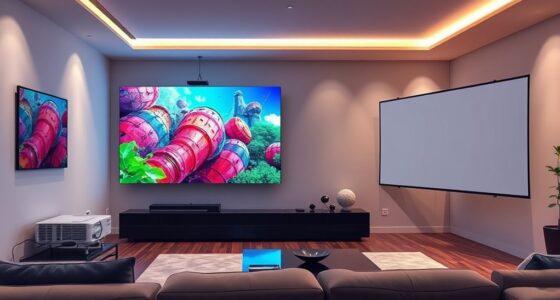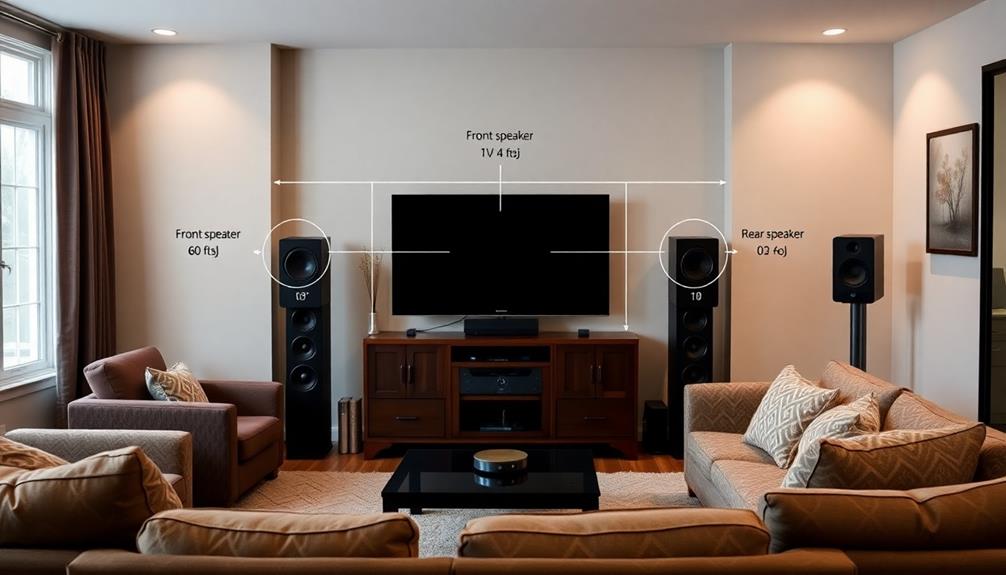
To create a cinema-grade calibration routine, start by dimming your room lights and connecting a high-quality calibration device to your computer. Use professional software to guide you through adjusting key settings like gamma, white point, and luminance, ensuring these match industry standards. Measure and analyze color deviations, then refine your display settings for accurate, immersive visuals. Keep in mind, calibration is ongoing, and continuing with the process will help you achieve truly professional results.
Key Takeaways
- Use professional calibration tools like colorimeters or spectrophotometers with industry-standard software.
- Dim ambient lighting to minimize glare and reflections during calibration.
- Focus on accurately setting gamma, white point (around 6500K), and luminance levels for true-to-life images.
- Follow guided calibration procedures, measuring color accuracy at each step and adjusting accordingly.
- Regularly re-profile your display to maintain cinema-grade quality over time.

Achieving professional-level picture quality starts with a precise calibration routine, guaranteeing your display reproduces colors, contrast, and brightness accurately. When you focus on color accuracy, you’re making sure that what you see on the screen matches real-world colors as closely as possible. This is essential for creating a cinematic experience, where every hue and shade contributes to the immersion. To accomplish this, you need to perform thorough display profiling, which involves analyzing how your monitor or projector displays various colors and tones. Display profiling helps identify deviations from the standard color space, allowing you to adjust settings precisely and achieve a true-to-life image.
Professional calibration ensures your display accurately reproduces colors, contrast, and brightness for an immersive cinematic experience.
Begin by setting up your calibration environment. Dim the lights in your room to reduce glare and reflections, as ambient lighting can influence your perception of color and contrast. Use a high-quality calibration device, such as a colorimeter or spectrophotometer, designed specifically for display profiling. Connect the device to your computer and run the calibration software provided. The software will guide you through a series of tests, prompting you to display specific colors and shades. These tests measure how your display reproduces each color, revealing discrepancies that need correction.
During the calibration process, focus on adjusting the display’s gamma, white point, and luminance. Gamma affects the midtones and overall contrast, so fine-tuning it assures shadow details and highlights are rendered accurately. The white point determines the color temperature of your display, typically set around 6500K for standard cinema quality, giving whites a neutral, balanced appearance. Luminance adjusts the brightness level to suit your viewing environment without sacrificing detail in dark or bright areas. Properly configuring these settings guarantees your display produces consistent and realistic images. Additionally, understanding the impact of AI in entertainment can help in selecting tools that leverage artificial intelligence for more precise calibration.
After completing the calibration, review the results within the software. Most tools generate a report that shows how closely your display now aligns with industry standards. If the profile indicates deviations, you can revisit the calibration steps to refine your adjustments. Remember, calibration isn’t a one-time task; periodic re-profiling assures your display maintains its accuracy over time, especially as it ages or if lighting conditions change.

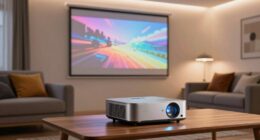
Epson Home Cinema 980 3-Chip 3LCD 1080p Projector 4,000 Lumens Color and White Brightness, Streaming/Gaming/ Media Room, Built-In Speaker, Auto Picture Skew, 16000:1 Contrast, 2 HDMI Ports
Exceptional Picture Quality — Provides stunning, detailed 1080p images and fast data processing that’s optimized for fast-action sports,...
As an affiliate, we earn on qualifying purchases.
Frequently Asked Questions
What Equipment Is Essential for Professional Calibration?
You need essential equipment like a high-quality colorimeter or spectrophotometer to guarantee color accuracy and brightness uniformity. A calibration software program guides you through precise adjustments, while a gray scale and test patterns help verify consistency. Also, a reliable reference display or professional test images ensure your calibration results meet cinema standards. With this gear, you can achieve peak image quality, matching professional-grade color accuracy and brightness uniformity.
How Often Should I Recalibrate My Cinema Display?
You should recalibrate your cinema display at least once every 4 to 6 weeks to maintain ideal display uniformity. Regular calibration ensures consistent color accuracy and brightness. Use reliable calibration software to streamline the process, adjusting for any drift in display settings. Frequent recalibration helps catch subtle changes over time, keeping your visuals true to cinema standards and ensuring your audience experiences the intended image quality consistently.
Can DIY Calibration Match Professional Results?
DIY calibration can get you close to professional accuracy, but it might not fully match the precision achieved by industry-standard tools and expertise. If you’re willing to invest time and patience, you can improve your display’s color accuracy considerably with DIY calibration methods. However, for critical cinema-grade work, professional calibration ensures the highest fidelity, consistency, and adherence to industry standards, which DIY calibration might not consistently deliver.
What Are Common Calibration Mistakes to Avoid?
You should avoid common calibration mistakes like setting the color temperature too high or low, which skews color accuracy, and neglecting to check contrast ratio, leading to loss of detail in shadows or highlights. Always use proper tools and follow a step-by-step process. Rushing through calibration or using default settings can also compromise results. Focus on precise adjustments to achieve a balanced, professional-quality picture.
How Does Ambient Lighting Affect Calibration Accuracy?
Ambient lighting is like an unpredictable shadow, skewing your calibration accuracy. When ambient lighting fluctuates, it can wash out colors or alter perceived contrast, making color temperature harder to pin down. To achieve true cinema-grade calibration, keep your ambient lighting consistent and dim to minimize its impact. This way, your display reflects the intended colors and contrast, ensuring a perfect viewing experience every time.

Official Licensed Google TV Smart Projector, HAPPRUN 4K UHD Home Theater with Dolby Sound, Wi-Fi & Bluetooth, Built-in Streaming Apps, Compatible with Games Consoles & Smartphone, Indoor & Outdoor Use
[ Built-in Official Licensed Google TV ] - Without additional equipment, the smart projector can directly access Netflix,...
As an affiliate, we earn on qualifying purchases.
Conclusion
By following this calibration routine, you guarantee your display delivers true-to-life colors and perfect contrast, elevating your viewing experience. Imagine adjusting your home theater and watching a film where shadows are perfectly detailed and colors pop just like in a cinema. For example, a filmmaker used this routine to calibrate their studio monitor, resulting in consistent color grading across all screens. Now, your setup can achieve that professional standard, making every movie night feel like a cinematic masterpiece.

2000 ANSI 4K Decoding Projector with WiFi and Bluetooth, HAPPRUN Movie Home Theater with Auto Focus, 300'' Display for Indoor/Outdoor, Smart Proyector Compatible with Phone/TV Stick/PC/PS5
[EASIER OPERATION: AI Smart Screen Adjustment] HAPPRUN projector comes with auto focus and 6D auto-keystone technology, enjoy a...
As an affiliate, we earn on qualifying purchases.
![[Official Google TV]Smart Projector 4K Supported with WiFi & Bluetooth, Built-in Official Apps, GoogIe Voice, Outdoor Movie Projector with DoIby Audio, Auto Focus, Home Theater Proyector WIMIUS G1](https://m.media-amazon.com/images/I/515NcMYy-FL._SL500_.jpg)
[Official Google TV]Smart Projector 4K Supported with WiFi & Bluetooth, Built-in Official Apps, GoogIe Voice, Outdoor Movie Projector with DoIby Audio, Auto Focus, Home Theater Proyector WIMIUS G1
[All-in-One Google TV Built-In] G1 Smart projector comes fully integrated Google TV—no website version, no stripped-down system. Access...
As an affiliate, we earn on qualifying purchases.