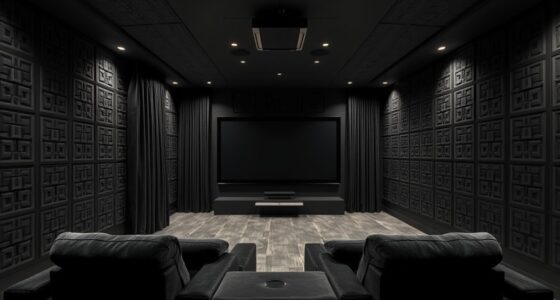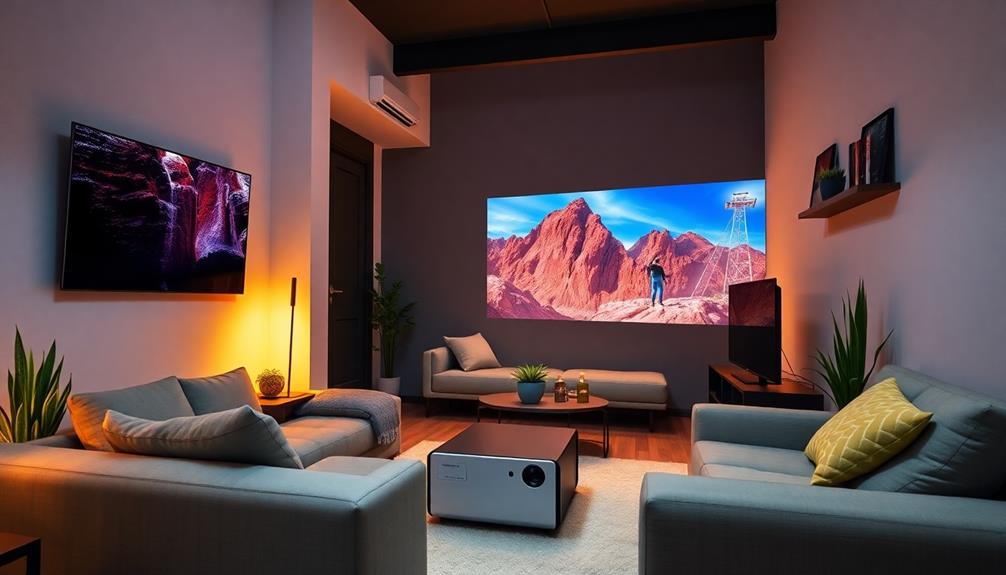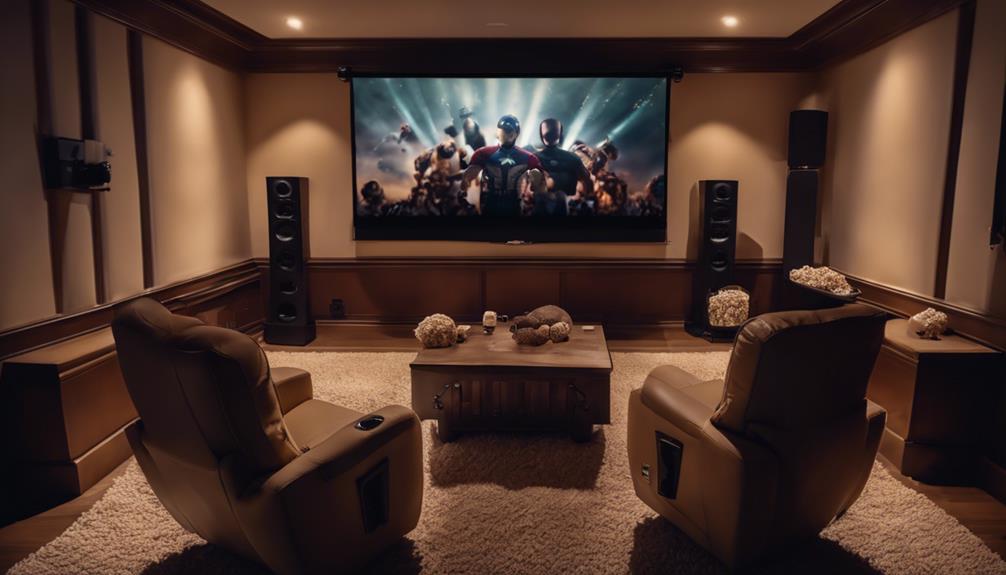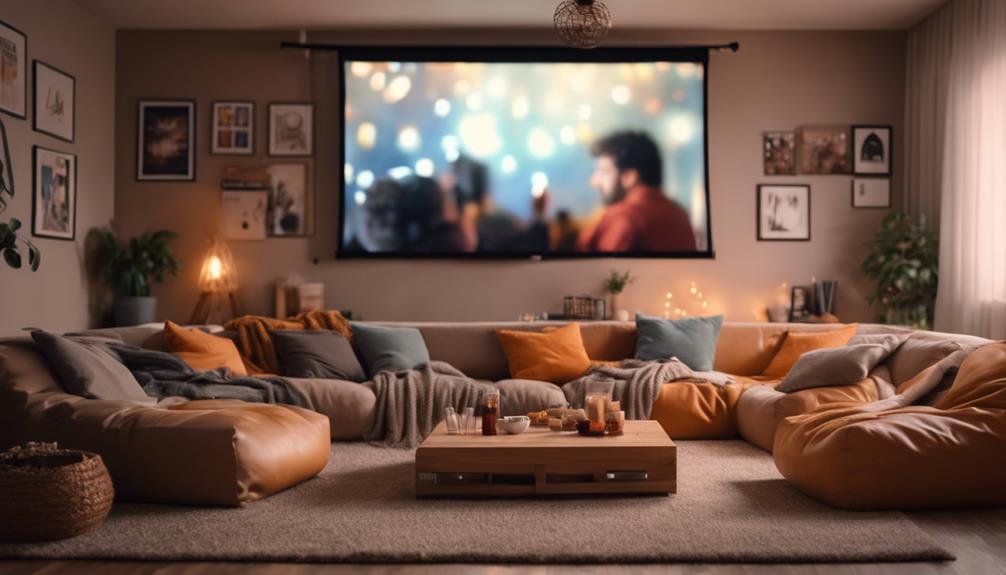
With advanced automation scenes, you can instantly create the perfect movie night atmosphere by syncing lighting, sound, and other smart devices with just one command or tap. Customize scenes to match different moods, from cozy to thrilling, and enjoy seamless environment adjustments that elevate your viewing experience. Automate everything from blinds to sound profiles, making your movie nights effortless and immersive. Keep exploring to discover how to turn your home into a true cinema environment.
Key Takeaways
- Create personalized scenes that automatically adjust lighting, sound, and device settings for a cinematic experience.
- Integrate multiple smart devices like blinds, projectors, and streaming services into unified scenes.
- Use preset configurations for different genres to instantly set the perfect mood and ambiance.
- Automate environment shifts, such as dimming lights and enhancing sound, with a single command or tap.
- Enhance movie nights with seamless, theater-like atmospheres tailored to specific viewing preferences.
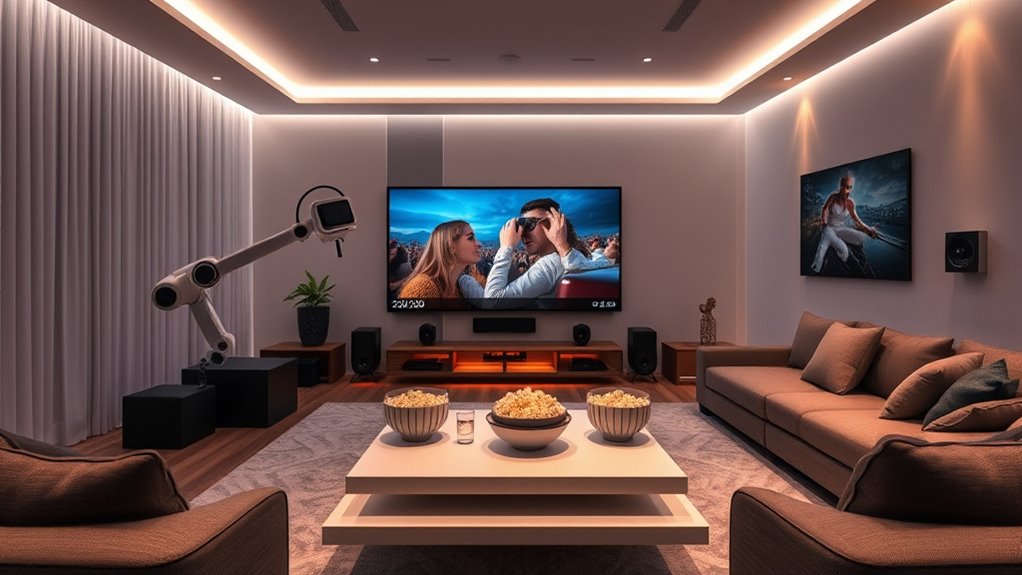
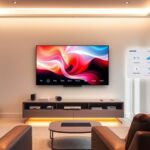
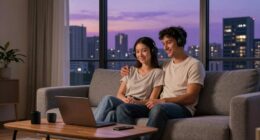
Transforming your movie nights into a seamless experience is easier than ever with advanced automation scenes. With just a tap or voice command, you can instantly set the perfect atmosphere, thanks to customizable lighting presets and sound profiles. No more fiddling with multiple devices; automation scenes coordinate everything behind the scenes, so your environment shifts effortlessly from casual viewing to cinematic immersion.
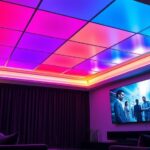
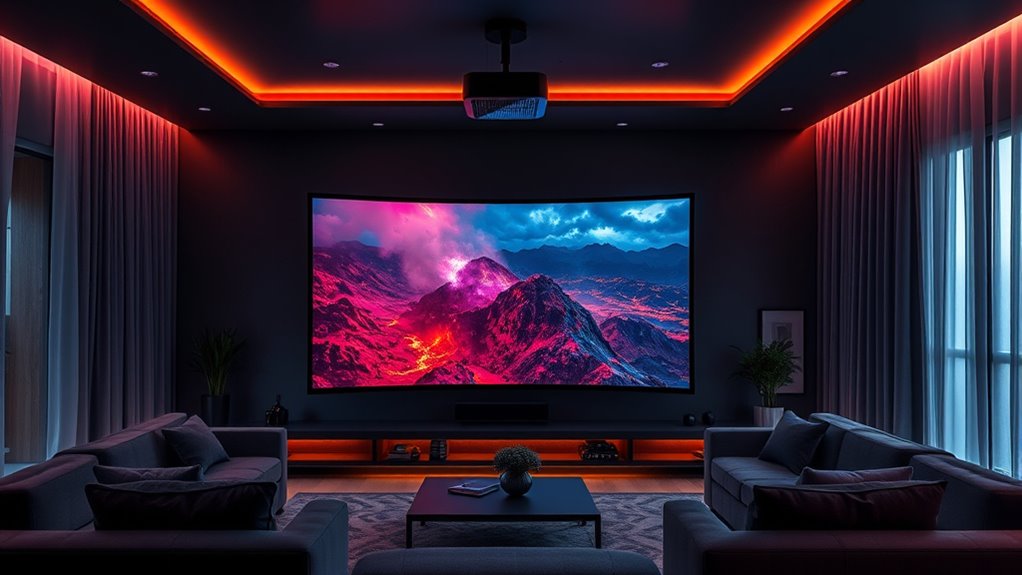
Start by creating lighting presets tailored to your preferred movie ambiance. You might set a dim, warm glow to mimic theater lighting, or a softer, cooler hue for relaxed weekends. When you activate your movie scene, your automation system adjusts the smart lights in your room, dimming or changing colors to match the mood. This not only enhances your viewing experience but also reduces the need to manually turn lights on or off, making it more convenient than ever. With preset options, you can switch between different scenes—say, a “romantic” setting with gentle pink tones or a “thriller” atmosphere with darker, more intense lighting—all with a single command.
Create personalized lighting presets to effortlessly set the perfect movie ambiance with a single command.
Sound profiles are equally crucial to creating an immersive movie environment. Automation scenes allow you to preconfigure audio settings that optimize sound quality based on your content. For example, when you activate your movie scene, your sound system shifts to a profile with enhanced bass and balanced treble, delivering clear dialogue and cinematic effects. If you’re watching a comedy, the sound profile might prioritize clarity and volume, ensuring dialogue is crisp and easily heard. For action movies, your system can automatically boost surround sound channels, filling the room with immersive audio. This eliminates the need to manually tweak settings each time, saving you time and effort.
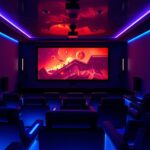
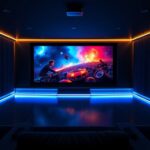
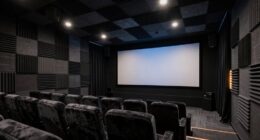
In addition to lighting presets and sound profiles, automation scenes can include other elements like adjusting blinds, turning on projectors, or even starting streaming apps. Integrating these elements creates a truly cohesive experience, so everything works together seamlessly. The key is that everything works together seamlessly, so you don’t have to think about individual adjustments. You simply trigger your scene, and your smart home takes care of the rest. This level of control elevates your movie nights, transforming them into an effortless, theater-like experience. Whether you’re hosting friends or enjoying a quiet evening alone, automation scenes ensure your environment is perfectly tuned for every cinematic moment.

ALR Projector Screen for Standard Throw- Wall Mounted - High Contrast 70% ALR High Brightness 2.7X Gain - 120 inch 16:9 Gray Screen-by SilverMagic
★【Ambient Light Rejection】 The screen effectively suppresses ambient light (70%), significantly improving image contrast. This makes it suitable...
As an affiliate, we earn on qualifying purchases.
Frequently Asked Questions
How Do I Customize Automation Scenes for Different Movie Genres?
You can customize automation scenes for different movie genres by adjusting genre-specific settings and mood-based customization. Start by selecting the genre, then tailor lighting, sound, and screen settings to match its vibe. For example, set dimmer lights and softer audio for drama, or brighter lights and dynamic sound for action films. Use your automation app to create presets, allowing you to quickly switch scenes based on the genre for the perfect movie night ambiance.
Can Automation Scenes Be Synchronized With Smart Home Lighting?
Yes, automation scenes can be synchronized with smart home lighting to enhance your movie night experience. By setting up lighting synchronization, you create a seamless mood enhancement that complements your scene, such as dimming lights or adjusting color schemes to match the genre. This integration makes your movie nights more immersive, allowing you to easily control both the scene and lighting with a single command or automation trigger.
What Safety Features Are Included in Advanced Automation Scenes?
In advanced automation scenes, safety features like security protocols are essential to protect your home. You’re prompted to set user access levels, ensuring only authorized individuals can modify scenes. Automation systems also include fail-safes, such as automatic shutoffs and alerts, to prevent accidents. By configuring these security measures, you maintain control, reduce risks, and enjoy seamless, safe automation tailored to your preferences.
How Do I Troubleshoot Issues With Automation Scenes Not Triggering?
You might find that scene debugging and trigger troubleshooting are key to resolving automation scene issues. First, check if your triggers are correctly set and active. Then, review your scene logs to identify any errors or conflicts. Confirm your devices are online and connected properly. If problems persist, reset the scene or recreate it. These steps help you pinpoint issues quickly and get your automation scenes back on track.
Are There Compatible Devices Required for Setting up These Scenes?
You need compatible devices for setting up advanced automation scenes. Check device compatibility to make certain your smart home gadgets, like lights, speakers, and TVs, work seamlessly together. Follow setup requirements carefully, such as connecting devices to the same Wi-Fi network and updating firmware. Using devices that support your automation platform, like Zigbee or Z-Wave, makes scene creation easier and more reliable. Always verify compatibility before starting your setup.

AAJK ALR Projector Screen, 4K Movie Projector Screen 16:9 HD Foldable Anti-Crease Portable Projector, Movies Screen for Home Theater Outdoor Indoor Support (120in Pro)
【Watch What You Want, When You Want!】 Remember when you could only really use your projector at night?...
As an affiliate, we earn on qualifying purchases.
Conclusion
As you settle into your perfectly automated movie night, it’s almost uncanny how everything aligns—dimmed lights, cozy blankets, and your favorite film ready to play. Sometimes, these moments feel like a happy coincidence, a small reminder that technology can create magic when you least expect it. Enjoy the seamless comfort and the unexpected joy of a night made just for you, where every detail seems to fall into place perfectly.

KAMUNING 120 inch Gray ALR Projector Screen, 4K Movie Projector Screen,16:9 HD mini Home Theater Movie Screen, Suitable for Bedroom,Yard, Camping, Spontaneous Movie Night or Road Trip
Innovative screen! At the heart of this screen is its innovative gray ALR (Ambient Light Rejecting) coating, a...
As an affiliate, we earn on qualifying purchases.

ALR Projector Screen for Standard Throw- Wall Mounted - TGL-100-A High Contrast 70% ALR High Brightness 2.7X Gain - 100 inch 16:9 Gray Screen - by SilverMagic
★【Ambient Light Rejection】 The screen effectively suppresses ambient light (70%), significantly improving image contrast. This makes it suitable...
As an affiliate, we earn on qualifying purchases.