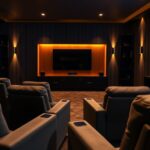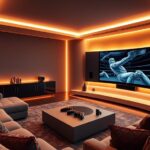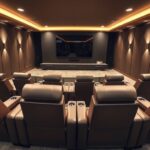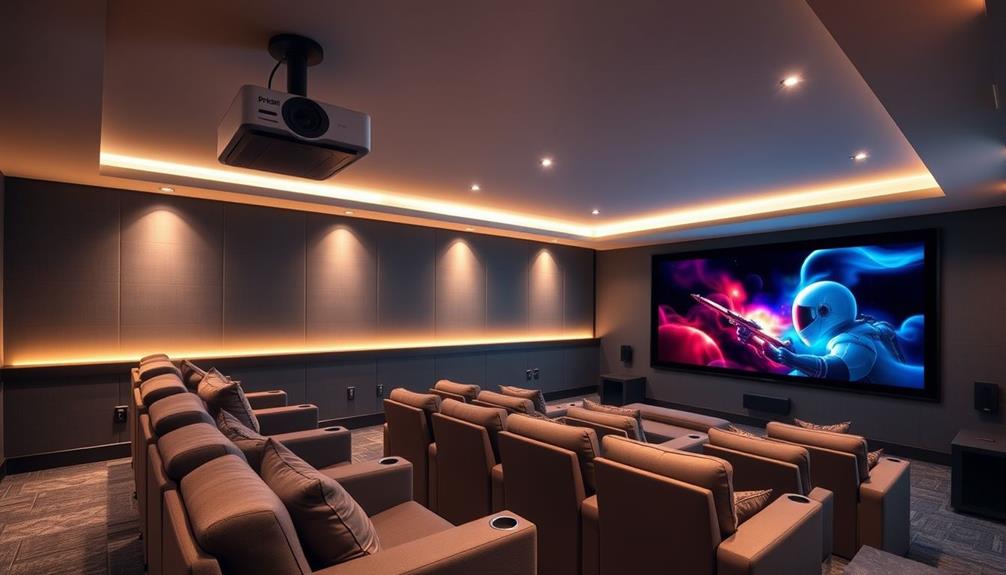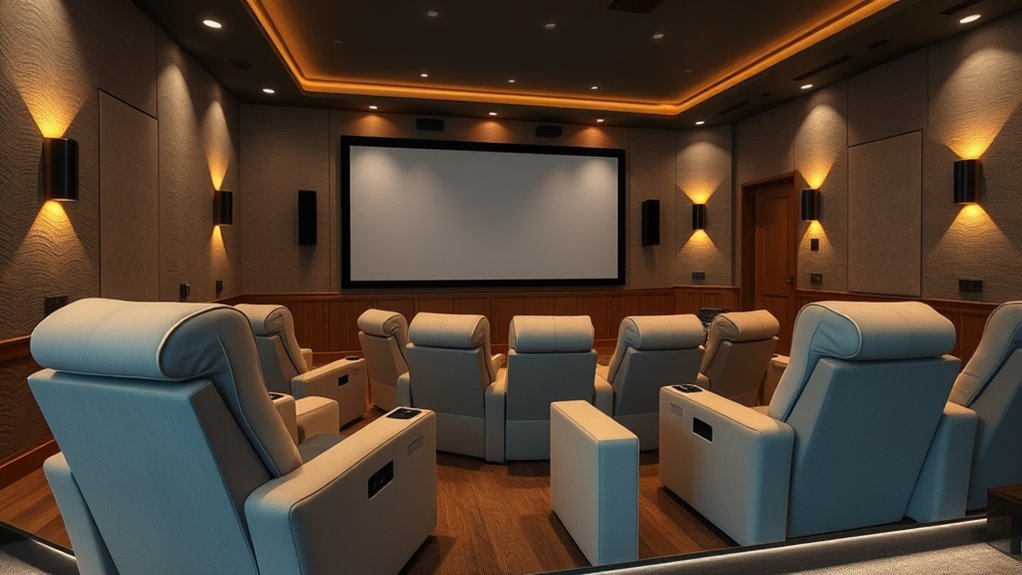

To create an accessible home theater, you should choose comfortable, adjustable seating that’s easy to reach and offers enough space. Incorporate lighting with dimmable, motion-activated options that can be controlled by voice or tactile switches for better visibility. For audio, use high-quality speakers with volume controls that are within easy reach or voice-activated. Combining these features guarantees everyone can enjoy your theater comfortably—continue exploring ways to make your space truly inclusive.
Key Takeaways
- Incorporate adjustable, wheelchair-accessible seating with clear pathways for easy entry and exit.
- Use tactile controls and large, high-contrast buttons for lighting and audio adjustments.
- Install voice command systems to control seating, lighting, and sound without physical effort.
- Ensure lighting is adjustable with remote or voice commands to prevent glare and enhance visibility.
- Integrate smart home technology for automated lighting and audio scenes tailored to individual needs.
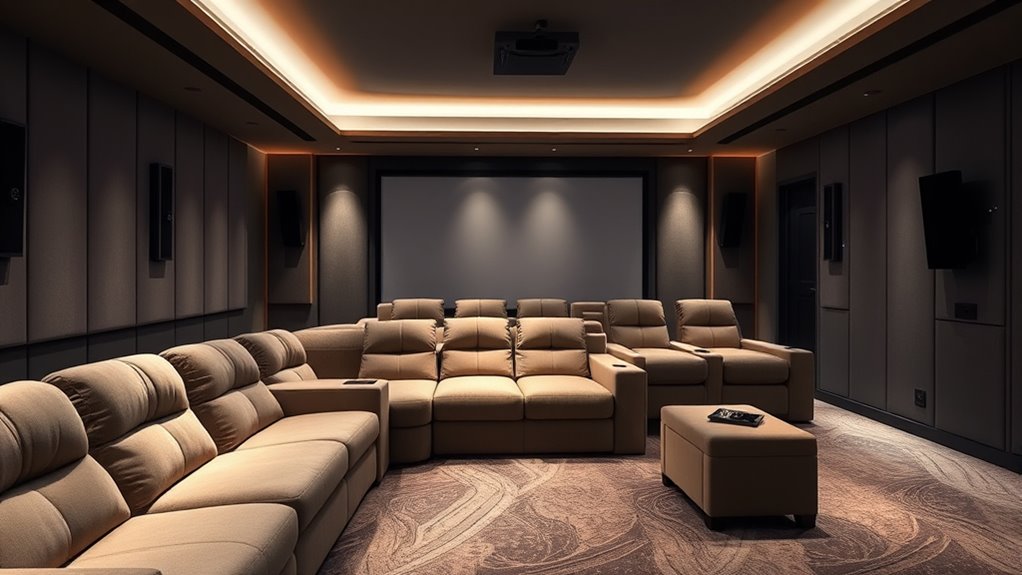
Creating an accessible home theater guarantees that everyone can enjoy the experience, regardless of physical ability or sensory needs. When you design with accessibility in mind, you ensure that all users can easily control and navigate the space without frustration. One effective way to achieve this is by integrating voice command technology. With voice commands, you can control the TV, sound system, and lighting hands-free, making it easier for individuals with mobility challenges or those who find remote controls cumbersome to operate. Simply speaking your commands allows for quick adjustments and seamless control, enhancing the overall experience. Additionally, tactile controls play a crucial role in accessibility. These are physical buttons or switches with distinct textures that help users identify and operate equipment by touch alone. Installing tactile controls on remotes, light switches, and audio devices ensures that people with visual impairments or those who prefer tactile feedback can navigate their home theater effortlessly.
Research also indicates that sensory accessibility features significantly improve user independence and satisfaction. To maximize accessibility, you should ensure that controls are within easy reach and clearly labeled or textured. For example, large, raised buttons with high-contrast markings can help users distinguish functions quickly. Combining tactile controls with voice command capabilities creates a multi-layered approach that caters to a wide range of needs. If someone struggles to see or hear, they can rely on tactile feedback and voice prompts to manage their viewing experience smoothly. This dual setup not only provides independence but also minimizes reliance on others for basic operations.
When designing your home theater, think about how users will interact with the system. Incorporate universal design principles by choosing equipment that offers both voice command compatibility and tactile controls. Make sure the layout allows easy access to controls without clutter or obstruction. Consider adding smart home integrations that respond to voice commands or automate lighting and sound adjustments based on your preferences. For instance, you might set up voice-activated scenes that dim the lights, turn on the projector, and adjust the volume with a simple command.
In essence, creating an accessible home theater means blending technology and thoughtful design. Voice command systems and tactile controls serve as the backbone for inclusive entertainment spaces, ensuring everyone can enjoy movies, shows, and games comfortably and independently. When you prioritize these features, you open the door for more inclusive, enjoyable experiences for all users.

Klipsch R-12SW Powerful Deep Bass Front Firing 12" Copper-Spun Driver 400W Digital Power Subwoofer 14" X 18.5" X 16"
Powerful 12" copper-spun front-firing woofer
As an affiliate, we earn on qualifying purchases.
Frequently Asked Questions
What Are the Best Budget-Friendly Accessibility Options for Home Theaters?
To make your home theater more accessible on a budget, start with simple seating arrangements like extra cushions or affordable recliners to improve comfort. Use cost-effective lighting solutions such as LED strip lights or motion-sensor lamps to guarantee safe navigation. These options enhance accessibility without breaking the bank, creating a more inclusive space where everyone can enjoy movies comfortably and safely.
How Can Smart Home Technology Enhance Accessibility in a Theater Room?
Did you know 70% of people with mobility challenges find smart home tech game-changing? You can enhance your theater room’s accessibility by using voice-activated controls, allowing you to adjust audio, lighting, and even start or stop movies hands-free. Automated lighting can brighten or dim based on your preferences, making it easier to navigate without needing physical switches. These features make your home theater more inclusive and convenient for everyone.
Are There Specific Materials Recommended for Accessible Theater Flooring?
For accessible theater flooring, you should choose accessible flooring options like low-pile carpets, vinyl, or rubber mats. Make certain to select non-slip surface materials to prevent accidents and guarantee safety. These options provide stability for wheelchairs and walkers while maintaining comfort and durability. Always prioritize materials that are easy to clean and maintain, so your theater remains safe and accessible for everyone.
How Do I Integrate Voice Control for Accessibility in My Home Theater?
Like a conductor guiding an orchestra, you can seamlessly integrate voice control for accessibility in your home theater by installing accessible control systems that support voice command integration. Use smart speakers or remote systems compatible with your devices, and set up voice commands for lighting, sound, and seating adjustments. This creates a harmonious experience, allowing you to control your theater effortlessly, just as a maestro commands their symphony.
What Maintenance Tips Ensure Long-Term Accessibility Features’ Effectiveness?
To guarantee your accessibility features remain effective long-term, you should perform regular cleaning of all equipment, including voice control devices, to prevent dust buildup. Additionally, conduct fixture inspections periodically to identify and fix any wear or damage. Keep cables organized, update software when available, and test voice commands regularly. These steps help maintain peak performance, ensuring your home theater remains accessible and user-friendly for years to come.

Klipsch R-120SW Subwoofer, Black
12" high excursion spun-copper Imp woofer
As an affiliate, we earn on qualifying purchases.
Conclusion
Creating an accessible home theater guarantees everyone can enjoy the experience. By choosing comfortable seating, adjustable lighting, and quality audio, you make your space welcoming. Did you know that over 15% of the world’s population lives with some form of disability? Incorporating simple accessibility features not only enhances your theater but also opens it up to more friends and family. Make your home theater a space where everyone feels comfortable and entertained.

2000 ANSI 4K Decoding Projector with WiFi and Bluetooth, HAPPRUN Movie Home Theater with Auto Focus, 300'' Display for Indoor/Outdoor, Smart Proyector Compatible with Phone/TV Stick/PC/PS5
[EASIER OPERATION: AI Smart Screen Adjustment] HAPPRUN projector comes with auto focus and 6D auto-keystone technology, enjoy a...
As an affiliate, we earn on qualifying purchases.

Epson Home Cinema 980 3-Chip 3LCD 1080p Projector 4,000 Lumens Color and White Brightness, Streaming/Gaming/ Media Room, Built-In Speaker, Auto Picture Skew, 16000:1 Contrast, 2 HDMI Ports
Exceptional Picture Quality — Provides stunning, detailed 1080p images and fast data processing that’s optimized for fast-action sports,...
As an affiliate, we earn on qualifying purchases.