
TL;DR
Meshdiff has released a new web tool that allows users to visually compare two STL files directly in their browser. This client-side solution simplifies version control for 3D models without needing server uploads.
Meshdiff has unveiled a new web-based tool that allows users to compare two STL files visually within their browser. The application operates entirely on the client side, eliminating the need for server uploads and enabling quick, secure comparisons. This development aims to improve workflows in 3D printing, CAD, and manufacturing by providing an accessible, lightweight solution for version control and quality assurance.
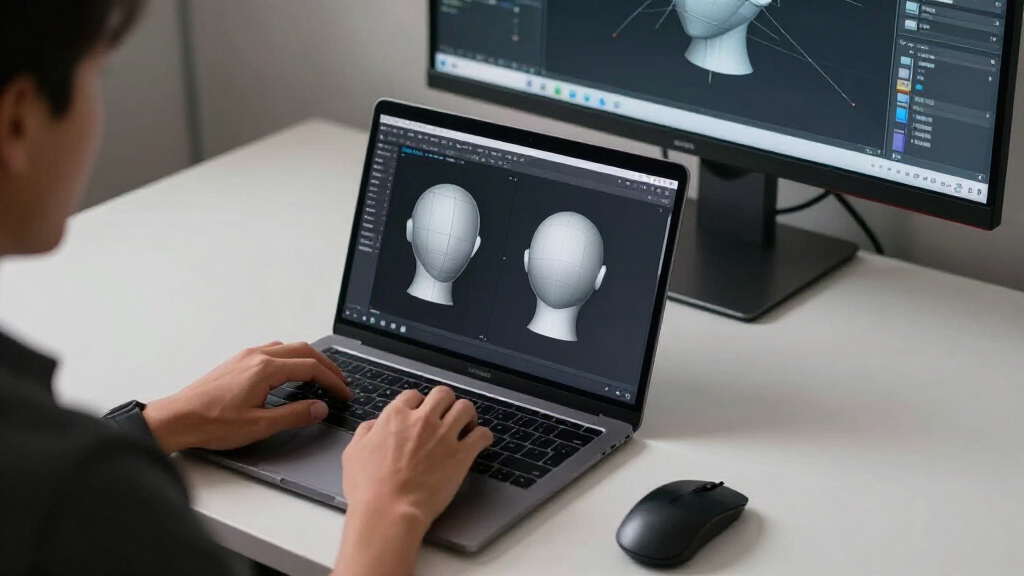
The Meshdiff tool is designed to work directly in the browser, requiring no installation or server-side processing. Users can upload two STL files, and the tool will display them side-by-side or overlaid, highlighting differences through color coding or mesh overlays. According to Meshdiff’s team, this approach enhances privacy and speed, as all processing occurs locally on the user’s device.
Meshdiff’s developers emphasize that the tool is suitable for professionals in 3D printing, CAD design, and prototyping, enabling them to verify changes between versions quickly. The application supports common STL formats and offers features such as mesh transparency, zoom, and rotation for detailed inspection. It is accessible via standard web browsers on desktop and mobile devices.
While the tool is currently in early release, the team plans to add features like difference metrics, layer comparison, and export options in future updates. Meshdiff’s CEO stated, “Our goal is to make 3D model comparison accessible, fast, and secure, especially for users who need to verify models on the go or in secure environments.”
Why Browser-Based STL Comparison Changes Workflow
This development matters because it simplifies the process of verifying and comparing 3D models, especially for professionals who require quick, secure, and accessible tools. By operating entirely on the client side, Meshdiff reduces barriers related to data privacy, server dependency, and software installation. It also enables users to perform comparisons on any device with a web browser, increasing flexibility in design and manufacturing workflows.
Such a tool can reduce errors in 3D printing, accelerate iteration cycles, and improve collaboration across teams by providing an easy visual confirmation of model differences. As 3D printing and CAD workflows become more distributed, having a lightweight, browser-based comparison tool aligns with industry trends toward remote work and cloud integration, even if the tool itself does not require cloud storage.
Top picks for "meshdiff visually version"
As an affiliate, we earn on qualifying purchases.
Growing Need for Accessible 3D Model Comparison Tools
Traditionally, comparing STL files has required specialized software installed on local machines or server-based solutions that involve uploading models to cloud platforms. These methods can be time-consuming, pose privacy concerns, and require technical expertise. Recent trends in 3D printing, rapid prototyping, and CAD design emphasize the need for quick, reliable comparison tools that can be used in various environments.
Previous solutions often relied on desktop applications with complex interfaces or cloud services that could introduce delays or security issues. Meshdiff’s innovation addresses these gaps by offering a purely browser-based, client-side application that is easy to access and use without compromising data privacy.
Early feedback from industry professionals indicates strong interest in such tools, especially for quality control, version management, and collaborative review processes.
“Our goal was to create a tool that makes visual comparison of STL files fast, secure, and accessible directly in the browser, with no need for installations or server uploads.”
— Meshdiff Development Team
Features and Limitations Still Under Development
It is not yet clear how comprehensive the comparison features will become, such as detailed difference metrics or support for other 3D formats. The current version focuses on basic visual comparison, and additional functionalities are planned but not yet implemented. User feedback will shape future updates, and performance on very large models remains to be tested.
Moreover, it is uncertain how the tool will handle complex meshes with high polygon counts or integrate with existing CAD workflows. The team has not specified whether the application will support batch comparisons or automation features in the near term.
Upcoming Features and User Feedback Integration
Meshdiff plans to release updates that include detailed difference analysis, layer comparisons, and export options. The team is actively collecting user feedback to prioritize features that improve usability and functionality. In the coming months, the developers aim to expand compatibility with other 3D formats and enhance performance for larger models.
Additionally, Meshdiff intends to explore integration possibilities with popular CAD and 3D printing platforms, potentially enabling seamless workflows across different tools. Users can expect ongoing improvements based on community input and industry needs.
Key Questions
Is Meshdiff free to use?
Yes, the current version of Meshdiff is available free of charge for users to try out its basic comparison features.
Can I compare models on mobile devices?
Yes, since the tool runs entirely in the browser, it is compatible with mobile devices that support modern web browsers.
Does Meshdiff support other 3D file formats besides STL?
Currently, Meshdiff primarily supports STL files. Support for additional formats is planned for future updates.
Are there plans for advanced comparison metrics or automation?
Yes, the development team has indicated plans to add detailed difference metrics, automation features, and integration with other CAD tools in upcoming releases.
Is the comparison process secure and private?
Yes, since all processing occurs locally on the user’s device, there is no need to upload models to external servers, preserving data privacy.
Source: hn