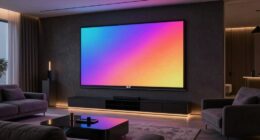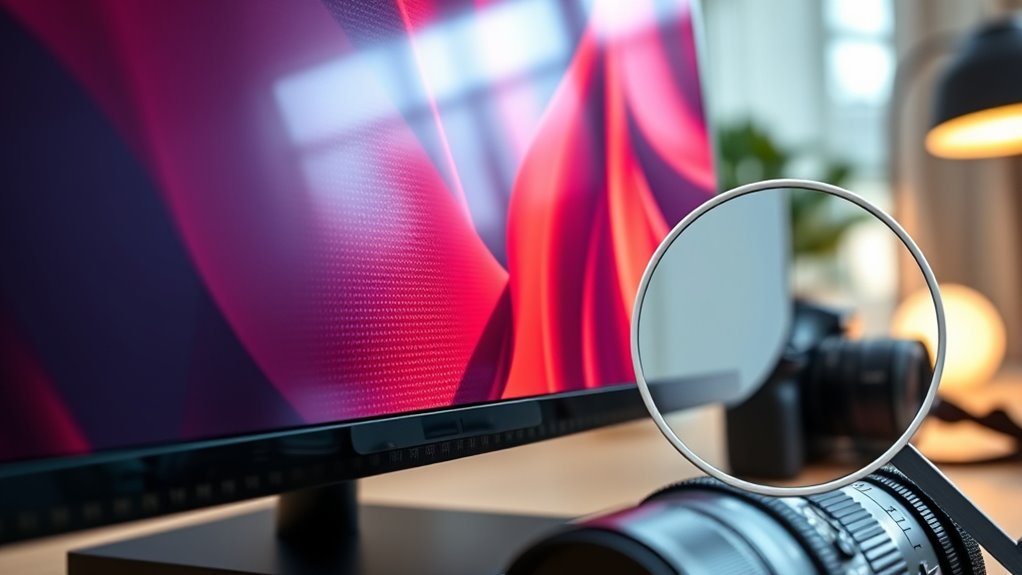
Understanding resolution and screen size is key to choosing the right display. Resolution refers to the number of pixels that create the image, with higher resolutions producing sharper, more detailed visuals. Screen size is measured diagonally and affects how immersive or portable a device feels. Balancing these two factors guarantees your display offers clarity, readability, and comfort for your specific tasks. If you want to learn more, you’ll find helpful tips and insights as you explore further.
Key Takeaways
- Resolution refers to the number of pixels on a display, affecting image sharpness and detail.
- Screen size is measured diagonally in inches, influencing viewing comfort and portability.
- Higher resolution on larger screens enhances clarity, especially for detailed tasks like gaming or editing.
- Smaller screens with high resolution provide crisp images and better mobility, but may make icons tiny.
- Balancing resolution and screen size is key for optimal visual quality, usability, and device performance.
Understanding resolution and screen size is essential when choosing a display that suits your needs. These two factors profoundly influence how content appears on your screen and how comfortable you’ll be using your device. Resolution refers to the number of pixels that make up the display, typically expressed as width x height, such as 1920 x 1080 pixels. The higher the resolution, the more detailed and sharp the image will be, which is especially important if you work with high-resolution images, watch HD videos, or play graphics-intensive games. Screen size, on the other hand, describes the physical dimensions of the display, often measured diagonally in inches. While larger screens provide more immersive experiences, they can also impact portability and desk space.
When selecting a display, understanding display technology is vital, as it affects image quality, color accuracy, and energy consumption. Technologies like LCD, LED, OLED, and Retina displays come with their own advantages and trade-offs. For instance, OLED screens often deliver richer contrast and deeper blacks compared to traditional LCDs. But no matter the technology, the aspect ratio is equally important. Aspect ratio describes the proportional relationship between the width and height of your screen. The most common aspect ratio is 16:9, which suits most modern videos and games. However, if you’re into professional photo editing or graphic design, you might prefer a 16:10 or even a 21:9 ultra-wide screen, which provides more horizontal workspace. Additionally, understanding visual clarity and how resolution interacts with screen size can help you make better choices to suit your specific needs.
Choosing the right combination of resolution and screen size means considering how you’ll use your device. If portability is a priority, a smaller screen with a high resolution can offer crisp images without sacrificing mobility. Conversely, for detailed work like video editing or gaming, a larger display with a high resolution can improve your experience, but it might also demand more powerful hardware to run smoothly. Keep in mind that increasing resolution on a small screen can sometimes make icons and text appear tiny, so balancing resolution with screen size is key.

Yaber K300s Ultra Short Throw Projector, 4K Support Triple Laser Projector, 100" Image at 9", Dolby Vision, 150% NTSC, Google TV, 30W JBL Speaker, for Home Theater Gaming
[Ultra Short Throw & Space-Saving Design] Experience a 100-inch giant screen from just 9 inches away with the...
As an affiliate, we earn on qualifying purchases.
Frequently Asked Questions
How Does Resolution Affect Gaming Performance?
Higher resolution can influence your gaming performance by demanding more from your graphics card, potentially lowering frame rates. A higher refresh rate makes gameplay smoother, while better color accuracy enhances visual quality. If your resolution is too high for your system, it may struggle, causing lag or stutter. Balancing resolution with your hardware capabilities ensures you enjoy crisp visuals, fluid motion, and vibrant colors without sacrificing performance.
What Is the Best Screen Size for Multitasking?
Imagine your workspace as a bustling city skyline; the best screen size for multitasking is like a spacious skyscraper, giving you room to breathe. A 27-inch monitor with an ultra-wide aspect ratio and modern display technology offers a panoramic view, making it easy to juggle multiple windows effortlessly. This size balances clarity and immersion, helping you stay productive without feeling cramped or overwhelmed, like a city that’s just the right size.
How Do I Choose the Right Resolution for My Monitor?
You should choose a resolution that balances display calibration and color accuracy for your needs. Higher resolutions, like 4K, provide sharper images and better color details, ideal for professional work or media. Make sure your monitor supports good display calibration tools to optimize color accuracy. Consider your graphics card capabilities and workspace, aiming for a resolution that offers clear visuals without straining your system or causing scaling issues.
Can Screen Size Impact Eye Strain?
Think of your eyes as explorers steering a vast landscape. When the screen size is too large, it’s like a storm of blue light and flickering shadows that tires their journey. Larger screens can cause more eye strain if not properly calibrated, exposing you to excess blue light and flickering that fatigue your eyes. To protect yourself, adjust brightness, take breaks, and consider blue light filters to keep your exploration comfortable.
What’s the Difference Between Resolution and Pixel Density?
Resolution refers to the total number of pixels on your screen, impacting pixel clarity and overall display sharpness. Pixel density, measured in pixels per inch (PPI), indicates how tightly packed those pixels are, affecting how sharp images and text appear. Higher resolution provides more detail, while higher pixel density enhances display sharpness, making everything look crisper. Both influence your viewing experience, but they focus on different aspects of pixel clarity.

Hisense PL2, Ultra Short Throw Home Theater Laser Projector, 80” – 150”, 4K UHD, 2,700 Lumens, 3000:1 Contrast, Dolby Vision & Atmos, 3D, Google TV, WIFI 6E
【X-Fusion Technology】With X-Fusion laser light, Laser Cinema has a uniquely cinematic feel. X-Fusion Laser Technology utilises a precise...
As an affiliate, we earn on qualifying purchases.
Conclusion
Now that you understand resolution and screen size, think of your display as a window into a vibrant world. The sharper the resolution, the clearer that world becomes—like gazing through crystal-clear glass. Screen size shapes your viewing adventure, whether you prefer an intimate peek or a panoramic vista. By mastering these basics, you hold the brush to paint your perfect visual experience. So, choose wisely and enjoy your colorful journey through digital landscapes.

Official Licensed Google TV Smart Projector, HAPPRUN 4K UHD Home Theater with Dolby Sound, Wi-Fi & Bluetooth, Built-in Streaming Apps, Compatible with Games Consoles & Smartphone, Indoor & Outdoor Use
[ Built-in Official Licensed Google TV ] - Without additional equipment, the smart projector can directly access Netflix,...
As an affiliate, we earn on qualifying purchases.

Silver Ticket Products STR Series 6 Piece Home Theater Fixed Frame 4K / 8K Ultra HD, HDTV, HDR & Active 3D Movie Projection Screen, 16:9 Format, 135" Diagonal, Woven Acoustic Material STR-169135-WAB
Wall Mounted Fixed Frame Projection Screen (Overall Size 72.3" Tall x 123.8" Wide) (Viewing Area 135" Diagonal x...
As an affiliate, we earn on qualifying purchases.