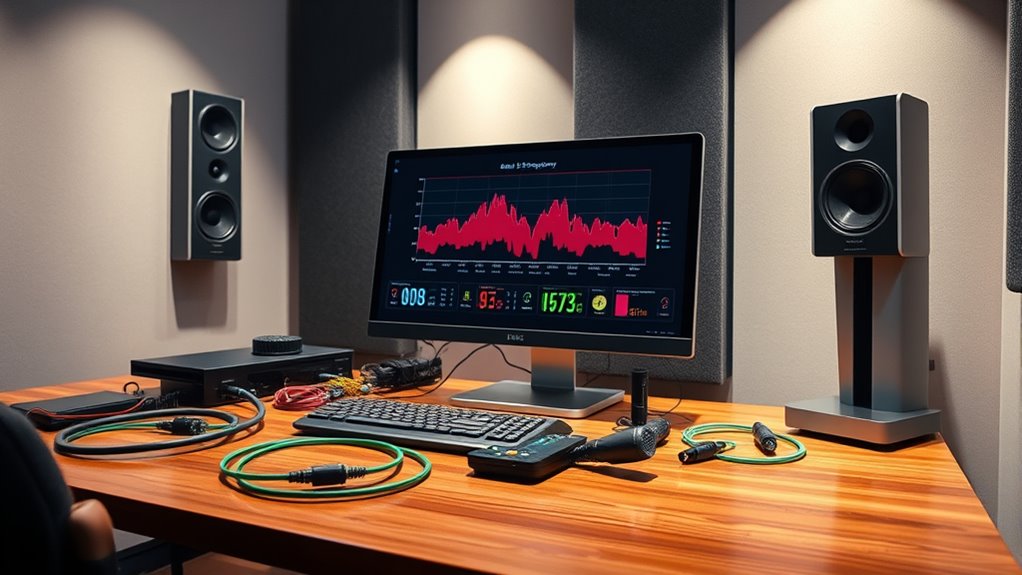
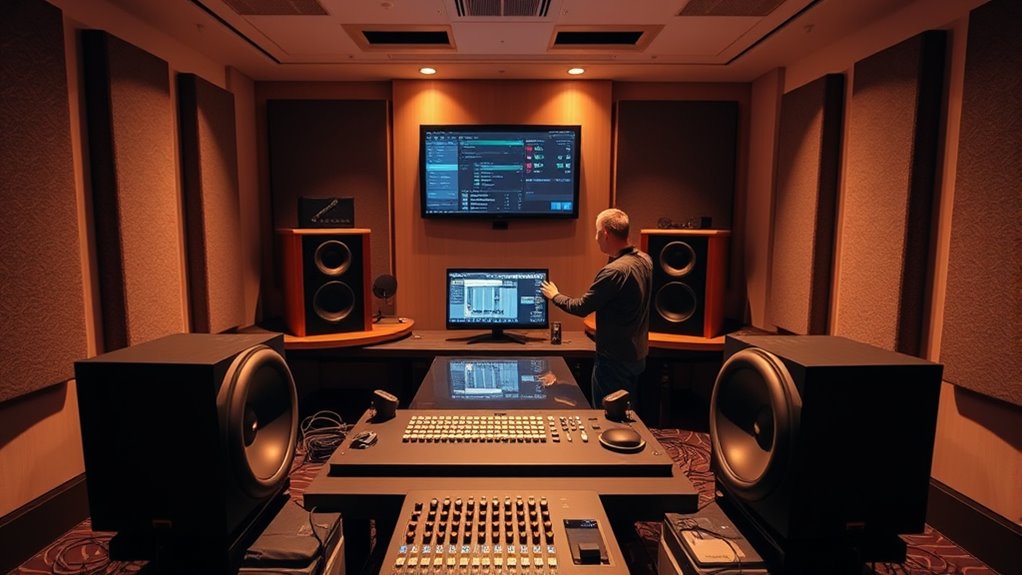
Setting up bass management systems ensures optimal sound integration, but knowing how to calibrate your crossover and placement can make all the difference.
To establish bass management systems, start by calibrating your crossover frequency to guarantee a smooth shift from your main speakers to the subwoofer, typically around 80Hz but adjustable for your setup. Place your subwoofer near a wall or corner for better bass response, then adjust its volume so it blends well with your main speakers without overpowering. Fine-tuning these settings creates a balanced, immersive sound, and exploring further tweaks can help you achieve perfect bass integration.
Key Takeaways
Calibrate the crossover frequency based on main speaker size for smooth bass transition.
Position the subwoofer near walls or corners to enhance bass response without causing muddiness.
Adjust subwoofer volume to blend seamlessly with main speakers, avoiding overpowering sound.
Use test tones or calibration tools to fine-tune levels and ensure accurate low-frequency reproduction.
Iterate adjustments with different content to achieve tight, balanced, and cohesive bass sound.
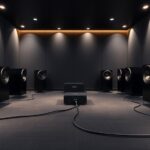
Bass management systems are essential components in home theater and audio setups that guarantee your subwoofer reproduces low frequencies accurately. When you’re setting up your system, one of your primary goals is achieving seamless subwoofer integration, which means your bass sounds blend smoothly with the rest of your speakers. To do this effectively, you need to focus on crossover calibration. This process involves adjusting the point where your system transitions from full-range speakers to the subwoofer, ensuring the bass isn’t missing or overwhelming. Proper crossover calibration helps your subwoofer work in harmony with your other speakers, creating a balanced and immersive sound experience.
Achieve seamless sound with proper crossover calibration for balanced subwoofer integration.
First, you should determine the appropriate crossover frequency for your setup. This depends on your main speakers’ capabilities; smaller speakers typically require a lower crossover point, while larger, full-range speakers can handle more of the bass themselves. Most home theater receivers have a default crossover setting, often around 80Hz, but it’s worth fine-tuning it based on your specific equipment. To calibrate, start by setting the crossover to a recommended frequency and listen carefully. Adjust it gradually, listening for a smooth transition between your main speakers and the subwoofer. If the bass sounds disconnected or overly boomy, tweak the crossover to find a more natural blend.
Subwoofer integration isn’t just about the crossover; it also involves proper placement and level adjustment. Position your subwoofer in an ideal spot—usually near a wall or corner—to enhance bass response, but avoid placing it directly against a wall for clarity. Once positioned, adjust the subwoofer volume so it complements your main speakers without overpowering them. Use test tones or calibration tools to set the subwoofer level precisely, ensuring it matches the output of your other speakers. Many home theater systems feature automatic calibration tools that can help with this process, but manual adjustments often yield the best results when performed carefully.
Remember that subwoofer calibration is an iterative process. After initial setup, spend time listening to a variety of content—music, movies, dialogue—to identify any inconsistencies or imbalances. Fine-tuning the crossover frequency and volume settings will help you achieve a cohesive sound that’s both powerful and natural. Ultimately, mastering crossover calibration and subwoofer integration guarantees your bass is tight, well-defined, and perfectly synchronized with the rest of your audio system, elevating your entire home theater experience. Proper calibration techniques are vital to ensuring your system performs optimally.
SOULWIT 50Pcs Self Adhesive Cable Management Clips - Black
🔷SUPER EASY TO USE: Stick to clean surface, open tab, insert multiple cables, close the tab, enjoy the...
As an affiliate, we earn on qualifying purchases.
Frequently Asked Questions
How Do I Calibrate My Bass Management System Accurately?
To calibrate your bass management system accurately, start by performing phase alignment to ensure your subwoofer and main speakers work together smoothly. Use room correction tools to identify and adjust for room acoustics that affect bass response. Play test tones and make fine adjustments to crossover points and levels. This process helps achieve a seamless, balanced bass sound, giving you clear, powerful low frequencies without muddiness or phase issues.
What Are the Best Subwoofer Placement Techniques?
Imagine your subwoofer as the heartbeat of your room, needing perfect placement to throb smoothly. You should experiment with positioning, ideally near a wall or corner, to boost bass response. Use subwoofer isolation to prevent vibrations from traveling. Combine this with room acoustic treatment to tame reflections, ensuring clean, tight bass. Adjust placement based on sound and vibe, transforming your space into a bass-rich haven.
How Can I Troubleshoot Common Bass Management Issues?
If you’re experiencing bass management issues, start by checking your speaker wiring to guarantee all connections are secure and correct. Consider your room acoustics, as poor surfaces can cause bass reflections or dead spots. Use a calibration tool or receiver setup to adjust crossover settings and EQ. If problems persist, experiment with subwoofer placement to optimize bass response and minimize room-related distortions.
What Crossover Frequency Is Ideal for My Setup?
You’re asking about the ideal crossover frequency for your setup, and it’s a fine line to walk. Generally, setting your crossover around 80Hz offers a good balance for bass enhancement without muddying the sound. If you want tighter bass, go lower; for more fill, go higher. Trust your ears, but remember, sometimes it’s a case of “less is more” to get the best sound.
How Do I Integrate Multiple Subwoofers Effectively?
To integrate multiple subwoofers effectively, start by placing them strategically around your room to guarantee even bass distribution. Use phase alignment adjustments to synchronize their outputs, avoiding cancellation. Employ room correction tools to fine-tune the overall sound, compensating for room acoustics. Regularly test and tweak settings to achieve seamless blending, ensuring your subwoofers work together harmoniously for a deep, balanced bass experience.
XHF 120 PCS Adhesive Cable Wire Clips Black, Outdoor Christmas Light Clips, Cable Management Wire Organizer Cord Holder for Under Desk, Car, Wall, TV PC Ethernet Cable
High quality material:XHF Adhesive Cable Clips are manufactured from Strong Adhesive and PA66 nylon
As an affiliate, we earn on qualifying purchases.
Conclusion
Now that you’ve set up your bass management system, you’ll find your home theater experience transforms, much like a symphony reaching perfect harmony. Remember, proper bass management isn’t just technical—it’s the heartbeat that ties your entire soundscape together. As you fine-tune your setup, you’re not just adjusting speakers; you’re orchestrating an immersive journey that elevates every movie and song. Embrace the process, and let your system’s true potential resonate like a masterful composition.
120PCS XHF Adhesive Cable Wire Clips White, Cable Staples Outdoor Cable Management Wire Organizer Cord Holder for Under Desk, Car, Wall, TV PC Ethernet Cable
High quality material:XHF Adhesive Cable Clips are manufactured from Strong Adhesive and PA66 nylon
As an affiliate, we earn on qualifying purchases.
Mini Projector, Portable Projector with Wifi and Bluetooth, Built in Apps
【Built-in WiFi & Bluetooth Projector with Apps】Dual-band WiFi 2.4G + 5G ensures fast and stable wireless streaming. Bluetooth...
Why Speaker Placement Matters: Creating an Equilateral Triangle
Why speaker placement matters: creating an equilateral triangle ensures optimal sound quality and imaging—discover how proper positioning can transform your listening experience.
Auto calibration offers quick, automated adjustments, but understanding when manual calibration is necessary can ensure optimal accuracy—discover which method suits your needs.