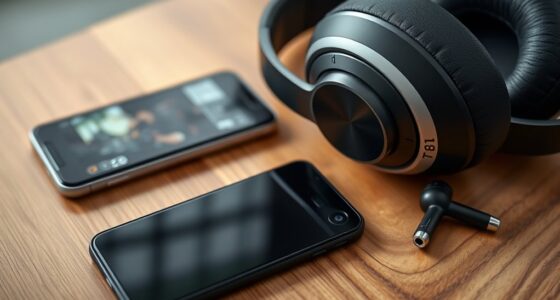
To share movie audio seamlessly between two viewers, connect both headphones directly to the same device or use a low-latency Bluetooth transmitter to minimize delay. Adjust audio delay settings on your device or streaming platform for perfect sync. Using wired connections or dual connections can help eliminate wireless lag. Ensuring compatibility between your headphones and device improves synchronization. Want to know specific tips to get everything perfectly aligned? Keep exploring for more insight.
Key Takeaways
- Use low-latency wireless headphones connected to the same device for synchronized audio sharing.
- Connect both headphones via a Bluetooth transmitter supporting aptX Low Latency or similar technology.
- Utilize device settings or streaming platform options to adjust audio delay for perfect sync.
- Consider wired audio splitters or dual headphone jacks to eliminate wireless transmission delays.
- Use a shared media device, like a smart TV or media player, to ensure simultaneous audio output for both viewers.
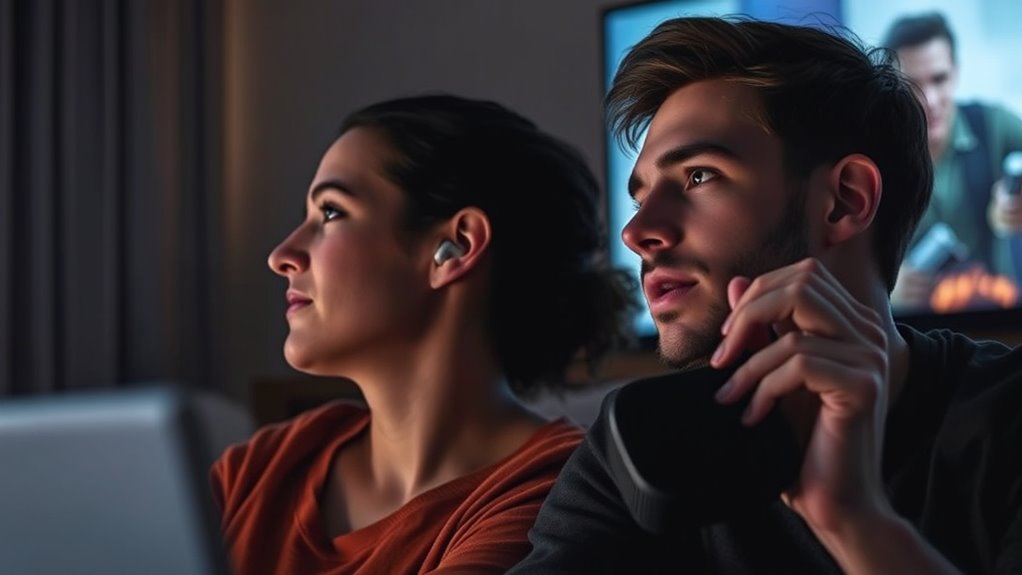
Watching a movie together is a great way to share an experience, but syncing audio can sometimes be a challenge. When you’re trying to enjoy a film with someone else, differences in device settings, audio delays, or even the way your equipment processes sound can cause issues. If you’re both using wireless headphones, this problem becomes even more apparent. Wireless headphones are convenient and free you from tangled cords, but they often introduce slight delays in audio transmission, making perfect synchronization tricky. To truly enjoy the movie without audio lag or echo, you need to focus on effective audio synchronization.
The first step is to guarantee that your wireless headphones support low-latency audio. Many newer models feature technology designed to minimize delay, which is vital for watching movies in sync. When both of you are using compatible headphones, the chances of audio lag decrease considerably. However, even with the best gear, some delay might still occur due to Bluetooth transmission or device processing. Hence, it’s essential to adjust your device settings to optimize audio synchronization. Many streaming platforms and media players offer audio delay adjustments, allowing you to fine-tune the timing so your audio matches the video perfectly.
Another tip is to connect your headphones directly to the same device, like a smart TV or media player, instead of connecting to separate devices. This guarantees both of you receive the same audio signal simultaneously, reducing the chances of lag. If you’re using a TV with Bluetooth capabilities, pairing both headphones directly to the TV can help maintain synchronization. Alternatively, if your setup involves a shared media source, consider using a wired connection or a Bluetooth transmitter with low-latency support. These transmitters are designed specifically to reduce delay, making it easier for two viewers to stay in sync.
To maximize your experience, also check the audio settings on your device. Many TVs and streaming devices have options to adjust audio delay or lip-sync. Play around with these controls until the audio aligns perfectly with the on-screen action. Additionally, choosing a high-quality projector or display can significantly improve overall audio-visual synchronization, ensuring a more immersive movie night. Remember, the goal is to eliminate any noticeable lag so that you and your companion can enjoy the movie as if you were in the same room, hearing the same sound at the same time. With the right equipment and some quick adjustments, you can overcome audio synchronization issues and enjoy a seamless movie night, even when using wireless headphones.

SOULWIT 50Pcs Self Adhesive Cable Management Clips, Cable Organizers Wire Clips Cord Holder for TV PC Ethernet Cable under Desk Home Office (Black)
🔷SUPER EASY TO USE: Stick to clean surface, open tab, insert multiple cables, close the tab, enjoy the...
As an affiliate, we earn on qualifying purchases.
Frequently Asked Questions
Can I Share Audio From Streaming Services Like Netflix?
You can’t legally share audio from streaming services like Netflix, as doing so violates licensing restrictions. Plus, sharing audio might expose you to privacy risks, especially if you use third-party apps or devices. Streaming platforms restrict simultaneous streams and sharing features to protect content rights. To avoid issues, enjoy your show individually or use official family plan options, respecting licensing rules and safeguarding your privacy.
What Equipment Is Necessary for Synchronized Audio Sharing?
Think of your setup as a symphony conductor, ensuring perfect harmony. To share synchronized audio, you’ll need wireless transmitters that send the sound wirelessly to your second device. An audio splitter can also help if you’re connecting multiple headphones to a single source. These tools work together to keep sound in sync, so both viewers enjoy the movie as if they’re sitting in the same room, sharing the experience seamlessly.
Is There Latency or Delay When Sharing Audio Between Viewers?
You might experience some audio delay when sharing movie audio between viewers, leading to synchronization issues. This latency can vary depending on your equipment and internet connection. To minimize these problems, use high-quality, low-latency streaming tools and ensure both sides have stable connections. Adjusting audio delay settings can also help you synchronize sound perfectly, providing a smoother shared viewing experience without frustrating lag or mismatched audio.
How Do I Troubleshoot Audio Sync Issues During Sharing?
To troubleshoot audio sync issues, first check for any audio delay and adjust using the synchronization tools available on your app or device. Make sure both viewers have a stable internet connection, as poor connectivity can cause lag. Restart the app and your devices if needed. If the problem persists, try lowering the video quality or using a wired connection to reduce latency and improve synchronization.
Are There Privacy Concerns When Sharing Audio With Others?
Yes, sharing audio can pose privacy risks and data security concerns. When you share audio, you’re potentially exposing sensitive conversations or private information, risking unintended access. To protect yourself, make certain the platform encrypts data, verify the recipient’s trustworthiness, and use secure connections. Always be mindful of what you share and who you’re sharing with, because safeguarding your privacy means controlling your data security and minimizing privacy risks during shared experiences.
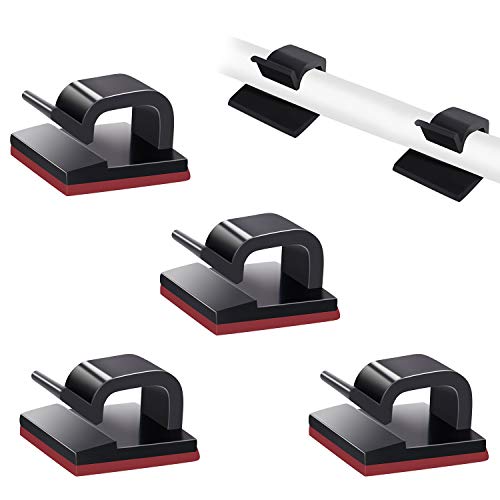
SOULWIT 50 Pcs Self Adhesive Cable Management Clips, Cable Organizers Sticky Wire Clips Cord Holder for TV PC Laptop Ethernet Cable Desktop Home Office (Black)
🔷EASY TO USE: Simply peel and stick, making your home look tidier.
As an affiliate, we earn on qualifying purchases.
Conclusion
Think of sharing movie audio like passing a flame between two lamps. When you carefully transfer the light, both lamps glow brighter without losing brightness. By syncing your audio, you’re guiding the flickering glow smoothly from one to the other, creating a seamless experience. When done right, it’s like a dance where each step complements the next—illuminating your shared movie night with clarity and connection, making every moment resonate perfectly between you two.

XHF 120 PCS Adhesive Cable Wire Clips Black, Outdoor Christmas Light Clips, Cable Management Wire Organizer Cord Holder for Under Desk, Car, Wall, TV PC Ethernet Cable
High quality material:XHF Adhesive Cable Clips are manufactured from Strong Adhesive and PA66 nylon
As an affiliate, we earn on qualifying purchases.

【Official Licensed Google TV】4K Smart Projector with WiFi and Bluetooth, VOPLLS Outdoor Projectors with Dolby/Auto Focus, Portable Movie Phone Wireless Gaming Wifi Proyector for Bedroom/Home/Celling
【Google TV Entertainment Hub: Your All-in-One Streaming Center】 Enjoy instant access to vast streaming content with zero setup—the...
As an affiliate, we earn on qualifying purchases.