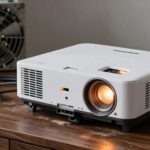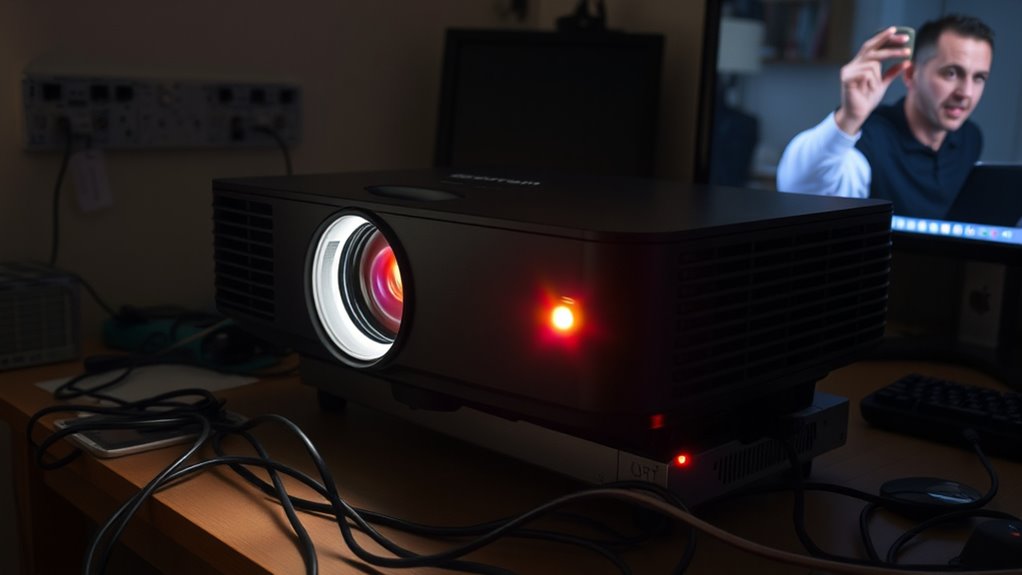
If your projector keeps turning off randomly, it could be due to power supply issues or overheating. Check that your power cords are secure and not damaged, and avoid using overloaded power strips. Make sure vents and filters are clean and unobstructed to prevent overheating, and place your projector in a well-ventilated area. Malfunctioning fans or sensors could also cause shutdowns. Continue exploring to discover detailed solutions to keep your projector running smoothly.
Key Takeaways
- Check for overheating caused by blocked vents, dust buildup, or placement in hot environments.
- Ensure the power supply and cords are secure, undamaged, and not overloaded.
- Inspect internal fans and sensors for faults or failure, which can trigger shutdowns.
- Clean vents and filters regularly to maintain proper ventilation and prevent thermal issues.
- Consider professional diagnosis if internal hardware or power supply issues are suspected.

If your projector keeps turning off randomly, it can be frustrating and disruptive. One common cause behind this issue is power supply problems. Your projector relies on a steady flow of electricity to operate correctly. If the power source is unstable or the power cord is damaged, the projector may shut down unexpectedly. Check if the power cord is securely plugged in and inspect for any visible damage. If you’re using a power strip, try connecting the projector directly to a wall outlet. Sometimes, faulty or overloaded power strips can cause power interruptions, leading to random shutdowns. Additionally, power supply issues within the projector itself might be the culprit. Internal components like the power supply unit can malfunction over time, causing the device to turn off to protect itself from further damage. If you suspect this, professional repair or replacement might be necessary.
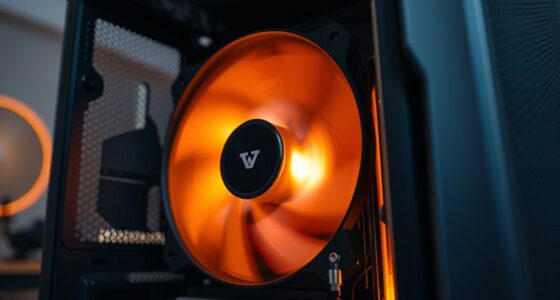
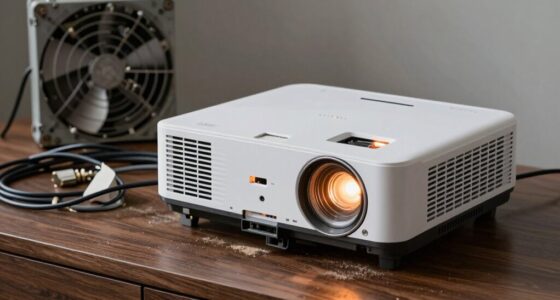
Overheating problems are another frequent reason why your projector might be turning off without warning. Projectors generate a significant amount of heat during operation, and if this heat isn’t dissipated properly, the device will often shut down automatically to prevent damage. Check if the projector’s vents are blocked or clogged with dust. Dust buildup hampers airflow, causing internal temperatures to rise rapidly. Cleaning the vents and filters regularly can help maintain proper ventilation. Also, ensure that the projector is placed in a well-ventilated area, away from heat sources or direct sunlight. If the projector has an internal fan, listen for abnormal noises or signs of failure—faulty fans won’t cool the device effectively, leading to overheating and shutdowns. Sometimes, the thermal sensors inside the projector might be overly sensitive or malfunctioning, causing premature shutdowns even if the device isn’t excessively hot. Maintaining proper airflow and avoiding obstructed vents are crucial for preventing overheating.
Addressing power supply issues and overheating problems can often resolve the random shutdowns you’re experiencing. Starting with simple steps like checking the power cord, replacing damaged components, and clearing dust from vents can make a significant difference. However, if these measures don’t solve the problem, it might be time to consult a professional technician. They can diagnose internal hardware issues, test the power supply unit, or check the thermal sensors and fans. Remember, regular maintenance and proper placement can go a long way in preventing these issues from recurring. Ensuring your projector is well-maintained and operated in suitable conditions helps keep it running smoothly and prevents those frustrating, unpredictable shutdowns.

Official Licensed Google TV Smart Projector, HAPPRUN 4K UHD Home Theater with Dolby Sound, Wi-Fi & Bluetooth, Built-in Streaming Apps, Compatible with Games Consoles & Smartphone, Indoor & Outdoor Use
[ Built-in Official Licensed Google TV ] - Without additional equipment, the smart projector can directly access Netflix,...
As an affiliate, we earn on qualifying purchases.
Frequently Asked Questions
Can Overheating Cause My Projector to Turn off Unexpectedly?
Overheating can definitely cause your projector to turn off unexpectedly. When it gets too hot, it triggers a thermal shutdown to prevent damage, often due to ventilation issues. Make sure your projector’s vents are clear and unobstructed. Regularly clean any dust buildup inside, and ensure proper airflow. Addressing these ventilation issues helps maintain a safe temperature, preventing thermal shutdowns and keeping your projector running smoothly.
Does a Dirty Air Filter Impact Projector Shutdowns?
A dirty air filter can definitely impact your projector’s performance and cause shutdowns. Dust accumulation blocks airflow, leading to overheating and automatic shutdowns to protect internal components. Regular air filter maintenance is essential; check and clean or replace filters as recommended. Keeping filters clean guarantees proper cooling, prevents dust buildup inside, and helps your projector run smoothly without unexpected shutdowns.
Could a Faulty Power Cord Be the Issue?
Yes, a faulty power cord could be causing your projector to turn off unexpectedly. If the electrical connection isn’t stable or the power cord is damaged, it can interrupt the flow of electricity, leading to shutdowns. Inspect your power cord for frays or loose connections, and try replacing it with a known good one. Ensuring a secure and proper electrical connection helps keep your projector running smoothly.
How Do I Reset My Projector’s Internal Settings?
Think of resetting your projector’s internal settings as hitting the refresh button on your favorite device. To do this, navigate to the menu, find the “Reset” or “Factory Reset” option—often under settings or system. This clears calibration issues and remote control conflicts, restoring ideal performance. Confirm your choice, and your projector will reboot with default settings, helping fix the random shutdowns and get it back to working smoothly.
Is Firmware Update Necessary to Fix Random Shutdowns?
A firmware update can be necessary to fix random shutdowns, as it often resolves bugs and improves stability. Before updating, follow troubleshooting steps like checking for overheating, ensuring proper ventilation, and verifying power connections. Updating the firmware can address underlying software issues causing shutdowns. If problems persist, consult your projector’s manual or support to determine if a firmware update is recommended for your specific model.

Valerion StreamMaster Plus 4K Laser Projector - 300" IMAX Enhanced Home Theater, 4ms |240Hz Response, Gaming Projector with 3D & Dolby Vision, HDR10, GTV, Smart Home & AI Assistant
Speed and Power Like Never Before - Experience unmatched speed with the AI-9618 chipset, 4GB RAM/ 128GB ROM—delivering...
As an affiliate, we earn on qualifying purchases.
Conclusion
Imagine your projector as a loyal friend, enthusiastic to share your favorite movies or work presentations. When it suddenly turns off, it’s like that friend suddenly leaving mid-conversation, leaving you in darkness. To keep the lights on, check for overheating, loose connections, or faulty settings. By tending to these issues, you’ll guarantee your projector stays bright and reliable, illuminating your space with clarity and confidence—turning off randomly no more, and keeping your moments in focus.

120" Motorized Projector Screen, Electric 16:9 Projector Screen with Remote Control, Indoor/Outdoor HD Movie Screen, Wall/Ceiling Mounted, Perfect for Home Office Theater TV, White
Size and Aspect Ratio: 120" diagonal, 16:9 view size: 104.8"W x 58.7"H. Suitable for LED, LCD, and DLP...
As an affiliate, we earn on qualifying purchases.

XGIMI HORIZON 20 4K RGB Triple Laser Home Projector, 3200 ISO Lumens, Google TV with Licensed Netflix, Optical Zoom & Lens Shift, IMAX Enhanced, Dolby Vision, 300" Display, 240Hz, 1ms Input Lag
Powered by RGB Triple Laser: The X-Master RGB triple laser engine delivers 3200 ISO lumens and a 100,000:1...
As an affiliate, we earn on qualifying purchases.