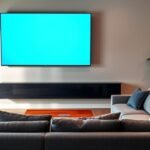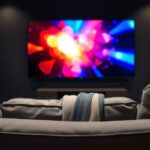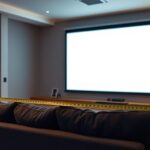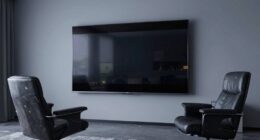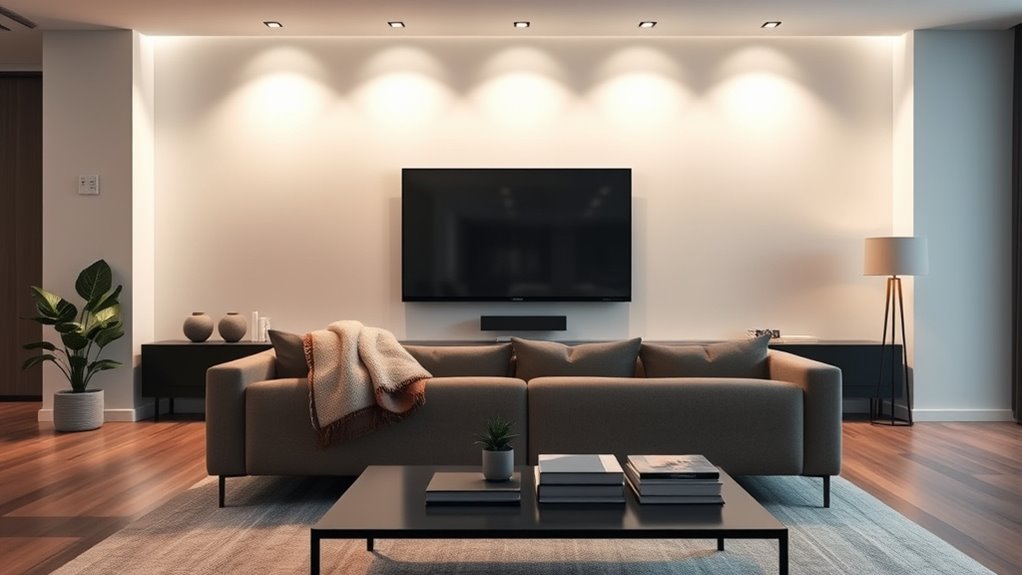
To design the ideal viewing distance, consider your screen size, resolution, and comfort. Generally, sit about 1.5 to 2.5 times the screen’s diagonal length away, which helps balance immersion and clarity. Make sure your eyes are level with the screen’s center and adjust your seating and display height for ergonomic comfort. Proper setup reduces eye strain and improves your overall experience; if you keep exploring, you’ll discover more tips to optimize your setup.
Key Takeaways
- Base the optimal distance on 1.5 to 2.5 times the display’s diagonal size for balanced viewing.
- Adjust seating height so your eyes are level with the screen’s center to reduce strain.
- Consider display resolution; higher resolutions allow closer positioning without losing detail.
- Ensure the entire screen fits comfortably within your peripheral vision for immersive viewing.
- Fine-tune brightness and contrast to minimize eye fatigue at your chosen viewing distance.
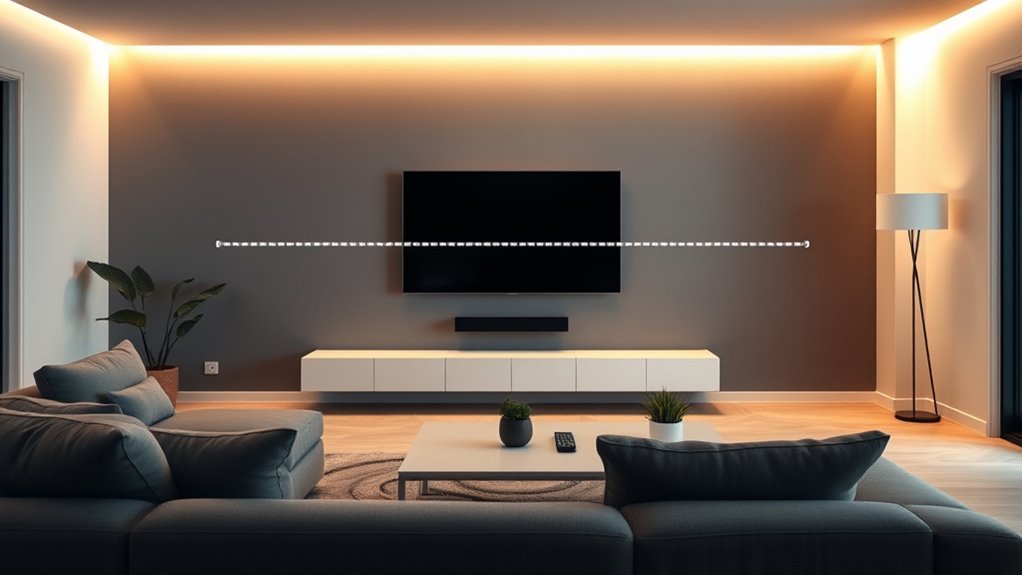
Choosing the right viewing distance is essential for an ideal TV or monitor experience. When you sit at the proper distance, you not only enjoy better visual clarity but also promote ergonomic comfort, reducing strain on your eyes, neck, and shoulders. The goal is to find that sweet spot where your screen fills your field of vision comfortably without forcing you to crane your neck or squint. This balance enhances visual immersion, making your viewing sessions more engaging and enjoyable. To determine the most suitable distance, consider the size and resolution of your display. For high-definition screens, such as 4K TVs, you can sit closer without losing image sharpness, which amplifies your visual immersion. When you’re too far away, the details become indistinct, and the experience feels disconnected. Conversely, sitting too close can cause eye fatigue and discomfort, especially if the display is large. A good rule of thumb is to sit approximately 1.5 to 2.5 times the diagonal size of your screen away. For example, if you have a 55-inch TV, a distance of about 6.9 to 11.5 feet typically works well. Your seating position also plays a crucial role in achieving ergonomic comfort. Make sure your eyes are level with the center of the screen to prevent unnecessary neck strain. If you’re using a desktop monitor, the top of the screen should be at eye level, and the distance should allow your eyes to comfortably scan the entire display without excessive head movement. Adjust your chair and monitor height accordingly, so your neck stays in a neutral position while viewing. This setup minimizes fatigue and promotes long-term comfort, especially during extended sessions. Visual immersion depends largely on how well your distance matches the size and resolution of your display. Sitting too far makes the image seem small, diminishing the sense of being inside the content. Sitting too close can overwhelm your field of view and cause eye strain. To maximize immersion without sacrificing comfort, experiment with your seating arrangement until you find a position where the display fills your peripheral vision comfortably, and your eyes can relax naturally. Adjusting brightness and contrast settings can also help reduce eye fatigue, especially during prolonged viewing. Additionally, choosing a display with appropriate resolution can significantly improve your experience by providing sharper images and reducing the need to sit too close. Ultimately, the ideal viewing distance strikes a balance between clarity, comfort, and immersion. It’s about creating a setup that allows you to enjoy your favorite content without discomfort or distraction, making your viewing experience both pleasurable and sustainable. Take the time to calibrate your space thoughtfully, and you’ll notice a significant improvement in how you experience your TV or monitor every time you sit down.

Denon AVR-X1700H 7.2 Channel AV Receiver - 80W/Channel, Advanced 8K HDMI Video w/eARC, Dolby Atmos, DTS:X, Built-in HEOS, Amazon Alexa Voice Control
HIGH-PERFORMANCE 7-CHANNEL AMPLIFIER WITH NEXT-GEN MOVIE IMMERSION - Enjoy Denon sound in movies, games, and music with full...
As an affiliate, we earn on qualifying purchases.
Frequently Asked Questions
How Does Room Lighting Affect Optimal Viewing Distance?
Room lighting impacts your ideal viewing distance by influencing ambient glare and color temperature. Too much glare from bright lights or windows can cause eye strain and make it harder to see details clearly, so you should sit farther away. Additionally, warmer color temperatures create a cozy atmosphere that reduces eye fatigue, allowing you to enjoy viewing comfortably at a closer distance. Adjust lighting to balance glare and warmth for the best experience.
Does Screen Size Impact Ideal Viewing Distance Differently?
Surprisingly, larger screens actually require you to sit farther away to guarantee eye comfort, even though many think closer is better. Your screen size directly impacts the ideal viewing distance—bigger screens demand more space so your eyes don’t strain. Ignoring this can lead to discomfort or headaches. So, don’t just cram yourself up close; give your eyes room to breathe and enjoy the view comfortably.
How Do Personal Eyesight Differences Influence Ideal Distance?
Your visual acuity and eye health considerably influence your ideal viewing distance. If you have sharper vision, you might prefer sitting farther back to reduce eye strain. Conversely, if your eyesight isn’t as sharp, you’ll want to sit closer to see details clearly. Regular eye check-ups help tailor this distance, ensuring comfort and safety. Adjusting your viewing distance based on your eye health can improve your overall viewing experience.
Is There a Recommended Distance for Multi-Screen Setups?
For multi-screen setups, keep screens about 20-30 inches apart, at a distance where you can view comfortably without straining your eyes. Sit in ergonomic seating to maintain proper posture and reduce fatigue. Consider ambient noise levels; if they’re high, you might need closer screens to focus better. Adjust the distance based on your eyesight and workspace, ensuring each screen is easily viewable without constant head movement.
How Often Should I Adjust My Viewing Distance?
Think of your setup as a finely tuned instrument—regular adjustments keep it humming. You should revisit your viewing distance whenever you notice discomfort, eye strain, or after significant changes to your workspace. Prioritize ergonomics considerations and viewing angle optimization to prevent strain and enhance comfort. Typically, once every few months or when you switch screens, make adjustments. Staying attentive guarantees your viewing experience remains comfortable and healthy over time.

2000 ANSI 4K Decoding Projector with WiFi and Bluetooth, HAPPRUN Movie Home Theater with Auto Focus, 300'' Display for Indoor/Outdoor, Smart Proyector Compatible with Phone/TV Stick/PC/PS5
[EASIER OPERATION: AI Smart Screen Adjustment] HAPPRUN projector comes with auto focus and 6D auto-keystone technology, enjoy a...
As an affiliate, we earn on qualifying purchases.
Conclusion
Now, picture yourself sinking into the perfect spot, where the screen feels just right—neither too close nor too far. As you settle in, the visuals come alive, crisp and vibrant, wrapping you in a seamless experience. Your eyes glide effortlessly across the display, savoring every detail. When you find that ideal distance, watching becomes effortless—an immersive dance of light and color that keeps you captivated, making every moment in front of the screen truly unforgettable.
![Projector with 5G WiFi and Bluetooth, Native 1080P Projector[Projector Screen Included], Full HD 18000LM Movie Projector, 100" Display Home Theater, Compatible with Phone/Laptop/TV Stick](https://m.media-amazon.com/images/I/51tJ+dTl5qL._SL500_.jpg)
Projector with 5G WiFi and Bluetooth, Native 1080P Projector[Projector Screen Included], Full HD 18000LM Movie Projector, 100" Display Home Theater, Compatible with Phone/Laptop/TV Stick
【2.4G/5G Dual-Band Wifi & Bluetooth Connection】 Roconia projector supports screen mirroring on iOS, Android and Windows devices without...
As an affiliate, we earn on qualifying purchases.

Epson Home Cinema 980 3-Chip 3LCD 1080p Projector 4,000 Lumens Color and White Brightness, Streaming/Gaming/ Media Room, Built-In Speaker, Auto Picture Skew, 16000:1 Contrast, 2 HDMI Ports
Exceptional Picture Quality — Provides stunning, detailed 1080p images and fast data processing that’s optimized for fast-action sports,...
As an affiliate, we earn on qualifying purchases.