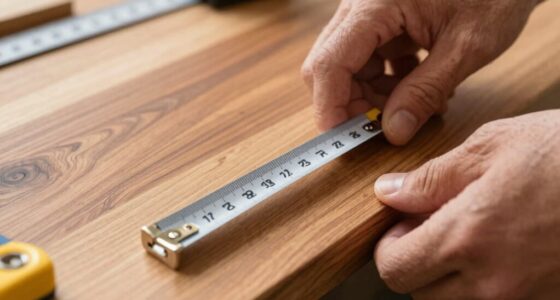
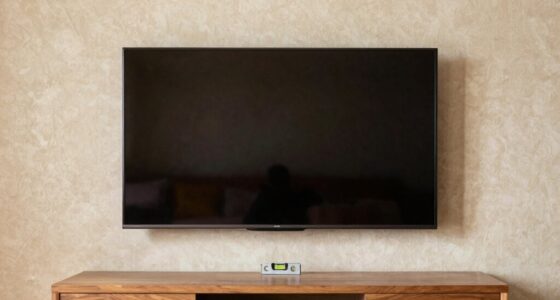
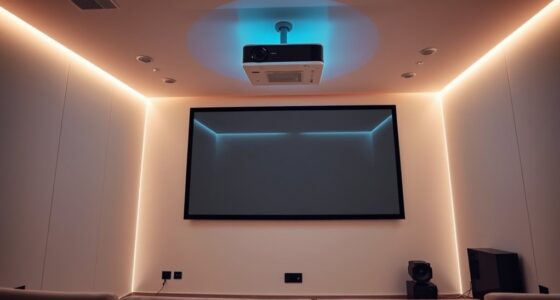
Using laser projectors offers you brighter images, richer colors, and longer-lasting performance compared to traditional models. They require careful setup, including correct placement for ideal image size and focus, and consideration of ambient lighting. Laser projectors also tend to be more maintenance-free since their light sources last years without replacement. If you manage positioning and lighting properly, you’ll enjoy a stunning, reliable display for years. Keep exploring to discover detailed tips on achieving the best setup and picture quality.

Get business pricing on your home office setup
- Business-only prices and quantity discounts
- Tax-exempt purchasing
- Multiple users, one account, clear invoices
Key Takeaways
- Laser projectors offer higher brightness and better color accuracy, ideal for well-lit environments.
- They require minimal maintenance, with longer-lasting light sources compared to traditional projectors.
- Proper placement and alignment are crucial to maximize image quality and prevent distortion.
- Ensure sufficient ambient light control and appropriate throw distance for optimal projection clarity.
- Use keystone correction and lens shift features sparingly to maintain sharp, undistorted images.
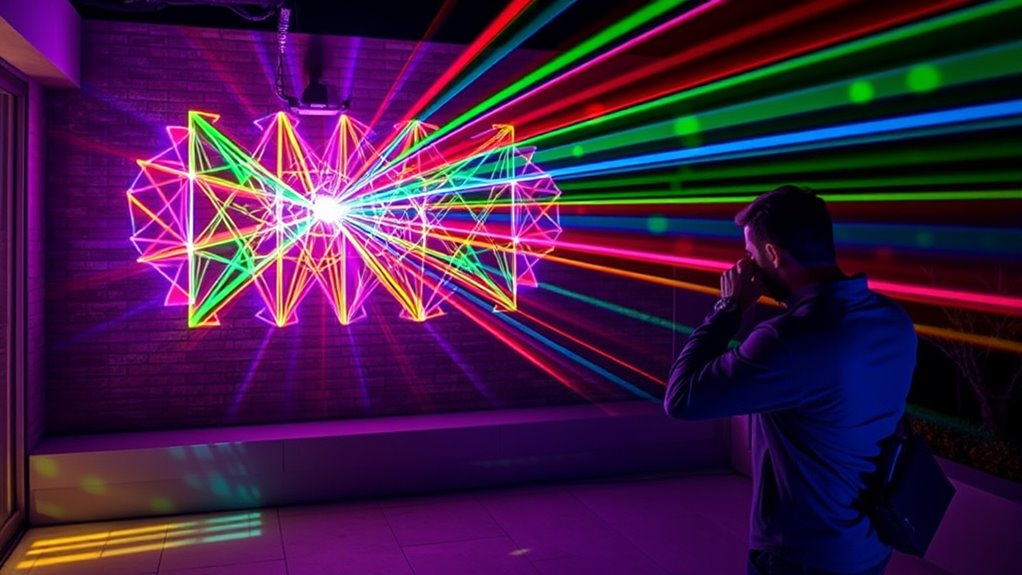
Laser projectors have quickly become a popular choice for both home entertainment and professional presentations, thanks to their impressive brightness and image quality. When you’re setting one up, it’s essential to follow proper installation tips to ensure peak performance. First, choose a location with a flat, stable surface and enough space to project comfortably. Keep in mind the throw distance, which varies depending on your projector model; positioning it too close or too far from the screen can compromise image clarity. Also, consider the ambient lighting in the room—darker spaces will make the projected image pop, but if you can’t control the lighting, look for a projector with high lumen output to combat glare and reflections.
Once you’ve found the ideal spot, focus on securing the projector firmly, whether you’re mounting it on the ceiling or placing it on a sturdy stand. Proper alignment is vital for a sharp, evenly shaped image. Use the projector’s keystone correction and lens shift features if available, but try to minimize adjustments that could distort the picture quality. Keep cables tidy and out of the way to prevent accidental bumps that could misalign the projector over time. Additionally, incorporating remote monitoring or control options can help manage the projector’s settings more conveniently, especially in a larger setup.
Secure your projector firmly and use keystone correction sparingly for optimal image quality.
Maintenance essentials are just as important as the initial setup. To keep your laser projector performing at its best, regularly clean the air vents and filters to prevent dust buildup, which can lead to overheating and reduced brightness. Unlike traditional projectors, laser models generally require less frequent lamp replacements, but checking the manufacturer’s guidelines for any specific maintenance tasks remains a good idea. Keep the projector’s firmware updated when updates are available; manufacturers often release improvements that enhance image quality and system stability.
Additionally, monitor the projector’s cooling system and ensure it’s operating correctly. Overheating can diminish the projector’s lifespan and image performance. If your projector has a fan noise issue, cleaning the vents or replacing the fan might be necessary. When not in use for extended periods, store your projector in a cool, dust-free environment, and consider covering it to prevent dust accumulation. Proper maintenance extends the life of your device and guarantees you enjoy crisp, vibrant images every time you use it. Incorporating remote management capabilities can further streamline ongoing upkeep and troubleshooting.
Frequently Asked Questions
How Long Do Laser Projectors Typically Last Before Needing Replacement?
Laser projectors typically last around 20,000 to 30,000 hours before needing replacement, thanks to their laser diode lifespan. Unlike traditional projector bulbs, which may only last a few thousand hours, laser diodes are more durable and require less maintenance. You’ll likely find that your projector remains bright and effective for many years, making it a cost-effective choice over time. Just make certain proper usage and regular maintenance to maximize lifespan.
Are Laser Projectors Safe for Children’s Bedrooms and Play Areas?
Laser projectors can be safe for children’s bedrooms and play areas if you choose models with child safety in mind. You should consider projector brightness, ensuring it isn’t too intense to avoid eye strain. Always supervise children during use, keep the projector at a safe distance, and opt for those with child-friendly features. Proper setup and monitoring help create a fun, safe environment for your kids.
Can Laser Projectors Be Used Outdoors in Bright Sunlight?
Laser projectors can be used outdoors in bright sunlight, but outdoor visibility can be limited due to sunlight interference. The stronger the sunlight, the harder it is to see the projected images clearly. To improve visibility, you might need a higher-lumen projector or install it in shaded areas. Keep in mind that even then, the brightness may not fully overcome intense sunlight, so choose your setup carefully for outdoor use.
What Maintenance Is Required to Keep Laser Projectors Functioning Properly?
To keep your laser projector functioning properly, you should regularly clean the lenses with a soft, lint-free cloth to prevent dust buildup. Additionally, check the calibration to guarantee the image remains sharp and aligned. Keep the projector in a cool, dry place and avoid exposing it to extreme temperatures or moisture. Performing these simple maintenance steps will extend its lifespan and maintain ideal performance.
Are Laser Projectors Compatible With All Types of Media and Devices?
Laser projectors aren’t compatible with all media and devices, but they excel in media compatibility and device integration. You’ll find most support HDMI, USB, and wireless connections, making it easy to connect smartphones, laptops, and media players. However, some older devices or specific formats might require adapters or converters. So, before you set up, check your projector’s specifications to guarantee seamless media playback and device integration.
Conclusion
So, now you’re all set to dazzle your friends with a laser-lit wonderland—just don’t forget, with great projection power comes great responsibility (and maybe a little eye protection). Sure, laser projectors make your movie nights epic and your parties legendary, but remember, it’s not magic—it’s just fancy tech. So go ahead, indulge in the glow, and impress everyone. Just avoid pointing it at the neighbors—you’ll want to keep the “laser beam of envy” in check!
Halloween Picks
halloween
As an affiliate, we earn on qualifying purchases.