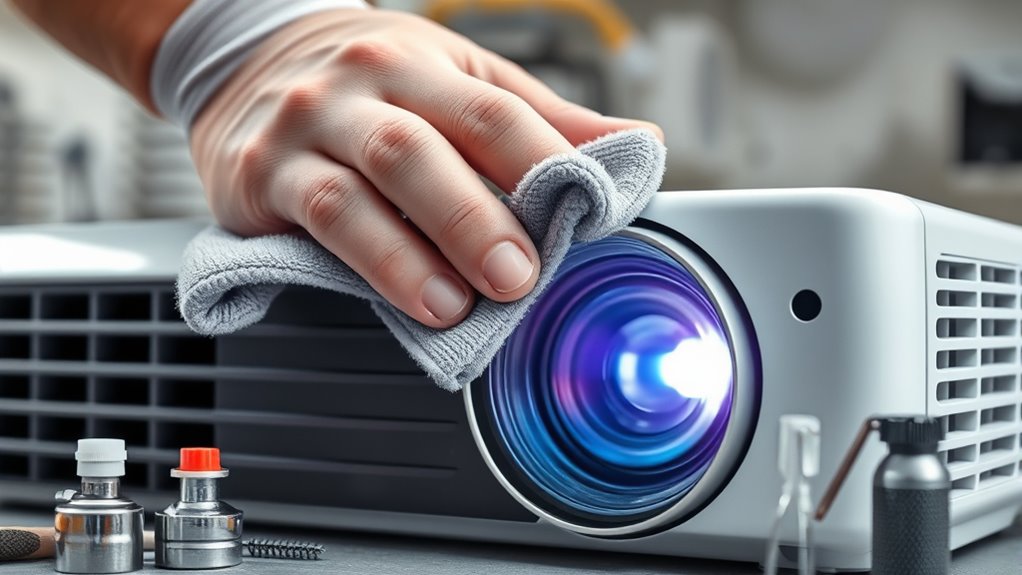

To extend your projector’s life, you should regularly monitor the bulb hours and replace bulbs before they burn out, following manufacturer instructions. Keep dust away by cleaning vents and filters with a soft cloth or compressed air and make certain the environment is not too humid, hot, or sunny. Proper handling during maintenance and moving the projector carefully can prevent damage. For more helpful tips, keep exploring how to keep your projector performing at its best.

Get business pricing on your home office setup
- Business-only prices and quantity discounts
- Tax-exempt purchasing
- Multiple users, one account, clear invoices
Key Takeaways
- Regularly monitor and replace projector bulbs before they burn out to maintain optimal image quality.
- Clean dust from vents, filters, and internal components periodically to prevent overheating and dust buildup.
- Maintain a suitable environment, avoiding high humidity, heat, or direct sunlight to reduce wear and tear.
- Use warning systems and track usage hours to schedule timely bulb replacements proactively.
- Handle all components carefully during maintenance to prevent accidental damage and ensure longevity.

Regular maintenance is essential if you want your projector to deliver high-quality images over the long term. One of the most critical aspects of upkeep is ensuring the bulb stays in good condition. Over time, projector bulbs will gradually dim or burn out, which can substantially diminish the clarity and brightness of your projections. You should regularly check the bulb’s status and plan for bulb replacement before it completely fails. Many projectors have a warning system that alerts you when the bulb’s life is nearing its end, but it’s also wise to keep track of usage hours manually. When replacing the bulb, follow the manufacturer’s instructions carefully to avoid damaging your projector or installing the new bulb improperly. Proper handling and installation can extend the life of your new bulb and guarantee superior performance. Additionally, monitoring the lamp hours can help you schedule timely replacements and prevent unexpected outages.
Dust accumulation is another common issue that can affect your projector’s lifespan. Dust cleaning should be part of your routine maintenance. Dust settles inside the projector, clogging vents and filters, which can cause overheating and reduce the efficiency of cooling fans. This, in turn, shortens the lifespan of internal components. To clean dust effectively, turn off and unplug the projector, then use a soft, lint-free cloth or compressed air to gently remove dust from vents, filters, and accessible internal parts. Be cautious not to touch delicate components directly or use excessive force. Keeping vents clear encourages proper airflow, prevents overheating, and maintains consistent image quality. Regular dust cleaning can prevent the buildup that often leads to costly repairs or early component failures.
In addition to bulb replacement and dust cleaning, it’s important to keep your projector in a suitable environment. Avoid placing it in areas with high humidity, excessive heat, or direct sunlight, as these conditions accelerate wear and tear. Also, handle your projector with care when moving it or performing maintenance to prevent accidental damage. Always power down and unplug your device before cleaning or replacing parts, and make sure you’re working in a dust-free environment to prevent new particles from entering the device. Proper environmental conditions and careful handling are essential for prolonging the overall lifespan of your projector.
Frequently Asked Questions
Can Using a Lower Brightness Setting Extend Projector Lifespan?
Yes, using a lower brightness setting can extend your projector’s bulb longevity. When you reduce brightness, the bulb works less hard, which slows down wear and tear. This not only helps prevent premature bulb failure but also reduces heat stress on your projector. By adjusting brightness appropriately, you can maintain good image quality while prolonging the lifespan of your projector’s bulb, saving you money and hassle in the long run.
How Often Should I Replace the Projector’s Air Filters?
They say “an ounce of prevention is worth a pound of cure,” so you should replace your projector’s air filters every 6 to 12 months, depending on usage and environment. Regular air filter replacement is a key part of your projector maintenance schedule, helping prevent overheating and dust buildup. Keep an eye on the filters, and don’t wait too long—timely maintenance keeps your projector running smoothly and extends its lifespan.
Does Using a Surge Protector Help Prolong Projector Life?
Yes, using a surge protector helps prolong your projector’s life by providing power surge prevention and enhancing electrical safety. It shields your device from sudden voltage spikes that can damage internal components. By investing in a quality surge protector, you reduce the risk of electrical issues, ensuring your projector operates smoothly and lasts longer. Always choose a protector with adequate joule ratings for ideal power surge prevention and protection.
Are There Specific Cleaning Products Recommended for Projector Lenses?
You don’t need special cleaning solutions for your projector lens. Use a soft, lint-free cloth and lens cleaning wipes designed for delicate optics to guarantee safe lens cleaning. Avoid harsh chemicals or household cleaners, which can damage the lens coating. Regular lens cleaning helps maintain image quality, and gentle lens cleaning methods prevent scratches. Remember, proper lens cleaning is key to keeping your projector performing at its best.
What Are Signs Indicating My Projector Needs Professional Maintenance?
You should seek professional maintenance if you notice dust buildup inside your projector or if it makes unusual noises. Dust can cause overheating and image quality issues, while strange sounds may indicate internal component problems. Don’t ignore these signs; timely professional help can prevent more extensive damage, prolong your projector’s lifespan, and guarantee it operates smoothly. Regular inspections can also catch issues early before they become costly repairs.
Conclusion
By following these simple maintenance tips, you’ll keep your projector running smoothly for years to come. Regular cleaning, proper ventilation, and timely bulb replacements prevent costly repairs and guarantee peak performance. Neglecting these steps is like letting your projector battle a never-ending storm—destruction waiting to happen! Treat your device with care, and it’ll shine brighter than a thousand suns, delivering clear images and unforgettable experiences for many projects ahead.
Halloween Picks
halloween
As an affiliate, we earn on qualifying purchases.