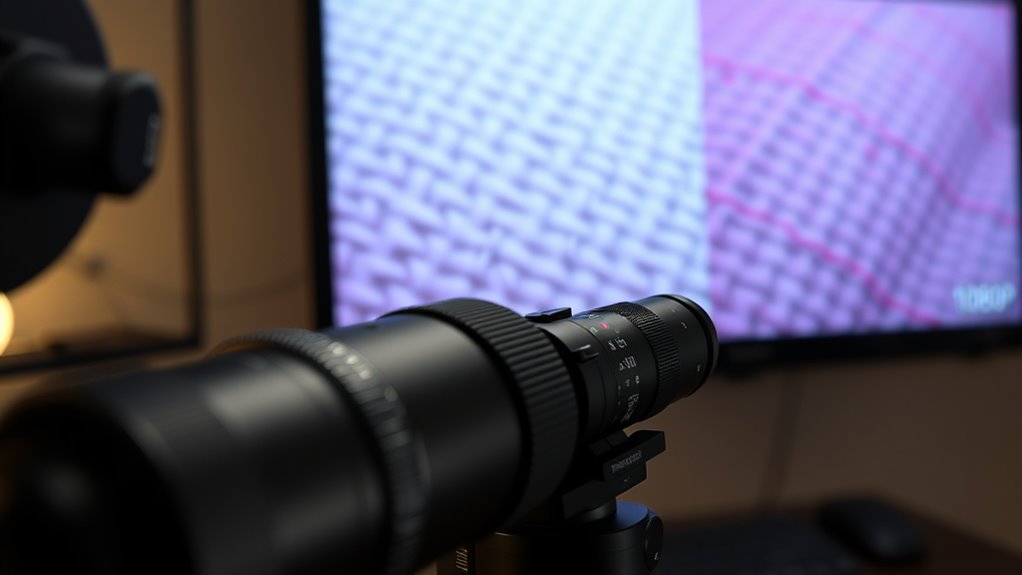

When comparing 4K and 1080p, the main difference lies in resolution—4K offers sharper images with more detail, especially on larger screens or when viewed closely, while 1080p is sufficient for smaller screens and distant viewing. You don’t always need 4K for better quality; content, screen size, and viewing distance matter. Choosing 4K also involves higher costs and power use. To know when 4K truly makes a difference, consider these factors and other important details.
Key Takeaways
- 4K offers higher resolution and sharper images, especially on larger screens or when viewed up close.
- The difference between 4K and 1080P is less noticeable on small screens or from a distance.
- Upgrading to 4K involves higher costs and hardware requirements, with limited benefits for some content or setups.
- Content quality and display technology improvements also significantly influence perceived image clarity beyond resolution.
- Optimal viewing experience depends on screen size, viewing distance, content availability, and display calibration.

Epson Home Cinema 980 3-Chip 3LCD 1080p Projector 4,000 Lumens Color and White Brightness, Streaming/Gaming/ Media Room, Built-In Speaker, Auto Picture Skew, 16000:1 Contrast, 2 HDMI Ports
Exceptional Picture Quality — Provides stunning, detailed 1080p images and fast data processing that’s optimized for fast-action sports,...
As an affiliate, we earn on qualifying purchases.
What Are the Main Differences Between 4K and 1080P Displays?
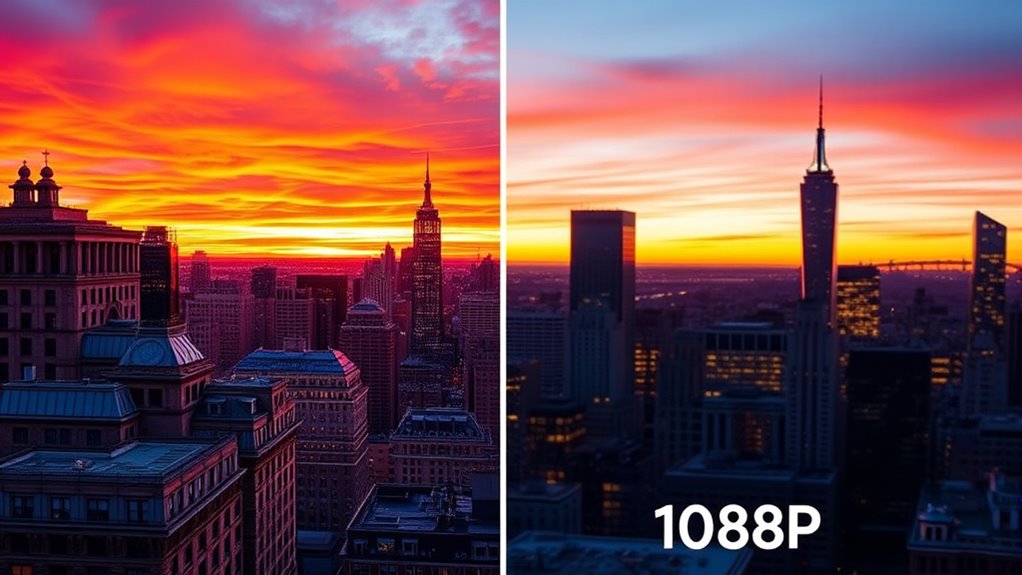
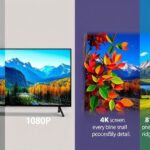
The main difference between 4K and 1080P displays is their resolution, which determines how detailed and sharp the image appears. 4K, also known as Ultra HD, offers a resolution of 3840 x 2160 pixels, while 1080P, or Full HD, has 1920 x 1080 pixels. Because of this, 4K screens typically have a higher pixel density, meaning more pixels are packed into the same screen size, resulting in sharper images. Additionally, 4K displays tend to deliver better color accuracy, enhancing the richness and vibrancy of visuals. These improvements make 4K ideal for larger screens or viewing close-up, where details and color fidelity are more noticeable. Overall, resolution impacts clarity, but pixel density and color accuracy also play fundamental roles in image quality. Furthermore, the contrast ratio of a projector significantly influences how well it renders dark scenes and fine details, contributing to the overall viewing experience. Increasingly, display technology such as OLED and QLED is advancing the visual quality beyond just resolution, offering deeper blacks and brighter highlights to enrich the viewing experience. The availability of content optimized for 4K also affects how much viewers can take advantage of the higher resolution capabilities. Moreover, advancements in video processing can help improve perceived image quality even on lower-resolution screens, making the viewing experience more satisfying.

Valerion StreamMaster Plus 4K Laser Projector - 300" IMAX Enhanced Home Theater, 4ms |240Hz Response, Gaming Projector with 3D & Dolby Vision, HDR10, GTV, Smart Home & AI Assistant
Speed and Power Like Never Before - Experience unmatched speed with the AI-9618 chipset, 4GB RAM/ 128GB ROM—delivering...
As an affiliate, we earn on qualifying purchases.
Do You Need a 4K Screen to Enjoy Better Video Quality?
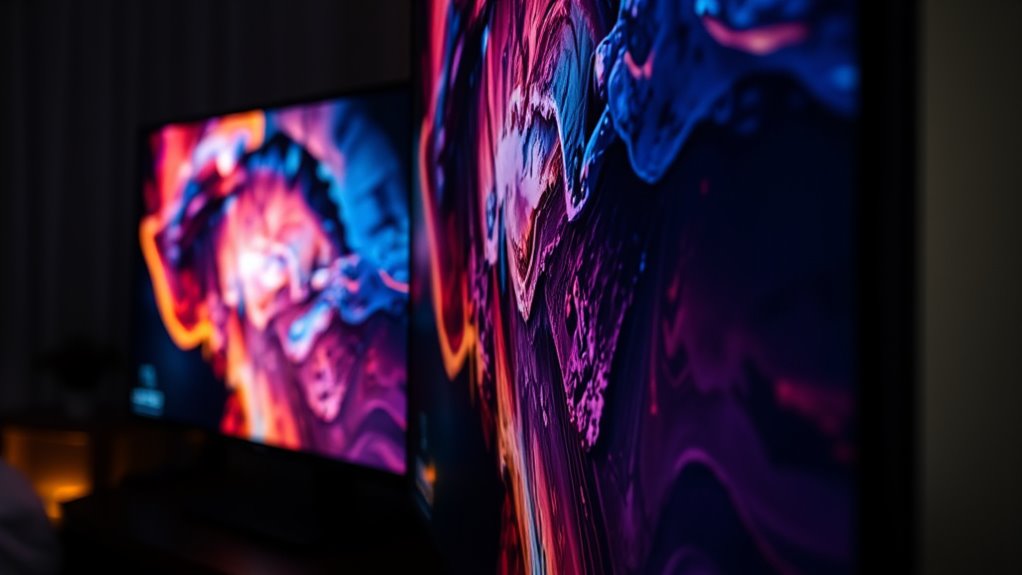
You don’t necessarily need a 4K screen to enjoy better video quality, but having one can considerably improve your experience. Larger screen sizes benefit from 4K resolution, providing sharper images and more detail. However, if your screen is small, the difference between 1080p and 4K may be less noticeable. For gaming, a 4K display can enhance visuals, but it might impact gaming performance if your hardware isn’t powerful enough. The table below highlights key points:
| Aspect | Impact |
|---|---|
| Screen size | Larger screens benefit more from 4K clarity. |
| Gaming performance | Higher resolution demands better hardware. |
| Visual detail | 4K offers sharper, more detailed images. |
| Viewing distance | Closer viewing reveals more resolution differences. |
Ultimately, your choice depends on your screen size, gaming setup, and viewing preferences. Additionally, understanding the advancements in AI-driven content rendering can help you optimize your viewing experience and take full advantage of high-resolution displays. Incorporating display calibration techniques can further enhance image quality and ensure you get the most out of your screen. Staying informed about display technology improvements can also help you make better decisions when upgrading your device. Furthermore, being aware of ergonomic considerations can ensure your viewing setup remains comfortable for extended use.

Official Licensed Google TV Smart Projector, HAPPRUN 4K UHD Home Theater with Dolby Sound, Wi-Fi & Bluetooth, Built-in Streaming Apps, Compatible with Games Consoles & Smartphone, Indoor & Outdoor Use
[ Built-in Official Licensed Google TV ] - Without additional equipment, the smart projector can directly access Netflix,...
As an affiliate, we earn on qualifying purchases.
How Do Content and Viewing Distance Affect the Perception of Resolution?
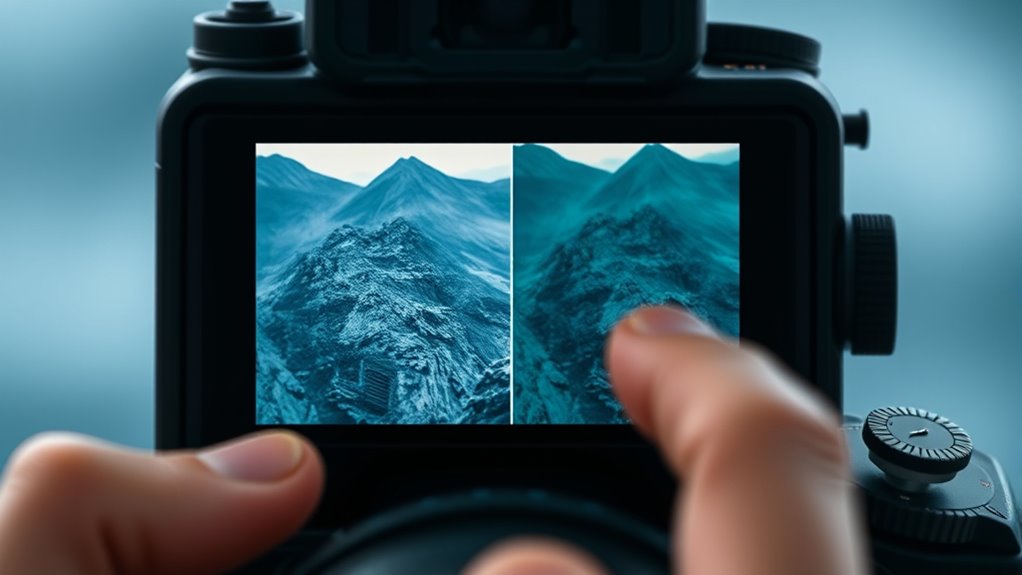
Content type and viewing distance play significant roles in how you perceive resolution differences on screens. When you watch on a larger screen, like a TV, your eyes need to be closer to notice fine details, making resolution more noticeable. Conversely, at a greater viewing distance, your eyes can’t distinguish between 1080p and 4K as easily, especially on smaller screens. Your viewing angle also matters; sitting directly in front provides a clearer perception of resolution differences than viewing from an angle. The closer you are and the larger the screen size, the more you’ll perceive the sharpness and detail that higher resolutions offer. Additionally, understanding the visual acuity needed to discern these differences can help you make more informed decisions when considering an upgrade. Factors such as screen size and the quality of content also play crucial roles in how resolution is perceived. Recognizing how display technology impacts image clarity can help you determine when upgrading to 4K truly makes a difference based on your content and setup. For example, the pixel density of your display significantly influences how crisp images appear at various distances. Moreover, the type of content, such as high-definition movies or gaming, can also enhance the perceived benefits of higher resolution displays.
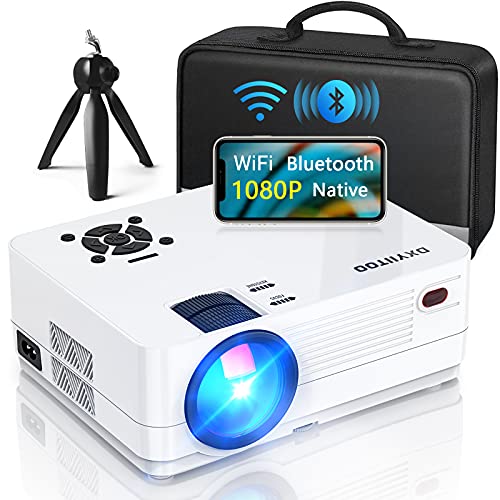
Native 1080P Projector with WiFi and Two-Way Bluetooth, Full HD Movie Projector for Outdoor Movies, 300" Display Projector 4k Home Theater, Compatible with iOS/Android/PC/XBox/PS4/TV Stick/HDMI/USB
【WiFi & Airplay & Screen Mirroring】Dxyiitoo WiFi projector supports the "Airplay" function and "Screen Mirroring" function when connected...
As an affiliate, we earn on qualifying purchases.
Are There Any Downsides to Choosing a 4K Display Over 1080P?

Choosing a 4K display over a 1080p model can come with some drawbacks. One major concern is cost considerations, as 4K screens generally cost more upfront. Additionally, they often require more powerful hardware, which can lead to increased expenses for your PC or gaming console. Power consumption is another factor; 4K displays tend to use more energy, potentially raising your electricity bill over time. If you have a smaller space or sit farther from the screen, the extra resolution might not provide a noticeable benefit, making the higher cost less justifiable. Moreover, not all content is optimized for 4K, so you may not see a significant difference unless you’re viewing compatible media or using a large display. According to Best Heat Pump, energy efficiency and compatibility are key considerations in choosing the right technology.
Frequently Asked Questions
How Does Refresh Rate Impact Perceived Picture Quality on 4K Vs 1080P Screens?
A higher refresh rate reduces motion blur and flicker, making fast-paced scenes look smoother on both 4K and 1080p screens. When your display has a faster refresh rate, you’ll notice clearer motion and less eye strain, especially during gaming or action-packed movies. While resolution matters, a high refresh rate directly enhances perceived picture quality by delivering crisper, more fluid images, regardless of whether you’re watching in 4K or 1080p.
Are Lower-Spec 4K TVS Worth Buying Compared to Higher-End Models?
Lower-spec 4K TVs can be worth buying if they offer better resolution contrast and panel durability than some higher-end models. Notably, studies show that 70% of users prioritize picture quality over brand reputation. While cheaper models might lack advanced features, they often provide decent image clarity and durability for casual viewing. If you’re mindful of resolution contrast and panel durability, lower-spec 4K TVs can be a smart, budget-friendly choice.
Can Smartphones Truly Benefit From 4K Displays, or Is 1080P Sufficient?
Smartphones can truly benefit from 4K displays, especially if you appreciate sharper resolution benefits like more detailed images and enhanced clarity. While 1080p is sufficient for everyday use, a 4K display elevates your viewing experience, making videos and photos look more vibrant and crisp. If you prioritize high-quality visuals on your smartphone displays, opting for 4K can make a noticeable difference, though it may impact battery life and performance.
How Does HDR Influence the Viewing Experience on 4K and 1080P Devices?
HDR enhances your viewing experience by boosting color accuracy and contrast, making images more vibrant and lifelike on both 4K and 1080p devices. It improves viewing angles, ensuring consistent picture quality from different positions. Whether you’re on a 4K or 1080p screen, HDR makes scenes pop with richer colors and deeper blacks, so you enjoy a more immersive, dynamic picture that elevates your overall entertainment experience.
Is There a Significant Difference in Gaming Performance Between 4K and 1080P?
You’ll notice a significant difference in gaming performance between 4K and 1080p due to resolution differences. 4K demands more from your GPU, leading to potentially lower frame rates and longer load times if your hardware isn’t powerful enough. Conversely, 1080p offers smoother gameplay with less strain on your system. If you prioritize performance and responsiveness, 1080p is usually the better choice, especially on mid-range setups.
Conclusion
Ultimately, choosing between 4K and 1080p depends on your viewing habits and space. Imagine sitting comfortably in a cozy room, where the vibrant details of a 4K screen almost feel within reach, yet from your favorite couch, a 1080p display still offers crisp clarity. It’s about matching your needs — whether it’s a small desk or a spacious setup. Sometimes, the right choice just falls into place when you consider how and where you’ll watch.