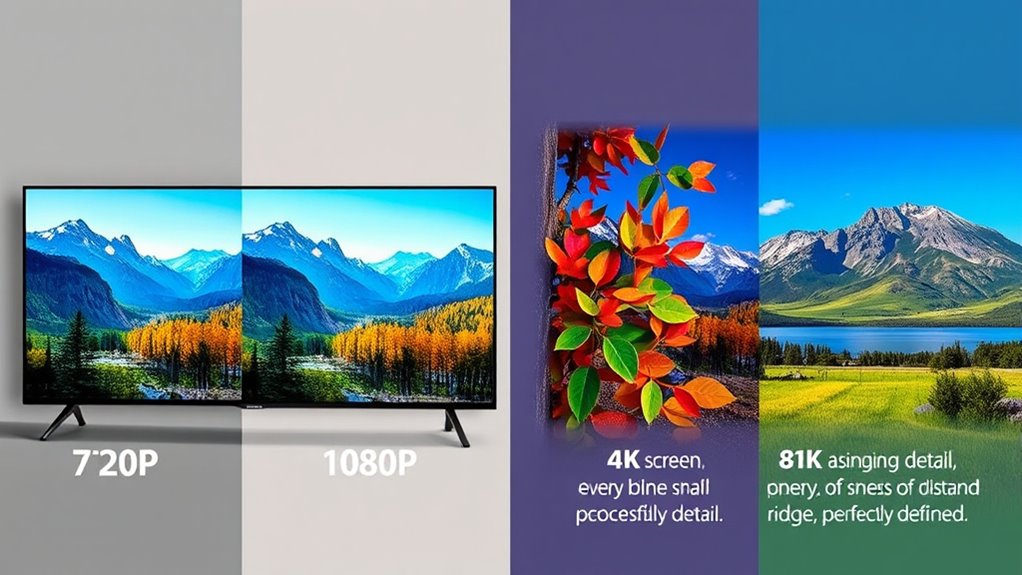

Understanding video resolutions like 720p, 1080p, 4K, and 8K helps you choose the right quality for your needs. 720p offers decent clarity for small screens or limited bandwidth, while 1080p improves sharpness, ideal for most TVs and monitors. 4K delivers exceptional detail for large displays, and 8K provides even higher resolution for professional use or very big screens. To find out how these options impact your viewing experience, keep exploring the details.
Key Takeaways
- 720p offers basic HD quality suitable for small screens and limited bandwidth, but lacks detail on larger displays.
- 1080p provides sharper images and better color depth, ideal for standard-sized screens and streaming needs.
- 4K has four times the pixels of 1080p, delivering highly detailed images perfect for large screens and close viewing.
- 8K offers four times the resolution of 4K with astonishing detail, mainly used in professional applications and very large displays.
- Higher resolutions require faster internet, compatible devices, and more storage, balancing quality with bandwidth and cost.

Starting with 720p, also called HD or HD Ready, you’ll find it offers decent quality for most casual viewing. It’s a good choice if your device or internet connection is limited because it requires less bandwidth and storage. However, on larger screens or when zooming in, images can appear a bit pixelated or blurry because it doesn’t have as many pixels to fill in the details. Moving up to 1080p, or Full HD, you get a noticeable improvement in image clarity. This resolution has become the standard for streaming, gaming, and broadcasting because it balances quality and bandwidth efficiently. With 1080p, you’ll see sharper images, better color depth, and more detail, especially on larger screens like 55-inch TVs or computer monitors.
When you reach 4K, also called Ultra HD, the difference becomes even more dramatic. It offers four times the pixels of 1080p, providing incredibly detailed images that are crystal clear. 4K is particularly valuable if you’re watching on large screens or sitting close to your TV. It’s also increasingly common for professional video production, gaming, and streaming services. However, to fully enjoy 4K, your device must support it, and your internet connection should be fast enough to handle the larger data streams. Additionally, video compression plays a significant role in maintaining quality while managing file sizes. Furthermore, advancements in display technology are making 4K and even 8K more accessible and affordable for consumers. It’s worth noting that the cost of 4K equipment has decreased significantly over recent years, making it more attainable for the average viewer. When considering 8K, the content availability is still limited, but the technology is rapidly evolving to meet consumer demands. Finally, 8K pushes the boundary even further, with four times the pixels of 4K. It delivers astonishing detail, which is ideal for very large displays or professional editing, but content available in 8K is still limited. Plus, the difference between 4K and 8K isn’t always noticeable unless you’re using a giant screen or viewing very close up.
Understanding these resolutions helps you choose the best quality for your needs, balancing clarity, device compatibility, and bandwidth.
Frequently Asked Questions
How Do Resolution Differences Impact Video File Sizes?
The resolution differences directly impact your video file sizes. Higher resolutions like 4K and 8K contain more pixels, which means more data is stored, resulting in larger files. Conversely, lower resolutions like 720P produce smaller files because they have fewer pixels. When you choose a higher resolution, expect longer upload and download times and more storage space needed. Adjust resolution based on your needs to balance quality and file size efficiently.
Can Older Devices Support 8K Video Playback?
You might wonder if your older device can handle 8K videos. Chances are, it probably can’t due to outdated hardware. 8K demands high processing power, ample RAM, and a compatible display. If your device’s specs are below the recommended requirements, playback will likely be choppy or impossible. Upgrading your hardware or using lower resolution videos can help, but true 8K experience needs newer, more powerful tech.
What’s the Best Resolution for Virtual Reality Content?
When choosing the best resolution for virtual reality content, you want clarity and smooth performance. Generally, 4K offers a great balance of detail and compatibility, providing immersive visuals without taxing your device too much. If you have high-end hardware, 8K can deliver even sharper images, but it’s not necessary for most VR experiences. Focus on resolutions that your headset and PC can handle comfortably for the best experience.
How Does Resolution Affect Streaming Bandwidth Requirements?
When you stream videos, higher resolutions like 4K or 8K demand more bandwidth because they send more data per second. If your internet connection isn’t fast enough, your video might buffer or lose quality. Lower resolutions like 720p or 1080p require less bandwidth, making streaming smoother on slower connections. So, your chosen resolution directly impacts how much internet speed you need for a good viewing experience.
Are Higher Resolutions Always Better for Gaming Experiences?
Higher resolutions can enhance your gaming visuals, but they aren’t always better if your hardware or internet can’t handle them smoothly. You might enjoy sharper graphics with 4K or 8K, but if your system struggles, you’ll experience lag and reduced frame rates. It’s best to balance resolution with your device’s capabilities and your preferred gameplay experience, rather than always aiming for the highest resolution available.
Conclusion
So, now you’re officially a resolution expert, ready to impress friends with your knowledge of 720p, 1080p, 4K, and 8K. Just remember, whether you’re binge-watching in glorious 8K or sticking to your trusty 720p, it’s all about what makes your eyes happy—and your wallet happy too. After all, who needs clarity when you can have a giant, pixelated spectacle that screams “I’m on the cutting edge of technology”? Happy watching!