
To create the ultimate home cinema, start by soundproofing your room to block external noise and prevent disturbance, then add acoustic treatments like panels and curtains for clear sound. Choose comfortable, adjustable seating for relaxation and position it to optimize sightlines and acoustics. Select high-quality projectors and equipment, ensuring proper calibration for a theater-like experience. Fine-tuning your setup with these essentials will turn your space into an immersive entertainment haven—discover more tips to perfect your home cinema.

Get business pricing on your home office setup
- Business-only prices and quantity discounts
- Tax-exempt purchasing
- Multiple users, one account, clear invoices
Key Takeaways
- Ensure proper soundproofing with acoustic panels, sealing gaps, and soundproof drywall to minimize external noise interference.
- Optimize room acoustics by positioning seats for clear sound and adding acoustic treatments to reduce echo.
- Arrange comfortable, flexible seating to enhance viewing angles, sightlines, and accommodate different group sizes.
- Plan equipment placement with high-quality projectors, screens, and audio systems for optimal performance.
- Incorporate finishing touches like ambient lighting, side tables, and decor to create an immersive, theater-like environment.
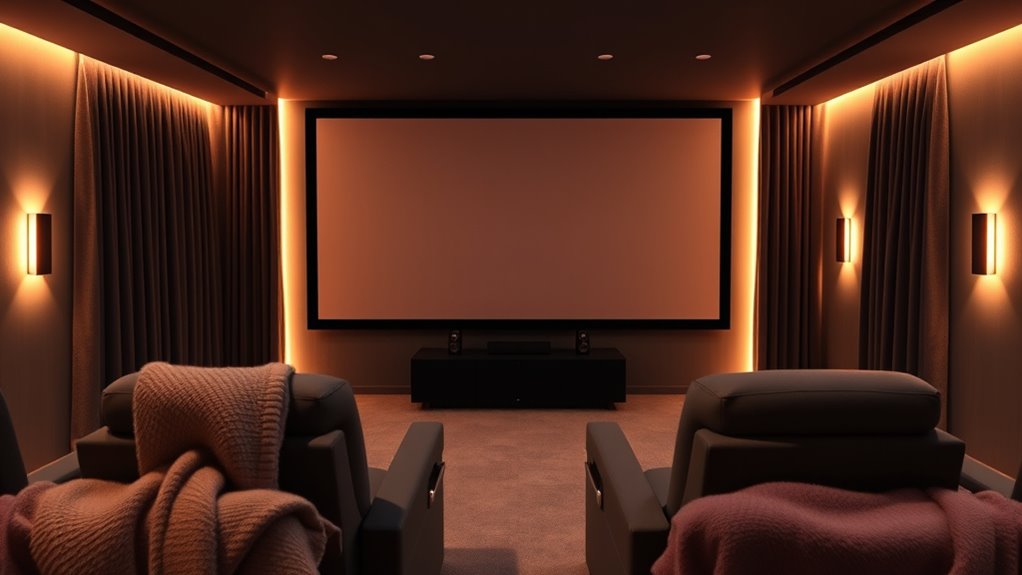
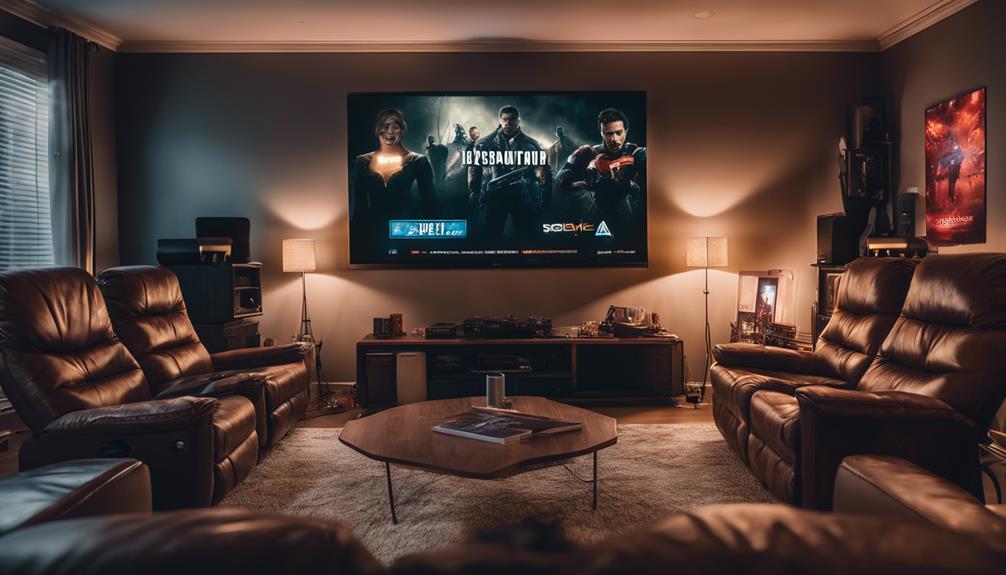
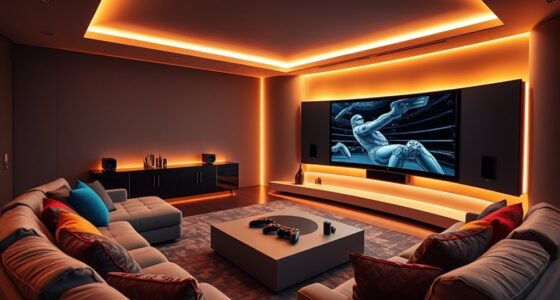
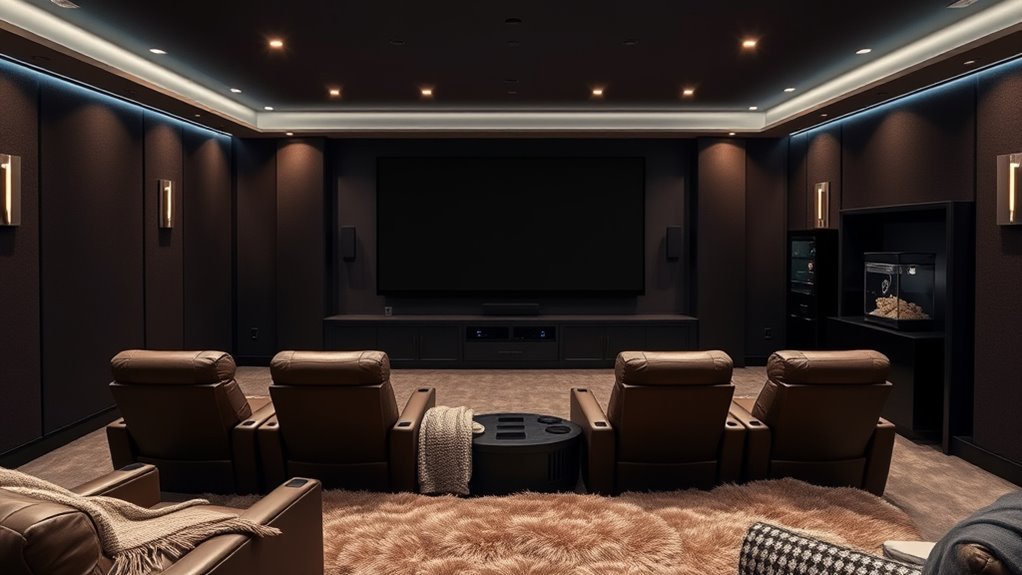
Are you ready to transform your living space into the ultimate home cinema? The first step is creating an environment that immerses you fully in the movie experience, and that starts with effective soundproofing techniques. You want to keep external noise out and prevent your sound system from disturbing others. Start by sealing gaps around doors and windows with weatherstripping or acoustic caulk. Adding heavy curtains or acoustic panels on the walls can absorb sound reflections, reducing echo and enhancing audio clarity. Consider installing soundproof drywall or mass-loaded vinyl if you’re serious about minimizing noise transfer. This not only improves sound quality but also guarantees your movie nights don’t disturb neighbors or other household members. Once the room is soundproofed, pay attention to your seating arrangements. Your seats should be positioned to maximize comfort and viewing angles. Ideally, arrange them so that every seat faces the screen directly, avoiding awkward angles that strain your neck or compromise the picture. Use tiered seating if you have a larger space—placing the back row higher than the front ensures everyone has an unobstructed view. The distance from the screen matters as well; a good rule of thumb is sitting at a distance that’s roughly 1.5 to 2.5 times the diagonal size of your TV or projector screen. This distance provides an ideal balance between picture detail and comfort. Think about the type of seating you want—recliners, plush sofas, or theater-style chairs—depending on your space and budget. Comfort is key, so choose seats with enough padding and support for long movie marathons. To further enhance the experience, consider including some flexible arrangements, like movable ottomans or modular seating, so you can adapt the layout for different occasions. Don’t forget to add side tables for snacks and drinks, and ensure there’s enough space for everyone to stretch out comfortably. Proper seating arrangements also involve acoustics; positioning your seats to take advantage of soundproofing measures will give you a more immersive audio experience. Additionally, selecting high-quality projectors with proper placement and calibration will significantly improve your picture quality and viewing pleasure. When planning your setup, keep in mind that the combination of soundproofing techniques and thoughtful seating arrangements creates an environment where sound and comfort work together seamlessly. This way, each movie night becomes a fully immersive experience, free from distractions and full of cinematic magic. By focusing on these foundational elements, you’re well on your way to building a home cinema that rivals the theaters, but with the cozy, personalized touch only your space can offer.
Frequently Asked Questions
What Is the Ideal Room Size for a Home Cinema?
For an ideal home cinema, aim for a room around 12 to 16 feet wide and 20 to 30 feet long. This size allows you to optimize screen placement for clear visuals and arrange seating comfortably without feeling cramped. make certain there’s enough space for proper viewing angles and sound distribution. A well-sized room enhances immersion, making your viewing experience more enjoyable and cinematic.
How Do I Soundproof My Home Theater Effectively?
You can soundproof your home theater effectively by adding acoustic treatments like bass traps and foam panels to absorb sound and reduce echoes. Install soundproof doors with tight seals to prevent noise leakage. Consider sealing gaps around windows and vents, and use heavy curtains or double-glazed windows for extra soundproofing. These steps help create a quiet, immersive environment, letting you enjoy movies without disturbing others.
What Are the Best Screen Types for Different Budgets?
For budget displays, consider basic projector screens like pull-down or fixed-frame models, offering good quality without breaking the bank. If you want a mid-range option, look for motorized or portable screens with better materials and gain. For the best experience, invest in high-end fixed or motorized projector screens made from premium materials, providing superior image clarity and contrast. Choose based on your space, budget, and desired image quality.
How Can I Optimize Lighting for Movie Viewing?
Bright bulbs bother, so you should balance brightness by blocking ambient lighting. Use blackout curtains to banish outside light, creating a cozy, controlled color scheme. Dim the lights to prevent glare and optimize image clarity. Consider installing dimmable fixtures for flexible lighting levels. By blending blackout curtains and gentle ambient lighting, you’ll bring brilliance to your home theater, ensuring cinematic scenes shine without interference.
What Are Common Troubleshooting Tips for Home Theater Systems?
To troubleshoot your home theater system, start by checking your speaker calibration to make sound levels are balanced. Next, inspect your cable management—loose or tangled cables can cause connectivity issues. Turn off and unplug your system, then reseat all connections. If problems persist, test each component individually, update firmware if available, and consult your user manual. Keeping everything organized and calibrated helps resolve most common issues quickly.
Conclusion
Now that you’ve assembled your home cinema, imagine it as a cozy fortress where every element is a brick, creating a sanctuary for unforgettable movie nights. Like a master chef perfecting their recipe, your attention to detail turns your space into a magical theatre. When you press play, you open a portal to another world — your personal adventure land, built with care and precision. Enjoy the show, and let your home cinema become your favorite escape.
Halloween Picks
halloween
As an affiliate, we earn on qualifying purchases.