To incorporate gaming consoles into your home theater, start by connecting it via HDMI to your display and sound system for seamless integration. Organize your inputs with labeled ports or a universal remote to simplify switching between gaming and movies. Make sure your network setup is stable, preferably wired, for smooth online gaming. Calibrate audio settings and optimize your setup for immersive sound. Keep exploring to discover how these steps can turn your space into a versatile entertainment hub.

Get your home office setup delivered free — and shop member deals
- Fast, free delivery on millions of items
- Access to Prime Big Deal Days deals on October 6–7
- Prime Video, Amazon Music and more included
Key Takeaways
- Use HDMI for seamless integration and easy switching between gaming and media functions.
- Calibrate audio settings with surround sound formats like Dolby Atmos for immersive experience.
- Organize input sources with labeled HDMI ports and dedicated gaming modes to streamline device management.
- Prefer wired Ethernet connections to ensure stable online gaming and smooth streaming performance.
- Optimize overall setup by balancing audio, video, and network components for a versatile entertainment hub.

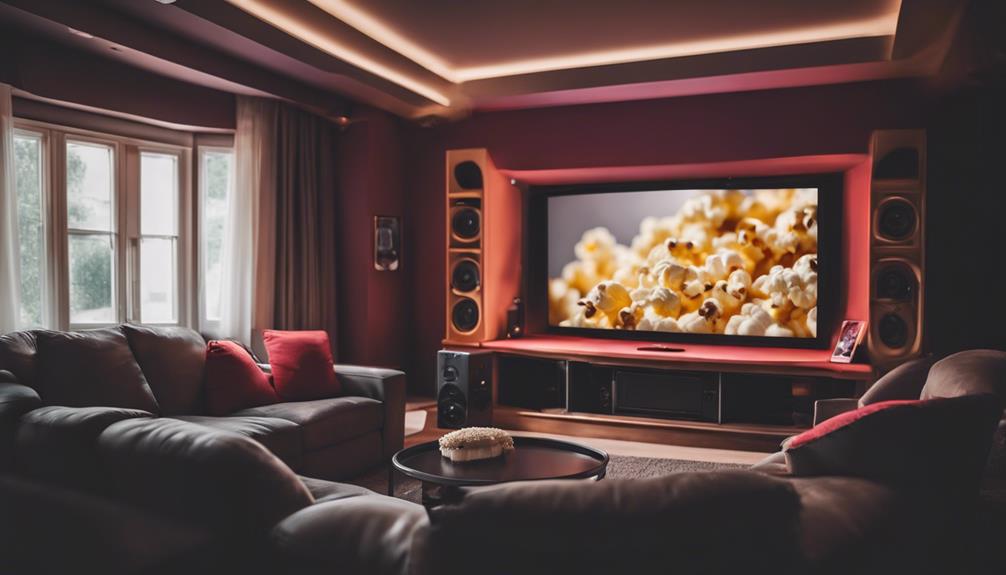
Integrating gaming consoles into your home theater setup can considerably enhance your entertainment experience. With the right approach, your gaming and viewing activities can seamlessly coexist, creating a unified entertainment hub. The key to achieving this lies in effective multimedia integration, guaranteeing all devices work together smoothly. Modern consoles offer various connection options, such as HDMI, which simplifies integrating them into your existing system. Once connected, you can switch effortlessly between gaming and movies, making your setup more versatile and user-friendly. To optimize your setup, pay attention to how your console interacts with your display and sound system, guaranteeing everything functions harmoniously.
One of the most critical aspects of incorporating a gaming console into your home theater is audio calibration. Proper calibration guarantees that sound quality remains crisp and immersive, whether you’re gaming or watching a film. Start by calibrating your audio system to match the console’s output, adjusting speaker levels and distances for balanced sound. Many home theater receivers and soundbars have automatic calibration tools that can assist with this, making the process more straightforward. Don’t forget to also consider the audio format settings on your console; selecting the appropriate output, such as Dolby Atmos or DTS:X, can elevate your sound experience to a new level. Fine-tuning these settings guarantees you get the most out of your audio hardware, delivering clear dialogue, booming bass, and immersive surround sound that truly immerses you in the experience.
Another important aspect of multimedia integration is managing input sources. You might have multiple devices connected to your receiver—Blu-ray players, streaming devices, and gaming consoles—so organizing these inputs is essential. Use labeled HDMI inputs or a universal remote to simplify switching between devices, reducing frustration during use. Additionally, consider setting up a dedicated gaming mode if your TV or monitor supports it. This mode minimizes input lag, providing a more responsive gaming experience without sacrificing picture quality. Consistent calibration and organization not only streamline your entertainment but also preserve the longevity of your equipment by preventing unnecessary wear and tear caused by improper setup.
Finally, guarantee your home network is robust enough to handle online gaming and streaming. A wired connection can offer more stability and lower latency compared to Wi-Fi. This guarantees smooth gameplay and uninterrupted streaming sessions, which are crucial for a satisfying entertainment experience. Moreover, proper network setup can prevent interruptions and improve overall performance during online activities. By focusing on multimedia integration, proper audio calibration, and network stability, you can transform your home theater into a versatile, immersive environment that elevates both gaming and media consumption. With a little effort upfront, you’ll enjoy effortless transitions, enhanced audio-visual quality, and a more engaging overall experience every time you sit down to play or watch.
Frequently Asked Questions
How Do I Optimize Audio Settings for Gaming on My Home Theater System?
To optimize audio settings for gaming, start with sound calibration to guarantee your system delivers clear, balanced sound. Adjust your speaker placement to create an immersive experience, positioning speakers at ear level and around your viewing area. Use your home theater’s audio settings to fine-tune bass and treble levels, and consider enabling any gaming-specific audio modes. This way, you’ll enjoy richer, more accurate sound during your gaming sessions.
What Are the Best Cable Types for Connecting Consoles to High-End Displays?
Did you know that 4K HDMI cables can transmit up to 48 Gbps, ensuring superior image quality? For connecting your consoles to high-end displays, use HDMI cables that meet HDMI 2.1 standards for maximum performance. Good cable management is key—use cable clips or sleeves to keep things tidy, prevent damage, and reduce signal interference. Always choose high-quality, certified HDMI cables to enjoy seamless gaming visuals and audio.
Can I Connect Multiple Gaming Consoles to a Single Home Theater Setup?
Yes, you can connect multiple gaming consoles to a single home theater setup. Use an AV receiver or an HDMI switcher to manage a multiple console setup, making switching between devices seamless. Connect each console to the switcher or receiver, then connect the receiver to your high-end display. This setup allows you to enjoy gaming on one screen without constantly unplugging and replugging cables, ensuring a smooth gaming experience.
How Do I Prevent Lag or Input Delay During Gaming Sessions?
To prevent lag or input delay, you should minimize network latency by using a wired connection instead of Wi-Fi, which offers more stable speeds. Also, calibrate your display for low latency mode to guarantee quicker response times. Keep your consoles and router updated, and avoid bandwidth-heavy activities during gaming. These steps help reduce lag, providing smoother gameplay and a better overall experience.
What Are the Recommended Seating Arrangements for the Best Gaming Experience?
For the best gaming experience, you should choose seating that offers both comfort and ideal viewing angles. Opt for a couch or recliner positioned about 3-4 feet from the screen, directly facing it to reduce neck strain and guarantee clear views. Make certain your seats are cushioned and supportive for long sessions. Arrange multiple seats to maintain good sightlines and easy access to controls, creating an immersive, comfortable gaming space.
Conclusion
Imagine your living room as a bustling movie theater, now with the power of gaming consoles enhancing the experience. I once upgraded my setup, connecting my console with a sleek sound system and big screen, and suddenly, every game felt like stepping into another world. Just like a well-tuned orchestra, your home theater can come alive with vibrant colors and immersive sound. Embrace the change, and turn your space into the ultimate entertainment hub.
Halloween Picks
halloween
As an affiliate, we earn on qualifying purchases.