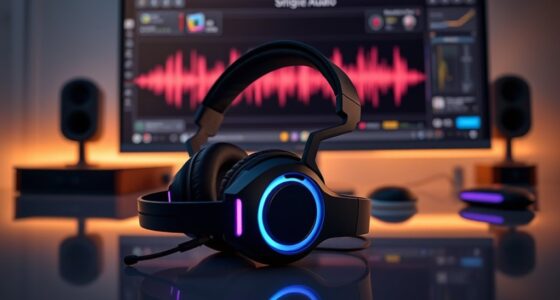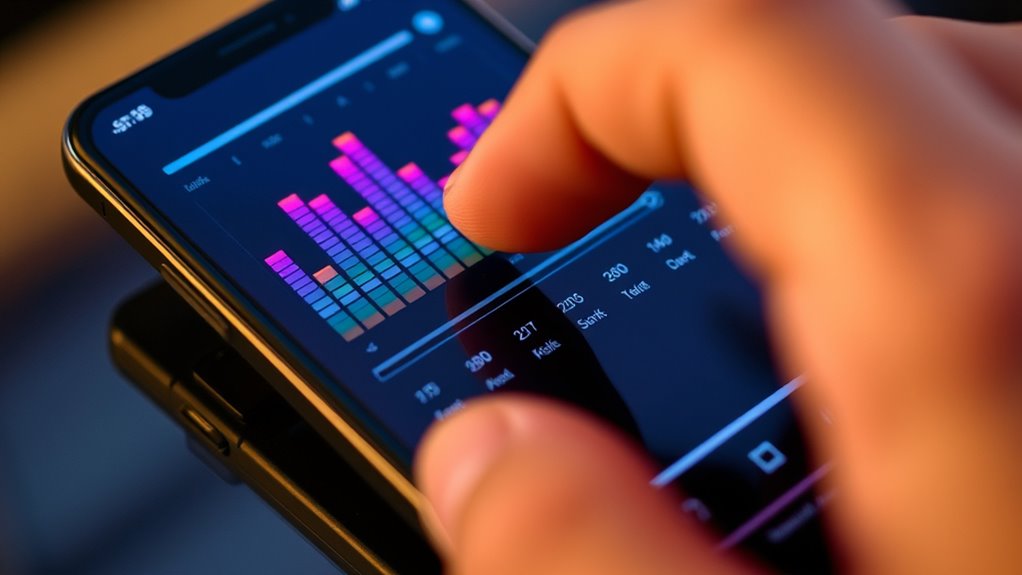

To customize EQ on headphone apps, start by exploring the app’s built-in controls for adjusting frequencies like bass, midrange, and treble. Experiment with small tweaks to enhance your favorite sounds, such as boosting vocals or reducing harsh treble. Many apps also offer preset profiles like “Bass Boost” or “Vocal Clarity” that you can fine-tune to suit your taste. Keep experimenting to create your perfect sound, and discover how easy it is to personalize your listening experience.

Get business pricing on your home office setup
- Business-only prices and quantity discounts
- Tax-exempt purchasing
- Multiple users, one account, clear invoices
Key Takeaways
- Use headphone apps to intuitively adjust frequency ranges, boosting or cutting bass, midrange, and treble for personalized sound.
- Start with small, gradual tweaks to avoid drastic changes and find the most natural sound profile.
- Experiment with preset profiles like “Bass Boost” or “Vocal Clarity” and customize them for your preferences.
- Focus on enhancing desired audio qualities, such as vocal clarity or bass depth, by fine-tuning specific frequencies.
- Understand basic audio concepts and refer to resources to make informed EQ adjustments for optimal listening experience.
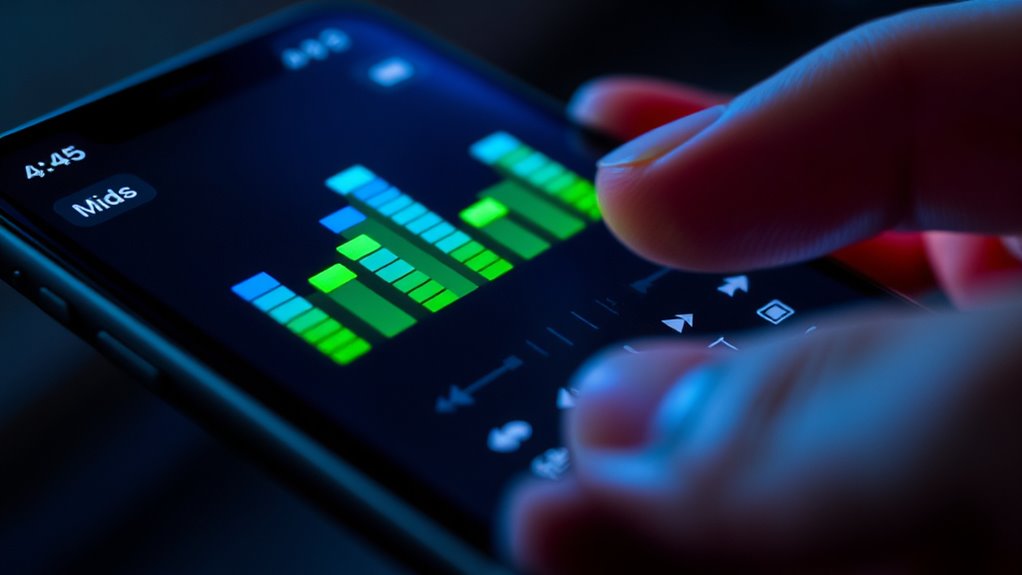
Have you ever wondered how to enhance your listening experience with your headphones? Customizing the EQ on headphone apps is a straightforward way to do just that. By adjusting the sound signature to match your preferences, you can make your music, podcasts, or gaming sessions more immersive and enjoyable. The sound signature refers to the unique way your headphones reproduce audio, emphasizing certain frequencies over others. When you tweak the EQ, you’re fundamentally shaping that signature to better suit your taste, whether you prefer punchy bass, clear vocals, or balanced sound.
Most headphone apps offer intuitive controls for frequency adjustment, which is key to personalizing your audio. These controls let you boost or cut specific frequency ranges, typically divided into bass (20-250Hz), midrange (250Hz-4kHz), and treble (4kHz-20kHz). For example, if you love deep, powerful bass, you can increase the lower frequencies. Conversely, if you find certain high-pitched sounds harsh or piercing, reducing the treble can smooth out the sound. The beauty of these adjustments is that they give you direct control over your sound signature, enabling you to craft an audio profile that feels just right.
When starting out, it’s best to experiment gradually. Small tweaks in the frequency adjustment can have a big impact on how you perceive your audio. For instance, boosting the midrange can make vocals more prominent, which is ideal for podcasts or vocal-heavy tracks. Cutting back on overly bright treble can reduce listening fatigue, especially during long sessions. Many apps even provide preset EQ profiles—like “Bass Boost” or “Vocal Clarity”—that serve as a good starting point. From there, you can fine-tune these presets or create your own custom curve for a truly personalized sound. Additionally, understanding how audio technology affects sound reproduction can help you make more informed adjustments for the best listening experience.
Frequently Asked Questions
Can I Save Multiple EQ Profiles for Different Genres?
Yes, you can save multiple EQ profiles for different genres. Most headphone apps let you create genre-specific presets, so you can quickly switch between them based on what you’re listening to. Simply adjust the EQ to suit each genre, save the profile, and name it accordingly. This way, you personalize your sound experience and enjoy optimized audio for every type of music or content you enjoy.
How Does EQ Customization Affect Battery Life?
EQ customization can somewhat increase battery drain due to higher power consumption from processing the audio. However, modern headphone apps are optimized to minimize this impact, so you probably won’t notice a huge difference. If you’re concerned about battery life, avoid constantly tweaking settings or using high-power features. Typically, adjusting EQ settings won’t substantially affect your device’s power consumption, allowing you to personalize your sound without sacrificing much battery life.
Are There Risks of Damaging My Headphones With EQ Adjustments?
You won’t typically damage your headphones with EQ adjustments if you stay within safe volume levels and avoid extreme boosts. However, headphone safety is important; excessive EQ changes can strain drivers and impact sound quality over time. To protect your headphones, keep the volume moderate, don’t boost bass or treble too high, and listen at comfortable levels. This way, you preserve both your headphones and ideal sound quality.
Can I Share My Custom EQ Settings With Others?
Yes, you can share your custom EQ settings with others. Think of it as passing along a musical recipe—sharing presets makes it easy for friends to enjoy your perfectly tuned sound. Many headphone apps offer custom sharing options, letting you export and send your presets. This way, you spread your personalized sound signature effortlessly, helping others experience your unique audio style and creating a community of tailored listening.
Do All Headphone Apps Support Advanced EQ Features?
Not all headphone apps support advanced EQ features, as compatibility varies based on headphone compatibility and the app interface. Some apps offer extensive customization options and detailed controls, while others provide only basic adjustments. You should check the app’s specifications and compatibility with your headphones before diving into advanced settings. If your app has a user-friendly interface, it’s easier to explore and utilize its full EQ capabilities effectively.
Conclusion
So, go ahead and tweak those sliders—turn your headphones into a personal concert hall or a whispering forest. Who needs perfect sound when you can have a soundscape so unique, it’ll make your neighbors question your sanity? Just imagine, every bass drop feels like an earthquake, and every treble squeal, a symphony of chaos. After all, why settle for normal when you can have a sonic rollercoaster that turns your ears into the wildest amusement park?
Fall Picks
fall essentials
As an affiliate, we earn on qualifying purchases.