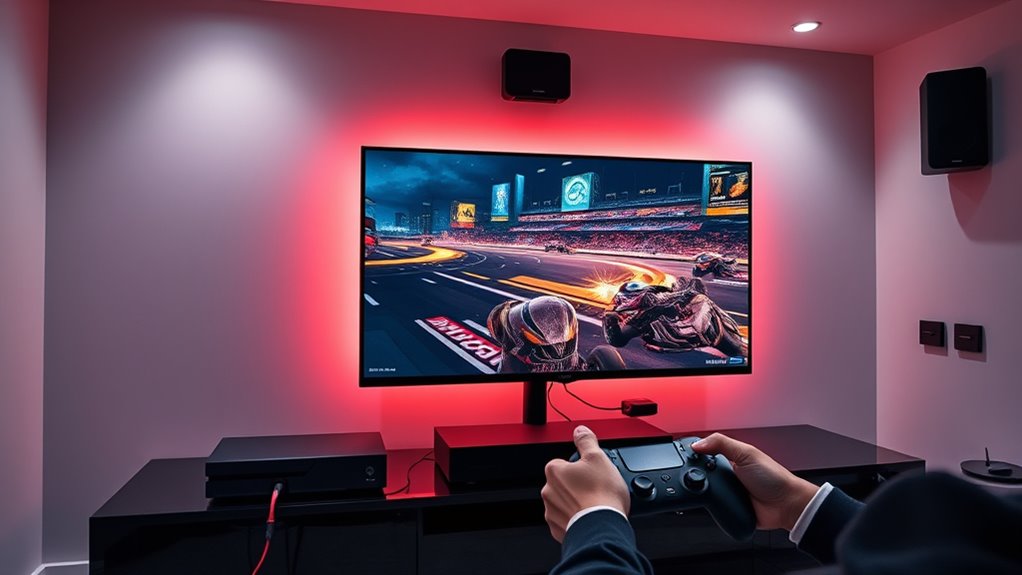
To optimize your home theater for competitive gaming, start by enabling game mode to reduce input lag and set your display’s refresh rate to the highest supported. Calibrate your monitor for accurate visuals and use wired controllers and Ethernet to minimize delays. Optimize audio with quality headphones and balanced sound cues. Keep your system updated and disable unnecessary processing features. For more detailed tips, you’ll find effective strategies that can give you the competitive edge you’re after.
Key Takeaways
- Enable game or low-latency mode on your TV and graphics card settings to reduce processing delay.
- Use a high-refresh-rate display and set it to the maximum supported for smoother visuals.
- Connect gaming peripherals and consoles via wired connections to minimize input lag.
- Optimize room lighting and acoustics with blackout curtains and noise-canceling headphones to reduce distractions.
- Keep software, drivers, and system firmware updated to ensure peak performance and minimal latency.
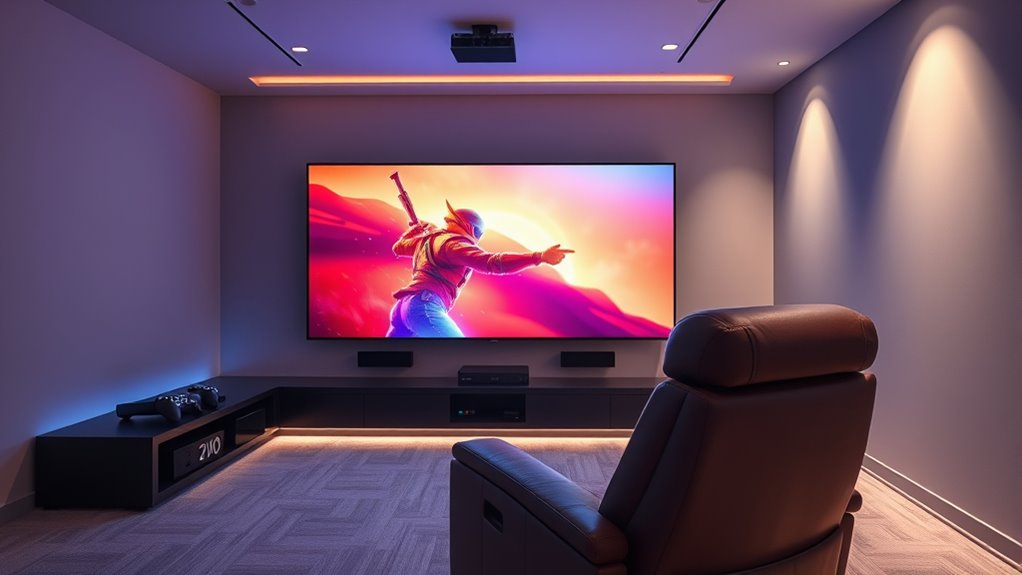
When it comes to gaming, low-latency settings are essential for a smooth and responsive experience. Every millisecond counts in competitive play, and optimizing your setup can give you the edge you need. To start, focus on monitor calibration. A well-calibrated monitor ensures that your visual input is accurate, reducing eye strain and improving your reaction times. Adjust the brightness, contrast, and color settings to match the lighting in your room, and make sure your display’s refresh rate is set to the highest possible value supported by your monitor. This minimizes motion blur and tearing, providing clearer visuals during fast-paced action. Many gaming monitors also feature dedicated gaming modes that reduce input lag further—activate these settings to gain a competitive advantage.
Beyond visuals, audio optimization plays a pivotal role in responsive gaming. Clear, synchronized sound alerts you to enemy movements or environmental cues that you might otherwise miss. Use high-quality headphones or speakers and configure your audio settings to prioritize game sounds over background noise. Many games and sound cards offer audio calibration tools—use these to balance volume levels and ensure that directional cues are precise. Proper audio setup helps you react faster to in-game events, especially in multiplayer scenarios where auditory cues are essential.
In addition to calibration, consider enabling low-latency modes within your game and system settings. Many modern consoles and PCs have options to reduce processing delay, such as game mode on TVs or dedicated graphics card settings. Turn these on to cut down on unnecessary processing that can introduce lag. Also, keep your graphics drivers and system software up to date, as updates often include performance improvements tailored for low-latency gaming. Additionally, the use of high-refresh-rate projectors can significantly improve visual responsiveness in a home theater setup.
Connecting with wired peripherals instead of wireless ones can dramatically reduce input lag. Wireless devices introduce a small delay, which can be significant in competitive gaming. Use wired controllers, mice, and keyboards whenever possible to guarantee instant response. Similarly, utilize Ethernet connections instead of Wi-Fi to minimize network latency, which can cause lag and jitter during online play.
Finally, fine-tune your overall environment for minimal distractions. Use blackout curtains, noise-canceling headphones, and a comfortable chair to help you stay focused. A clutter-free setup allows you to concentrate solely on your game, reducing reaction times even further. Remember, achieving ideal low-latency gaming isn’t just about settings; it’s about creating an environment that supports quick reflexes and precise responses. Investing time in monitor calibration, audio optimization, and setup adjustments makes a tangible difference in your gaming performance and enjoyment.
Frequently Asked Questions
How Do I Test if My Settings Are Truly Low Latency?
To test if your settings are truly low latency, use calibration tools like a lag tester or a gaming monitor with built-in delay measurement. Connect your gaming device and measure the signal delay directly, ensuring it’s within acceptable limits for competitive play. You can also compare input timing before and after adjusting settings, helping you confirm that your setup minimizes lag and provides the responsiveness needed for ideal gaming performance.
Can Low-Latency Settings Affect Image Quality?
Think of low-latency settings as a swift river rushing past, prioritizing speed over clarity. They can affect image quality by causing subtle shifts in color accuracy and increasing image compression, which might result in a slightly softer picture. While these settings are essential for gaming responsiveness, they may trade off some visual fidelity. You’ll notice faster reactions, but it’s a balancing act between buttery-smooth gameplay and crystal-clear images.
Are There Specific Brands Known for Better Low-Latency Performance?
You’ll find that brands like LG, Sony, and Samsung are known for better low-latency performance, backed by strong brand reputation and solid performance benchmarks. These manufacturers often include gaming-specific modes that prioritize minimal input lag, making them ideal for competitive gaming at home. When choosing a TV, look for those with low input lag ratings and positive reviews, ensuring you get the best experience without sacrificing image quality.
How Often Should I Update My Display’s Firmware for Optimal Latency?
You should update your display’s firmware whenever a new release arrives, as it often improves latency and refresh rate performance. Firmware updates fix bugs and optimize settings, ensuring you get the best low-latency experience. Check your manufacturer’s website regularly or set automatic updates if available. Staying current with firmware helps maintain minimal input delay, giving you a competitive edge in gaming and seamless home theater use.
Do Different Gaming Genres Require Different Low-Latency Configurations?
Different gaming genres do benefit from specific low-latency configurations. For example, first-person shooters need quick response times, so you should prioritize settings like faster refresh rates and minimal input lag. Customization for genres allows you to optimize visual clarity and response, enhancing your gameplay. Adjusting these settings based on the genre helps you stay competitive and improves overall experience, ensuring your setup matches the demands of each game type.
Conclusion
Now, with these low-latency settings, you’re stepping into a world where every move feels instant, like your commands cut through the silence of the darkened room. The screen responds as if your thoughts are guiding it, making your gaming experience seamless and immersive. As the game world unfolds at lightning speed, you’ll feel the thrill of victory just within reach, all from the comfort of your home theater. Ready to elevate your game?