If you want your projector to deliver the best sound quality, eARC is a must. It offers higher bandwidth, supports advanced formats like Dolby Atmos, and provides faster data transfer with less lag. This means clearer, more immersive audio that stays perfectly synchronized with your visuals. While ARC is limited, upgrading to eARC makes your setup future-proof and markedly improves your experience. Keep going to discover how to make the switch smoothly.
Key Takeaways
- eARC supports higher-quality audio formats like Dolby Atmos and DTS:X, enhancing immersive sound for projectors.
- It provides increased bandwidth for seamless, lag-free audio transmission, improving synchronization with video.
- eARC reduces audio latency, ensuring better lip-sync and overall audiovisual experience compared to ARC.
- Compatibility with HDMI 2.1 ports allows eARC to handle complex audio without signal degradation.
- Future-proofing your setup, eARC offers better support for advanced audio technology and higher-resolution sound formats.

SOULWIT 50Pcs Self Adhesive Cable Management Clips - Black
- 🔷SUPER EASY TO USE: Stick to clean surface, open...
- 🔷PREMIUM MATERIAL: Made from eco-friendly Polyamide66 material,...
- 🔷STICKY IN MANY SURFACES: Works on all clean surfaces...
As an affiliate, we earn on qualifying purchases.
What Is eARC and How Does It Differ From ARC?
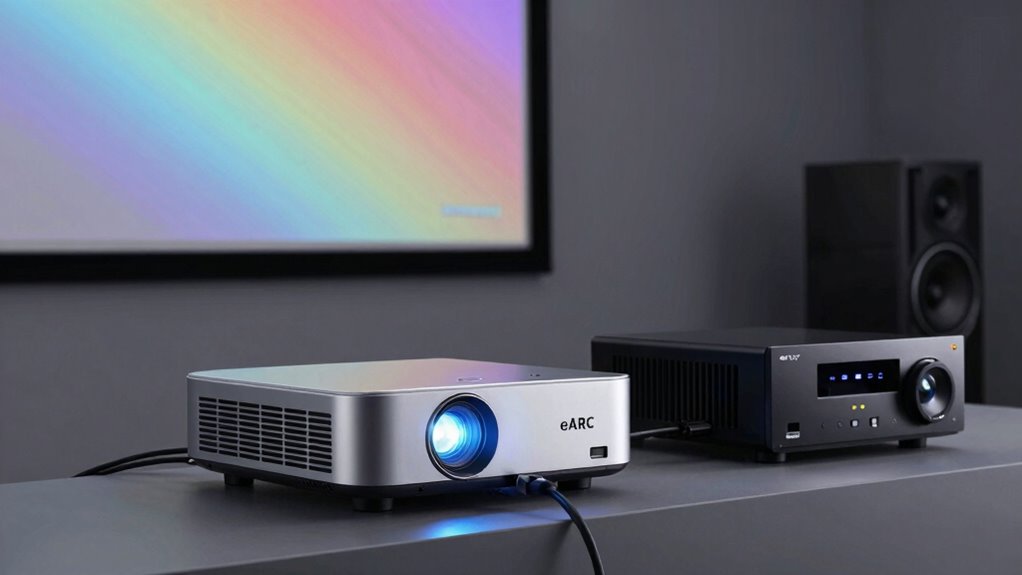
What exactly is eARC, and how does it differ from ARC? eARC, or enhanced Audio Return Channel, is a newer audio transmission technology that delivers higher-quality sound with less delay. Unlike ARC, which can struggle with complex audio formats, eARC supports advanced formats like Dolby Atmos and DTS:X, making your audio experience richer. Device compatibility is key: eARC requires compatible HDMI 2.1 ports, ensuring seamless communication between your projector and audio equipment. This means your projector can transmit uncompressed, high-bitrate audio without compression or signal loss. Additionally, audio format support is significantly expanded with eARC, allowing for more immersive sound experiences. eARC’s improved bandwidth capacity also enables transmission of high-resolution audio, further enhancing your home theater setup. The increased bandwidth of eARC also supports lossless audio formats, providing even higher fidelity sound. In contrast, ARC offers limited bandwidth, which may restrict audio quality. Overall, eARC provides a more reliable, high-fidelity audio transmission, making it essential for modern home theater setups and ensuring future-proofing your entertainment system. Moreover, the ease of setup with eARC simplifies integration with the latest audio and video devices.

XHF 120 PCS Adhesive Cable Wire Clips Black, Outdoor Christmas Light Clips, Cable Management Wire Organizer Cord Holder for Under Desk, Car, Wall, TV PC Ethernet Cable
- High quality material:XHF Adhesive Cable Clips are manufactured...
- Widely used: USB Cable, Ethernet Cable, Outdoor...
- Size: Base 5/8" x 5/8", inner...
As an affiliate, we earn on qualifying purchases.
Is Your Equipment Ready for eARC? How to Check Compatibility
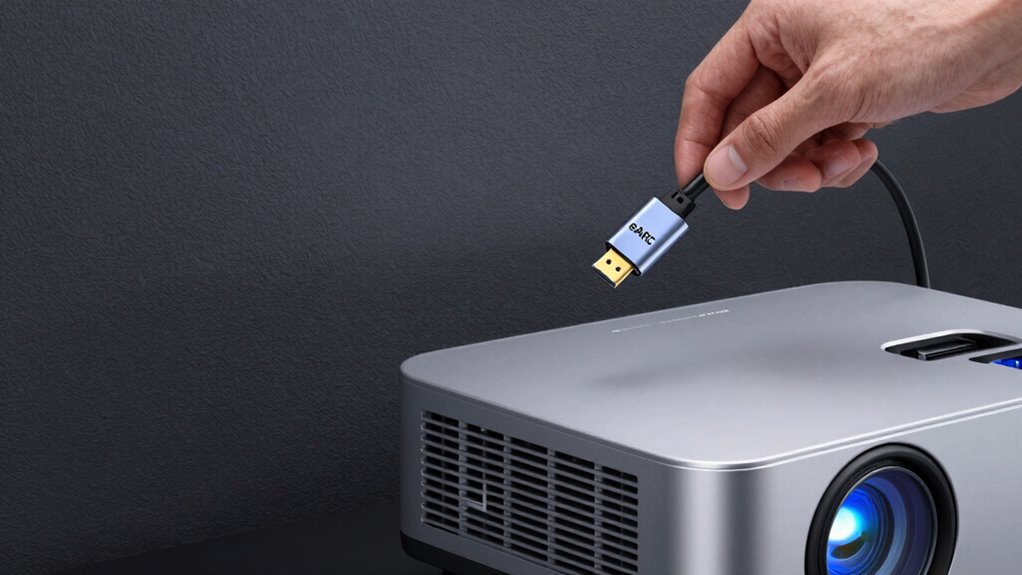
To take advantage of eARC’s high-quality audio transmission, you need to verify your equipment is compatible. First, check if your projector and audio devices support HDMI 2.1, which is essential for eARC. Look into your device settings for options related to audio calibration, ensuring they’re optimized for high-fidelity sound. Use your remote control to navigate menus and confirm eARC is enabled on your projector and receiver. Some devices may require firmware updates to support eARC; consult the manufacturer’s website for instructions. If your equipment isn’t compatible, upgrading cables or components may be necessary. Confirming these features guarantees you’ll enjoy seamless, high-quality audio without issues. Proper setup is key to fully leveraging eARC’s capabilities. Additionally, understanding HDMI specifications can help you identify the right hardware to maximize performance. Remember that device compatibility is crucial for optimal operation, so double-check all components before making upgrades. Also, verifying firmware updates can ensure your devices are equipped with the latest features for eARC support. Being aware of cable quality can prevent potential signal failures and ensure stable connections. Furthermore, considering audio source compatibility can enhance overall sound experience.

120PCS XHF Adhesive Cable Wire Clips White, Cable Staples Outdoor Cable Management Wire Organizer Cord Holder for Under Desk, Car, Wall, TV PC Ethernet Cable
- High quality material:XHF Adhesive Cable Clips are manufactured...
- Widely used: USB Cable, Ethernet Cable, Outdoor...
- Size: Base 5/8" x 5/8", inner...
As an affiliate, we earn on qualifying purchases.
Why Faster Data Transfer and Advanced Audio Formats Matter for Projectors
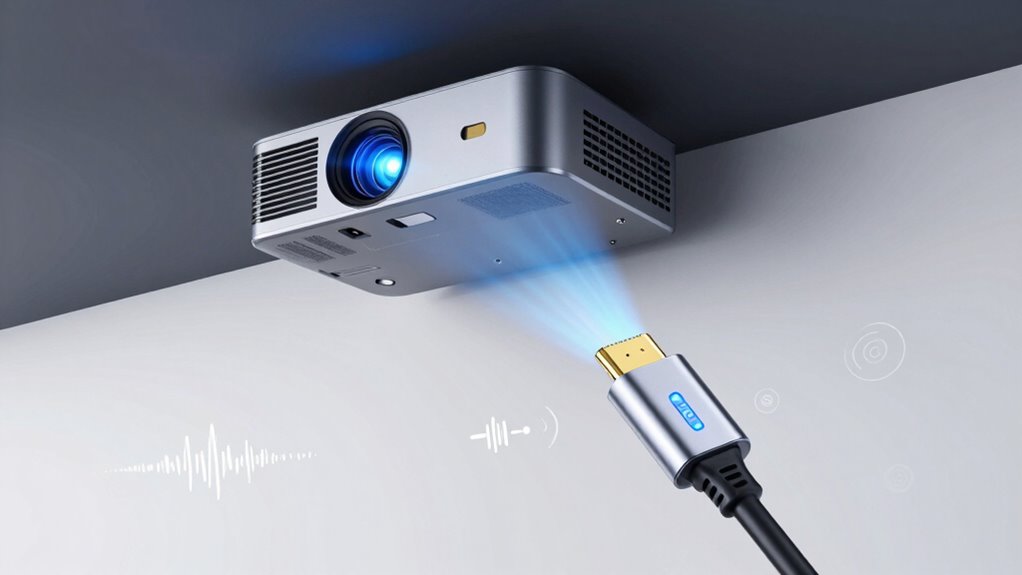
Faster data transfer rates and support for advanced audio formats substantially enhance your projector’s performance, delivering sharper images and richer sound. Higher bandwidth requirements mean your device can transmit more data simultaneously, reducing audio latency and preventing lag during playback. This is especially important with advanced audio formats like Dolby Atmos or DTS:X, which demand more bandwidth to preserve their immersive qualities. Without sufficient transfer speeds, you might experience delays between video and audio, disrupting your viewing experience. Upgrading to eARC ensures your projector can handle these increased demands seamlessly. This not only improves audio clarity but also guarantees smooth, synchronized visuals and sound, making your home theater experience more immersive and enjoyable. Understanding bandwidth is crucial for maximizing audiovisual quality and ensuring top-tier performance. Additionally, audio synchronization plays a vital role in maintaining a seamless entertainment experience, and having sufficient bandwidth is essential for effective data transmission. A solid understanding of data throughput can help you choose the right equipment for your needs and avoid performance issues.

YGSKK Mini Projector With Wifi And Bluetooth, Built-in Apps,Movie Projector
- 【The Latest WIFI 6 Technology And Bluetooth 5.3】This...
- 【Built-in Streaming Media APP】Without any additional equipment,The YGSKK...
- 【Native 1080P High Definition,Compatible 4K】The native 1080P resolution presents you with clear and sharp full HD picture quality, with a brightness of up to 300 ANSI lumens, offering you images that are 50% brighter than those of similar projectors on the market. Whether you are watching movies, TV series, playing games or browsing photos, it will bring you astonishing clarity. Moreover, this movie projector is compatible with 4K, allowing you to enjoy the perfect experience of 4K picture quality. Note: Please ensure to connect 4K...
As an affiliate, we earn on qualifying purchases.
What Are the Benefits of Using eARC Over ARC for Projector Audio?
Using eARC instead of ARC offers significant advantages for your projector’s audio quality and performance. With eARC, you get better support for high-resolution audio formats like Dolby Atmos and DTS:X, which greatly enhance sound clarity and immersion. This supports advanced audio formats and elevates your sound experience to a new level. This connection also allows for simplified setup, making it easier to connect your devices without complicated configurations. Additionally, eARC reduces latency and audio lag, allowing synchronized audio and visuals for a seamless viewing experience. The high-bandwidth connection also minimizes signal degradation, ensuring consistent, high-quality sound. Furthermore, adopting eARC aligns with modern audio technology standards, future-proofing your entertainment system. Incorporating robust audio transfer capabilities, eARC ensures your projector remains compatible with evolving audio formats. Overall, upgrading to eARC provides a more robust audio setup, making your projector not just a visual centerpiece, but also a premium audio source that truly immerses you in your entertainment.
How to Upgrade Your System to Support eARC
Start by checking if your current hardware supports eARC; you may need to upgrade your receiver or projector. Next, review your device manuals to understand how to update firmware settings for eARC compatibility. Once you confirm hardware and update settings, you’ll be ready to enjoy improved audio quality with eARC. Additionally, ensuring your system includes smart locks and office gear can enhance overall security during setup. Being aware of ethical consumer choices can also guide you in selecting environmentally friendly or ethically produced components for your setup. Understanding audio/video standards can help you make informed decisions about compatibility and future-proofing your system, especially as industry advancements continue to evolve.
Check Hardware Compatibility
Wondering if your current setup can handle eARC? First, check your hardware compatibility. Not all HDMI ports support eARC, so verify that your projector, sound system, and source devices have HDMI 2.1 ports. eARC supports high-quality audio formats like Dolby Atmos and DTS:X, which require compatible hardware. Review your device specifications or user manuals to confirm support for these audio formats and HDMI 2.1. If your devices aren’t compatible, you’ll need to upgrade your hardware to avoid limitations in audio quality and bandwidth. Make certain that all components in your setup can transmit high-bandwidth audio signals to fully benefit from eARC’s capabilities. Doing this preliminary check saves you time and helps you plan for necessary upgrades effectively.
Update Firmware Settings
Once you’ve confirmed that your hardware supports eARC, the next step is to update your system’s firmware to enable the feature. A firmware update guarantees your projector can handle the increased bandwidth and advanced audio calibration capabilities of eARC. To do this effectively, follow these steps:
- Check the manufacturer’s website for the latest firmware version and detailed update instructions.
- Download and install the firmware update, ensuring your device remains powered during the process.
- After updating, perform an audio calibration to optimize sound quality and verify eARC functionality.
Updating your firmware is essential for unlocking eARC’s benefits, delivering superior audio performance, and ensuring compatibility with modern audio formats. This step guarantees your projector is fully prepared for high-quality, seamless audio experiences.
Common Questions About eARC and Projector Setup
Are you unsure whether eARC or ARC is better suited for your projector setup? Many ask about compatibility, audio latency, and HDMI standards. Generally, eARC offers higher bandwidth, reducing audio latency and supporting advanced formats, making it ideal for high-quality audio. ARC, while sufficient for basic audio, may introduce delays or limitations with newer HDMI standards.
| Question | Answer |
|---|---|
| Which HDMI version supports eARC? | HDMI 2.1 or later |
| Is audio latency lower with eARC? | Yes, eARC minimizes delay for better sync |
| Can I upgrade my projector easily? | Usually, via firmware updates or compatible ports |
Understanding these differences helps you optimize your projector’s audio performance and setup.
Frequently Asked Questions
Can eARC Improve Audio Quality for Older Projector Models?
Yes, eARC can enhance audio quality for older projector models. It offers better audio enhancement by supporting higher bandwidths and advanced formats like Dolby Atmos and DTS:X. However, compatibility issues may arise if your projector doesn’t support eARC or if your connecting devices aren’t compatible. Upgrading to eARC ensures you get the best sound possible, but double-check your equipment’s compatibility to avoid potential issues.
What Specific Cables Are Required for eARC Connection?
Think of eARC like a high-speed train; you need the right tracks to keep it running smoothly. For eARC connection, you’ll require HDMI cables labeled as “High-Speed HDMI” or “Ultra High-Speed HDMI,” ensuring cable compatibility. These cables support the bandwidth needed for lossless audio. Without the proper cables, your eARC setup won’t deliver the premium audio quality you’re aiming for, just like a train can’t run on incompatible tracks.
Does eARC Support All Audio Formats Universally?
No, eARC doesn’t support all audio formats universally. While it handles most high-quality formats like Dolby Atmos and DTS:X, some older or less common audio formats may not be compatible. You should check your device specifications for audio format compatibility to guarantee your projector and sound system can fully utilize eARC’s capabilities. This ensures you get the best sound experience without missing out on any audio features.
Is Professional Setup Needed to Enable eARC on Projectors?
Enabling eARC on your projector is like fine-tuning an instrument; you can often do it yourself. You don’t need professional setup if your cables are compatible and your projector supports eARC. The setup complexity is generally low, involving just connecting the right HDMI cable and enabling settings. However, if your equipment is older or incompatible, a professional might be needed to guarantee peak performance.
How Does eARC Impact Latency During Gaming or Live Viewing?
eARC critically reduces latency during gaming or live viewing by providing faster, more synchronized audio. You’ll notice less delay between visuals and sound, creating a more immersive experience. This is especially essential for fast-paced games or live broadcasts where audio-visual sync matters. With eARC, you get quicker, more reliable latency reduction, ensuring your audio stays perfectly synchronized with your on-screen action, enhancing overall enjoyment.
Conclusion
Staying updated with eARC technology guarantees you get the best audio experience from your projector. Upgrading might seem challenging, but it’s worth it for the enhanced sound quality and compatibility with advanced formats. Remember, “a journey of a thousand miles begins with a single step,” so don’t wait to make the switch. Embrace eARC now, and enjoy richer, clearer audio that truly elevates your viewing experience.