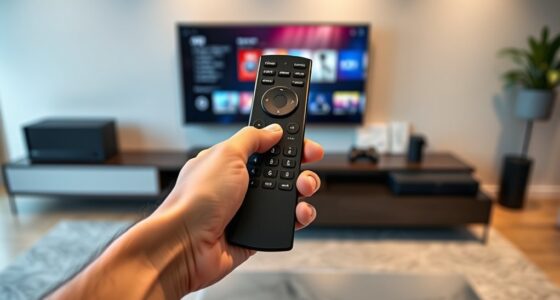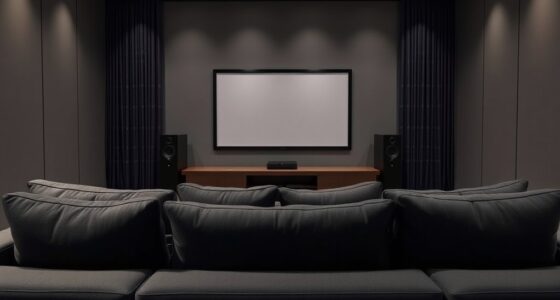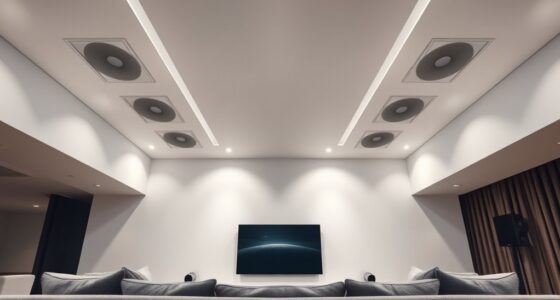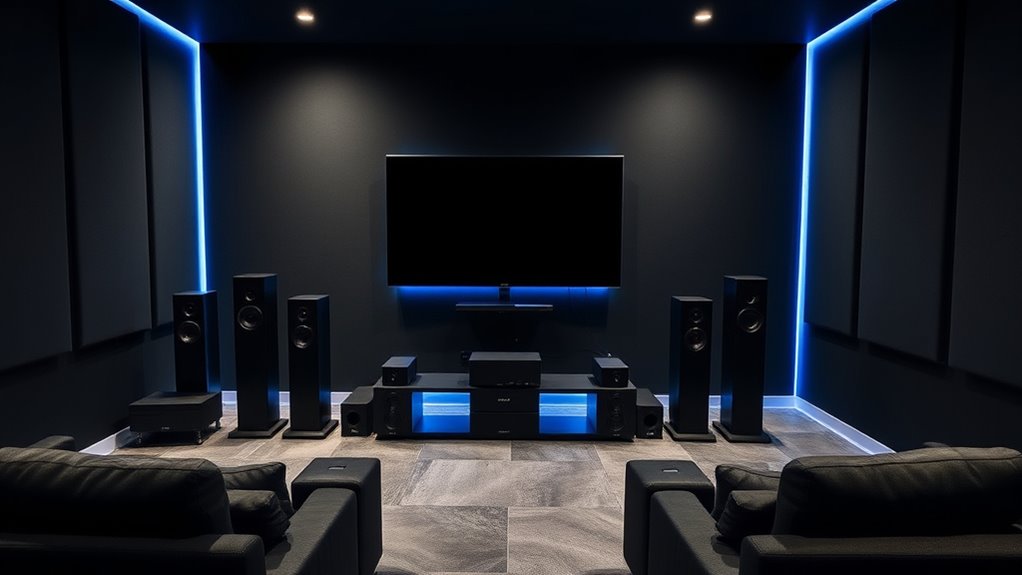

To establish surround sound in your home theater, focus on proper speaker placement: front speakers at ear level and angled toward you, surround speakers on the sides or behind, also at ear level, and subwoofers near walls or corners for better bass. Once everything is positioned, calibrate your system to balance sound levels and timing. Correct placement and calibration ensure immersive, realistic audio—if you want to master the details, there’s plenty more to explore.

Get business pricing on your home office setup
- Business-only prices and quantity discounts
- Tax-exempt purchasing
- Multiple users, one account, clear invoices
Key Takeaways
- Proper speaker placement at ear level and angled toward the listener creates an immersive surround sound experience.
- Surround speakers should be positioned at sides or behind the seating area for optimal effects.
- Subwoofers perform best when placed near walls or corners to enhance bass response.
- Calibrating your system adjusts volume and timing for balanced, realistic sound across the listening area.
- Proper setup and calibration ensure clear dialogue, accurate effects, and an engaging home theater experience.
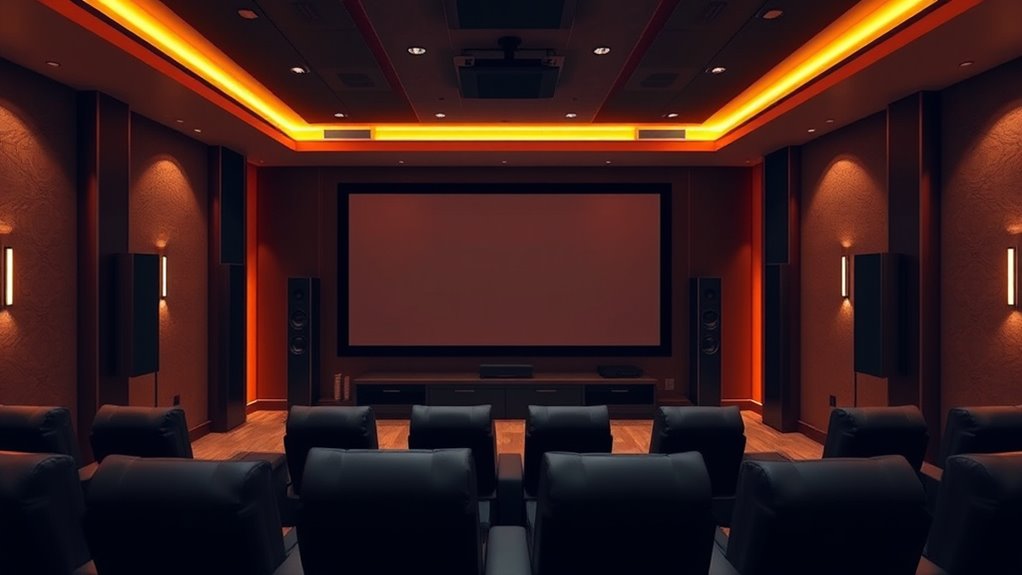
Have you ever wondered how movie theaters create such immersive audio experiences? The secret lies in precise speaker placement and meticulous audio calibration. When setting up your home theater, understanding these elements makes a huge difference in how you perceive sound. Speaker placement is your first step toward creating a surround sound environment that feels natural and engaging. You want your speakers to be positioned carefully around your listening area, with front speakers placed at ear level and slightly angled toward you. Surround speakers should be placed to the sides or slightly behind your seating area, at ear level as well, to envelop you in sound. Subwoofers are usually positioned near walls or corners to maximize bass response, but it’s important to experiment with placement because too close to a wall can cause boomy, muddy bass. When arranging your speakers, keep in mind the “sweet spot”—the ideal listening position where the sound blends seamlessly. Proper speaker placement ensures that sound arrives at your ears from the right directions and distances, creating a convincing surround effect.
Once your speakers are positioned, audio calibration becomes vital. Calibration involves fine-tuning your system so that all speakers work harmoniously, providing balanced sound across your entire listening area. Many home theater receivers include calibration tools or microphones that automate this process. As you run calibration, the system measures the sound levels and timing from each speaker, adjusting volume and delay to guarantee consistent, accurate audio delivery. This step is essential because even slight misalignments can cause sound to be uneven or distracting. For example, if the front left speaker is too loud compared to the right, or if the surround speakers aren’t synchronized, the immersive quality diminishes. Proper calibration ensures that dialogue, music, and effects come from the right locations with the correct intensity, making your experience more realistic and engaging.
Frequently Asked Questions
How Do I Calibrate My Surround Sound System Effectively?
To calibrate your surround sound system effectively, start with speaker calibration by using a calibration microphone and your receiver’s auto-calibration feature. Make certain all speakers are properly positioned and at the correct levels. Next, perform sound equalization to balance bass, midrange, and treble for a natural sound. Adjust settings manually if needed, listening carefully to achieve immersive, clear audio. Regular calibration keeps your home theater sound optimized.
What Is the Best Speaker Placement for Optimal Sound?
Think of your room as a stage for perfect sound; symmetrical speaker placement creates harmony. Position your front left and right speakers at ear level, equidistant from your seating area, forming an arc around your listening spot. Keep them aligned with each other for speaker symmetry, and make certain your seating arrangement is centered. This setup delivers balanced sound, immersing you fully in the experience, like a concert just for you.
Can I Upgrade My Existing System to Surround Sound?
Yes, you can upgrade your existing system to surround sound. First, check your current speaker compatibility to guarantee they can support surround sound channels. You may need to add new speakers and wiring upgrades, which involve running new cables and possibly replacing some components. With the right equipment and setup, you’ll enjoy a more immersive audio experience without replacing your entire system.
What Are Common Troubleshooting Tips for Surround Sound Issues?
Like tuning a fine instrument, troubleshooting your surround sound involves checking speaker wiring for loose connections and ensuring all cables are secure. If you notice audio delay, adjust your AV receiver’s settings or update firmware. Also, test each speaker individually to identify issues. Remember, patience and systematic checks help restore harmony, much like a conductor guiding an orchestra back into perfect sync.
How Does Room Acoustics Affect Surround Sound Quality?
Room acoustics greatly impact your surround sound quality. When your room has poor sound absorption, it creates echo and reverberation, making the audio less clear. To improve this, add soft furnishings like curtains, carpets, or acoustic panels to reduce echo and absorb sound. Properly managing room acoustics enhances sound clarity, making your surround sound experience more immersive and enjoyable, whether you’re watching movies or listening to music.
Conclusion
Now that you know the basics of surround sound, you’re ready to transform your home theater into an immersive universe. With the right setup, every movie night becomes a blockbuster event, making you feel like you’re right in the middle of the action. Don’t settle for less—think of surround sound as your ticket to audio paradise. So, go ahead, set it up, and prepare to be blown away by audio so powerful, it’s practically a sonic hurricane in your living room.
Columbus Day / Indigenous Peoples' Day Picks
long weekend sales
As an affiliate, we earn on qualifying purchases.