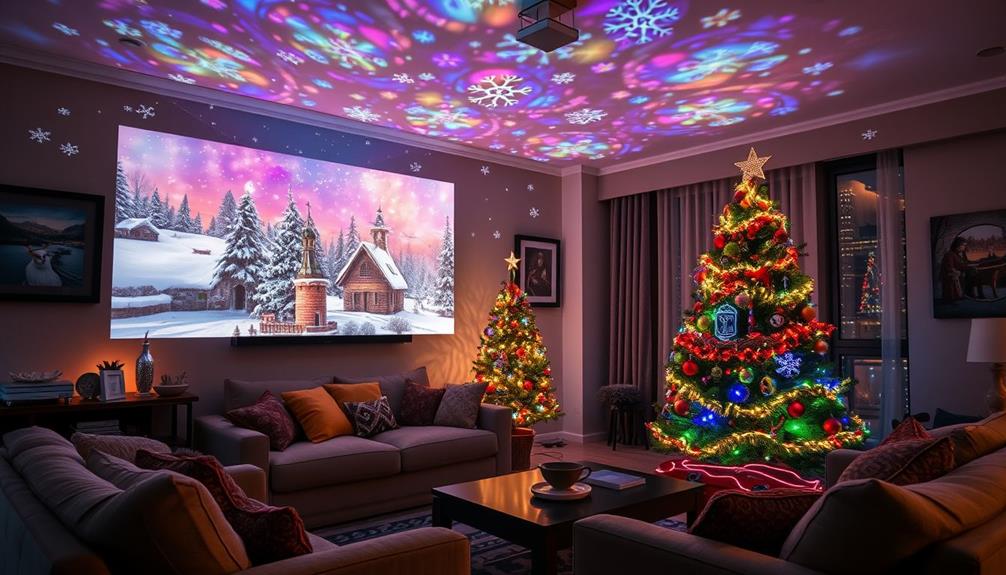
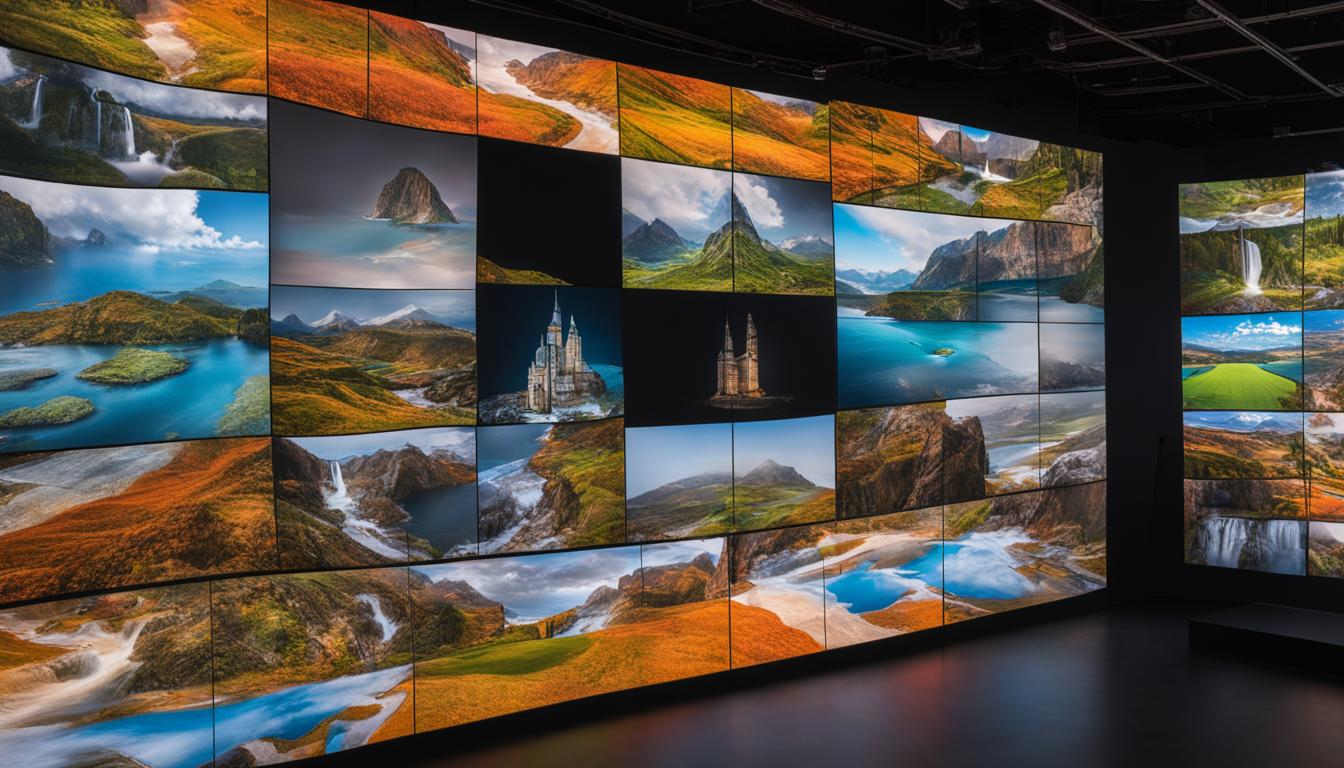
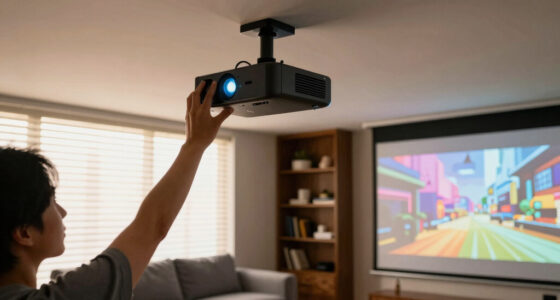
Upgrading from 1080p to 4K projection can greatly improve image sharpness, detail, and immersion. To fully benefit, verify your projector supports native 4K and your media sources, like streaming devices and Blu-ray players, can output 4K content. Also, check that your room setup, including screen quality and lighting, enhances the experience. Keep exploring to discover how to optimize your upgrade and enjoy stunning visuals every time.

Get your home office setup delivered free — and shop member deals
- Fast, free delivery on millions of items
- Access to Prime Big Deal Days deals on October 6–7
- Prime Video, Amazon Music and more included
Key Takeaways
- Verify your current projector supports native 4K or plan to upgrade to a 4K-capable model.
- Ensure your media sources (streaming devices, Blu-ray players, gaming consoles) support 4K output.
- Use HDMI 2.0 or newer cables to transmit high-quality 4K signals at optimal frame rates.
- Consider your room setup, including screen quality and viewing distance, to maximize 4K benefits.
- Upgrading may require new hardware and proper system compatibility checks for a seamless transition.
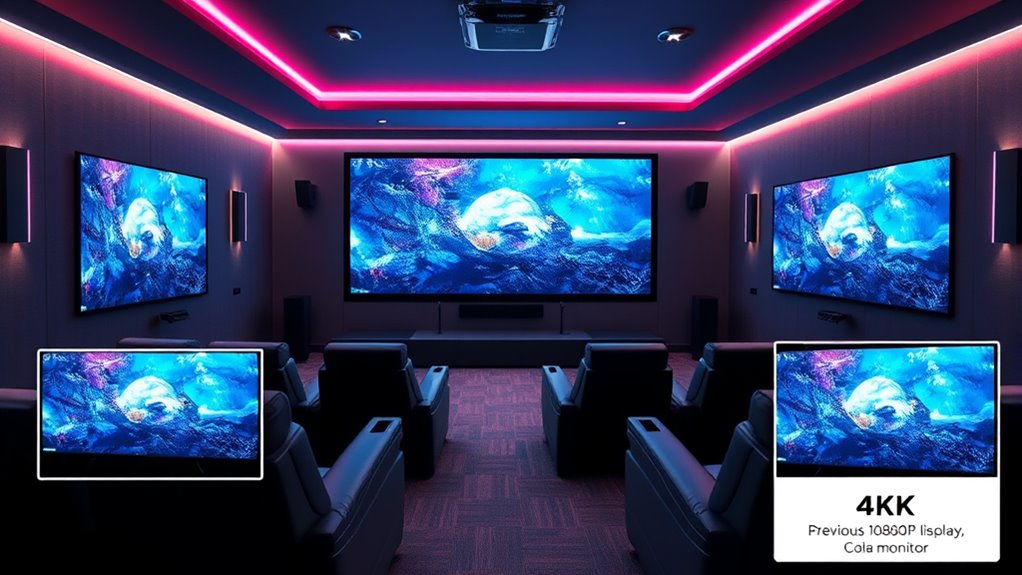
Upgrading from 1080p to 4K projection can considerably enhance your viewing experience by delivering sharper images and more detail. With 4K, you’ll notice a significant resolution enhancement that brings movies, sports, and games to life like never before. But before you make the switch, it’s vital to consider hardware compatibility. Not all projectors or screens support 4K natively, and attempting to upgrade without checking this can lead to disappointing results or the need for additional equipment.
First, you need to verify your current equipment can handle the increased resolution. Many modern projectors come with built-in 4K capability, but if yours doesn’t, you’ll need to consider a new model. Compatibility isn’t just about the projector itself; your media sources matter too. For instance, if you’re streaming content from a device that only outputs 1080p, you won’t see the full benefits of 4K projection unless your device and projector support 4K input. Check your source devices—like Blu-ray players, gaming consoles, and streaming boxes—to confirm they support 4K output. Otherwise, you might be limited to upscaled images, which don’t offer true resolution enhancement but can still improve overall picture quality.
Verify your equipment and media sources support 4K to fully enjoy sharper, more detailed images.
When upgrading hardware, it’s essential to match your projector’s native resolution with your content. A native 4K projector will give you the most accurate and crisp images, but it can be more expensive. If you opt for a lower-cost model that only upscales 1080p content, you’ll still get a step up from HD, but the benefits won’t be as pronounced as with true 4K hardware. Additionally, verify your projector supports HDMI 2.0 or newer, as this is vital for transmitting 4K signals at higher frame rates without lag or compression artifacts.
Beyond the projector itself, consider your screen or surface. To fully enjoy the resolution enhancement, your screen should be capable of displaying 4K content without distortion. Some screens are optimized for higher resolutions, providing better clarity and color accuracy. Also, don’t forget about your room setup—lighting conditions, screen size, and viewing distance all influence how much detail you perceive from a 4K image.
Frequently Asked Questions
Will My Existing Projector Be Compatible With 4K Content?
Your existing projector likely isn’t compatible with 4K content if it’s designed for 1080p resolution. Check your projector’s specifications for projector compatibility with 4K content resolution. If it only supports 1080p, it won’t display 4K resolution properly, and upgrading might be necessary. To enjoy true 4K content, consider a projector that explicitly states support for 4K resolution, ensuring you get the best picture quality.
How Does 4K Projection Impact My Home Theater Setup?
Thinking about 4K projection? It markedly elevates your home theater experience by providing sharper images on larger screens, making every detail pop. You’ll notice improved clarity, which enhances immersion during movies and games. Plus, 4K often pairs with audio enhancements, creating a richer sound environment. Just make certain your screen size complements the higher resolution, and consider upgrading your audio setup to fully enjoy the upgraded visual and sound quality.
Is a 4K Projector Worth the Investment Now?
Yes, a 4K projector is worth it now because you’ll notice superior resolution clarity, making your movies and games more immersive. Plus, content availability has considerably increased, with more streaming services offering 4K options. Even if you’re initially concerned about cost, the enhanced picture quality and future-proofing make it a smart investment for your home theater experience.
What Are the Ongoing Maintenance Costs for 4K Projectors?
The ongoing maintenance costs for 4K projectors vary, but a typical cost analysis shows moderate expenses for bulb replacements, filters, and occasional repairs. You might spend around $200 to $400 annually, depending on usage and model quality. Repair requirements are usually minimal if you keep the projector clean and well-maintained. Regular upkeep helps extend your projector’s lifespan and keeps your picture quality sharp, making the investment worthwhile over time.
How Does 4K Resolution Affect Gaming Performance?
You’ll notice that 4K resolution can impact gaming performance by increasing gaming latency if your hardware isn’t optimized, causing potential lag. Resolution scaling helps by adjusting the game’s graphics to balance visual quality and smooth gameplay. To enjoy the full benefits of 4K, make certain your GPU and monitor are capable of handling the increased pixel count, reducing latency, and maintaining high frame rates for a seamless gaming experience.
Conclusion
Upgrading from 1080p to 4K can truly elevate your viewing experience, offering sharper images and richer details. It’s a significant step that transforms your home theater into a cinematic escape. Are you ready to enjoy movies and games like never before? With the right setup, you’ll never want to go back to lower resolutions. Embrace the upgrade and see your favorite content come alive in stunning 4K clarity!
Halloween Picks
halloween
As an affiliate, we earn on qualifying purchases.